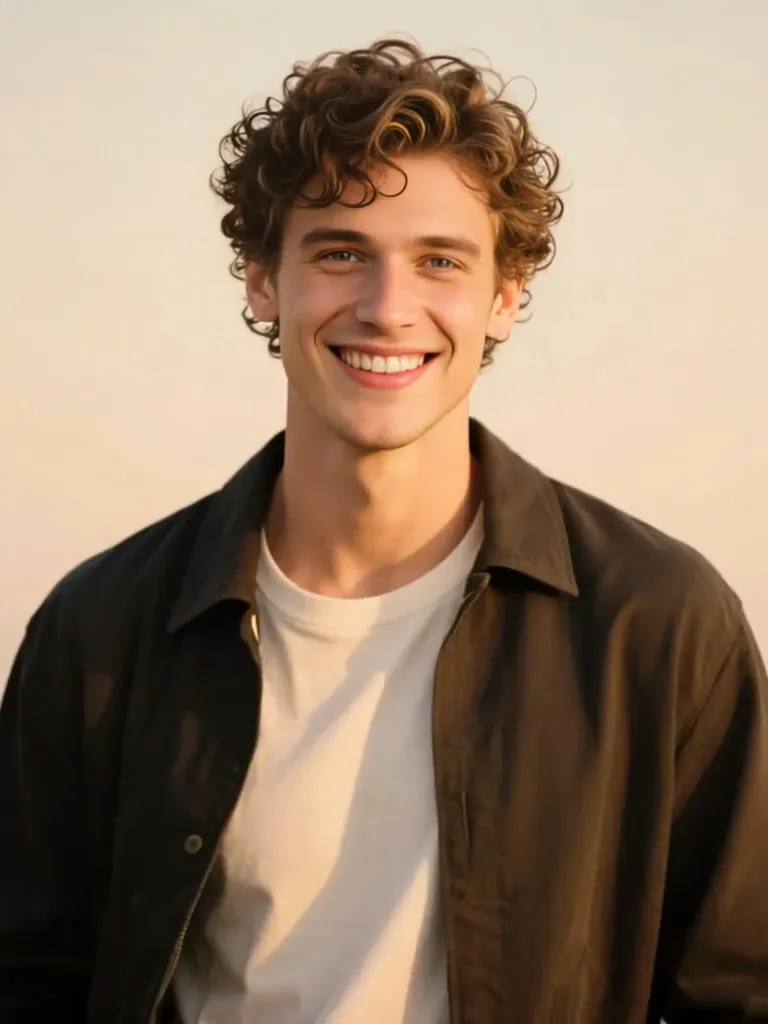
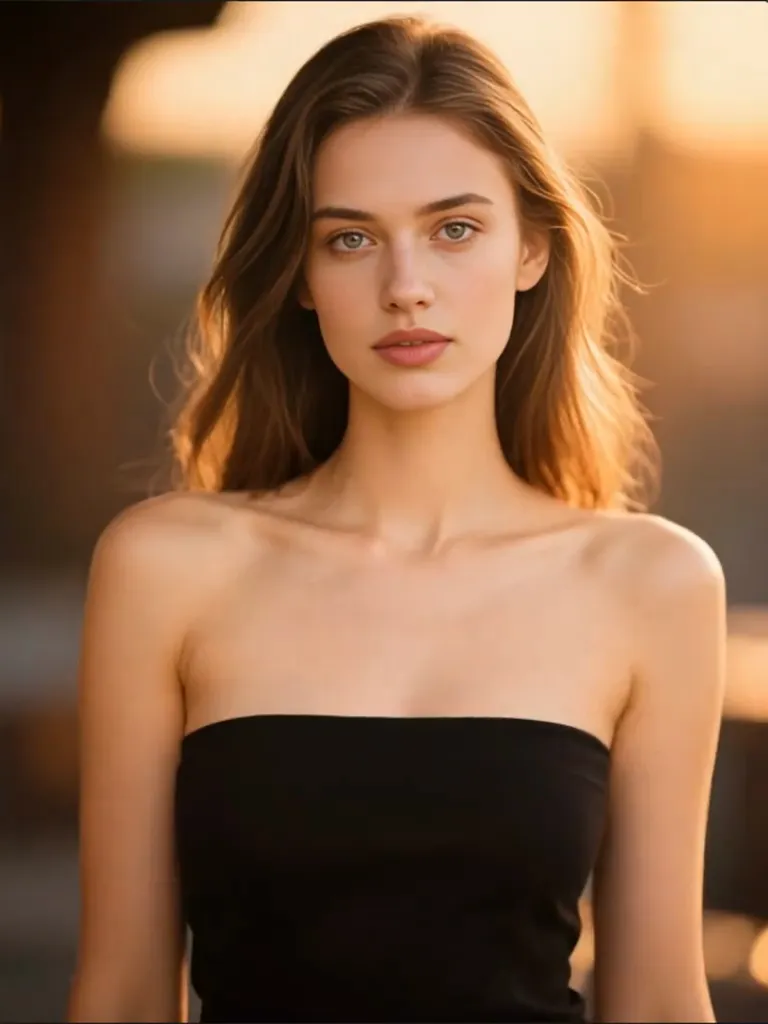
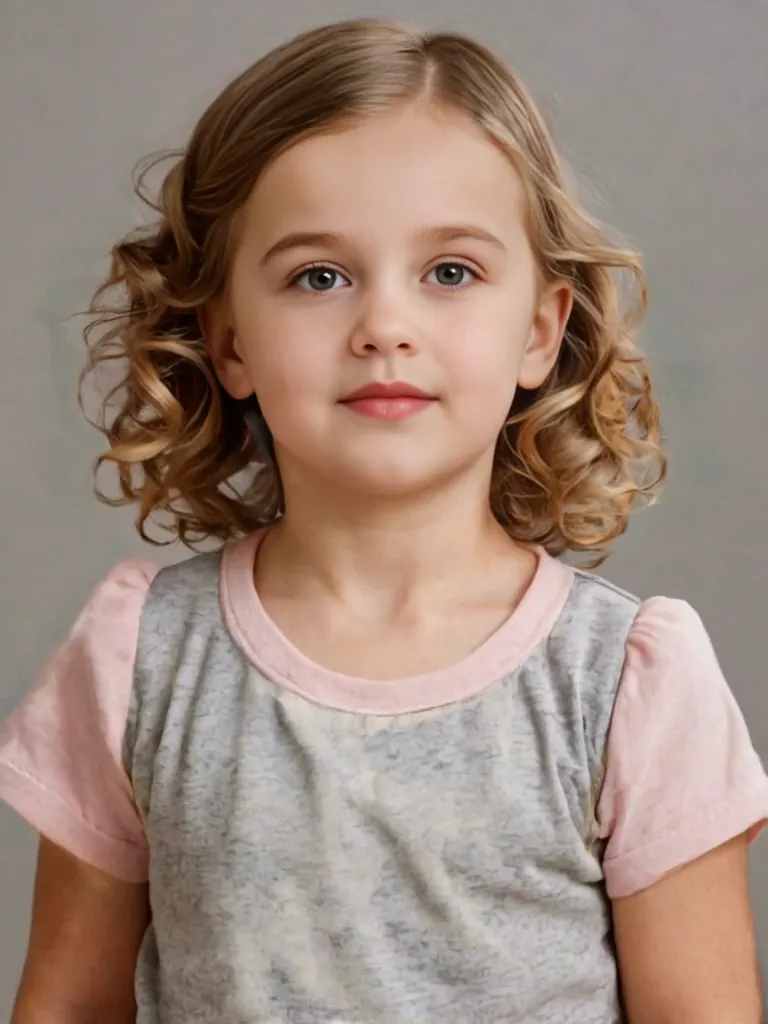
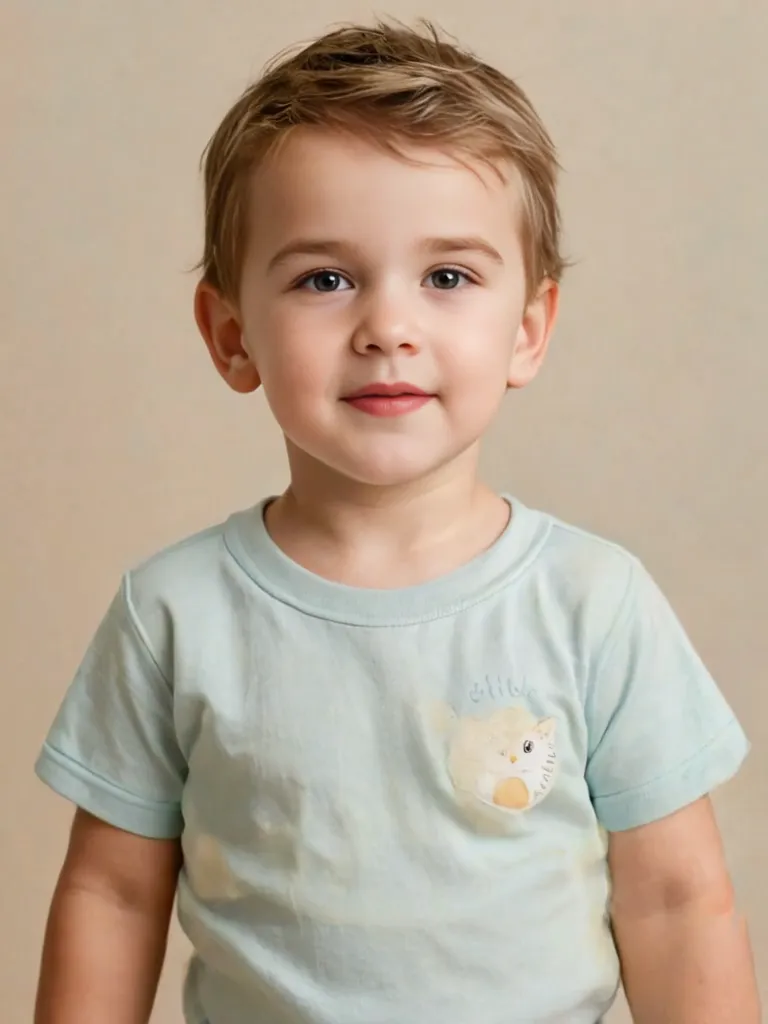
AI Age Progression Video Generator

An AI age progression video generator takes a single photo and lets the face move through time in a short clip — forward into your sixties, back to your twenties, or from a childhood photo up to the adult you are now. Upload one image, add a prompt, and the model keeps the same person while it works through the details that actually read as age: lines deepening around the eyes and mouth, skin thinning, hair fading to silver, the jaw and cheekbones settling into a different decade. The camera stays quiet so the change is the only thing moving, and the transition runs in one continuous take with no cuts. That is the difference between this and the still-photo aging filters that fill search results — here you watch the years arrive. Every clip is about five seconds and loops cleanly for Reels, birthdays or a family album. Start with one photo — it is free to try.

Real Examples

AI Age Progression Video Examples

Every clip below comes with the prompt that recreates it. Watch a face move through the years — older, younger, or grown up from childhood — then copy the prompt or hit Try it to make your own age progression video on this page.

Input image used for AI age progression video example 1
Input image

“De-age this woman to a little girl: features softening and rounding, hair becoming lighter with pigtails, skin smoothing, same warm golden-hour bokeh, she turns slightly toward the camera and smiles, slow push-in, single smooth transition with no cuts.”

Input image used for AI age progression video example 2
Input image

“De-age this man back to childhood: the man in the open shirt over a white tee becomes a boy of about seven, wrinkles smoothing out, features softening and rounding, hair turning into light curls, sunlit autumn field bokeh, slow push-in, he lifts one hand toward his hair, one smooth transition.”

Input image used for AI age progression video example 3
Input image

“Age this portrait up by about thirty years: same woman, silver chin-length hair, visible forehead and neck lines, softer jawline, same calm expression and eye color, warm golden-hour bokeh behind her, slow push-in, minimal head movement, natural skin texture.”

Input image used for AI age progression video example 4
Input image

“Grow this little girl into a young woman: the braids straighten into long brown hair, features maturing from about six to her early twenties, same beige blouse and mottled gray studio backdrop, locked-off camera, soft beauty lighting, steady head position, seamless single transition.”

Input image used for AI age progression video example 5
Input image

“Turn this childhood photo into a grown-up portrait: the little boy in the paint-stained tee matures into a young man in his early twenties, jaw widening, hair darkening into a styled cut, same plain textured gray backdrop, locked-off camera, soft even studio light, smooth continuous aging with no cuts.”

Input image used for AI age progression video example 6
Input image

“Grow this child up into an adult: the boy holding the carousel railing becomes a young man in his twenties, same green varsity jacket, facial features maturing smoothly while the playground stays sharp behind him, slow orbiting camera, warm late-afternoon light, gentle time-lapse pacing.”

Input image used for AI age progression video example 7
Input image

“Age this portrait up by about thirty years: keep the same man, add deep laugh lines, thinner skin, salt-and-pepper hair and a short beard, preserve his warm open smile and eye shape, autumn foliage bokeh behind him, slow push-in, minimal head movement, realistic skin texture.”

Input image used for AI age progression video example 8
Input image

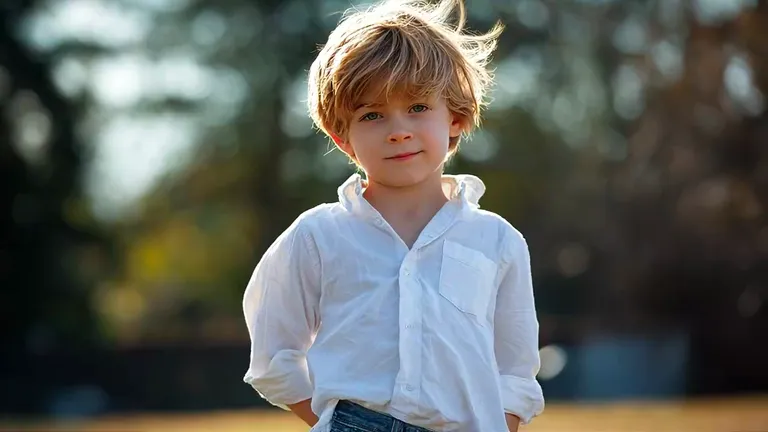
“Grow this toddler photo up into a young man: the boy in the white shirt ages from about three to his mid twenties, jawline widening, shoulders broadening, hair staying light, same sunlit garden bokeh and backlight, slow push-in, calm expression held steady, single smooth transition with no cuts.”

Input image used for AI age progression video example 9
Input image

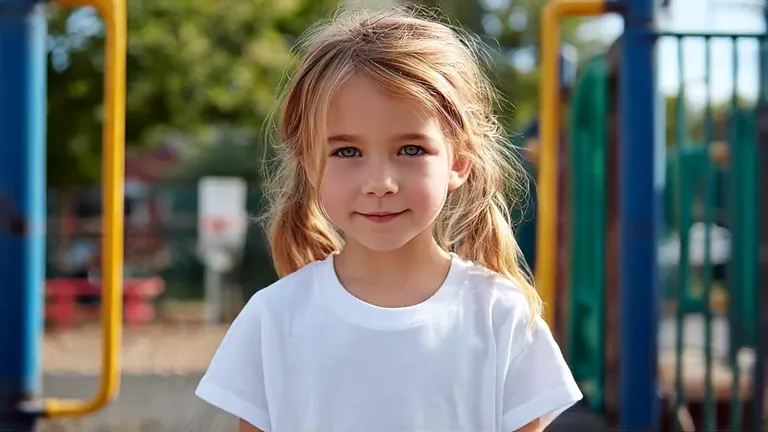
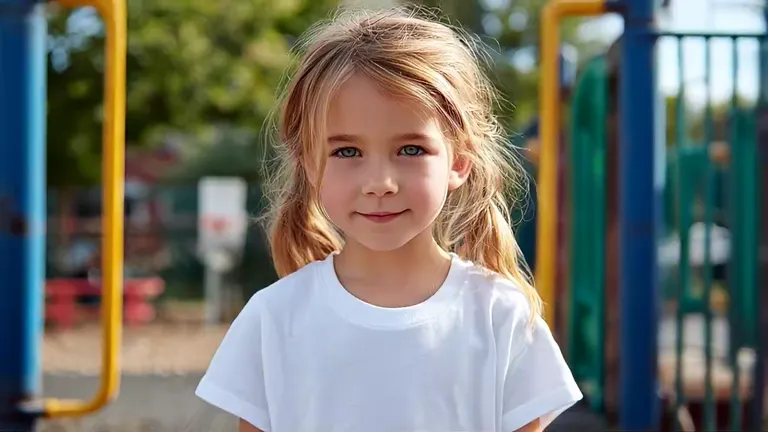
“Grow this childhood photo up into adulthood: the little girl on the playground matures from about six to her late twenties, hair lengthening and lightening, facial features aging smoothly, same white tee, playground bokeh staying soft behind her, slow push-in, warm afternoon light, one continuous transition with no cuts.”

The Style

What Is an AI Age Progression Video Generator?

An AI age progression video generator turns one photo into a short clip where a face moves through time. You upload a single image and describe the change you want — older by thirty years, younger by fifteen, or a childhood photo grown up to the present — and the model keeps the same person while it rebuilds the details that actually read as age. Lines deepen around the eyes, skin thins and loses volume, hair fades toward silver, the jaw and cheekbones settle into a different decade, and the eyes stay untouched so the face remains recognizable. Because the change happens in motion, a five-second clip shows more than a comparison of two stills: you see the years arrive, one continuous take, no cuts. The camera stays deliberately quiet — a locked-off frame or a slow push-in — so the age shift is the only movement. This is also what separates an AI age progression video from the aging filters and age generators that dominate search results: those return a photo of your older self, this returns the transition itself, ready for Reels, birthday posts, family album pages and story time-skips. One photo, one prompt, about five seconds per clip.

A young girl in a white tee on a playground, the starting frame of an AI age progression video
The same girl grown into a woman in her late twenties, a frame from an AI aging video made from one photo
A man with salt-and-pepper hair smiling against autumn leaves, the opening frame of an AI age progression video
The same man aged about thirty years with deeper lines and silver hair, an AI aging video frame
  • Fine lines arriving first around the eyes and mouth, then spreading across the cheeks and forehead
  • Hair shifting from its natural color into salt-and-pepper and then full silver, sometimes thinning at the temples
  • Skin texture changing frame by frame — pore detail softening, the jaw and neck loosening, cheek volume moving
  • Small structural changes in the brow, jawline and chin so the same face reads as a different decade
  • The eyes staying exactly the same while the skin around them ages, which is what keeps the person recognizable
  • Posture and expression settling with age — a slower head turn, a softer gaze, calmer shoulders
  • De-aging run in reverse: lines smoothing out, cheeks rounding, hair thickening and darkening again
  • The other direction of growth — jaw widening, neck lengthening, shoulders broadening, hair curling or darkening
  • One continuous morph with no cuts: the face never snaps between two stills
  • Light moving across the face as the years pass — warm afternoon fading toward dusk, window light sliding over a cheek
  • A locked-off camera or a slow push-in, so the age change is the only motion in the frame
  • Vertical or widescreen output, sized for Reels, birthday posts and family album pages

Age Progression Videos on YouTube

See how other creators build age progression and aging effect videos, and what they do to keep the transition smooth instead of a slideshow.

YouTube Videos About Age Progression and Aging Effects

How To Generate AI Age Progression Video Of Yourself

A walkthrough of the single-photo route: upload one portrait, describe the age you want to see, and generate an aging journey clip — the closest match to the one-image workflow on this page.

Watch on YouTube

How to Make Age Morph Videos with Unlimited Images

A longer tutorial on the age morph format itself: how start and end frames are set up, how the transition is kept smooth between stages, and why a long timeline has to be built in segments.

Watch on YouTube

Creating an Aging Effect Video with FaceApp and EbSynth

An editor's breakdown of how an aging effect is built frame by frame — useful context for what makes an age transition look believable instead of like a slideshow of two stills.

Watch on YouTube

Prompt Library

AI Age Progression Video Prompts

Ready-to-use prompts for aging up, de-aging, growing a childhood photo forward and lighting-driven portraits — copy one into the tool panel above or hit Use this prompt to fill it in automatically.

Aging Up

Thirty Years by the Window

“Age the person from the uploaded photo forward by about thirty years: deep laugh lines, thinner skin with visible pores, a receding hairline turning salt-and-pepper, the jaw softening slightly; keep their eye shape, expression and clothing exactly as they are, the camera pushes in slowly, the face barely moves, soft window light from one side, photorealistic, one continuous transition with no cuts.”

Silver Hair, Same Smile

“Take the woman in the uploaded photo forward twenty-five years: chin-length hair turning silver, forehead and neck lines arriving, the jawline softening while her smile and eye color stay untouched, warm golden-hour bokeh behind her, slow push-in, minimal head movement, natural skin texture, photorealistic.”

Studio Portrait Through the Decades

“Age the person from the uploaded photo by about twenty years against a plain textured gray backdrop: lines settling around the mouth and eyes, hair graying at the edges, skin losing some firmness, the same calm expression held throughout, locked-off camera, soft even studio light, seamless single transition, photorealistic.”

De-Aging

Back to Your Twenties

“De-age the man in the uploaded photo by about fifteen years: fine lines smoothing out, skin tightening, hair darkening and filling in, the jaw looking sharper without changing his features, same shirt and same smile, slow push-in, soft daylight, one smooth transition, photorealistic, keep the subject recognizable.”

Ten Years Lighter

“Take the woman in the uploaded photo back about twelve years: forehead and smile lines fading, cheeks a little fuller, hair fuller and darker at the roots, the same expression and the same neutral background, locked-off camera, soft beauty lighting, steady head position, seamless de-aging with no cuts.”

Golden Hour, Earlier Years

“De-age the person from the uploaded photo by about twenty years while the golden-hour light stays the same: skin smoothing, the neck and jaw tightening, hair thickening, the eyes keeping their exact shape and color, the camera drifts slowly to the side, warm backlight, shallow depth of field, photorealistic.”

Grow-Up Timelapse

Playground to Late Twenties

“Grow the child in the uploaded photo up into adulthood: the girl on the playground matures from about six to her late twenties, her hair lengthening, facial features aging smoothly, the same white tee and the same soft playground bokeh behind her, slow push-in, warm afternoon light, one continuous transition with no cuts.”

Toddler to Young Man

“Grow the toddler in the uploaded photo up into a young man: the boy in the white shirt ages from about three to his mid twenties, jawline widening, shoulders broadening, hair staying light, the same sunlit garden backlight behind him, slow push-in, calm expression held steady, single smooth transition with no cuts.”

Braids to Long Hair

“Grow the little girl in the uploaded photo into a young woman: braids straightening into long brown hair, features maturing from about six to her early twenties, the same beige blouse and mottled gray studio backdrop, locked-off camera, soft beauty lighting, steady head position, seamless transition, photorealistic.”

Portrait & Lighting

Autumn Years

“Age the man in the uploaded photo by about thirty years against autumn foliage: laugh lines deepening, skin thinning, a short gray beard filling in, his warm open smile and eye shape preserved, the camera pushes in slowly, late afternoon sun through the leaves, minimal head movement, realistic skin texture, one continuous take.”

Window Light, Older Years

“Age the woman in the uploaded photo by about twenty-five years while she stands by a window: soft daylight sliding across her cheek as lines appear, hair lightening to gray, the expression staying calm and unchanged, the camera holds still with a very slow push, dust in the air, natural color grading, photorealistic.”

Black and White Time Study

“Turn the uploaded photo into a black-and-white portrait study and age the subject by about twenty-five years: grain, deep contrast, lines and texture becoming the subject, hair fading to white, the eyes unchanged, locked-off camera, one slow push-in, no color, no text, photorealistic.”

How It Works

How to Make an Age Progression Video

Turn one photo into an age-changing clip in three simple steps — no sign-up required to get started.

1

Upload One Photo

Drop a single photo into the upload area at the top of this page — a clear, well-lit head-and-shoulders portrait works best, with the face unobstructed and the light even. That one photo supplies the face, hair and clothing the age change is built from.

2

Pick a Prompt

Choose a prompt from the library above or write your own. Name the direction and the size of the step — older by about thirty years, younger by fifteen, or a childhood photo grown up to now — then add the light and the camera move. One step per clip keeps the transition clean.

3

Generate and Download

Hit Generate and your clip arrives in a few minutes — a five-second age transition that loops cleanly. Free accounts include daily generations with a small watermark; sign in to download, and a subscription removes the watermark.

Inspiration

Creative Ideas for Age Progression Videos

Not sure where to start? Pick the direction — older, younger, or grown up — then choose the moment it is meant for.

Milestone Birthday Post

Age a favorite portrait forward and play it next to the original on a 40th, 50th or 60th birthday post — the years move on screen instead of sitting in two stills.

Family Album Revival

Take a scanned childhood photo and grow it up to the present for a reunion, an anniversary slideshow or a page in the family album.

Reels Before-and-After

Run the same portrait older in one clip and younger in another, then cut them back to back — the jump between the two reads instantly in a muted feed.

Wedding and Anniversary Reel

Age a couple's engagement photo forward a few decades as a light-hearted opener for an anniversary video or a save-the-date.

Character Aging for Stories

Push a character portrait through twenty years to show a time skip in a short film, a novel teaser or a tabletop campaign.

Future-Self Check-In

Generate your older self once a year and keep the clips together — a small, personal record of how the projection changes as you do.

FAQs

Answers to the most common questions about age progression videos, photo requirements and what one clip can and cannot do.

It is a short clip where one photo of a person changes age on screen — the face moving forward a couple of decades, back to a younger version of itself, or from childhood up to adulthood. You upload a single image and add a prompt; the model keeps the same person and shifts the details that read as age: lines, skin texture, hair color, the set of the jaw. The transition plays in one continuous take of about five seconds. The point of doing this as video rather than a photo is that you watch the years arrive instead of comparing two stills.

Try It Free

Your older self is one photo away. Head back up, pick a prompt, and generate your own AI age progression video from a single photo for free — no sign-up required.