AI Muscle Video Generator

An AI muscle video generator takes one photo and grows the physique inside it frame by frame — a lean frame widening at the shoulders, a chest filling out until the shirt pulls tight, arms thickening into a flex that lands and holds. Upload one photo, add a prompt, and the model keeps the same face, hair and clothing while it builds the change in motion: traps rising, pecs separating, definition carving deeper across the arms and core, then the pose settling for the last beat. That movement is the difference between this and a muscle filter that hands back a still image — here you watch the body change, and the flex is what sells it. Scenes stay ordinary on purpose: a mirror in a gym, a hallway, a bus stop, a kitchen. Clips run about five seconds and loop cleanly for Reels, TikTok and story posts. Start with one photo — it is free to try.

Real Examples

AI Muscle Video Examples

Every clip below comes with the prompt that recreates it. Watch the physique build in motion — a jacket that stops fitting, a mirror flex, a definition pass — then copy the prompt or hit Try it to make your own muscle video right on this page.

Input image used for AI muscle video example 1
Input image

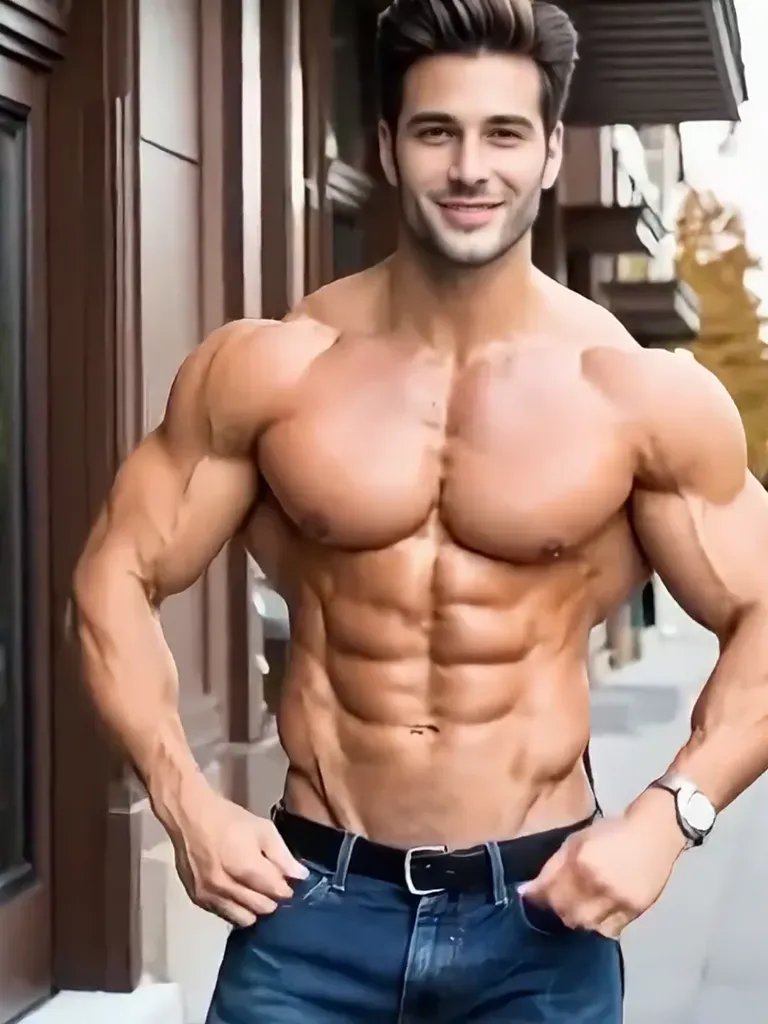
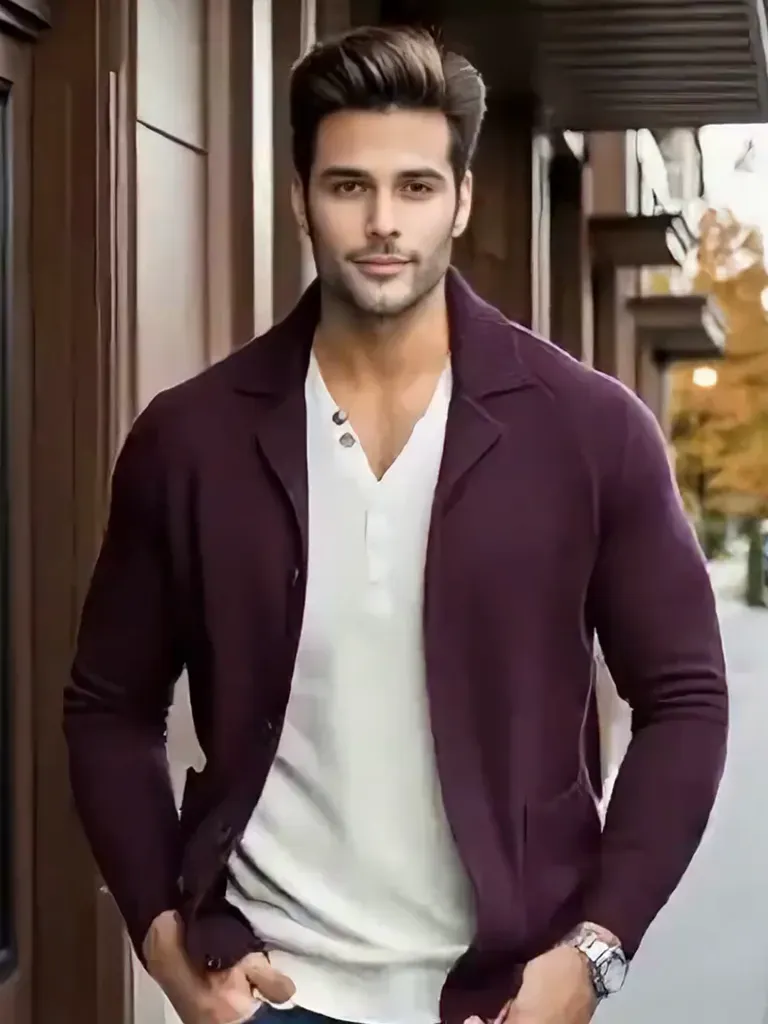
“Photo to video: the man in the open cardigan pulls it aside to reveal a deeply cut chest and six-pack, then flexes as his shoulders and arms widen. Tree-lined outdoor street with warm autumn daylight, slow push-in, cinematic skin and fabric detail.”

Input image used for AI muscle video example 2
Input image

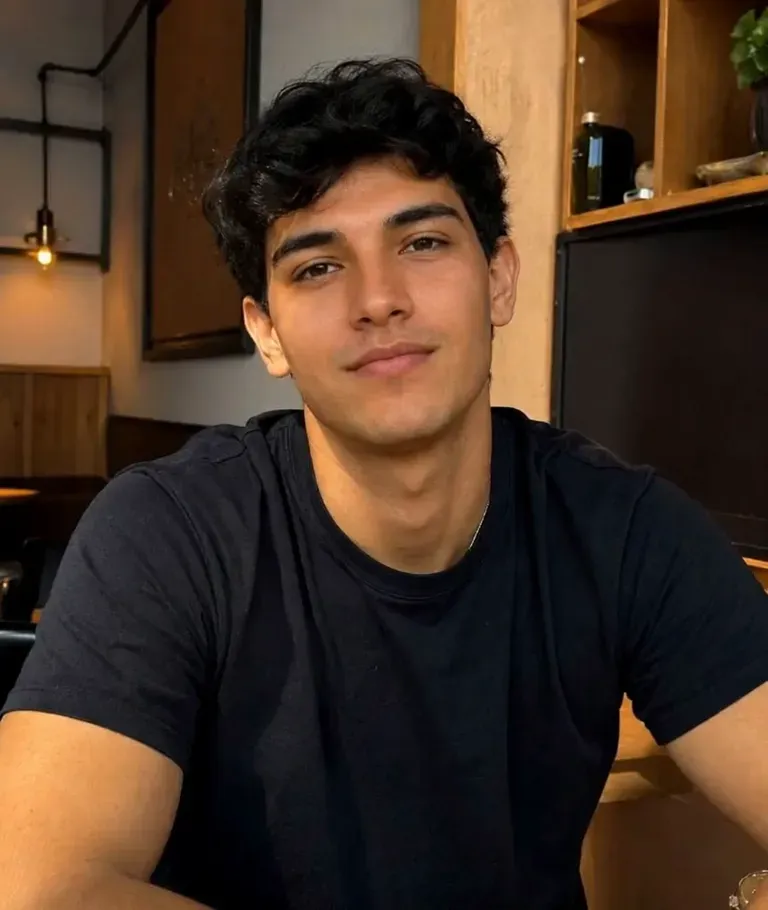
“Photo to video: the young man in the black tee drops his shirt and powers up into a double-biceps pose, his shoulders, traps and arms swelling with visible veins. Cozy living room selfie framing, warm indoor lamp light, stable vertical medium shot.”

Input image used for AI muscle video example 3
Input image

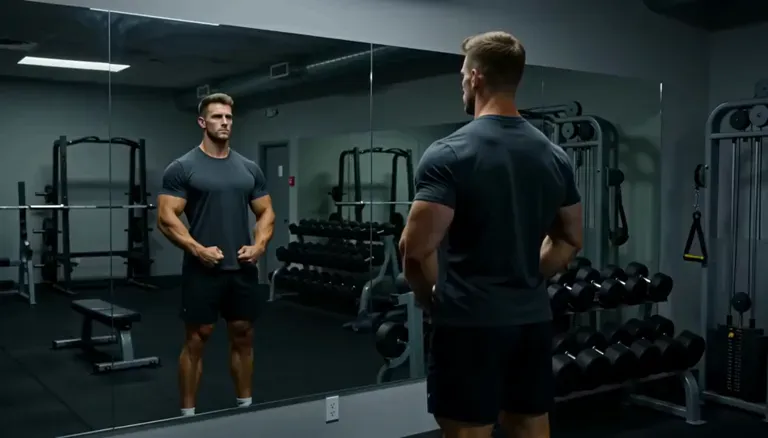
“Photo to video: gym mirror check-in, the man grows from lean to stage-ready lean mass while his reflection stays in sync, ending with a front lat spread seen from the back. Dark gym with dumbbell racks, moody overhead lighting, static shot.”

Input image used for AI muscle video example 4
Input image

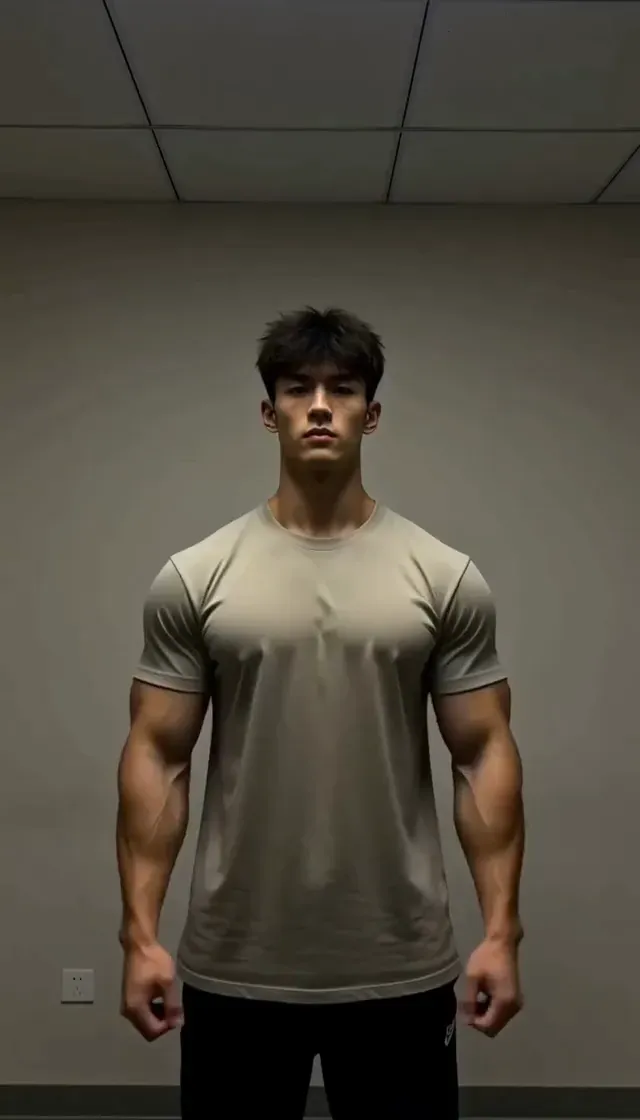
“Photo to video: the guy in the beige tee spreads his arms, then brings his hands behind his head into a double-biceps pose while his arms and shoulders balloon. Bedroom wall, dim warm lamp light, static vertical shot.”

Input image used for AI muscle video example 5
Input image

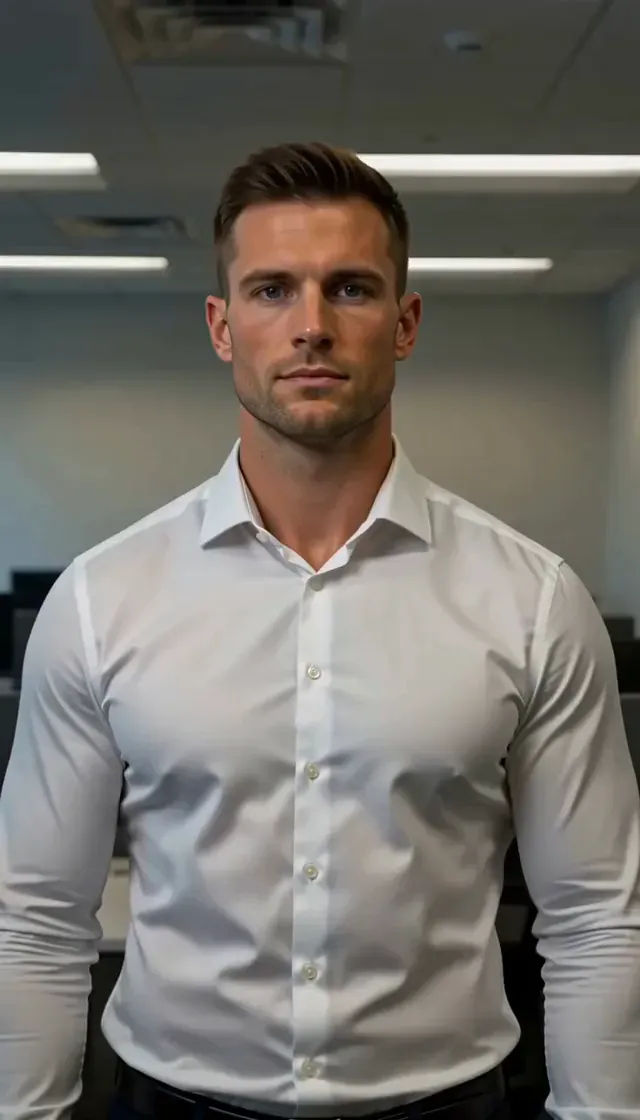
“Photo to video: the office worker's white dress shirt tightens button by button as his shoulders, chest and arms grow. Corporate office with overhead lights, static waist-up shot, subtle realistic muscle growth.”

Input image used for AI muscle video example 6
Input image

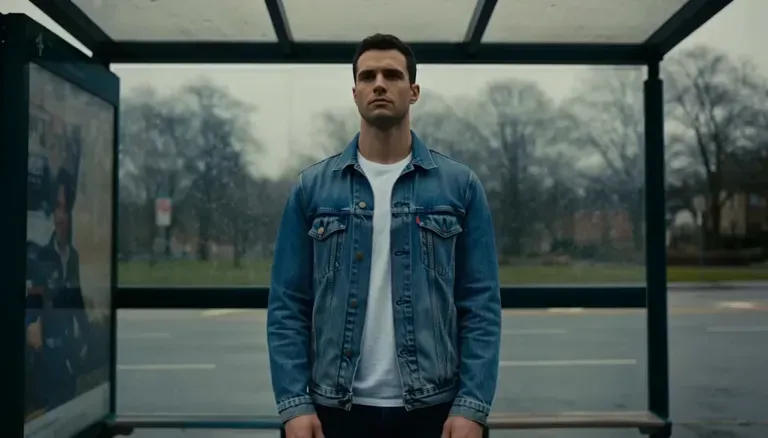
“Photo to video: the man waiting at a bus stop in a denim jacket fills the jacket out as his chest and arms expand, then he slowly opens it. Overcast city street, cool cinematic grade, static medium shot.”

Input image used for AI muscle video example 7
Input image

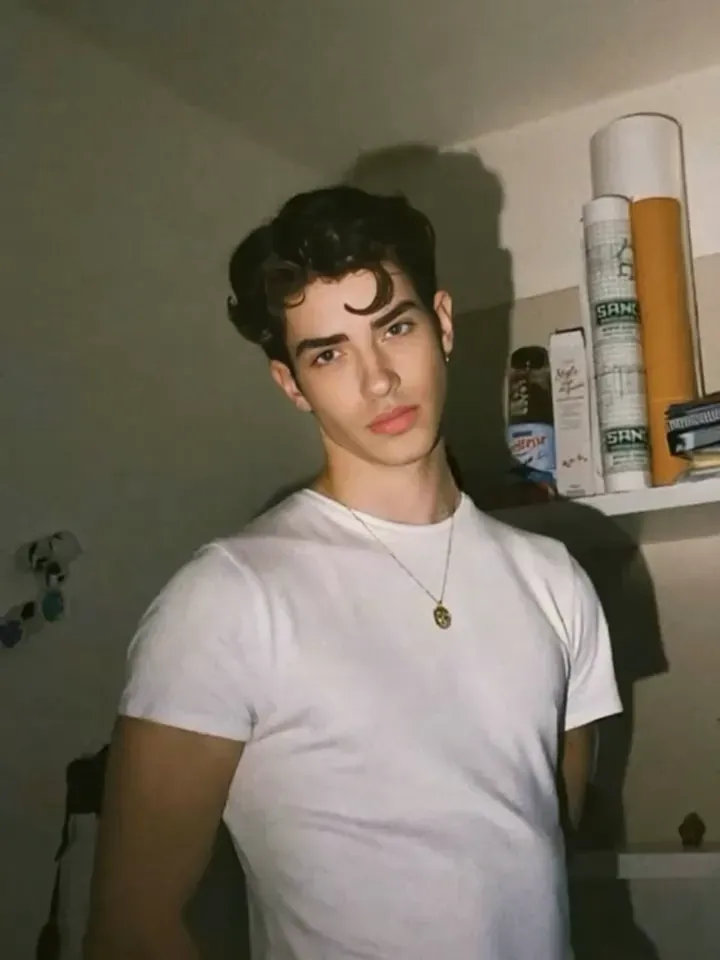
“Photo to video: the young man in the white tee transforms into a shredded bodybuilder, his chest, lats and arms expanding step by step until he stands in a relaxed front pose. Bathroom selfie framing, hard flash light, locked-off camera.”

Input image used for AI muscle video example 8
Input image

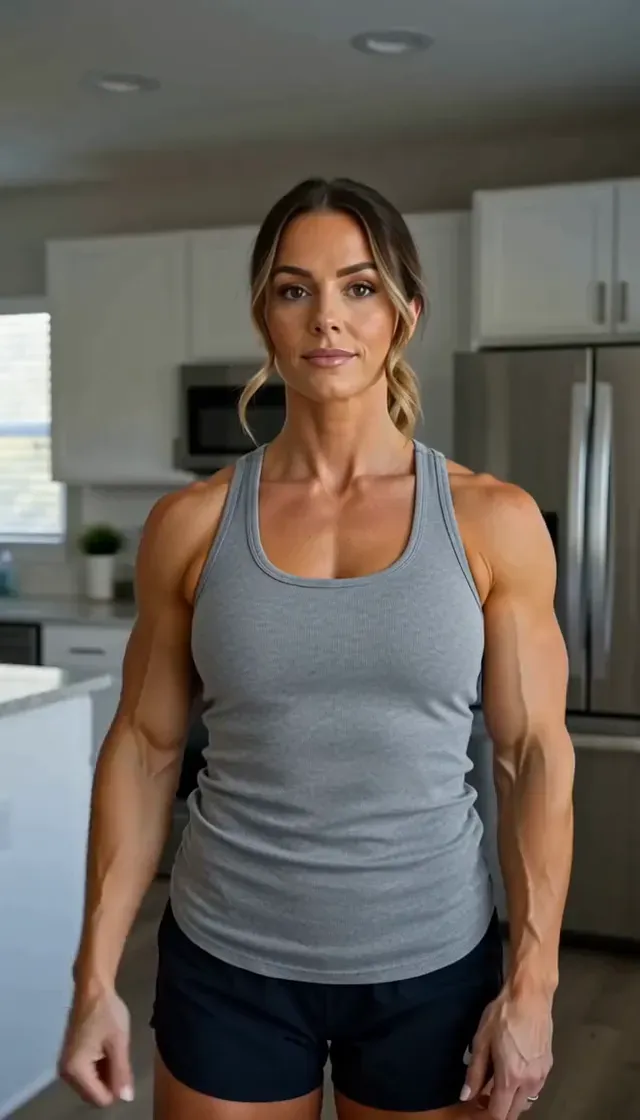
“Photo to video: the woman in the grey tank top flexes one arm and her shoulders, biceps and forearms grow more defined with visible vascularity. Bright modern kitchen, natural window light, static vertical shot.”

Input image used for AI muscle video example 9
Input image

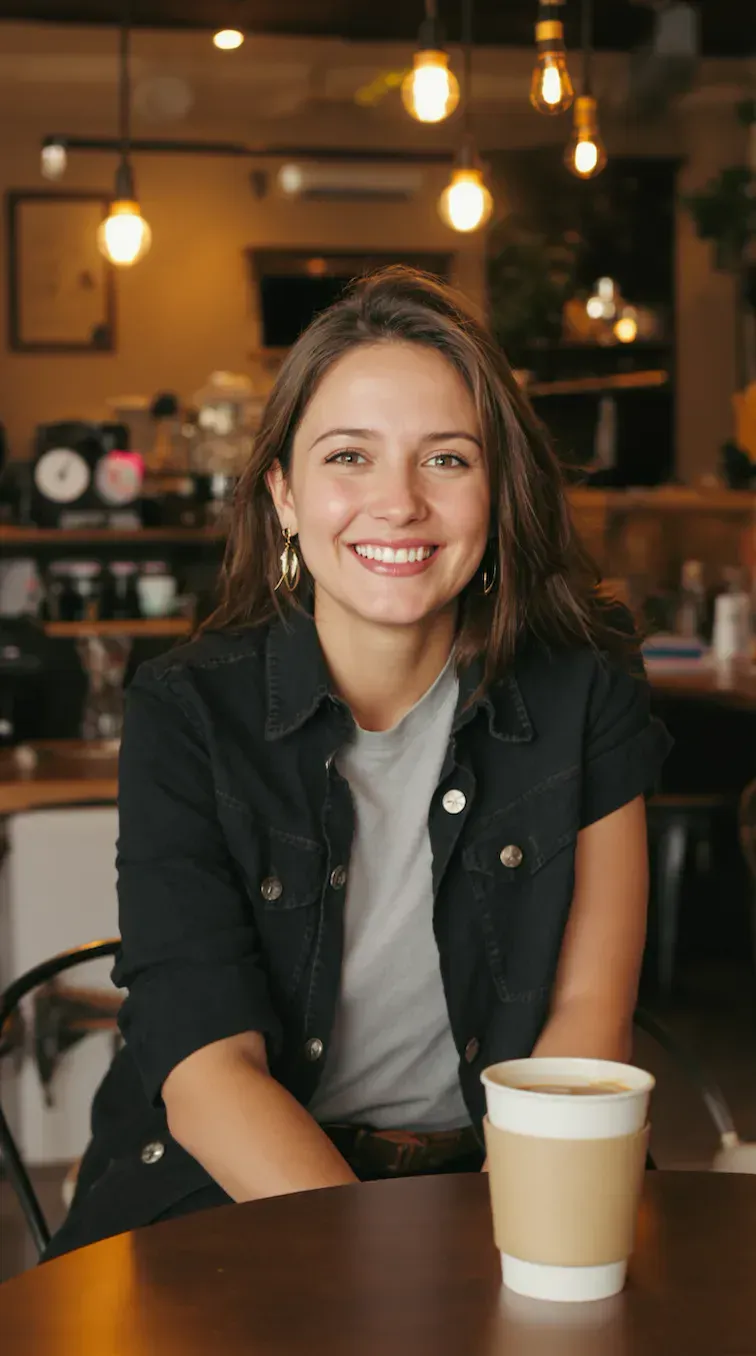
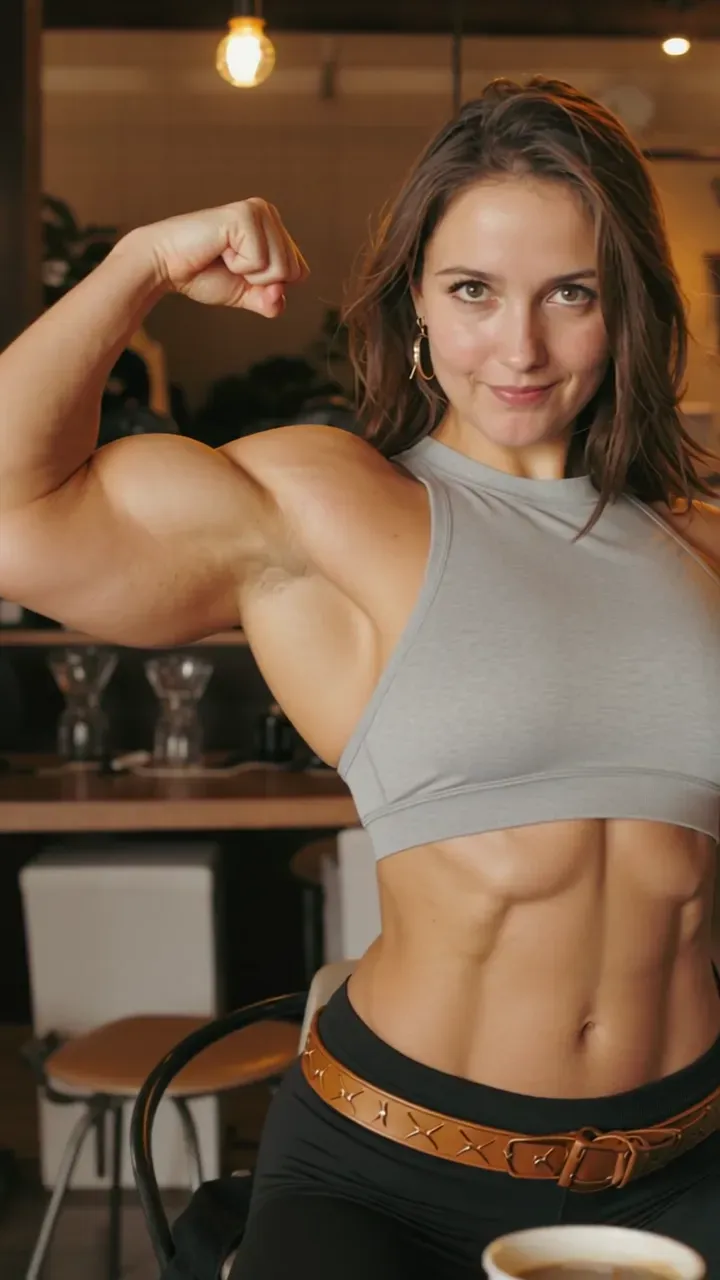
“Photo to video: the woman sitting in the cafe stands up, pulls her halter top tight and poses with a flexed bicep, revealing defined abs, shoulders and arms. Warm cafe bokeh with hanging bulbs, slow push-in, realistic fitness photography look.”

Input image used for AI muscle video example 10
Input image

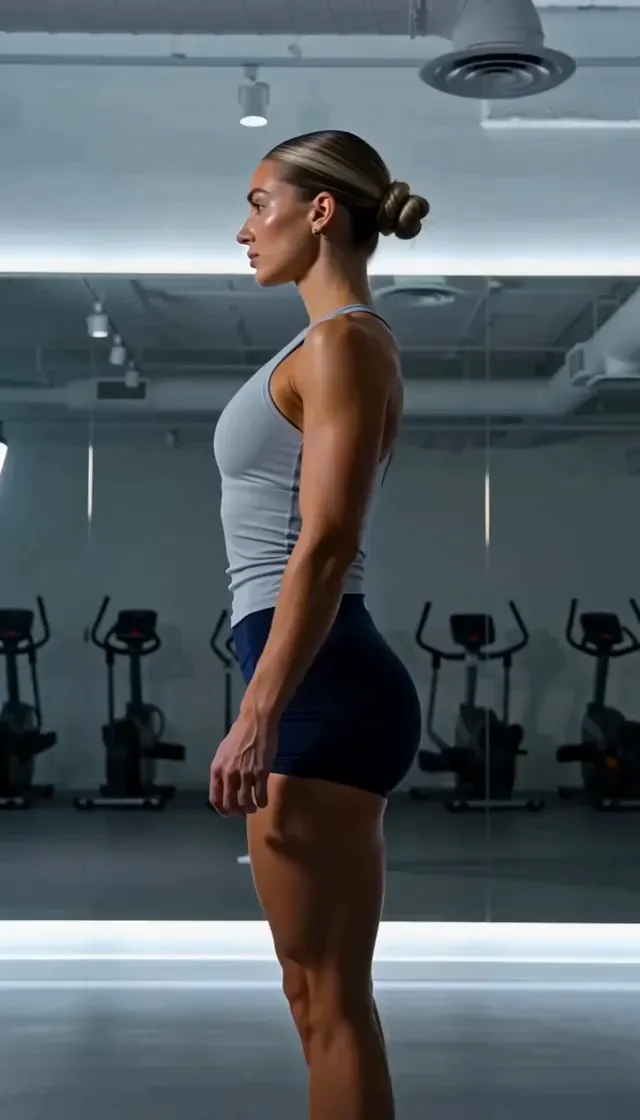
“Photo to video: side-profile gym check-in, the woman in the grey tank gains shoulder, arm and leg definition as she stands in front of the mirror. Dim gym with cardio machines, cool overhead lighting, static profile shot.”

Input image used for AI muscle video example 11
Input image

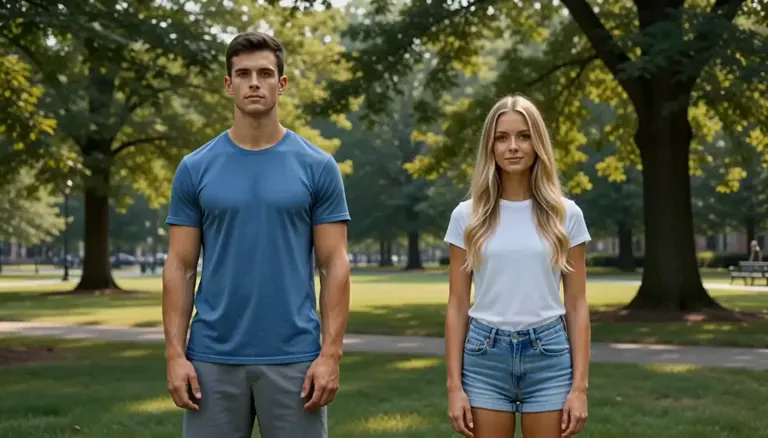
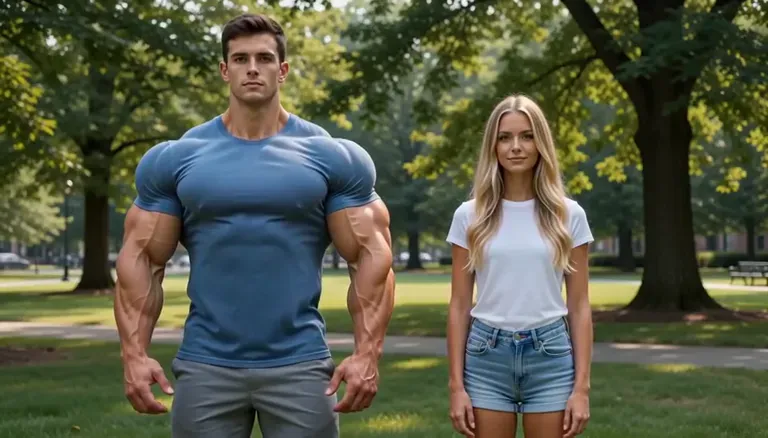
“Photo to video: the man in the blue tee packs on visible mass, his chest and shoulders swelling while his girlfriend stays unchanged beside him. Summer park with green trees, daylight, wide static shot.”

Input image used for AI muscle video example 12
Input image

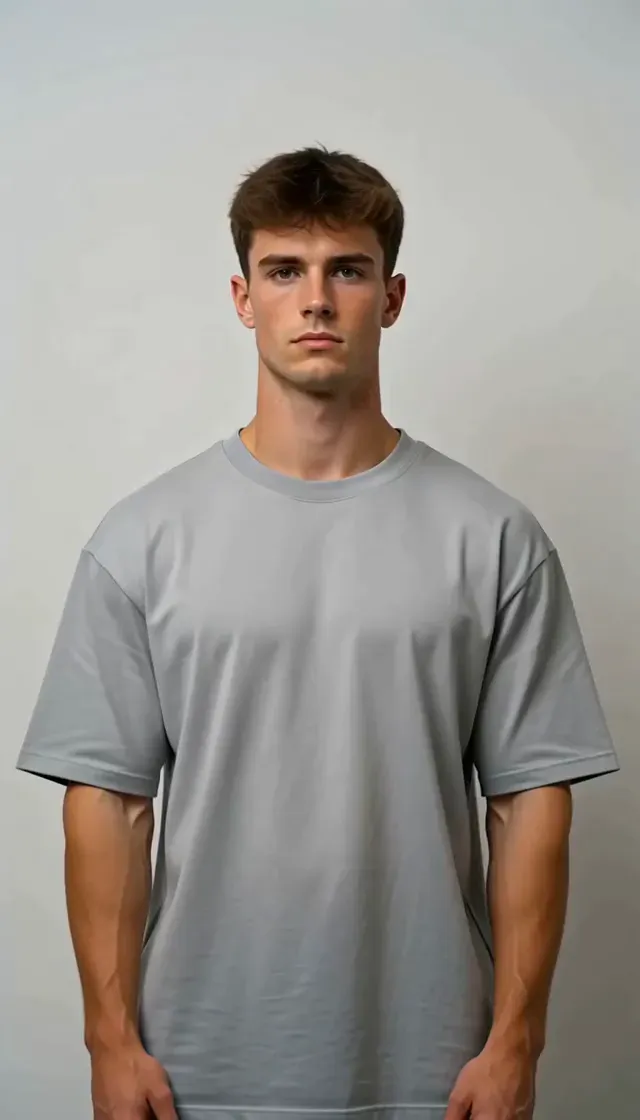
“Photo to video: the man's shoulders broaden and his arms thicken so the fitted shirt pulls tight across the chest. Plain indoor wall, soft overhead light, static medium shot, realistic skin and fabric detail.”

The Style

What Is an AI Muscle Video Generator?

An AI muscle video generator turns one photo into a short clip where the physique changes in front of you. Upload a single image and the model keeps the same person — face, hair, clothing, setting — while it builds the change frame by frame: traps and shoulders rising first so the silhouette widens, the chest filling out and separating, arms thickening with definition and veins arriving last, the waist holding its original width the whole time. Then comes the beat that makes the format work: a flex that lands, the pose settling and the muscle holding still for the final second. That is the difference between this and the one-tap muscle filters that dominate search results, which return a still image with the muscles already baked in. Here the growth is the story, and the camera stays quiet — locked off or a slow push-in — so the change is the only thing moving. Clothing does a lot of the work too: a sleeve pulling at the seam, a shirt button straining, a denim jacket that suddenly hangs wrong. Everything is set by a prompt, so you choose which parts grow, how far to take it and what happens at the end, while your photo keeps the person recognizable. Scenes stay ordinary on purpose — a gym mirror, an office desk, a bus stop, a kitchen — because the joke and the flex both land harder when nothing else in the frame is staged. Clips run about five seconds and loop cleanly, no editing software or compositing involved, and every example on this page was made from one photo and one prompt.

A lean man in an open cardigan pulling it aside as his chest and abs build in an AI muscle video
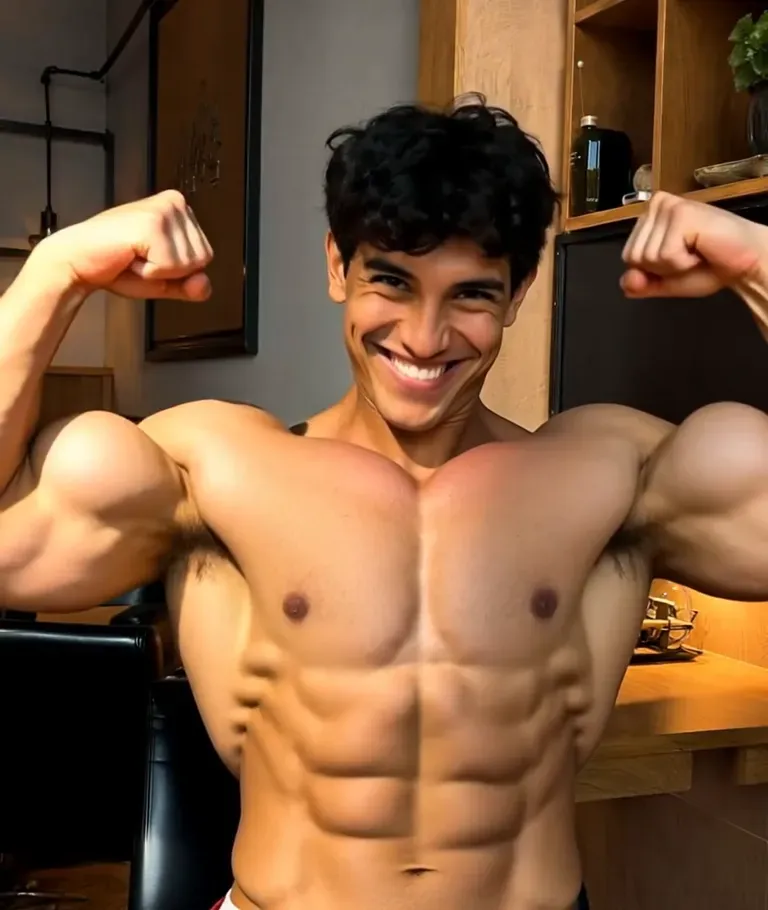
A man at a gym mirror mid-flex with widening shoulders and arms, a frame from an AI muscle growth video
A man in a white shirt whose arms and chest have grown until the sleeves pull tight, an AI muscle generator result
A woman in a tank top flexing in a bright kitchen with defined shoulders and arms, an AI muscle video frame
  • Shoulders and traps rising first, so the whole silhouette widens before anything else changes
  • A chest that fills out and then separates into a clear line down the middle
  • Arms thickening at the biceps and triceps, with veins and striations arriving last
  • The waist holding its original width while the upper body grows — the contrast is what reads as muscle
  • A flex that lands: arms come up, the pose settles, and the muscle holds still for the final beat
  • Clothing reacting honestly — sleeves pulling at the seam, a button straining, a jacket that no longer hangs loose
  • Skin detail staying real through the change: pores, stubble, a sweat sheen, no plastic smoothing
  • Gym mirror settings with overhead fixtures, rubber flooring and a dumbbell rack blurred behind
  • Everyday locations doing the reveal — a bus stop, an office desk, a kitchen, a cafe table
  • A locked-off camera or a slow push-in, so growth is the only motion in the frame
  • Both male and female subjects: the same change plays as fitness for one photo and as a joke for another
  • Vertical or widescreen framing, sized for Reels, TikTok, Shorts and story posts

Muscle Edits and AI Body Transformation on YouTube

See how creators build muscle growth effects and body transformation clips with AI, and what they do to keep the result looking like the same person.

YouTube Tutorials on AI Muscle and Body Transformation Videos

How to Make AI Muscle Growth Video | Viral AI Muscle Tutorial

A tool-maker walkthrough of the exact format on this page: take one ordinary photo, apply a muscle growth effect, and get a short clip with no gym, no camera tricks and no editing timeline to manage.

Watch on YouTube

Make Yourself Look Muscular Using AI | How to Add Muscles to Your Photos

A short tutorial on adding believable muscle to a photo — where definition has to land on the arms and chest, and why proportions decide whether an edit looks like a physique or a stretched image.

Watch on YouTube

Make Body Muscular Using FREE AI Tool — Pincel AI Tutorial

A longer, practical session on turning an ordinary physique into a muscular one with a free AI tool, including the cleanup pass that keeps skin and fabric looking real instead of painted on.

Watch on YouTube

AI Muscle Filter Tutorial — How To ACTUALLY Do It

A fitness creator's take on the muscle filter trend: what the effect does well, where it overshoots, and how to keep the result readable as the same person rather than a different body.

Watch on YouTube

Prompt Library

AI Muscle Video Prompts

Ready-to-use prompts for gym flexes, everyday reveals, size and definition passes, and exaggerated power-ups — copy one into the tool panel above or hit Use this prompt to fill it in automatically.

Gym Flex

Front Double Biceps in the Mirror

“Photo to video: the man in the uploaded photo stands at a gym mirror, lean at first, then his shoulders, traps and arms swell step by step until he raises both arms into a front double-biceps pose; his reflection stays in sync, veins rise on the forearms, the waist keeps its original width, a slow push-in on the mirror, moody overhead lighting, photorealistic skin and fabric, keep his face recognizable.”

Back Lat Spread

“Photo to video: seen from behind in a dim gym, the person from the uploaded photo grows from a soft back into a wide V-taper — lats flaring outward, rear delts rounding, the spine line deepening as the muscle builds; they settle into a back lat spread and hold it, dumbbell racks blur in the background, static camera, cool overhead light, photorealistic, one continuous take with no cuts.”

Mid-Set Pump

“Photo to video: the person from the uploaded photo is mid-set on a cable machine, and over the next few seconds their biceps, forearms and shoulders engorge with a training pump; the cable handle stays in their hands, a sweat sheen builds on the skin, they finish the rep and turn slightly toward the camera, handheld drift at chest height, warm gym lighting, photorealistic, realistic muscle tension rather than cartoon size.”

Everyday Reveal

The Jacket Stops Fitting

“Photo to video: the man from the uploaded photo waits at a bus stop in an open denim jacket over a white tee; his chest and arms expand until the jacket pulls tight across the shoulders, then he slowly opens it to show the change, overcast city street, cool cinematic grade, static medium shot, realistic fabric strain, photorealistic, keep his face and hair unchanged.”

Button by Button

“Photo to video: an office worker from the uploaded photo sits at a desk in a white dress shirt as his shoulders, chest and arms grow; the shirt tightens button by button and the collar pulls away from the neck, he looks down at his own arms, corporate office with flat overhead light, static waist-up shot, subtle and realistic growth, photorealistic fabric detail, no exaggerated proportions.”

Cardigan Street Reveal

“Photo to video: the man from the uploaded photo walks a tree-lined street in an open cardigan, then pulls it aside to reveal a deeply cut chest and defined abs as his shoulders and arms widen; warm autumn daylight, slow push-in, cinematic skin and knit texture, photorealistic, the reveal lands in the last two seconds and he holds the pose.”

Size & Definition

Definition Only, Same Size

“Photo to video: the person from the uploaded photo does not get bigger — the same frame gains definition instead; lines deepen across the arms, shoulders and core, the chest separates, the waist stays exactly as it is, and the skin keeps its natural texture; locked-off camera, soft window light, photorealistic, subtle enough to look like a training photo rather than an edit.”

Shoulders First

“Photo to video: the man in the uploaded photo stands against a plain wall in a fitted tee; his delts and traps broaden first, then his arms thicken until the sleeves pull at the seam and the shirt strains across the chest; he rolls his shoulders back once and holds, soft overhead light, static medium shot, realistic skin and cotton texture, photorealistic, no change to his face or hair.”

Women's Fitness Definition Pass

“Photo to video: the woman in the uploaded photo stands in a bright kitchen in a grey tank top and flexes one arm; her shoulders, biceps and forearms grow more defined with visible vascularity, her posture straightens, and she holds the flex for the camera; natural window light, static vertical shot, photorealistic skin detail, athletic and believable rather than exaggerated.”

Fun & Exaggerated

Comic-Book Bulk

“Photo to video: the person from the uploaded photo powers up like a comic-book hero — shoulders and arms ballooning far past realistic size, the shirt stretching at the sleeves, the chest pushing the fabric forward, a slight camera shake on the final beat as they flex; playful exaggerated proportions, bright even lighting, clean background, photorealistic rendering of an impossible physique, keep the face recognizable and keep it PG.”

Couple Contrast

“Photo to video: a couple stands together in a summer park; the man from the uploaded photo packs on visible mass while the woman beside him stays exactly the same and gives the camera a flat, unimpressed look, then he flexes and she shrugs; wide static shot, bright daylight, green trees behind, photorealistic, both faces recognizable, comedic timing in the last second.”

Bathroom Mirror Power-Up

“Photo to video: a bathroom selfie from the uploaded photo turns into a full power-up — the person grows from an ordinary build into a heavy, stage-ready physique in one continuous take, chest and lats expanding, arms hanging wider at the sides, then a relaxed front pose that holds; hard flash light, tiled wall behind, locked-off camera, photorealistic, deliberate over-the-top bodybuilding look.”

How It Works

How to Make a Muscle Video from One Photo

Turn one photo into a physique that builds in motion in three simple steps — no sign-up required to get started.

1

Upload One Photo

Drop a single photo into the upload area at the top of this page. A half-body or full-body shot with your upper body visible and your arms clear of the frame edge works best, in even light. That one photo supplies the face, body shape and clothing the clip is built from.

2

Pick a Prompt

Choose a prompt from the library above or write your own. Name the body parts that should change — shoulders, chest, arms, core — say how far to take it, and add the one action you want at the end, like a flex that lands. Your photo holds the person and framing; the prompt decides the size of the change and the motion.

3

Generate and Download

Hit Generate and your clip arrives in a few minutes — a short, loop-friendly video of the same person with the physique building in motion. Free accounts include daily generations with a small watermark; sign in to download, and a subscription removes the watermark.

Inspiration

Creative Ideas for AI Muscle Videos

Not sure where to start? Pick the body parts that should change and one moment to end on — a flex, a reveal, a deadpan look — then keep the rest of the frame still.

Gym Progress Gag

Send a friend a five-second clip of themselves going from couch shape to stage shape — the joke lands faster than any caption, and it loops cleanly in a group chat.

Reveal Clip for a Fitness Page

Open a workout post with a jacket or shirt reveal, then cut to the real training footage. The generated clip does the hook; your actual session does the proof.

Power-Up for a Short Film

Use the exaggerated bulk prompt as a transformation beat in a sketch, a skit or a fan-film opening — one photo, one clip, no VFX software.

Character Build Reveal

Give a character in your story a physique reveal that matches their arc, then hold the flex on the last frame as a thumbnail or a poster beat.

Motivation Loop

Run a definition-only pass on a mirror photo for a quiet, believable loop you can leave on a gym page or use as a background in a training video.

FAQs

Answers to the most common questions about AI muscle videos, photo requirements and our free generator.

It is a tool that takes one photo and turns it into a short clip where the physique changes on camera — shoulders and arms widening, the chest filling out, definition carving deeper, then a flex that lands and holds. You upload a photo and add a prompt; the model keeps the same face, hair and clothing and builds the change in motion for about five seconds. The result is a video file, not an edited picture.

Try It Free

Your power-up is one photo away. Head back up, pick a prompt, and generate your own AI muscle video from a single photo for free — no sign-up required.