AI Live Portrait Generator

An AI live portrait generator gives a still photo a few seconds of life — a blink, a slow head turn, a closed-mouth smile, a breath, a strand of hair shifting, a camera that eases forward. Upload one portrait, add a prompt, and the model keeps the face, framing and lighting of your original while it builds the motion on top. Nothing is keyframed: no timeline, no rigging, no editing software, just a photo and a description of how it should move. What it does not do is speak. This is a moving portrait, not a talking head — there is no audio input and no lip-sync step, so the life comes from the eyes, the expression and the camera rather than from the mouth. That makes it a good fit for headshots, illustrations and avatars you want to feel alive in a feed, a profile clip or a story. Start with one photo and watch a still image breathe — it is free to try.

Real Examples

AI Live Portrait Examples

Every clip below starts from one still image and the prompt that moves it. Watch what actually changes — a blink, a shift of the eyes, a few degrees of head turn, a slow drift of the camera — then copy the prompt or hit Try it to animate your own portrait on this page.

Input image used for AI live portrait example 1
Input image

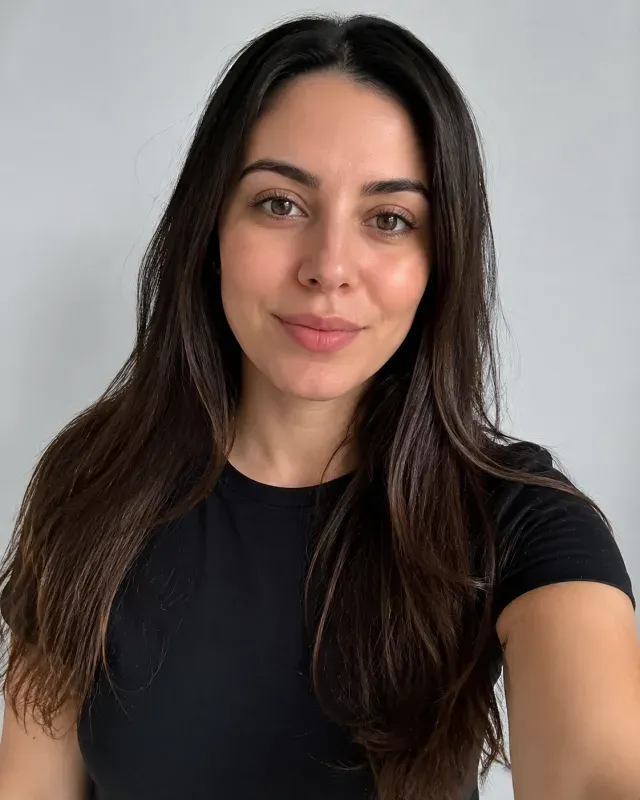
“Studio headshot of a woman with long dark hair in a black t-shirt on a light gray seamless background. She begins with a soft closed-mouth smile, then laughs genuinely with crinkling eyes and a slight dip of the head before settling back into a relaxed smile; hair, ears and collar stay consistent. Fixed camera, soft frontal studio light, 85mm lens, photorealistic skin texture and natural facial micro-movement.”

Input image used for AI live portrait example 2
Input image

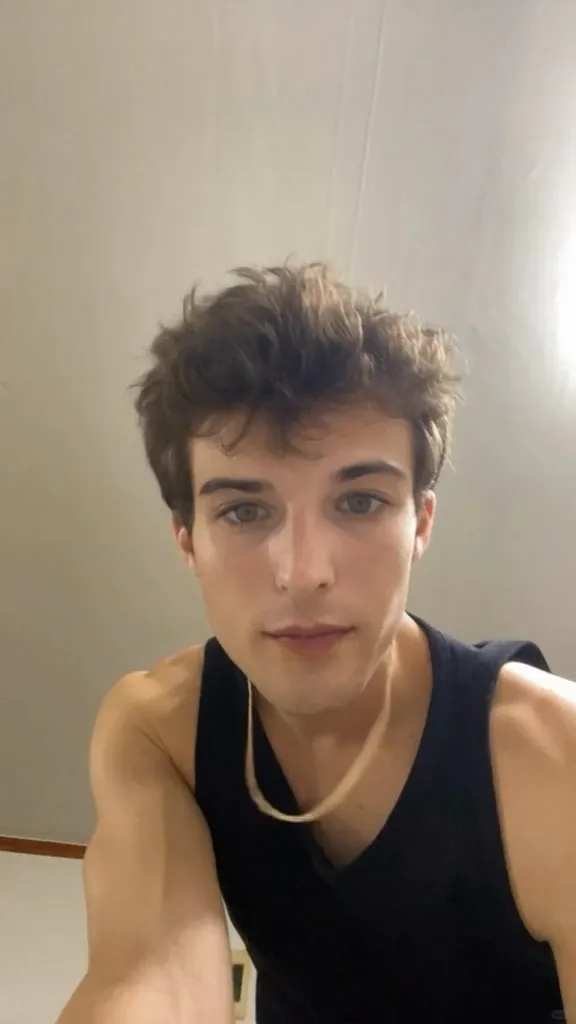
“Close selfie-style portrait of a young man with messy brown hair and a thin gold chain, in a black tank top against a plain wall at home. He blinks, glances down and returns to the lens with a shy closed-mouth smile, breathing visible in his shoulders; the wall and the chain stay steady. Static phone-camera framing, soft indoor daylight, slight grain, subtle head movement.”

Input image used for AI live portrait example 3
Input image

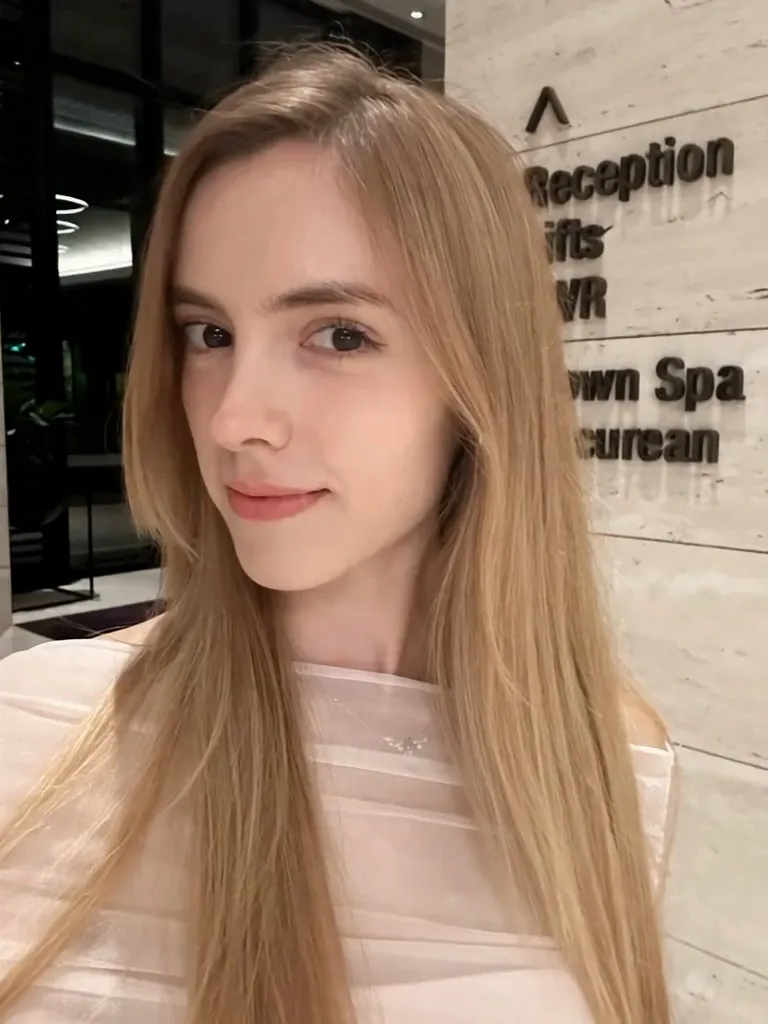
“Portrait of a young woman with long blonde hair in a pale pink off-shoulder top, standing outside a hotel entrance at dusk. She closes her eyes for a beat, opens them into a bright laugh and a wide genuine smile, her hair swaying slightly; the illuminated sign and the street behind her stay unchanged. Camera holds steady at chest height, warm artificial light mixed with cool evening ambient, 50mm lens.”

Input image used for AI live portrait example 4
Input image

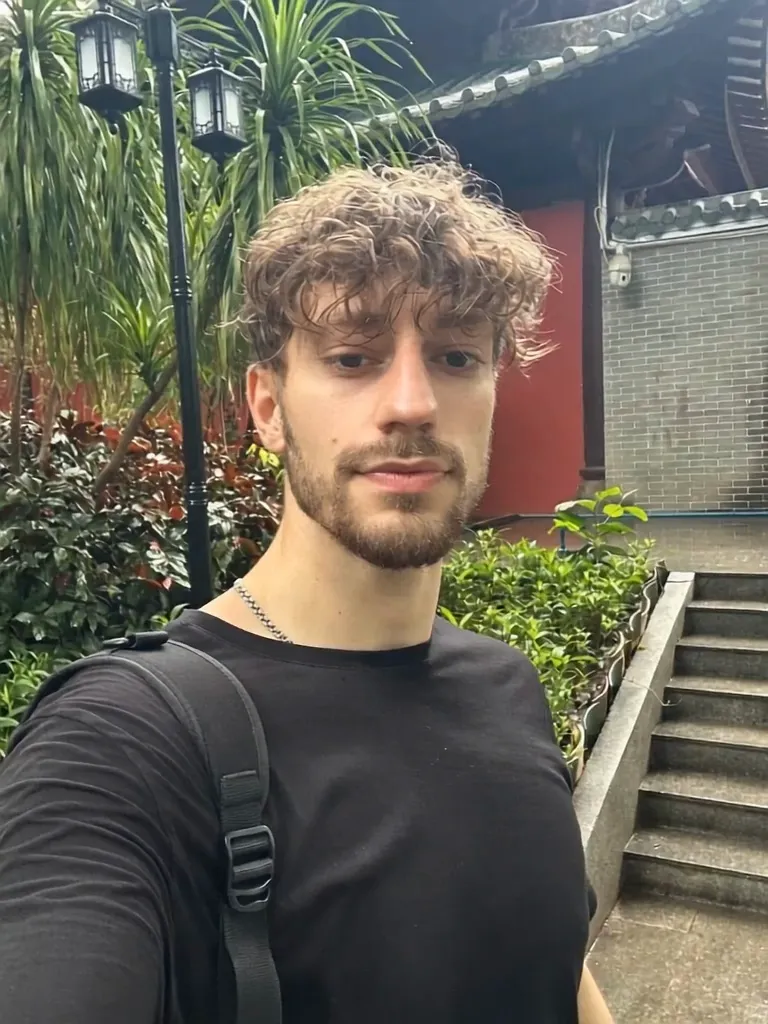
“Casual outdoor portrait of a man with curly hair and a short beard in a black t-shirt, standing in a green courtyard with a stone staircase behind him. He looks into the lens, blinks, then laughs into a wide genuine smile while his head tips back slightly and leaves move softly behind him. Handheld-stable framing with a slight drift, overcast daylight, 35mm lens, natural skin texture and micro-motion.”

Input image used for AI live portrait example 5
Input image

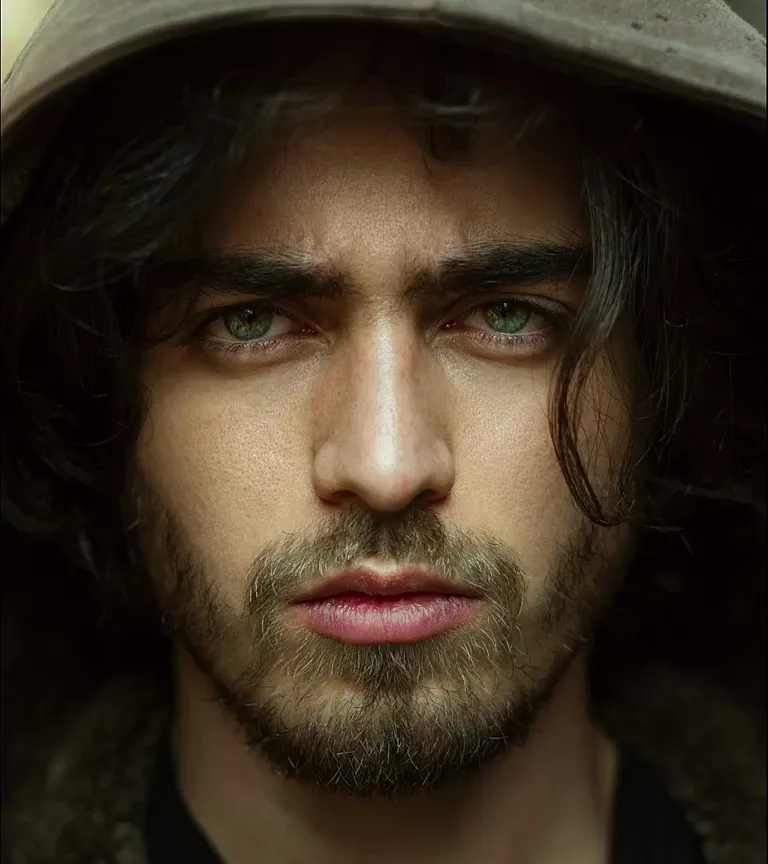
“Intimate close-up of a bearded man with long dark hair under a wide-brimmed hat, lit by a single soft key in a dark room. He blinks, his eyes move a little, his jaw relaxes into a faint smile and a few strands of hair drift; the hat brim and background stay sharp. Camera is locked off with a barely perceptible push-in, dramatic low-key lighting with deep shadows, 85mm lens, subtle breathing motion.”

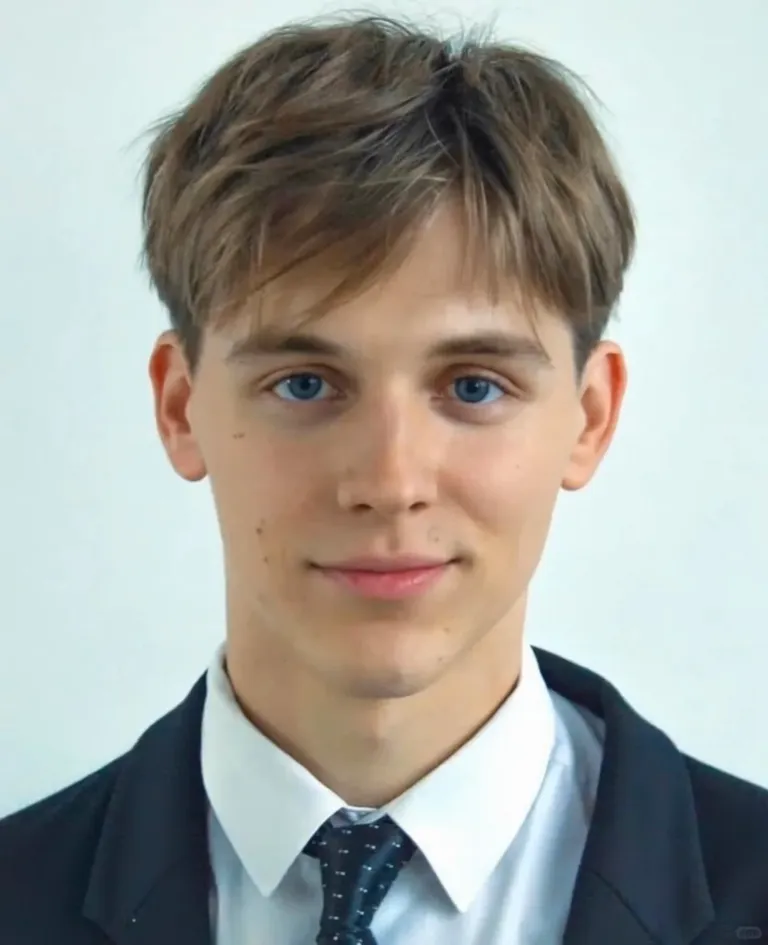
Input image used for AI live portrait example 6
Input image

“Formal head-and-shoulders portrait of a young man in a navy suit, white shirt and dark tie against a clean white background. From a neutral expression the corners of his mouth lift into a natural closed-mouth smile, his eyes soften and he blinks once, with a slight even lift on both sides of the face; shoulders and collar stay completely still. Static camera, bright even studio light, thin depth of field, 85mm lens, photorealistic skin texture, identity and lighting preserved.”

Input image used for AI live portrait example 7
Input image

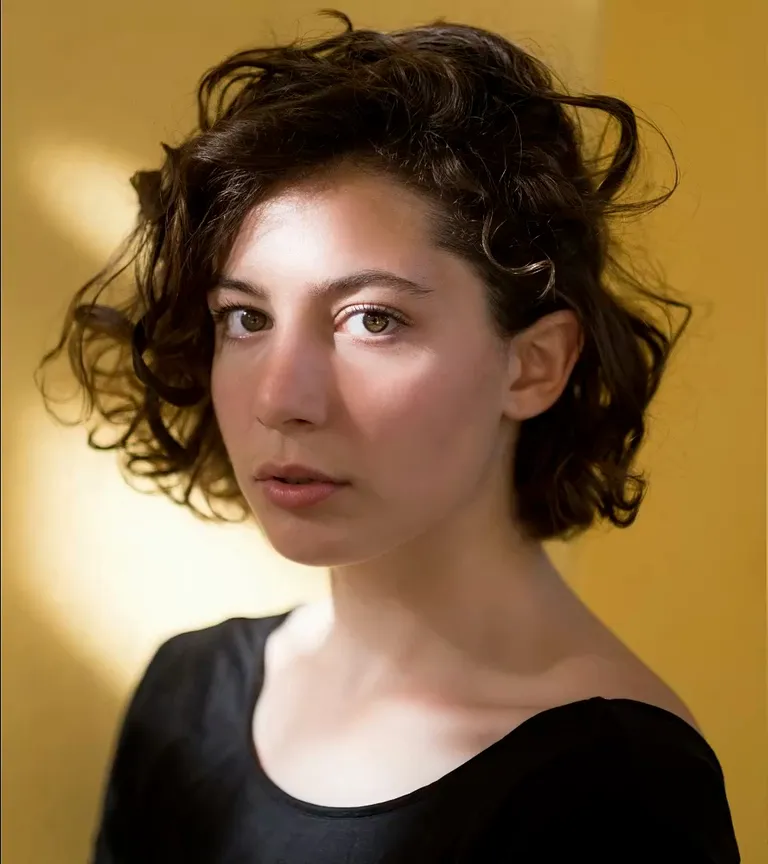
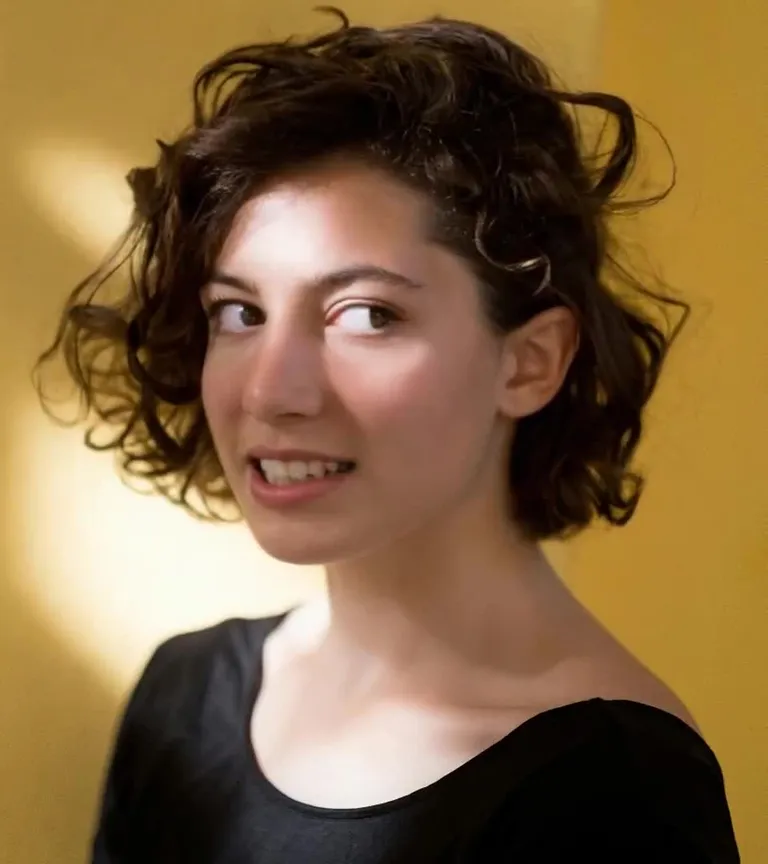
“Head-and-shoulders portrait of a woman with short dark curly hair in a black top, against a warm mustard-yellow wall. She blinks, her eyes shift slightly off-camera, a breath lifts her shoulders and her lips curl into a small subtle smile while loose curls brush her cheek. Camera holds steady with a very slow dolly in, warm side lighting, soft shadow falling behind her, 85mm lens, realistic facial muscle movement only.”

Input image used for AI live portrait example 8
Input image

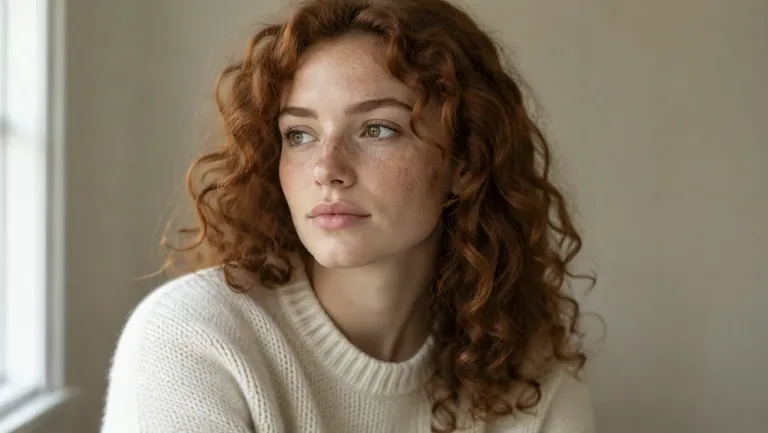
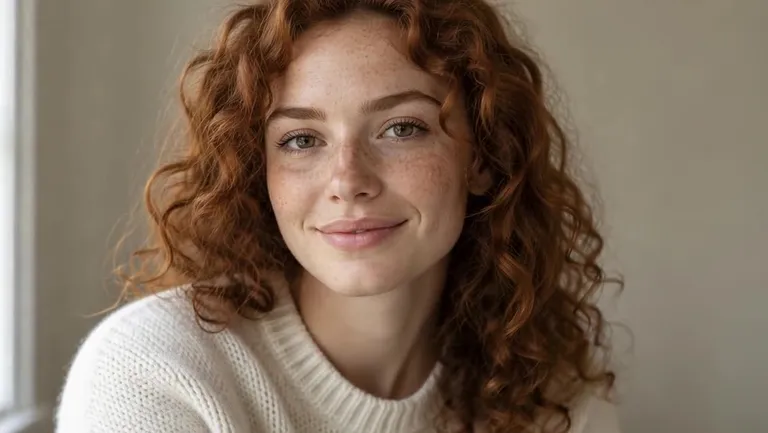
“Soft natural-light portrait of a woman with long curly auburn hair and freckles, wearing a cream knit sweater, seated beside a window in a quiet room. She looks away from the lens, blinks, her eyes return to camera and her lips curve into a quiet smile while the curls beside her cheek move slightly. Static camera with a gentle drift, diffused window light from camera left, muted neutral background, 85mm lens, subtle natural facial micro-motion.”

Input image used for AI live portrait example 9
Input image

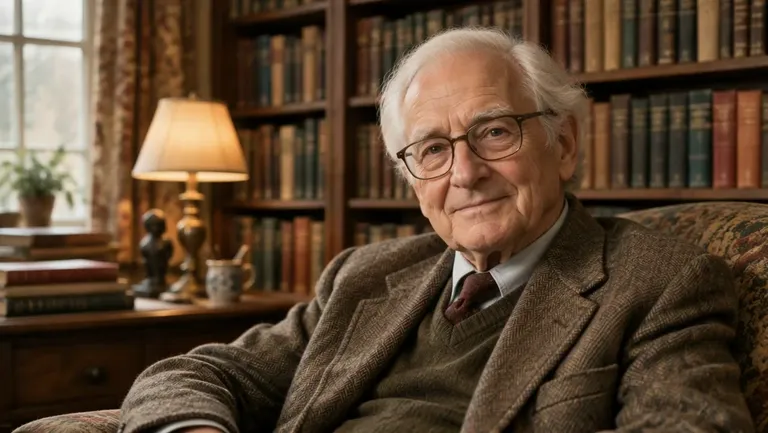
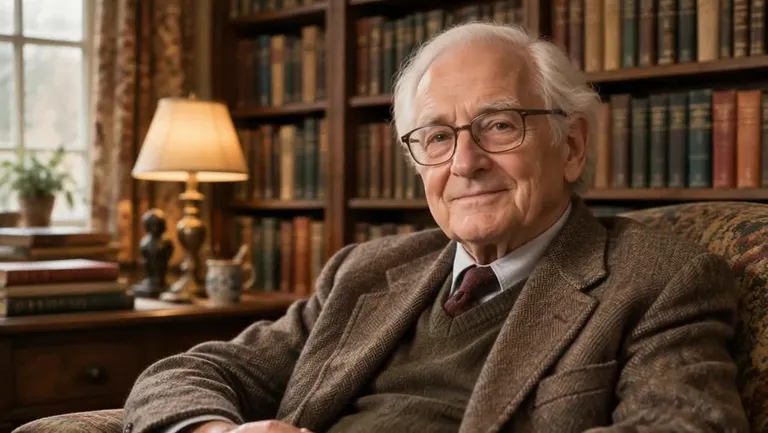
“Waist-up portrait of an elderly man with white hair and thin-rimmed glasses sitting in an armchair in a warm wood-panelled library lit by a table lamp. He turns his head slightly, blinks slowly and his expression softens into a gentle closed-mouth smile; the cardigan folds, the books and the lamp stay crisp and unchanged. Almost imperceptible slow push-in, warm tungsten key light with soft window fill, 50mm lens, natural breathing and eye micro-movement.”

Input image used for AI live portrait example 10
Input image

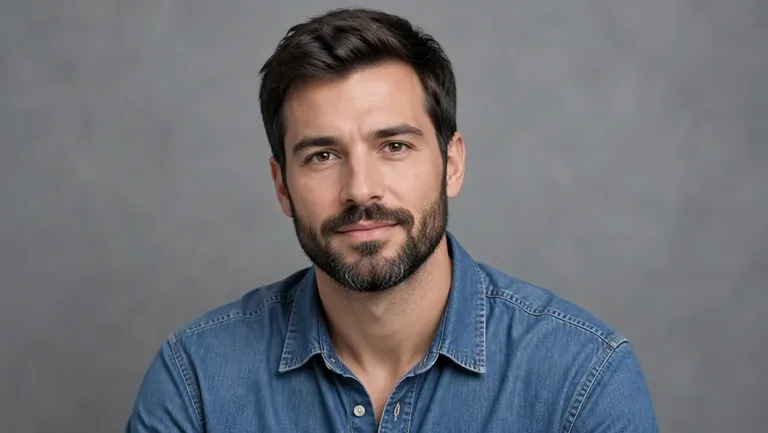
“Studio close-up portrait of a man in his thirties with a short dark beard and a blue denim shirt, against a smooth gray seamless backdrop. Starting from a neutral gaze into the lens, he blinks once, breathes, then breaks into a warm relaxed smile while his head tilts a few degrees forward; hair and shoulders stay still and his identity is preserved. Locked-off camera with a barely perceptible push-in, soft even key light, shallow depth of field, 85mm portrait lens, photorealistic skin texture, natural micro-motion only.”

The Style

What Is an AI Live Portrait? (And What It Is Not)

A live portrait is a short video made from an image that is already finished: one photo goes in, and a few seconds of motion come out. You upload the still, describe what should happen in a prompt, and the model keeps the face, the framing and the light of your original while it adds a blink, a head turn of a few degrees, a closed-mouth smile, a breath or a slow camera drift. The motion is small on purpose — that restraint is what separates a believable clip from a rubbery one, and it is why the result still looks like the image you started with. Drawings, paintings and avatars work the same way, because the model looks for a face rather than for photographic realism. Two things this is not. It is not a talking head: there is no audio input and no lip-sync step anywhere in the flow, so the life comes from the eyes, the expression and the camera, never from the mouth. And it is not a restoration tool: it does not repair cracks, fading or blur, so the best results come from an image that already looks right. Every example on this page was made from a single image and a single prompt, with no keyframes, no rigging and no editing software involved.

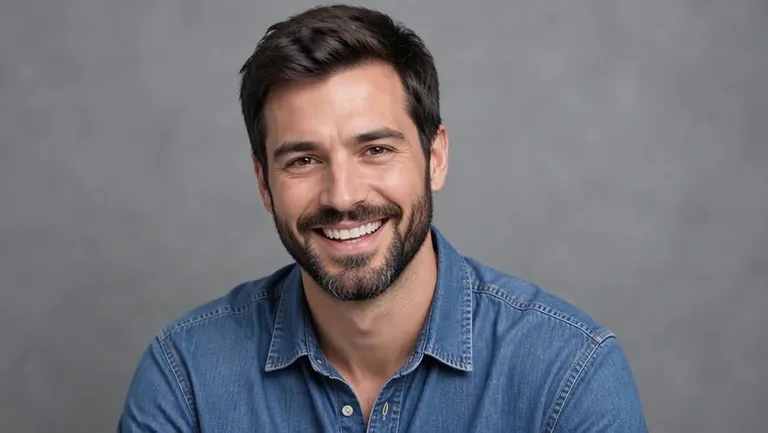
A bearded man in a denim shirt smiling on a gray studio backdrop, a still frame from an AI live portrait video
An older man with white hair and glasses smiling in a lamp-lit home library, a still from an AI live portrait animation
A woman with long curly auburn hair by a window in soft daylight, a frame from an AI live portrait clip
A woman with short curly hair laughing in front of a mustard-yellow wall, a live portrait video example
  • One natural blink, timed like a real one rather than a looping animation
  • A head turn of a few degrees, then a return to the lens
  • Eyes that drift toward something off camera and come back
  • A closed-mouth smile that builds slowly and settles
  • A breath that lifts the shoulders and shifts the collar
  • Loose strands of hair moving just at the edge of the frame
  • A near-static camera with a push-in so slow you almost miss it
  • The original lighting held steady — same key light, same shadows
  • Skin, freckles, glasses and stubble that keep their texture
  • Framing kept from the source image, portrait or square
  • Works on illustrations, drawings and avatars, not just photographs
  • One continuous take — no cuts, no morphing, no lip movement

Portrait Animation on YouTube

See how other creators get a still portrait moving — which expression and head-motion controls matter, and how much of the original face survives the animation.

YouTube Videos About Animating a Portrait

Live Portrait - Animate Any Image For FREE - No Download or Installation!

A short walkthrough of the free, no-install route to this effect: a still image loaded into a browser-based demo, then driven with small head and expression movements so the face reads as alive instead of as a filtered photo.

Watch on YouTube

Gen-4 Image to Video | Runway Academy

Runway's own Academy walkthrough of image to video: how a single still frame is prompted into motion, how the camera moves are described, and what it takes to keep the framing and look of the source image across the shot.

Watch on YouTube

How to Prompt for Realistic Human Motion in Kling Ai Video Generator! - Image-to-Video

A prompt-focused walkthrough of image to video in Kling AI — how the wording of a movement changes what the subject actually does, with a section on head movements and how much of the original pose, face and framing survives the animation.

Watch on YouTube

Prompt Library

Live Portrait Prompts

Ready-to-use prompts for micro expressions, head and eye movement, camera drift, and illustrations or avatars — copy one into the tool panel above or hit Use this prompt to fill it in automatically.

Micro Expressions

The First Blink

“The person from the uploaded photo holds the exact pose, framing and lighting of the original image, then blinks once at a natural pace — eyelids closing fully and opening again — while the eyes stay focused on the lens and a single breath lifts the chest; the mouth stays relaxed, the head does not move, the camera is locked off, skin texture and shadows stay identical to the source, one continuous take, subtle and photorealistic.”

Just the Corners of the Mouth

“Starting from the expression in the uploaded photo, the corners of the mouth lift a few millimeters into a quiet closed-mouth smile, the cheeks rise slightly and the eyes soften while the rest of the face stays still; the smile fades back toward neutral over the last second, nothing else in the frame changes, locked-off camera with the original light, one continuous take, photorealistic, gentle and restrained.”

A Quiet Breath

“The person from the uploaded photo sits still and simply breathes: the chest and shoulders rise and settle, the collar shifts a little, the nostrils move and the lips part slightly before closing again, while the eyes stay on the lens and the face keeps its original expression; the background and the light do not change, the camera holds steady with a barely perceptible drift, one continuous take, natural and photorealistic.”

Head & Eyes

A Few Degrees to One Side

“The person from the uploaded photo turns their head slowly a few degrees to one side and pauses, then returns to face the lens, the neck and jaw moving naturally with the turn while the shoulders stay put; the eyes lead the movement and the hair shifts slightly at the temple, hard and soft light on the face keeps the same direction, framing stays locked, one continuous take, subtle and photorealistic.”

A Glance Away

“The person from the uploaded photo keeps their face toward the camera but their eyes drift to the side as if someone just said their name, hold there for a moment, then come back to the lens; a small head adjustment follows the eyes, the mouth stays closed and relaxed, the ears and hairline stay perfectly consistent, locked-off camera, original lighting preserved, one continuous take, photorealistic micro-motion.”

Small Tilt, Small Nod

“The person from the uploaded photo tilts their head a couple of degrees and gives one slow, small nod, as if agreeing with something off camera, then settles back into the starting pose; the jaw and the base of the neck move together, one earring or one lock of hair swings slightly, the expression stays calm, the camera and the background hold still, one continuous take, subtle and photorealistic.”

Camera Drift

Barely There Push-In

“The person from the uploaded photo stands exactly as in the source image with only a blink and a slow breath, while the camera creeps forward by a few percent over the whole clip, the background spreading gently behind them; the framing tightens from a head-and-shoulders shot toward the face without ever cropping the chin, the original light and shadows stay fixed, one continuous take, restrained and cinematic.”

Slow Slide to the Left

“The person from the uploaded photo holds their pose and blinks once as the camera slides slowly to the left at chest height, the background shifting behind them with real parallax so the room feels three-dimensional; a small turn of the eyes follows the lens, the edge of the frame never cuts the shoulder, the light stays consistent, one continuous take, steady and photorealistic.”

Handheld Hold

“The person from the uploaded photo stands in the original framing while the camera holds on them with a gentle handheld float — the small, breathing drift of a camera resting in someone's hands — and the focus eases a hair off the background; the subject blinks and smiles faintly, the hair moves with the air, the lighting and skin tone stay untouched, one continuous take, natural and unstaged.”

Portraits & Illustrations

The Painting Comes Alive

“Keep the uploaded painting or illustration exactly as it is — same brushwork, same palette, same canvas texture — and let the character inside it blink, turn their head a few degrees and settle into a small smile; the paint strokes stay crisp and the paper grain stays fixed, the eyes gain a little life without changing style, camera locked, one continuous take, painterly and restrained, no changes to the background.”

Avatar Says Hello

“The uploaded avatar or 3D character looks into the lens, blinks once and lifts the chin in a small greeting nod, the hair and the edge of their outfit shifting slightly while the shading, outline and background of the original stay identical; the camera pushes in a touch, the light does not change, one continuous take, the same art style from first frame to last.”

The Sketch Breathes

“The uploaded pencil or charcoal drawing comes to life without losing a single line: the figure blinks, the eyes move a little and the chest rises in a slow breath, graphite shading staying exactly where it was and the paper staying flat and still; the camera holds with a very slow drift, no color is added, no style shift, one continuous take, quiet and subtle.”

How It Works

How to Animate a Portrait

Turn one still image into a moving portrait in three simple steps — no sign-up required to get started.

1

Upload One Portrait

Drop a single image into the upload area at the top of this page — a headshot, a selfie, a painting or an avatar. A front-facing or slight three-quarter view with even light works best, and the face should fill a decent share of the frame, because the motion happens in the eyes and the mouth.

2

Describe the Motion

Pick a prompt from the library above or write your own. Name one small movement — a blink, a few degrees of head turn, a quiet smile — and one camera move, then say what must not change: the framing, the light, the identity. Subtle beats dramatic here, and nothing needs to be said out loud, since there is no speech in the result.

3

Generate and Download

Hit Generate and your clip arrives in a few minutes — about five seconds of the same portrait, now moving, built to loop. Free accounts include daily generations with a small watermark; sign in to download, and a subscription removes the watermark.

Inspiration

Creative Ideas for Live Portraits

Not sure where to start? Pick one small movement that suits the image — a blink for a headshot, a head turn for a character — and let the camera do the rest.

A Profile Clip That Moves

Turn your best headshot into a two-second loop of a blink and a small smile — far more eye-catching in a feed than the same photo standing still.

Artist Portfolio Motion Card

Animate one painting or character design so the portrait section of your portfolio shows the work moving, without shipping a whole animation.

Avatar Intro for a Channel

Give a stylized avatar a head turn and a nod to open a video, a stream or a newsletter landing page — the motion sells the character before anyone reads a word.

Print to Motion Pair

Post the framed print next to the same portrait blinking on screen; the before-and-after reads instantly, even with the sound off.

A Moving Portrait in a Slideshow

Drop one animated portrait into a birthday or anniversary slideshow so the montage has a single living frame instead of a wall of stills.

FAQs

Answers to the most common questions about live portraits, photo requirements and our free generator.

It is a short video made from a still image that already looks the way you want. You upload one portrait, describe the motion in a prompt, and the model returns a few seconds of the same face blinking, turning its head, smiling or breathing, with the framing, lighting and texture of your original held steady. The effect is deliberately small: a blink at the right moment, a head turn of a few degrees, a camera that creeps forward. Those cues are what make an image read as alive.

Try It Free

Your portrait is one photo away from moving. Head back up, pick a prompt, and animate a still image for free — no sign-up required.