
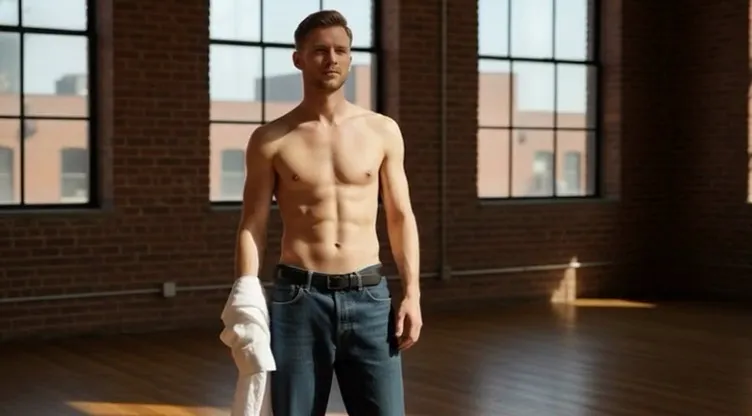
Input image
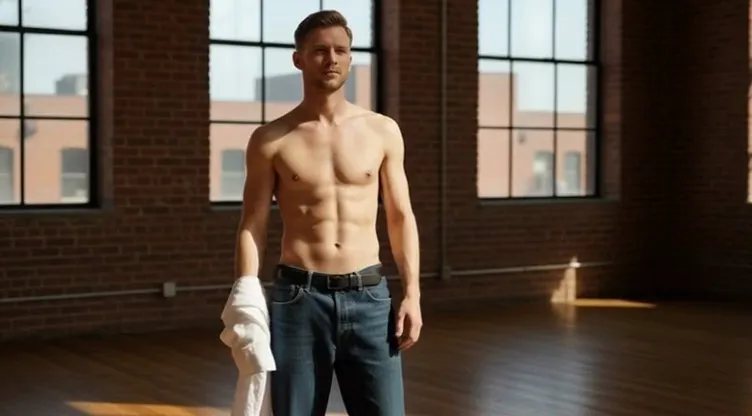
“A shirtless young man in blue jeans holding a white shirt stands in a bright loft with large windows, brick walls and a wooden floor; his belly puffs out into a giant smooth round shape that lifts him off the floor, static camera.”
A belly inflation AI video generator turns a single photo into a short, funny clip where the subject puffs up into a smooth, balloon-round version of themselves — a playful body inflation effect that keeps the face, outfit and background looking just like your picture. There is nothing to edit: upload one photo, pick a built-in prompt or write your own, and the model animates a quick, loop-friendly inflation in seconds. It is the easiest way to make the prank-style, meme-ready puff-up clips that social feeds love. Try it free and turn a selfie, a pet photo or a friend's picture into a shareable belly inflation AI video.
Sample Video
View more examples →Real Examples
Every clip below pairs with the prompt that recreates it. Watch the smooth, balloon-round puff-up, copy the prompt, then hit Try it to generate your own belly inflation AI video right on this page.
“A shirtless young man in blue jeans holding a white shirt stands in a bright loft with large windows, brick walls and a wooden floor; his belly puffs out into a giant smooth round shape that lifts him off the floor, static camera.”
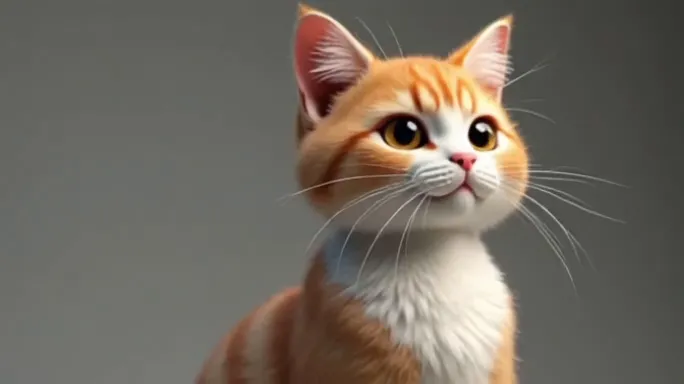
“An orange-and-white kitten floats against a plain gray studio backdrop; its lower body puffs out into a big round balloon shape as it drifts upward, static camera.”
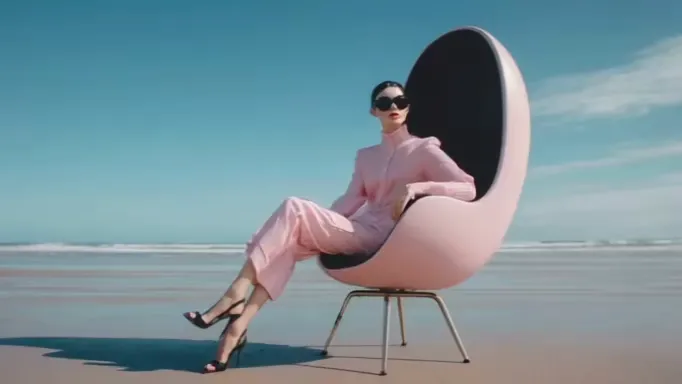
“A woman in a pink suit and sunglasses sits in a pink egg-shaped chair on a quiet beach; the seat puffs up into a giant smooth pink sphere that lifts her gently above the sand, static camera.”
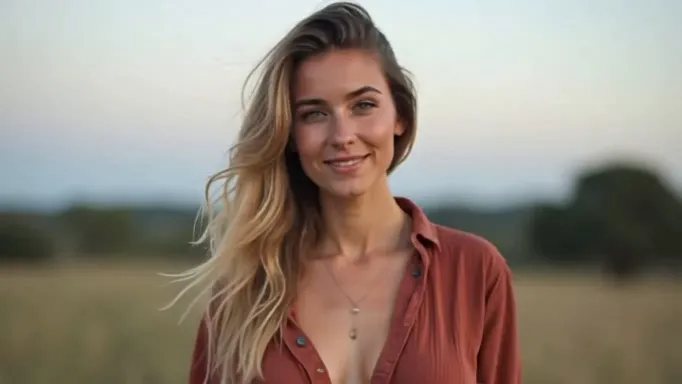
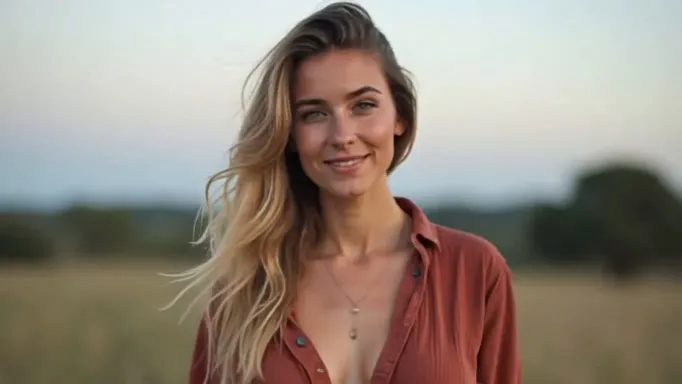
“A young blonde woman in a rust button-up shirt and a fine necklace stands in a golden field at golden hour; her body puffs up into a giant smooth round shape as the fabric stretches over it, static camera.”
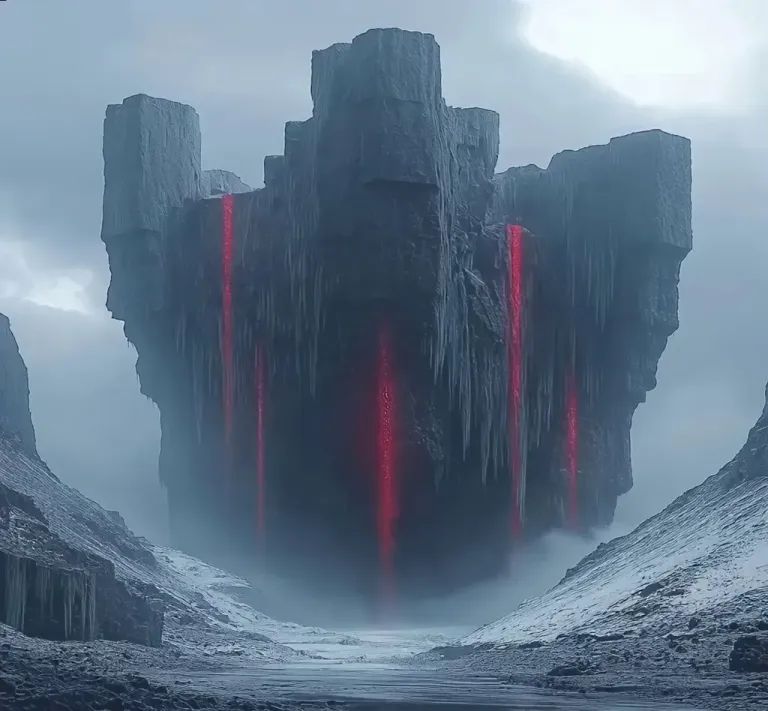
“A dark rocky creature with glowing red streaks hovers in a misty, snowy mountain valley; it swells into a giant smooth dark sphere with the red lines stretching across its surface, static camera.”
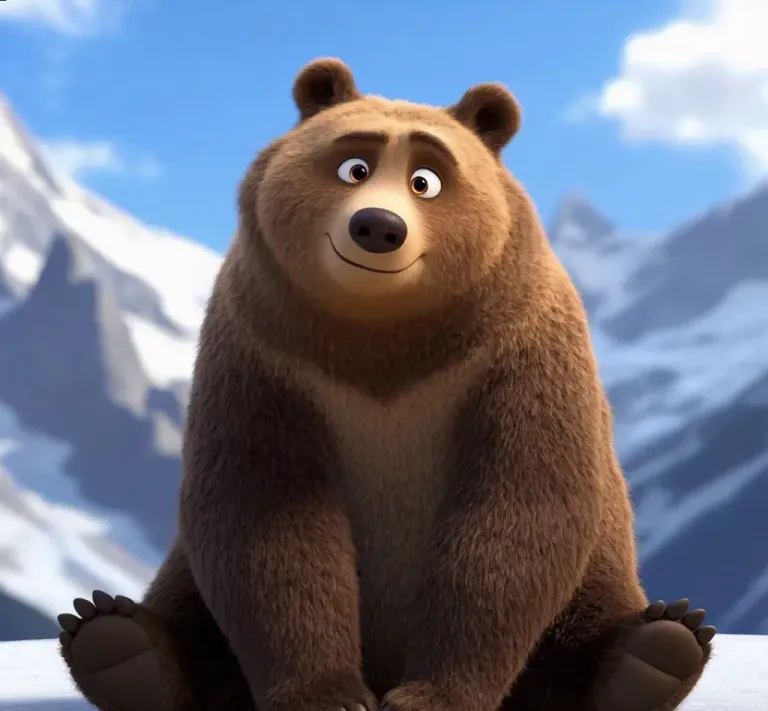
“A friendly 3D cartoon brown bear sits in a snowy mountain landscape under a blue sky; its body puffs up into a big, round orange balloon shape that lifts it gently upward, static camera.”
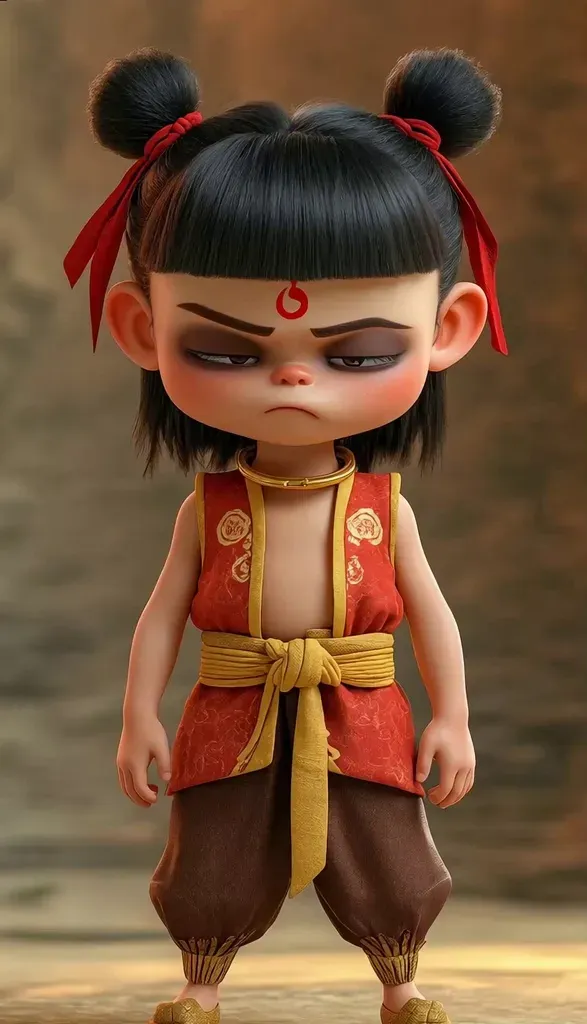
“A chibi-style 3D cartoon girl with her hair in two buns, a red top with gold trim and a gold sash stands against a warm earthy wall; her belly puffs out into a giant round ball as she lifts off the ground, static camera.”
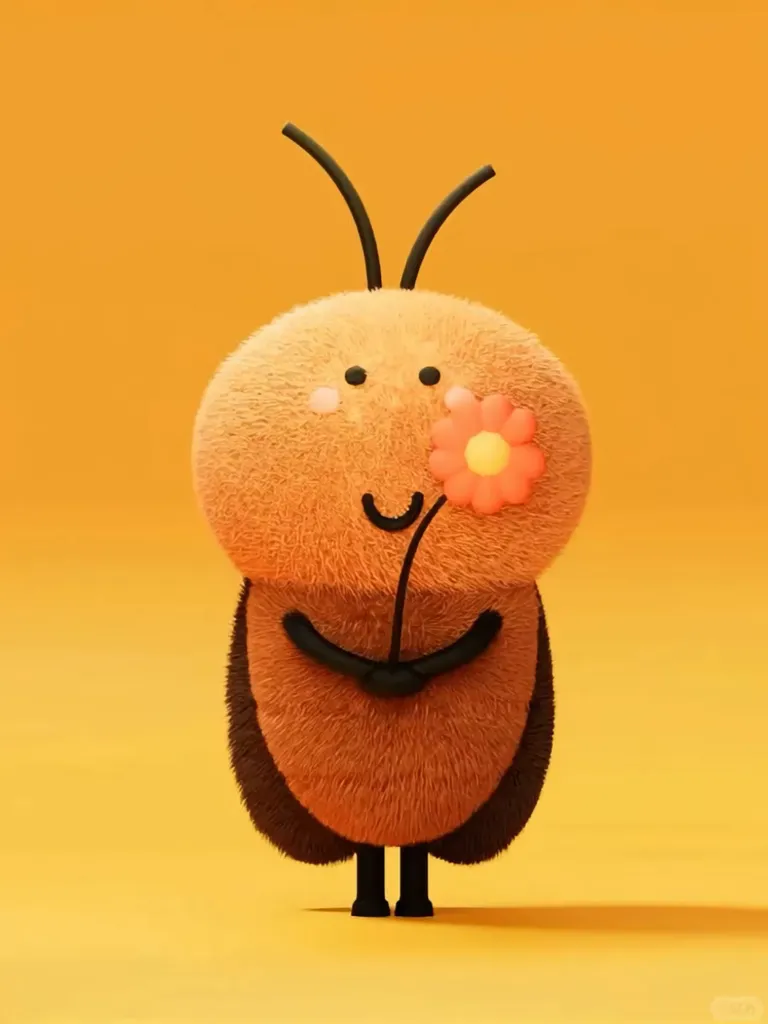
“A round, fuzzy orange cartoon creature with tiny black limbs, a smiling face and a small flower floats against a plain orange backdrop; it puffs into a giant fuzzy ball and drifts up out of frame, static camera.”
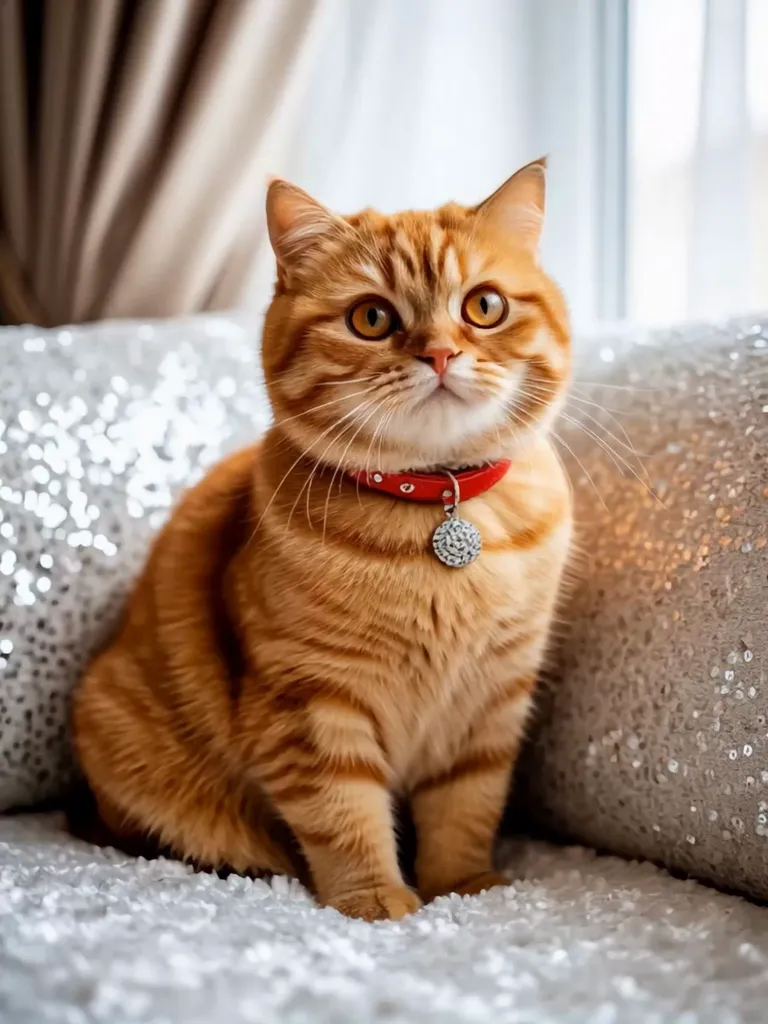
“An orange tabby cat with a red collar sits on a sparkly silver sofa in front of light curtains; it puffs up into a perfectly round, balloon-like ball as its paws tuck in and it floats upward, static camera.”
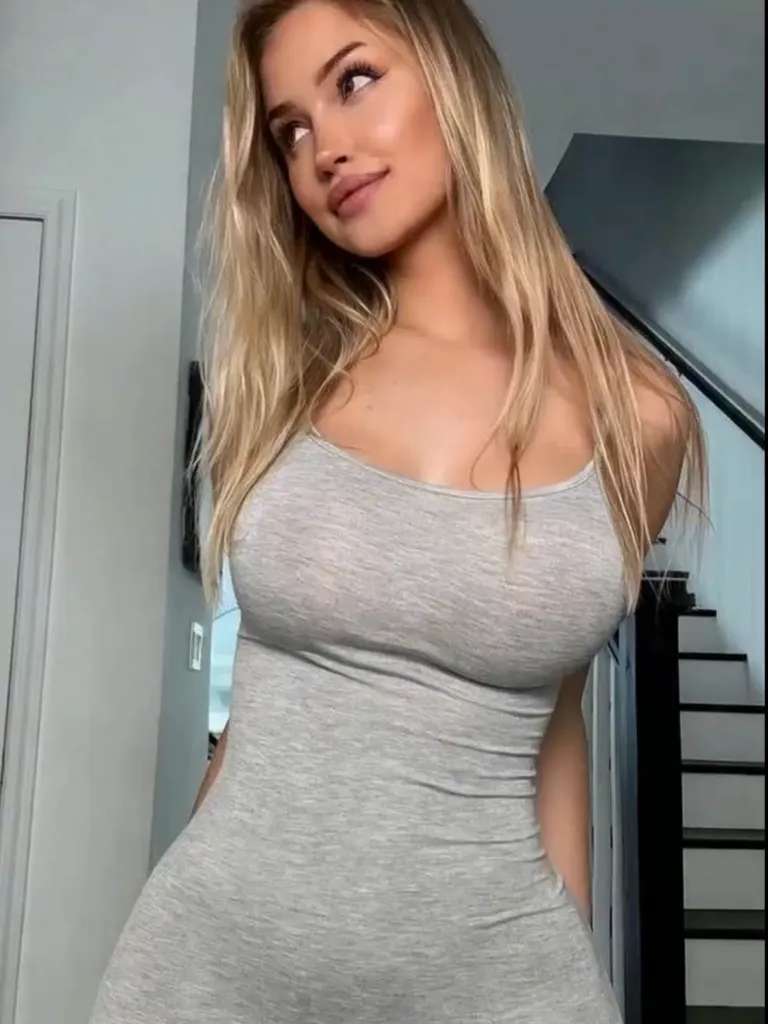
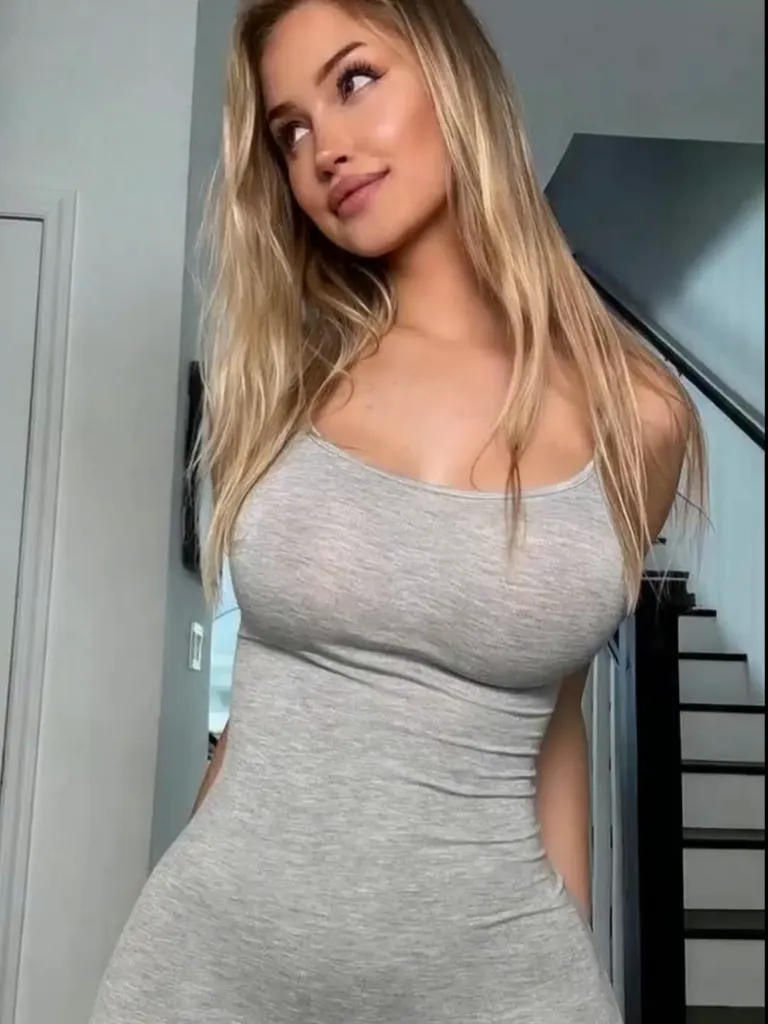
“A young blonde woman in a fitted light-gray tank dress stands at the bottom of an indoor staircase with a black railing behind her; she smiles and laughs as her belly swells into a large, smooth round bump, static camera.”
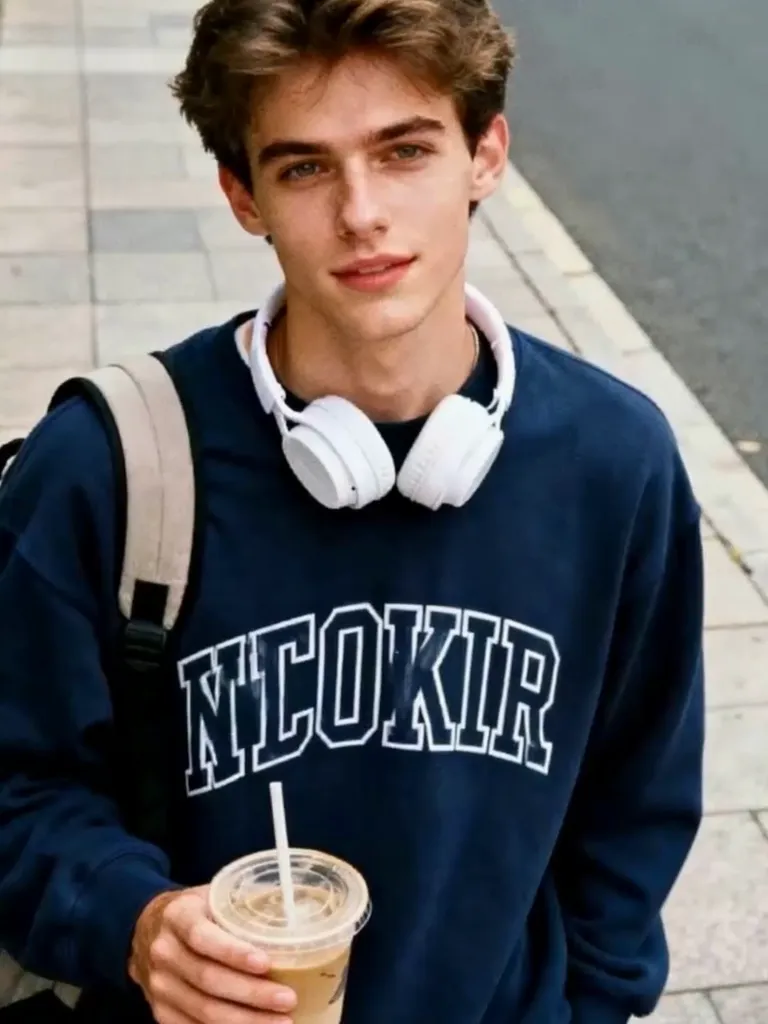
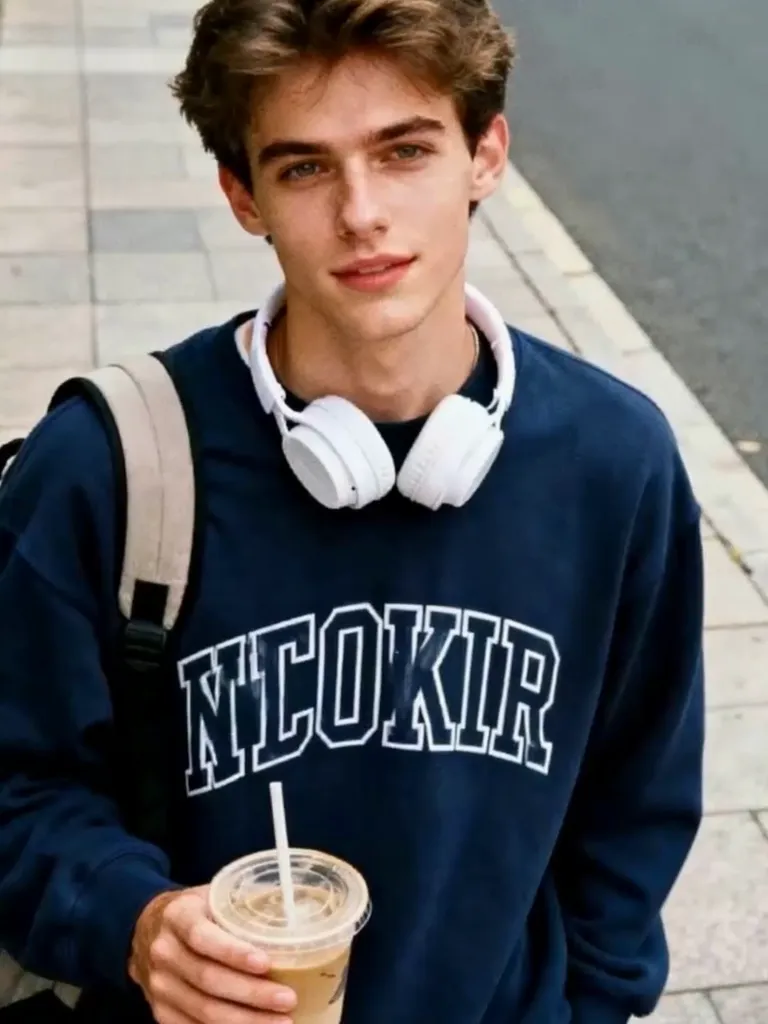
“A young man in a navy sweatshirt with white lettering and white headphones around his neck stands on a sunny paved sidewalk holding an iced coffee, a backpack strap over his shoulder; he grins as his belly puffs out into a big, round balloon shape, static camera.”
The Style
An AI belly inflation video generator brings a still photo to life as a short, funny clip with a smooth, balloon-round puff-up. Upload one image and the model inflates the subject into a big, round version of itself while keeping their features, outfit and background consistent with your photo. The whole thing runs on one photo and a short prompt, so there is no camera, no editing and no special equipment involved. The effect is meant to be playful and over-the-top — the pose holds, the framing holds, and only the body swells into a round balloon shape — which is exactly why everyday photos, pets and cartoon characters make the funniest results. Clips are short, loop-friendly and private, built for pranks, memes and social feeds, and every example on this page was made from a single photo and a simple prompt.
See how creators and communities are talking about AI inflate and balloon effects across the internet.
A hands-on walkthrough of Pika's AI effects, showing how a single photo of a pet or object swells up round like a balloon and floats off — the same one-image inflate effect this page is built around, with tips for cleaner results.
Watch on YouTubeA step-by-step guide to the trending balloon blowup filter, where a photo of a person or pet inflates into a round balloon and floats away. It is the playful, prank-style format that AI inflation clips are made for.
Watch on YouTubeA quick walkthrough of Pika's free AI video effects, including the inflate effect that swells a photo's subject into a round, balloon-like shape and makes it float. A simple demo of turning one image into an inflation clip.
Watch on YouTubePrompt Library
Ready-to-use prompts for every kind of photo — copy one into the tool panel above or hit Use this prompt to fill it in automatically.
“The person from your uploaded photo stands on a sunny paved sidewalk holding an iced coffee, a backpack strap over one shoulder; they grin as their belly puffs out into a big, round balloon shape, static camera, keep the face and background consistent, loop-friendly.”
“The person from your uploaded photo in a fitted light-gray tank dress stands at the bottom of an indoor staircase; their figure swells into a smooth, round balloon shape as they smile, soft indoor light, static camera, keep the face and background consistent.”
“The person from your uploaded photo in a rust button-up shirt stands in a golden field at golden hour; their belly puffs up into a big, round shape that gently lifts them, warm evening light, static camera, keep the face and background consistent.”
“The friendly 3D cartoon bear from your uploaded photo sits in a snowy mountain landscape under a blue sky; its body puffs up into a big, round balloon shape that lifts it gently upward, static camera, keep the subject and background consistent.”
“The cat from your uploaded photo sits on a plain floor; its body swells into a smooth, round balloon shape and floats a little, soft indoor light, static camera, keep the animal and background consistent, playful and funny.”
“The chibi character from your uploaded photo stands in a bright cartoon room; its belly puffs out into a big, round shape as it grins, clean bright colors, static camera, keep the character and background consistent, playful and loop-friendly.”
“The mascot from your uploaded photo stands on a small stage with colorful lights behind; its body swells into a giant smooth round shape that lifts it off the floor, festive mood, static camera, keep the character and background consistent.”
“The person from your uploaded photo stands in a bright loft with large windows, brick walls and a wooden floor; their belly puffs out into a giant smooth round shape that lifts them off the floor, static camera, keep the face and background consistent.”
“The person from your uploaded photo stands on a sunny beach with waves rolling behind; their belly puffs up into a big, round balloon shape as they laugh, bright daylight, static camera, keep the face and background consistent.”
“The person from your uploaded photo poses against a plain studio backdrop; their figure swells into a smooth, round balloon shape in one steady motion, clean studio lighting, static camera, keep the face and background consistent.”
“The person from your uploaded photo stands in a snowy street with soft falling snow; their belly puffs out into a big, round shape that lifts them slightly off the ground, cool winter light, static camera, keep the face and background consistent.”
“The person from your uploaded photo stands in a living room with a completely straight face; their belly suddenly puffs out into a big, round balloon shape as they float upward, comedic timing, static camera, keep the face and background consistent, playful and shareable.”
“The person from your uploaded photo stands in the middle of a house party with string lights behind; their body swells into a smooth, round balloon shape as they laugh, festive mood, static camera, keep the face and background consistent.”
How It Works
Turn one photo into a smooth, balloon-round puff-up in three simple steps — no sign-up required to get started.
Drop a single photo into the upload area at the top of this page — a selfie, a portrait, a pet photo or a friend's picture all work. A clear, well-lit, front-facing shot where the subject is easy to see gives the best result, and one photo is all you need.
Choose a built-in prompt from the prompt library above, or write your own to set the scene and the look. Describe the setting, the outfit and how big the puff-up should get — your photo anchors the face and background while the prompt drives the inflation.
Hit Generate and your clip is ready in a few minutes — a short, loop-friendly video. Free accounts include daily generations with a small watermark; sign in to download, and a subscription removes the watermark.
Inspiration
Not sure what to make? Match a scene and a subject to your photo and start from there.
Take a friend's portrait and turn it into a surprise balloon puff-up clip to drop in the group chat — harmless, hilarious and instant meme material.
Give the family cat or dog a moment in the spotlight: animate their photo into a round, floating puff-up and share the result with friends.
Turn an old group photo into a synchronized inflation loop and post it for the whole chat to enjoy — a low-effort running joke.
Pair a neutral pose with a slow puff-up and post the reveal as a vertical clip for TikTok, Reels and Shorts.
Animate a fan-art avatar, a comic character or a look-alike portrait into a round balloon version — a popular format for edits and reaction posts.
Start from a party snapshot and let the whole scene puff up into a bouncy, loop-friendly clip that keeps the celebration going.
Explore
If you like the playful puff-up look, these neighboring AI video styles will be right up your alley.
Turn a photo into a short clip with a natural, realistic curve change.
Swimwear try-on videos that swap outfits while keeping the person's look.
High-energy twerk and dance clips generated from a single photo.
Bouncy in-place body motion — sways, grooves and jiggle clips made from a single photo.
Answers to the most common questions about belly inflation AI videos, photo requirements and our free generator.
An AI belly inflation video generator is a tool that turns a still photo into a short, funny video with a smooth, balloon-round puff-up — the subject inflates into a big, round version of themselves. Upload one image and the model animates the change while keeping the person's face, outfit and background consistent with your photo. The clips are short and loop-friendly, built for pranks, memes and social posts.
Your balloon puff-up is one photo away. Head back up, pick a prompt, and generate your own belly inflation AI video from a single photo for free — no sign-up required.