AI Jiggle Video Generator

A jiggle video gives a still photo a sense of rhythm: the subject bounces, sways and grooves in place, with clothing and hair moving along on the beat — a few seconds of dance-like motion you can drop straight into a feed. This AI jiggle video generator builds that from one picture. Upload a single photo, add a prompt that sets the scene and the movement, and the model returns a short clip with natural body bounce and a steady camera. No choreography, no editing timeline, no video crew — just a photo, a few words and a playful result. Try it free and turn one photo into a bouncy clip.

Real Examples

AI Jiggle Video Examples

Every clip below pairs with the prompt that recreates it. Watch the bounce and sway, copy the prompt, then hit Try it to generate your own AI jiggle video right on this page.

Input image used for AI jiggle video example 1
Input image

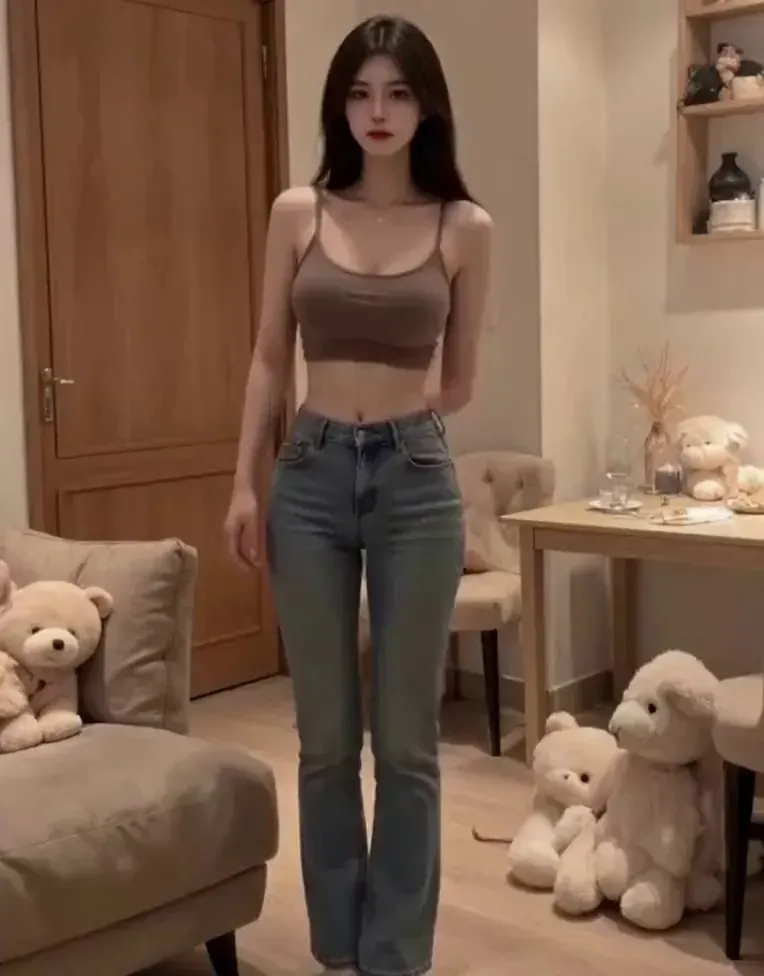
“A woman in a brown ribbed crop top and high-waisted flared jeans stands in a cozy living room with wooden doors, shelves and plush toys. She rests her hands on her hips and sways side to side in a light, rhythmic bounce, hair and shoulders moving with the beat, then gives a small smile. Fixed medium-full shot with a slow push-in. Warm indoor lighting, soft shadows.”
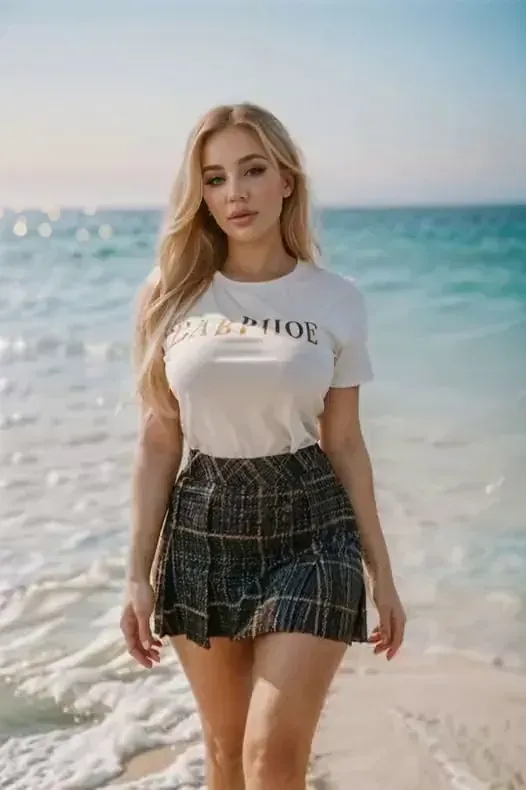
Input image used for AI jiggle video example 2
Input image

“A blonde woman in a white graphic T-shirt and a plaid mini skirt stands on a sunny beach with gentle waves behind her. She sways her hips and bounces in a playful rhythm, shoulders and skirt moving with the beat, smiling as she switches poses. Steady full-body shot with a slight push-in. Bright daylight, turquoise ocean, soft sand.”

Input image used for AI jiggle video example 3
Input image

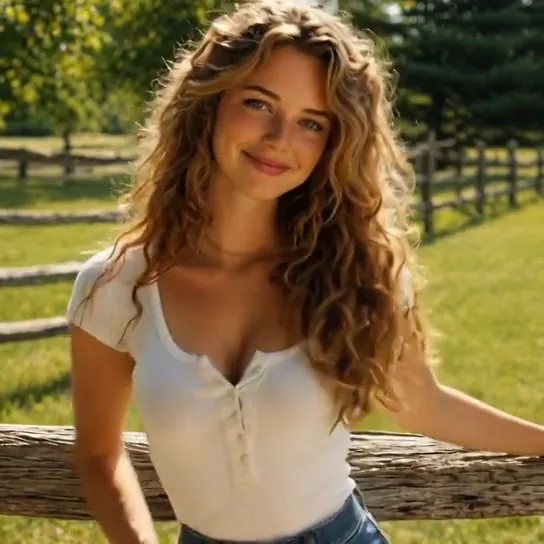
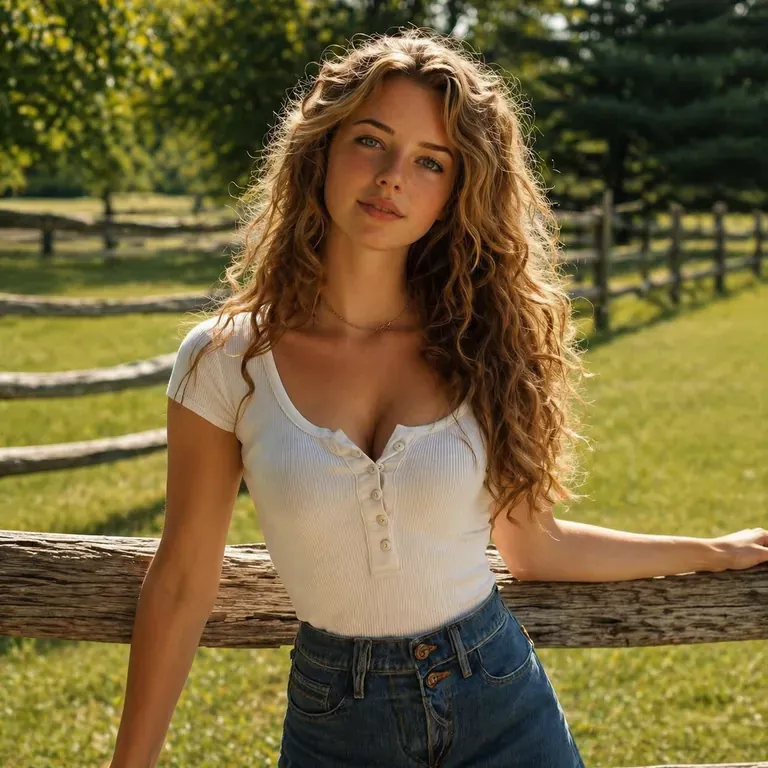
“A young woman with long wavy hair, wearing a white ribbed henley and blue jeans, leans on a rustic wooden fence in a green meadow at golden hour. She bobs and sways to a light rhythm, shoulders and body bouncing softly as she smiles at the camera. Slow push-in from a medium shot to a closer portrait. Warm backlit sunlight, soft bokeh trees.”

Input image used for AI jiggle video example 4
Input image

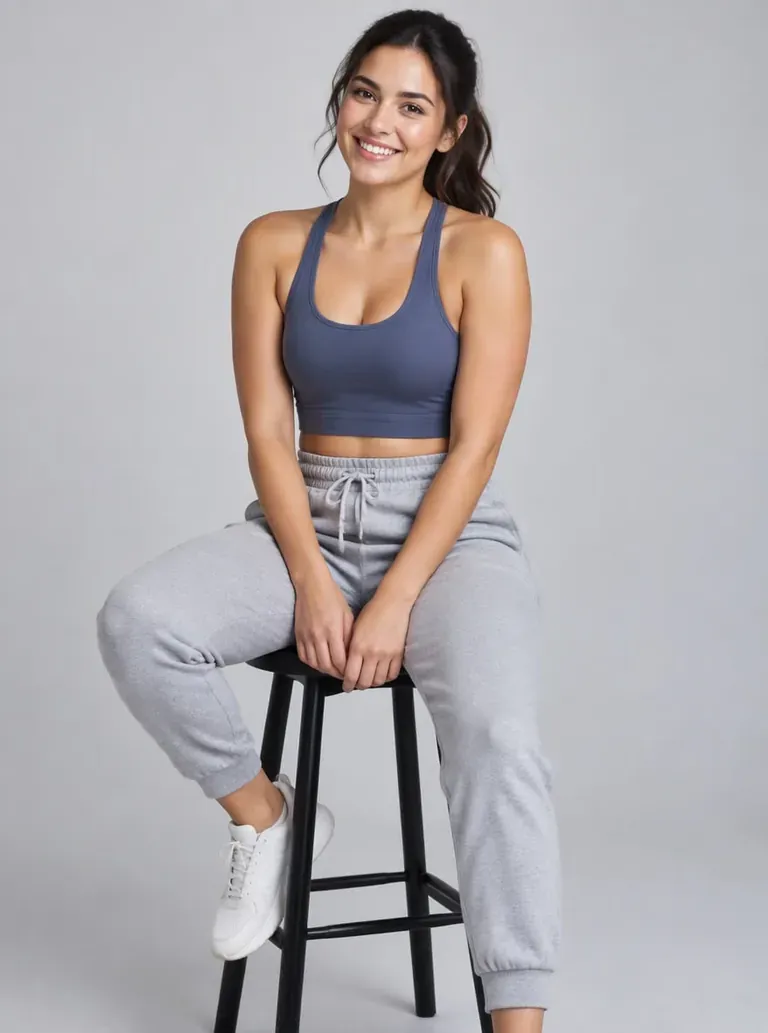
“A woman in a fitted navy tank top and light gray sweatpants sits on a black stool against a seamless gray studio backdrop, hands resting on her knees. She bounces playfully in place, shoulders and upper body bouncing with the beat, laughing toward the camera. Locked-off medium-full shot with a subtle push-in. Soft, even studio lighting.”

Input image used for AI jiggle video example 5
Input image

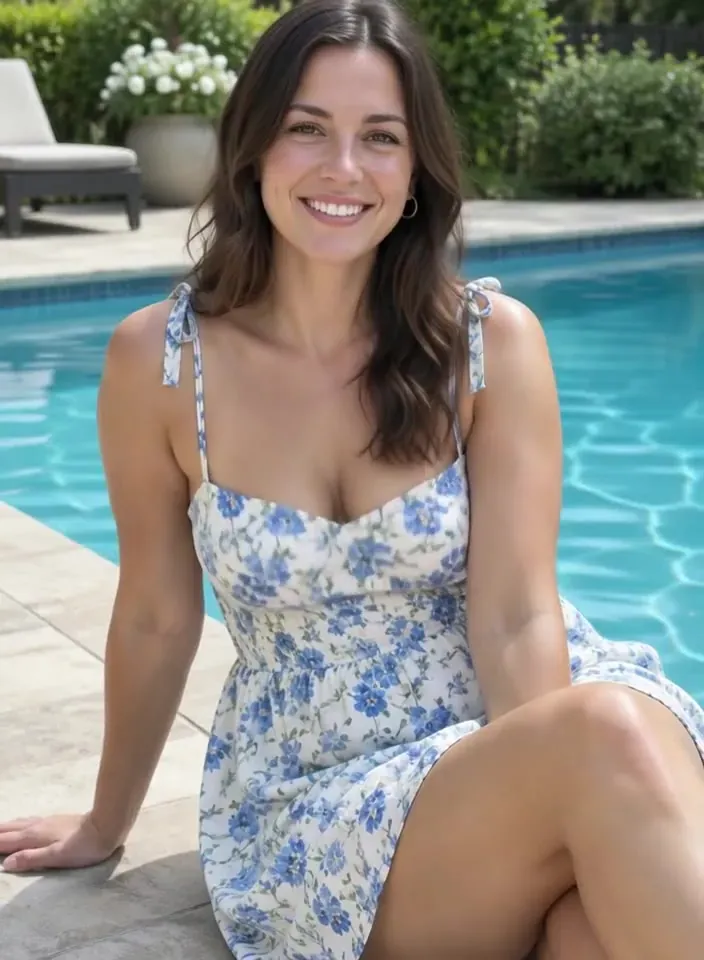
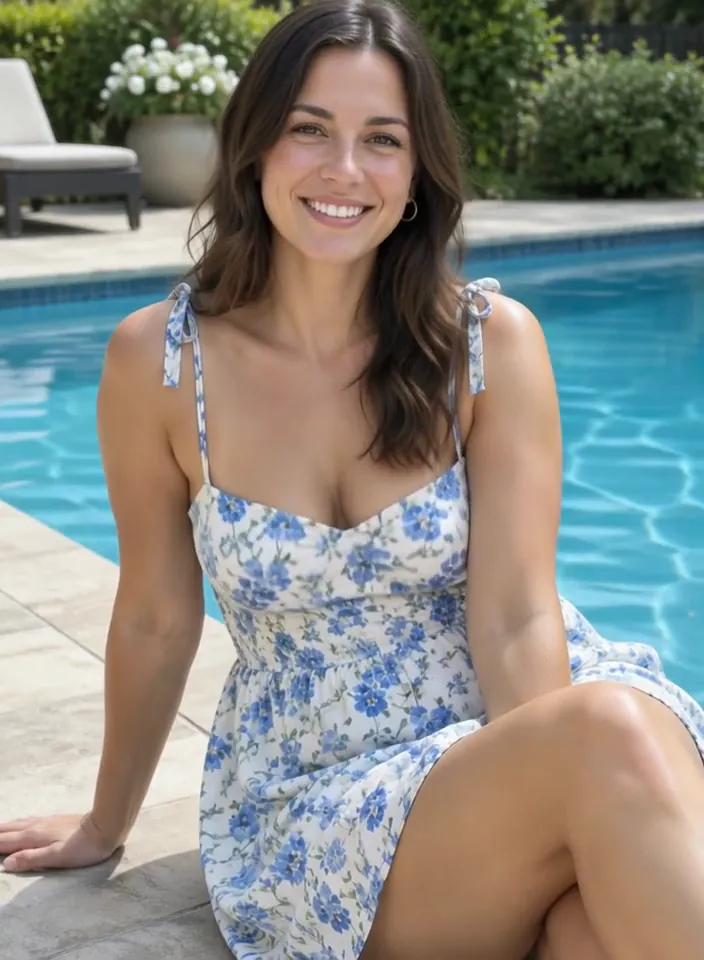
“A woman in a blue floral sundress sits on the stone edge of a backyard swimming pool, legs crossed, lush greenery and white flowers behind her. She sways and bounces gently to a rhythm, the dress and her shoulders moving with the beat while she smiles at the camera. Slow push-in from a medium-full shot. Bright afternoon sun, sparkling turquoise water.”

Input image used for AI jiggle video example 6
Input image

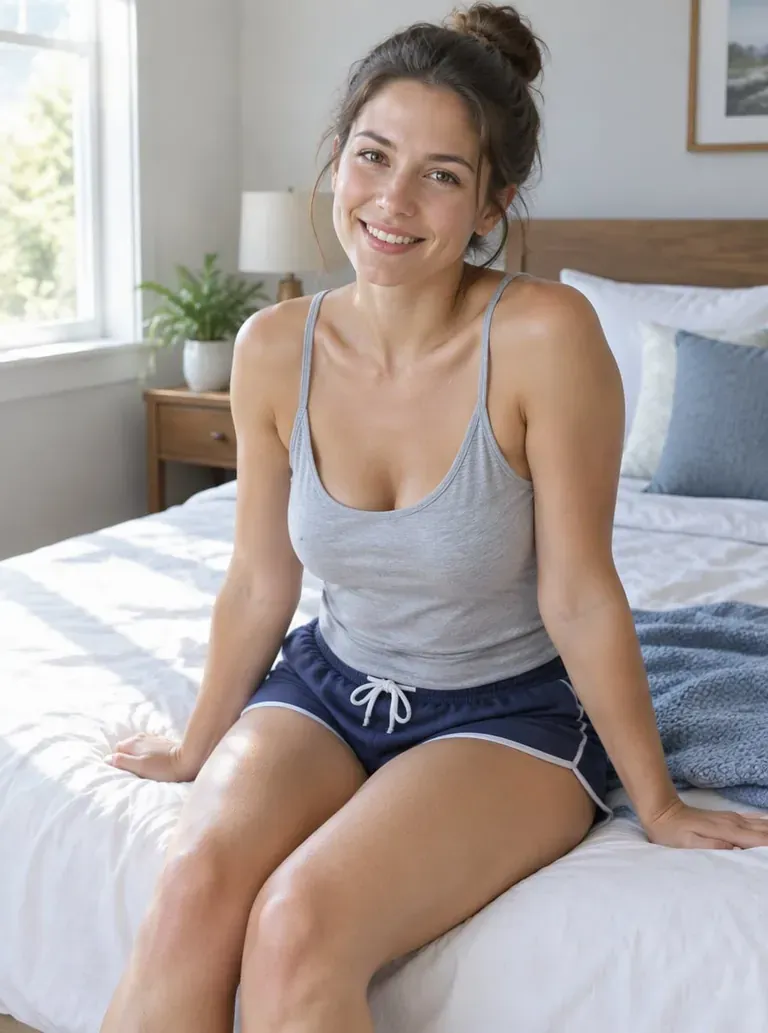
“A young woman in a light gray tank top and navy drawstring shorts sits on the edge of a bed in a sunlit bedroom, plants and soft curtains behind her. She bobs lightly to a beat, shoulders and upper body jiggling with each bounce, a bright smile on her face. Slow push-in from a full shot to a three-quarter framing. Warm morning window light, crisp domestic detail.”

Input image used for AI jiggle video example 7
Input image

“A fit man in black athletic shorts stands on an outdoor rooftop terrace at dusk, city lights and railings behind him. He strikes a confident pose and lets his shoulders and arms bounce in a playful, exaggerated rhythm, hands moving to his hips, then holds a smile. Fixed medium shot with a slow push-in. Cool blue evening light with warm highlights.”

Input image used for AI jiggle video example 8
Input image

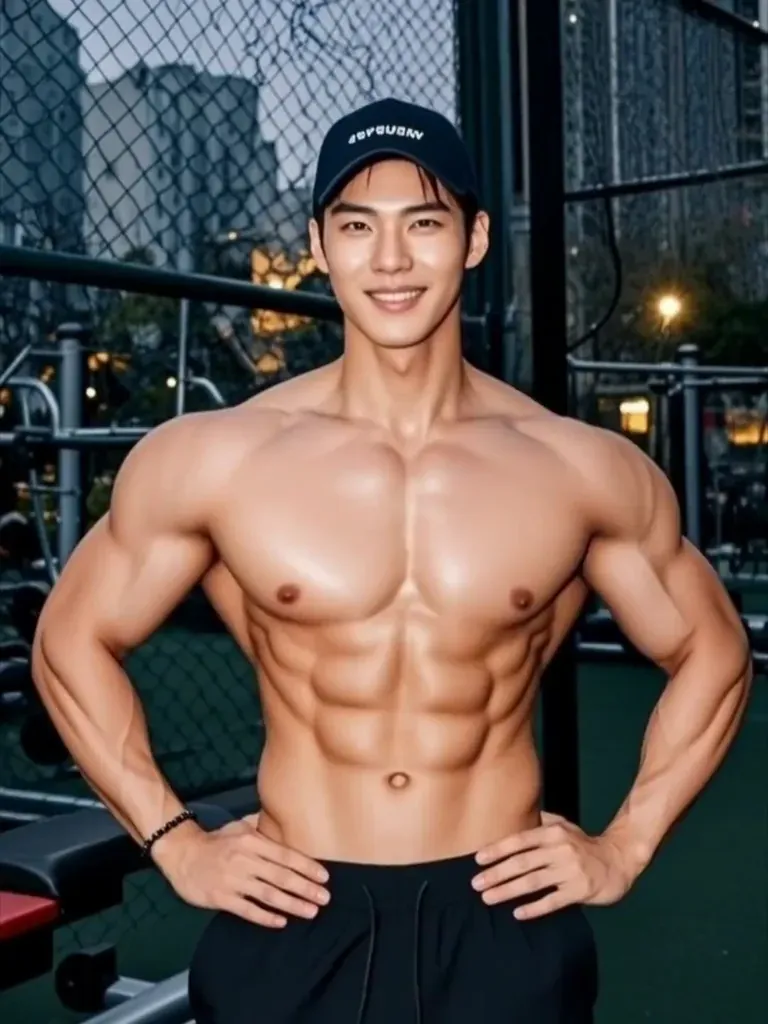
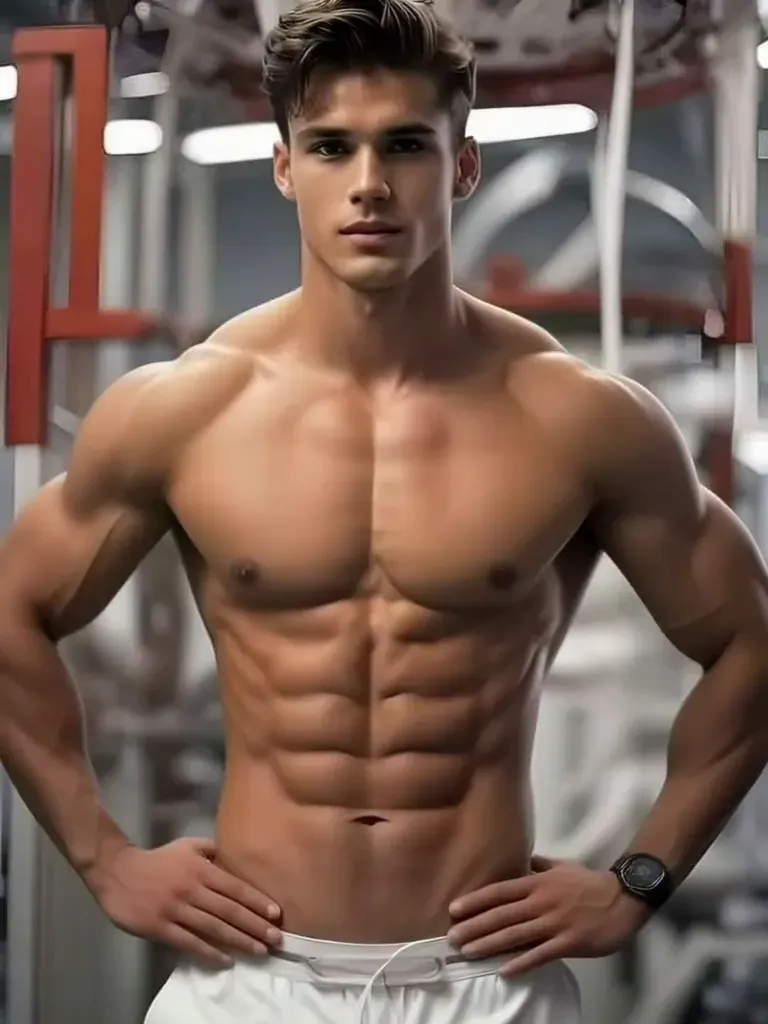
“A muscular man in dark gym shorts stands in a dim industrial gym, arms spread wide as he flexes. His shoulders and arms bounce in a quick, comedic rhythmic pulse, like a bodybuilder showing off, then he relaxes into a grin. Camera holds a steady medium-full shot with a very slight handheld drift. Moody overhead lighting, blurred weight racks in the background.”

Input image used for AI jiggle video example 9
Input image

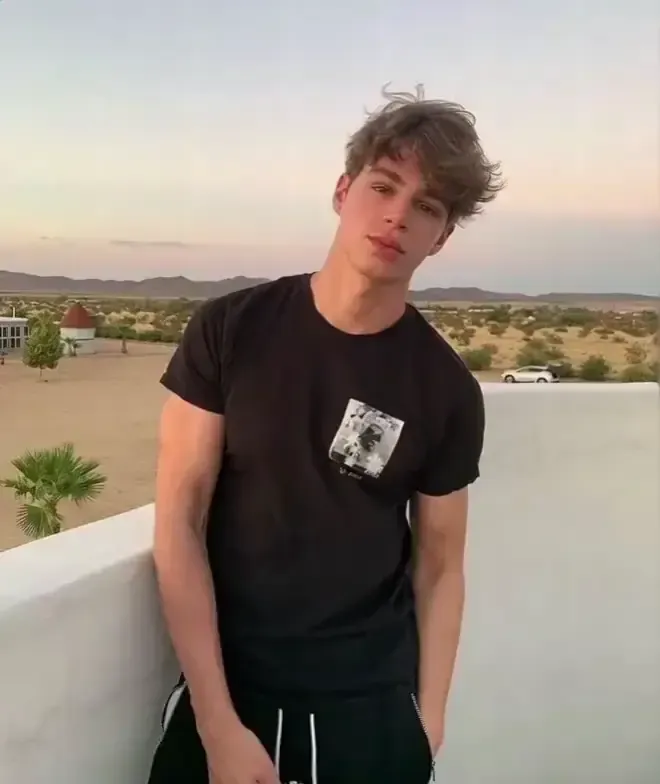
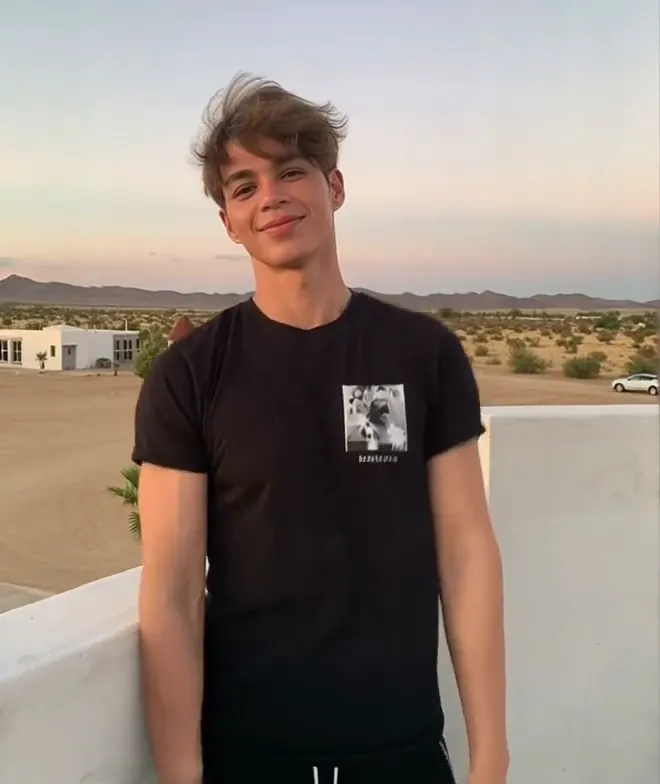
“A young man in a black graphic T-shirt and black shorts leans back against a low concrete wall beside an empty desert highway at golden hour. He bounces his shoulders and upper body in a relaxed, playful rhythm, a slight smile on his face, then settles back into the pose. Slow, steady push-in from a medium shot. Warm sunset light, hazy distant hills, shallow depth of field.”

Input image used for AI jiggle video example 10
Input image

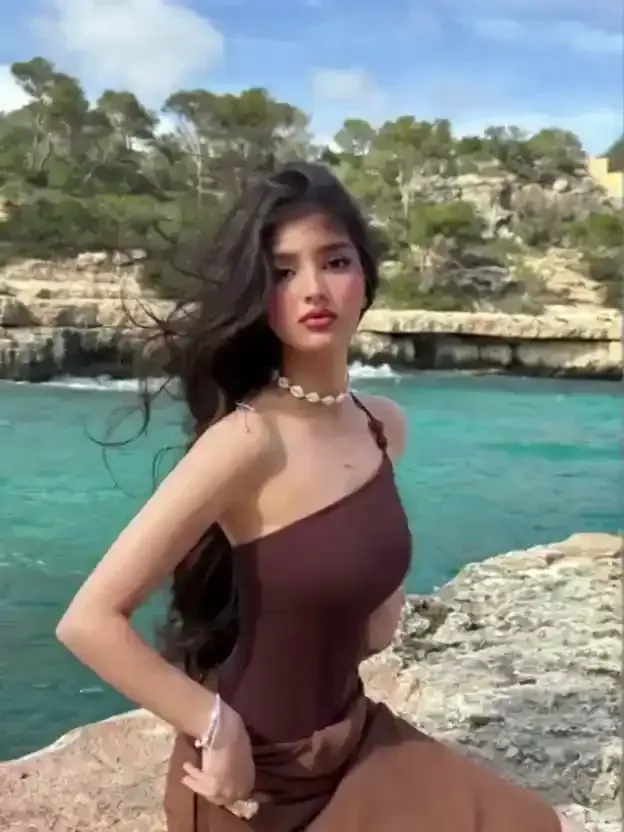
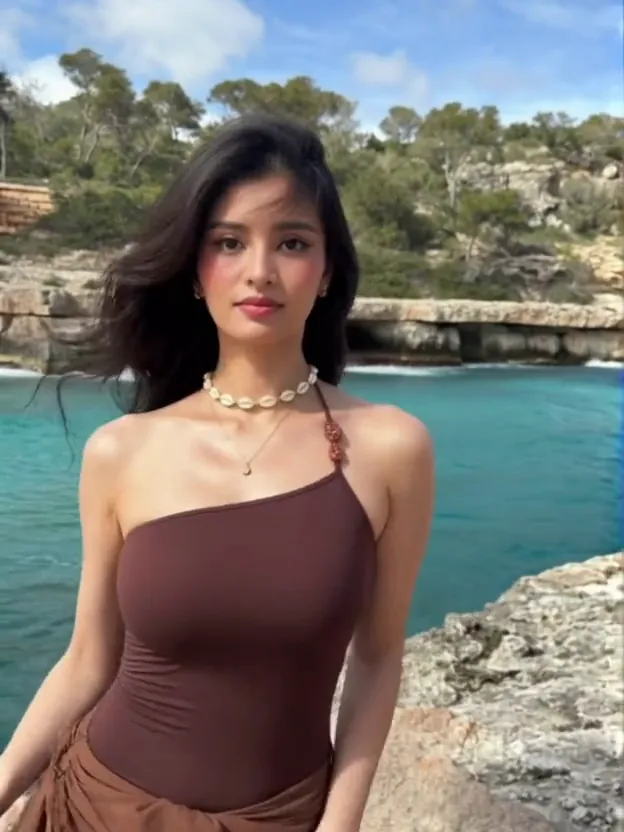
“A young woman with long dark curly hair, wearing a chocolate-brown one-shoulder top and a matching skirt, stands on a rocky Mediterranean cove with turquoise water behind her. She shifts her weight from side to side and bounces gently to an unheard beat, shoulders and hair swaying with the rhythm while she keeps a calm, confident look at the camera. Slow push-in from a medium-full shot to a waist-up portrait. Bright midday sun, light sea breeze, natural colors.”

The Style

What Is an AI Jiggle Video Generator?

An AI jiggle video generator turns a still photo into a short clip with a natural, dance-like bounce. Upload one image and the model animates the subject in place — weight shifting from side to side, shoulders rolling, loose fabric and hair moving a beat behind — while keeping the face, outfit and background from your photo. The motion is steered only by your prompt, so the setting and mood come from words: a poolside in a sundress, a rooftop at dusk, a meadow fence at golden hour, a bedroom in morning light. What separates a good jiggle effect from a stiff one is physics: hems and hair should trail the body slightly, and the clip should settle back into something close to its starting pose. The results are short and loop-friendly, which makes them a natural fit for Reels, TikTok and Shorts, and every example on this page was made from a single photo and a simple prompt. No rigging, no timeline, no editing.

A woman in a one-shoulder top swaying gently on coastal rocks with turquoise water behind, an input photo for an AI jiggle video
A woman in a ribbed henley leaning on a wooden fence in a green meadow at golden hour, an input photo for an AI jiggle video
A woman in a floral sundress swaying beside a backyard pool, showing the jiggle effect on fabric and shoulders
A man in a black tee bouncing playfully beside a desert highway at golden hour, an AI jiggle video input photo
  • Natural body bounce — weight shifting side to side as if moving to an unheard beat
  • Clothing that follows the motion: hems, sleeves and loose fabric swaying with each bounce
  • Hair and skirt movement that sells the rhythm
  • Dance-like groove — shoulder rolls, hip sways and small steps instead of wild choreography
  • Full-body and waist-up framings that keep the whole gesture in view
  • Realistic people and anime-style characters, from portraits to character art
  • Faces, outfits and backgrounds kept consistent with the starting photo
  • Loop-friendly clips that end close to where they began
  • Short runtimes suited to Reels, TikTok, Shorts and other social feeds
  • Everyday settings — bedrooms, poolsides, rooftops, beaches, kitchens and studios

Community Buzz: AI Jiggle Videos

See how creators and communities are making photos bounce, sway and groove across the internet.

YouTube Videos About AI Jiggle Effects

How to Create Free Viral TikTok Dance Videos using Viggle AI

A beginner-friendly walkthrough of turning a single photo into a viral dance clip with Viggle AI — the same one-image, rhythmic-motion workflow behind a jiggle video.

Watch on YouTube

Turn ANY Photo Into a DANCE VIDEO | AI Dance Video Generator

A side-by-side test of photo-to-dance tools that shows how much bounce, sway and groove can be pulled from one still portrait, and how to prompt for it.

Watch on YouTube

I Created a DANCING AI Influencer and Here's How

A creator builds a dancing virtual influencer from generated portraits, a practical look at the looping, body-bounce clips this page is built around.

Watch on YouTube

Higgsfield AI Dancing Tutorial | Turn Any Photo Into a Dancing Video

A step-by-step tutorial on animating a photo into a dancing video, useful for seeing how scene, outfit and motion wording change the final jiggle effect.

Watch on YouTube

Prompt Library

AI Jiggle Video Prompts

Ready-to-use prompts for every kind of photo — copy one into the tool panel above or hit Use this prompt to fill it in automatically.

Dance & Groove

Poolside Sway

“The woman from your uploaded photo sits on the stone edge of a backyard pool in a floral sundress, legs crossed, and sways gently to a rhythm so the dress and her shoulders move with the beat; slow push-in from a medium shot, bright afternoon sun, sparkling turquoise water, keep the face and background consistent.”

Rooftop Groove

“The person from your uploaded photo stands on a city rooftop terrace at dusk with hands on their hips, rolling their shoulders and bouncing lightly to an unheard beat while city lights blur behind; slow push-in, cool blue evening light with warm highlights, keep the face and outfit consistent.”

Golden Hour Fence

“The person from your uploaded photo leans on a rustic wooden fence in a green meadow at golden hour, wearing a white henley and jeans, bobbing and swaying softly with a relaxed smile; slow push-in from a medium shot to a closer portrait, warm backlit sun, soft bokeh trees, keep the face and background consistent.”

Playful Bounce

Bedroom Bounce

“The person from your uploaded photo sits on the edge of a bed in a sunlit bedroom with plants and soft curtains behind, bobbing lightly to a beat as the shoulders and upper body bounce with each move; slow push-in from a full shot, warm morning window light, keep the face and background consistent.”

Comedic Shoulder Pop

“The muscular man from your uploaded photo stands in a dim gym in dark athletic shorts with arms spread wide, shoulders and upper body pulsing in a quick comedic rhythm like a bodybuilder showing off, then relaxing into a grin; steady medium shot with a slight handheld drift, moody overhead light, keep the face and background consistent.”

Beach Bounce

“The person from your uploaded photo stands on a sunny beach in a graphic tee and denim shorts, swaying and bouncing in a playful rhythm as hair and shoulders move with the beat, switching poses with a smile; steady full-body shot with a slow push-in, bright daylight and turquoise ocean behind, keep the face and background consistent.”

Happy Dog Wiggle

“The dog from your uploaded photo does a happy full-body wiggle, bouncing in place with ears flopping and tail wagging to an upbeat rhythm; cheerful backyard setting, steady eye-level shot, soft daylight, keep the pet and background consistent, loop-friendly.”

Casual Sway

Kitchen Sway

“The person from your uploaded photo stands in a cozy kitchen holding a mug, swaying side to side in a light rhythmic bounce as their sleeves and hair move with the beat; fixed medium shot with a slow push-in, warm morning light, keep the face and background consistent.”

Desert Highway Bounce

“The person from your uploaded photo leans against a low concrete wall beside an empty desert highway at golden hour, bouncing their shoulders and upper body in a relaxed, playful rhythm, then settling back into the pose; slow steady push-in, warm sunset light, hazy distant hills, keep the face and outfit consistent.”

City Crosswalk Sway

“The person from your uploaded photo waits at a city crosswalk in streetwear and sways in a loose, unhurried groove while traffic lights blur behind them, coat hem and hair moving with the motion; steady medium shot, cool evening light with neon reflections, keep the face and background consistent.”

Anime & Stylized

Anime Idol Sway

“Turn the subject from your uploaded photo into an anime-style performer in a sparkling stage outfit, swaying and bouncing to a bright pop beat with hair and skirt following the motion and a confident smile to camera; medium shot with a slow push-in, stage lights glowing behind, smooth stylized animation, keep the character consistent.”

Chibi Sticker Bounce

“Turn the subject from your uploaded photo into a cute chibi character with big eyes and a simple colorful outfit, bouncing in place with a happy little groove and arms swinging; bold outlines, pastel background, smooth loopable animation, sticker-style framing, keep the character consistent.”

Retro Cel Groove

“Turn the subject from your uploaded photo into a 90s cel-shaded character in a retro city-pop scene, doing a smooth shoulder-and-hip groove under a pink sunset skyline; warm nostalgic palette, subtle film grain, slow sideways camera drift, keep the character consistent.”

How It Works

How to Create an AI Jiggle Video

Turn one photo into a bouncy, rhythmic clip in three simple steps — no sign-up required to get started.

1

Upload One Photo

Drop a single photo into the upload area at the top of this page — a clear, well-lit portrait or full-body shot where the subject is easy to see works best. One photo is all you need, and it becomes the starting point for the bounce.

2

Add a Prompt

Pick a ready-made prompt from the library above, or write your own to set the scene, the outfit and the kind of motion you want — a soft sway, a light bob or a bigger playful bounce. Your photo anchors the face and background while the prompt drives the rhythm.

3

Generate and Download

Hit Generate and your jiggle video is ready in a few minutes — a short, loop-friendly clip of roughly five seconds. Free accounts include daily generations with a small watermark; sign in to download, and a subscription removes the watermark.

Inspiration

Creative Ideas for AI Jiggle Videos

Not sure what to make? Pair a photo you already have with a scene and a rhythm, then build from there.

Birthday Prank Clip

Turn a friend's portrait into a bouncy birthday video and post it in the group chat before the cake arrives — harmless, silly and instantly shareable.

Give the Pet a Groove

Animate the family cat or dog into a wiggling, bouncing clip and let the pet steal the spotlight for once.

Bring an OC to Life

Take an anime or comic character illustration and give it a short looping sway for a profile banner, intro card or fan edit.

Product Shake-Up

Start with a clean, simple product photo and add a light rhythmic bounce to make a scroll-stopping teaser for a shop or a small brand.

Reaction Sticker Loop

Make a chibi-style bounce loop from a selfie or a character drawing and use it as a reaction sticker in chats and comments.

Travel Photo Revival

Give a favorite vacation shot a second life: a beach, rooftop or desert photo with a soft sway feels like a moment caught on video.

FAQs

Answers to the most common questions about jiggle videos, photo requirements and our free generator.

An AI jiggle video is a short clip made from a still photo in which the subject bounces, sways or grooves in place, with clothing and hair following the motion. It is not a full dance routine — it is a few seconds of rhythmic body bounce, close to a loop you would see in a Reels or Shorts post. The face, outfit and background stay consistent with the original picture, so the result reads as the same person or character, just in motion.

Try It Free

Your jiggle video is one photo away. Head back up, pick a prompt, and generate your own bouncy clip from a single photo for free — no sign-up required.