
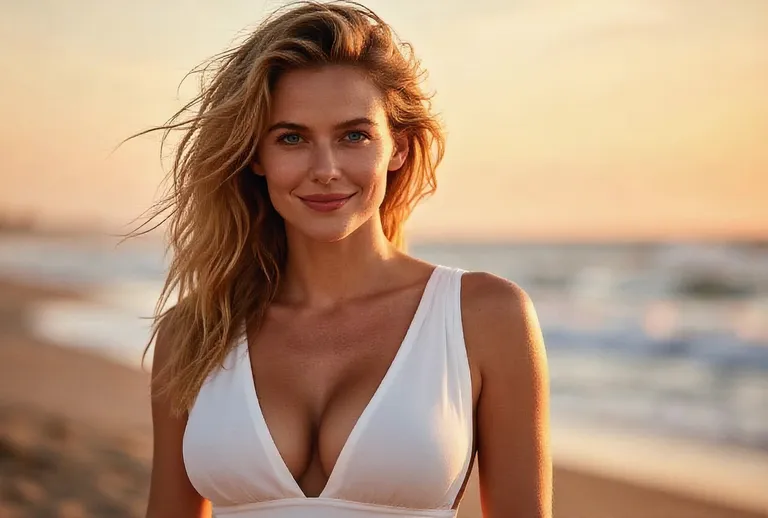
Input image
“A blonde young woman in a white deep-V dress stands on a beach at golden-hour sunset with the ocean behind her and her hair blowing in the wind; she smiles gently as her figure grows fuller and curvier, static camera.”
An AI breast expansion video generator turns a single photo into a short clip with a natural, realistic curve change — the person in your picture fills out into a fuller, curvier figure while their face, outfit and background stay consistent. There is nothing to edit: upload one photo, pick a built-in prompt or write your own, and the model animates a subtle, believable change in seconds. Your photo stays private, and every clip is short and loop-friendly, ready for edits, lookbooks and social posts. Try it free and turn a portrait, a selfie or a friend's photo into a smooth AI breast expansion video.
Sample Video
View more examples →Real Examples
Every clip below pairs with the prompt that recreates it. Watch the natural, realistic curve change, copy the prompt, then hit Try it to generate your own AI breast expansion video right on this page.
“A blonde young woman in a white deep-V dress stands on a beach at golden-hour sunset with the ocean behind her and her hair blowing in the wind; she smiles gently as her figure grows fuller and curvier, static camera.”
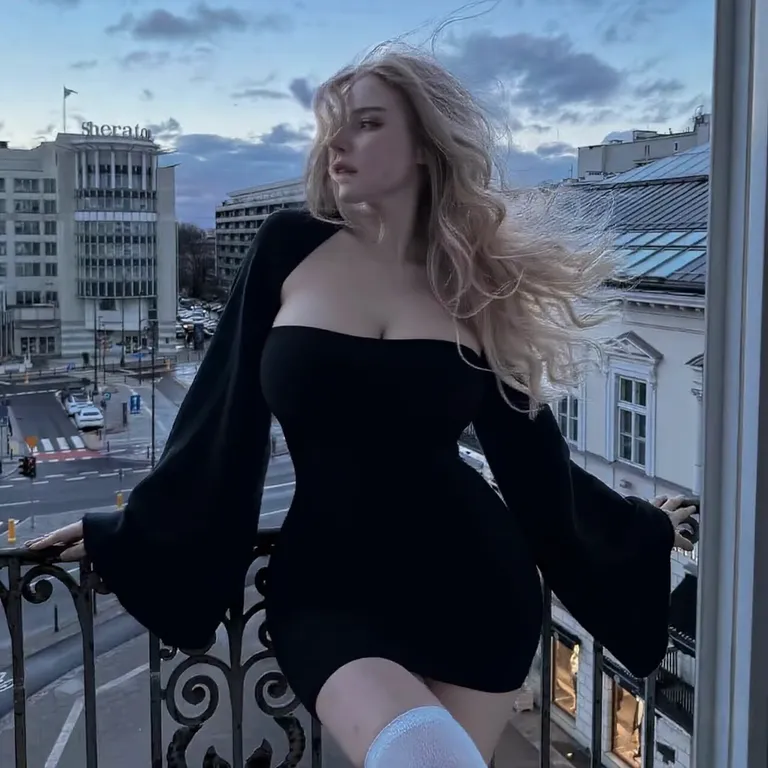
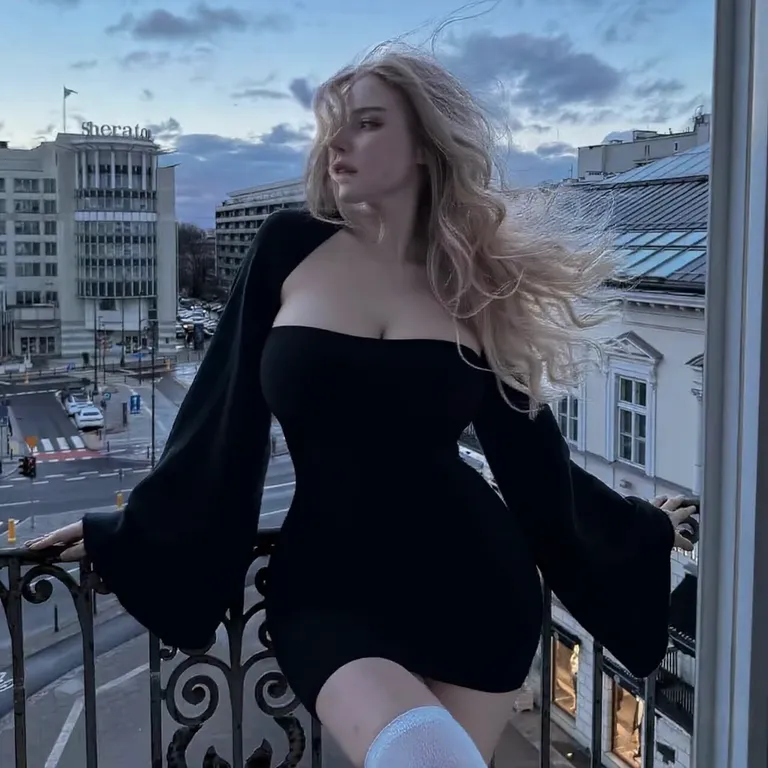
“A blonde young woman in a black off-shoulder mini dress with flared sleeves stands on a wrought-iron city balcony overlooking a European street at dusk; she turns her head as her figure grows fuller and curvier, static camera.”
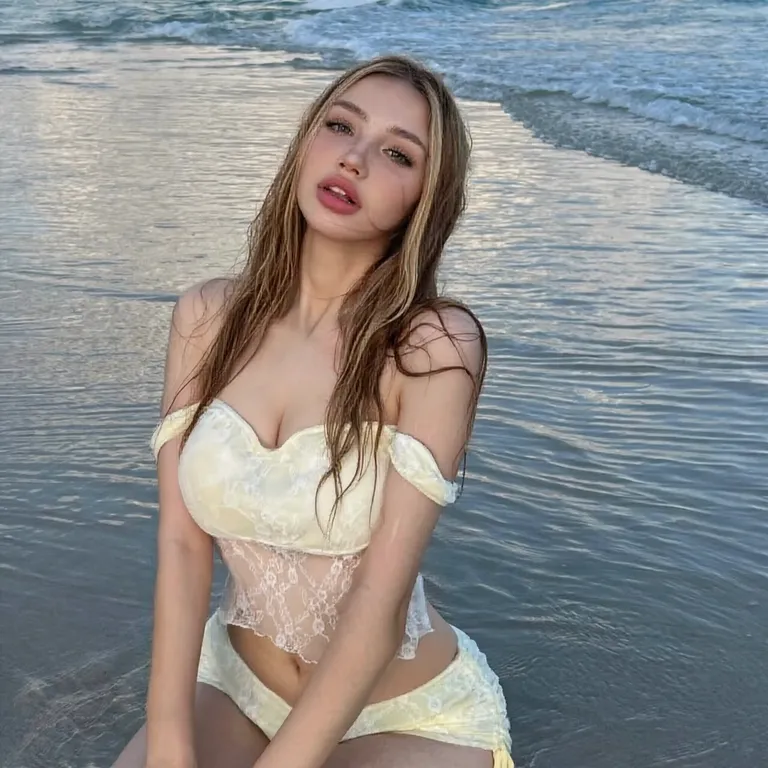
“A young woman with long light hair in a pale yellow lace two-piece kneels on the wet sand at the shoreline with waves rolling behind her; she turns toward the camera as her figure fills out and grows curvier, static camera.”
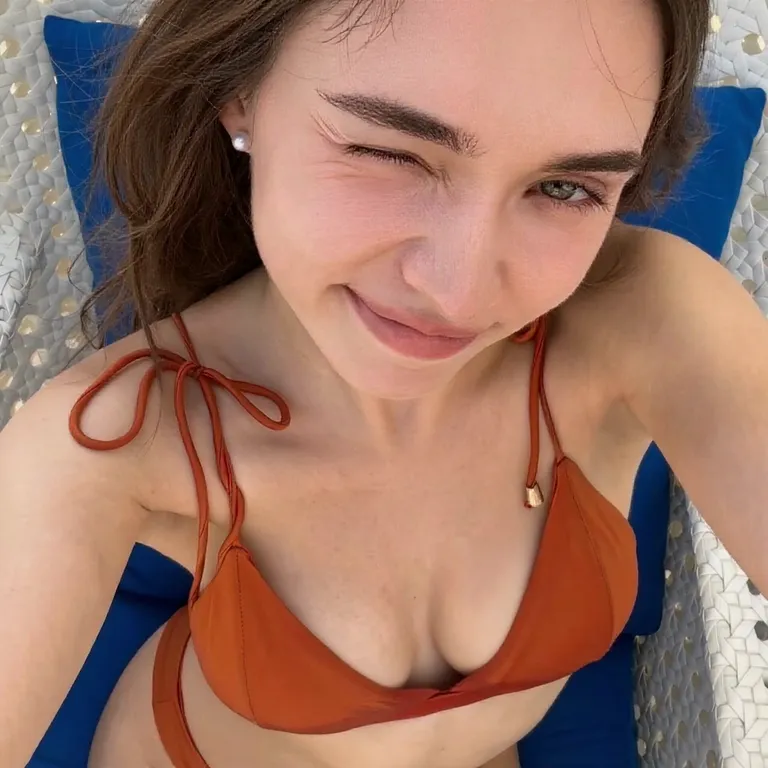
“A young woman with wavy brown hair in a rust-red two-piece swimsuit films a close overhead selfie while relaxing on a sun lounger over a blue-and-white patterned towel; she smiles broadly as her figure grows fuller and curvier, static camera.”
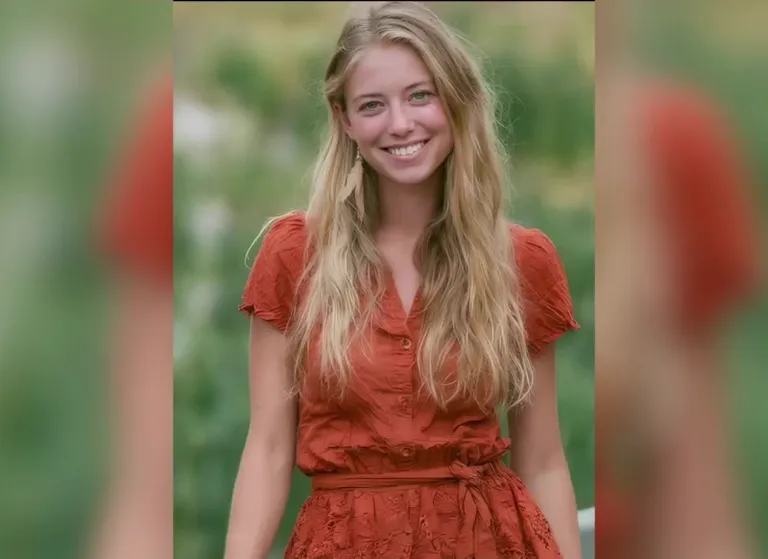
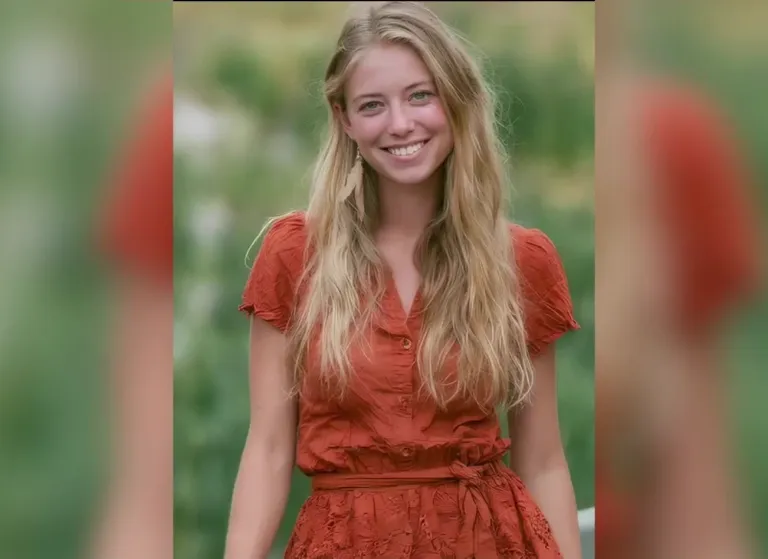
“A blonde young woman in a rust-orange button-up dress with tassel earrings stands in a sunlit garden with soft green foliage behind her, smiling warmly; her figure grows fuller and curvier, static camera.”
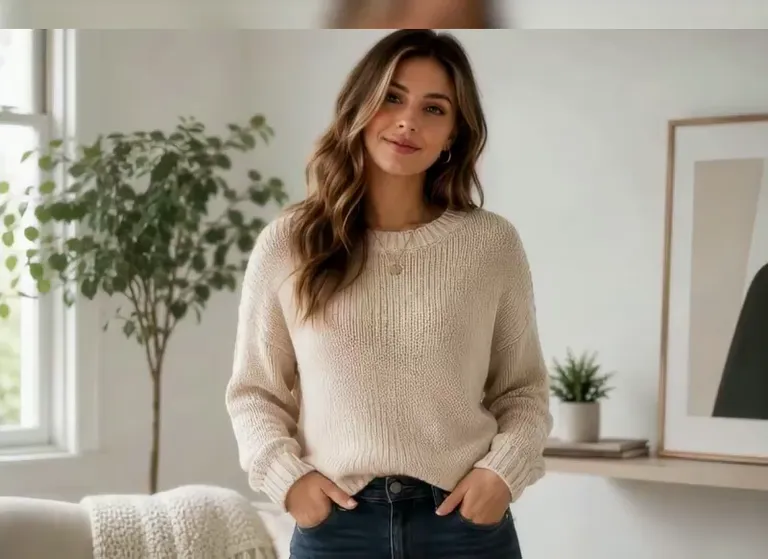
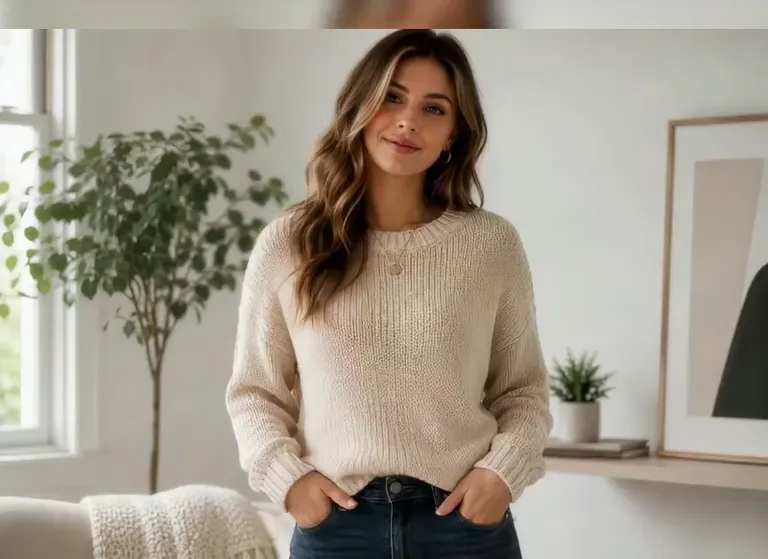
“A young woman with long wavy hair in a cream knit sweater and blue jeans stands in a bright living room beside a leafy plant and a window, hands in her pockets; she smiles as her figure fills out and grows curvier, static camera.”
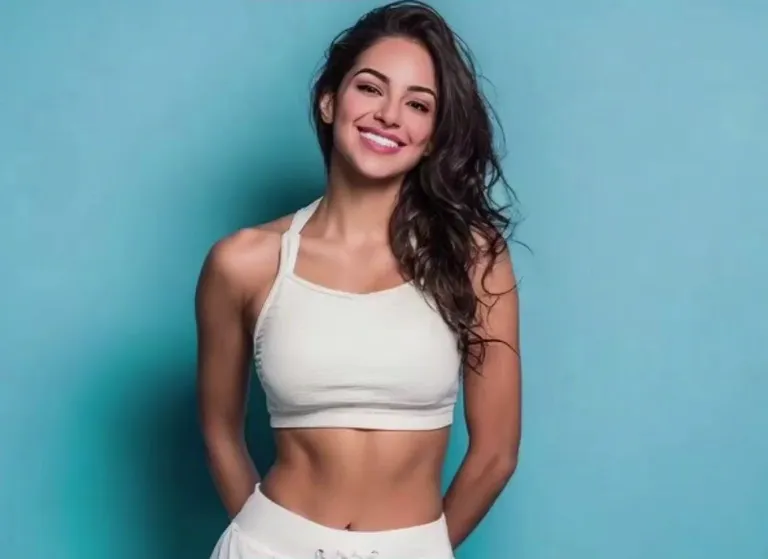
“A young woman with long wavy dark hair in a white cropped sports top stands against a bright blue studio background, smiling with her hands behind her back; her figure grows fuller and curvier, static camera.”
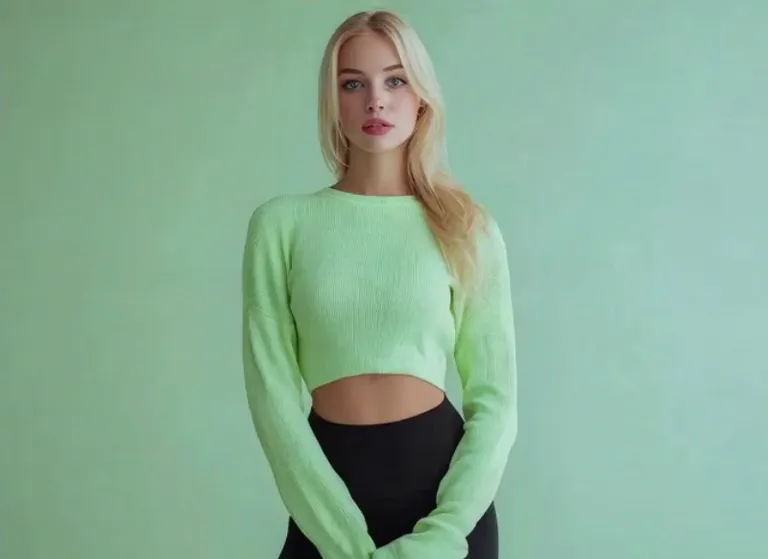
“A blonde young woman in a pale green cropped sweater and black pants stands against a soft green studio wall; she looks toward the camera as her figure grows fuller and curvier, static camera.”
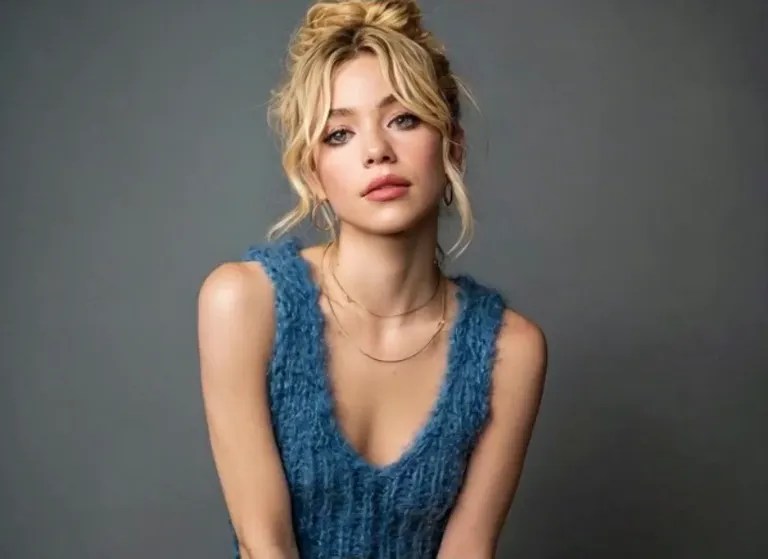
“A blonde young woman with her hair in a loose updo wears a blue fuzzy knit vest against a plain gray studio backdrop; she gazes at the camera as her figure fills out and grows curvier, static camera.”
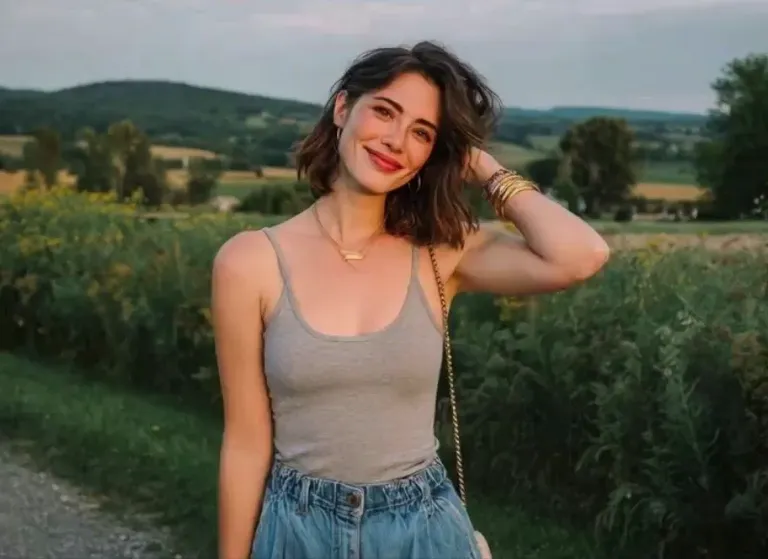
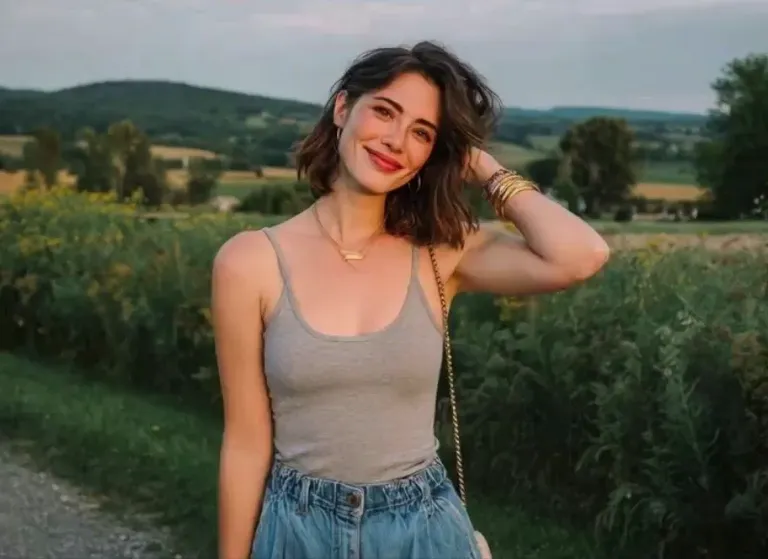
“A young woman with a short dark bob and a gray tank top stands in a sunlit flower field with rolling green hills behind her, one hand brushing her hair; her figure fills out and grows curvier as she smiles, static camera.”
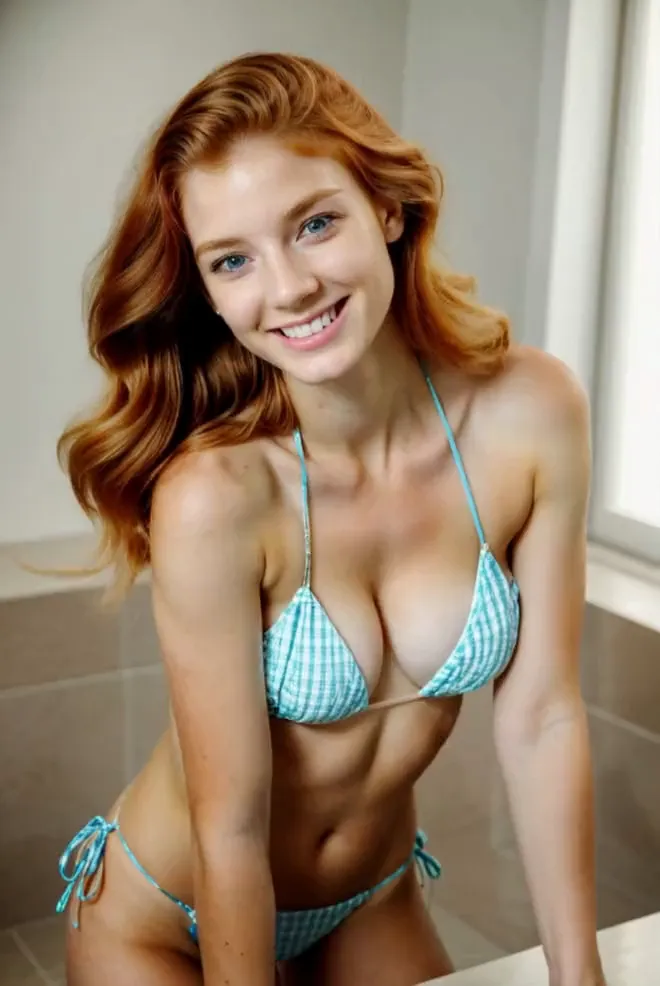
“A red-haired young woman in a light blue gingham two-piece swimsuit leans forward in a bright tiled room, smiling at the camera; her figure grows fuller and curvier as she holds the pose, static camera.”
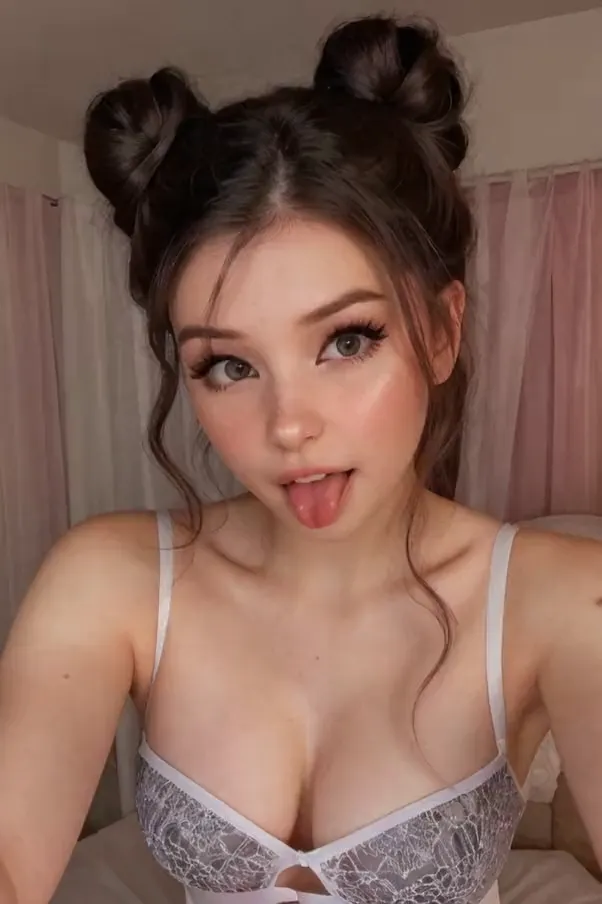
“A young woman with dark hair tied in two top buns takes a close front-facing selfie in a bedroom with soft pink curtains, wearing a white lace top; she smiles and plays with her expression as her figure grows fuller and curvier, static camera.”
The Style
An AI breast expansion video generator brings a still photo to life as a short clip with a natural, realistic curve change. Upload one image and the model reshapes the figure so the person fills out into a fuller, curvier silhouette, while keeping their features, outfit and background consistent with your photo. The whole thing runs on one photo and a short prompt, so there is no camera, no editing and no special equipment involved. The change is designed to stay subtle and believable — the pose holds, the framing holds, and only the curves fill out — which is exactly why ordinary portraits and everyday outfits make the smoothest results. Clips are short, loop-friendly and private, built for edits, lookbooks and social feeds, and every example on this page was made from a single photo and a simple prompt.
See how creators and communities are talking about AI body and curve editing across the internet.
A step-by-step demo from Modelia's AI fashion lab showing how to reshape a model's silhouette to look slimmer or curvier while keeping the result natural and realistic — no manual retouching required.
Watch on YouTubeA quick walkthrough of the Pretty Up video body editor, reshaping the waist and hips into an hourglass figure directly in video. It shows how easily body curves can be enhanced with an AI-powered editor — the same photo-to-video idea this page is built around.
Watch on YouTubeClever Photographer explains Luminar NEO's Body AI tool, which reshapes a subject's torso and waist while its content-aware engine prevents unnatural distortion — a practical look at keeping body edits smooth and believable.
Watch on YouTubeEditing 24-7 shows how the Meitu app's Body Reshape tool adjusts the waist, legs, shoulders, and overall proportions with simple sliders for a natural, balanced result — a beginner-friendly demo of AI-assisted body shaping on a phone.
Watch on YouTubeEvoto pits its neural-network body reshape tools against manual Photoshop editing, showing how AI delivers smoother, more proportionate results in a fraction of the time — a high-traffic look at AI body retouching done right.
Watch on YouTubePrompt Library
Ready-to-use prompts for every kind of photo — copy one into the tool panel above or hit Use this prompt to fill it in automatically.
“The person from your uploaded photo holds a calm, front-facing pose in soft indoor light, then their figure grows fuller and curvier in a smooth, natural change, subtle and believable, static camera, keep the face and background consistent, loop-friendly.”
“The person from your uploaded photo stays relaxed and centered as their figure slowly fills out and grows curvier across the clip, gentle even light, subtle and believable change, static camera, keep the face and background consistent.”
“The person from your uploaded photo stands in a bright living room beside a leafy plant and a window, hands in their pockets, smiling as their figure fills out and grows curvier, natural daylight, static camera, keep the face and background consistent.”
“The person from your uploaded photo stands in a sunlit flower field with rolling green hills behind, one hand brushing their hair, their figure fills out and grows curvier as they smile, bright natural light, static camera, keep the face and background consistent.”
“The person from your uploaded photo wears a rust-orange button-up dress and stands in a sunlit garden with soft green foliage behind, smiling warmly as their figure grows fuller and curvier, static camera, keep the face and background consistent.”
“The person from your uploaded photo wears a black off-shoulder mini dress on a wrought-iron city balcony overlooking a European street at dusk, turning their head as their figure grows fuller and curvier, warm evening light, static camera, keep the face and background consistent.”
“The person from your uploaded photo takes a close front-facing selfie in a bedroom with soft pink curtains, wearing a white lace top, smiling as their figure grows fuller and curvier, warm indoor light, static camera, keep the face and background consistent.”
“The person from your uploaded photo wears a blue fuzzy knit vest against a plain gray studio backdrop, gazing at the camera as their figure fills out and grows curvier, clean studio lighting, static camera, keep the face and background consistent.”
“The person from your uploaded photo wears a pale green cropped sweater and black pants against a soft green studio wall, looking toward the camera as their figure grows fuller and curvier, static camera, keep the face and background consistent.”
“The person from your uploaded photo wears a white cropped sports top against a bright blue studio background, smiling with their hands behind their back, their figure grows fuller and curvier, static camera, keep the face and background consistent.”
“The person from your uploaded photo wears a white deep-V dress on a beach at golden-hour sunset with the ocean behind and hair in the wind, smiling gently as their figure grows fuller and curvier, static camera, keep the face and background consistent.”
“The person from your uploaded photo films a close overhead selfie while relaxing on a sun lounger over a blue-and-white patterned towel, smiling as their figure grows fuller and curvier, bright daylight, static camera, keep the face and background consistent.”
“The person from your uploaded photo in a pale yellow lace two-piece kneels on the wet sand at the shoreline with waves rolling behind, turning toward the camera as their figure fills out and grows curvier, static camera, keep the face and background consistent.”
How It Works
Turn one photo into a natural, realistic curve-change clip in three simple steps — no sign-up required to get started.
Drop a single photo into the upload area at the top of this page — a selfie, a portrait or a friend's picture all work. A clear, well-lit, front-facing shot where the subject is easy to see gives the best result, and one photo is all you need.
Choose a built-in prompt from the prompt library above, or write your own to set the scene and the look. Describe the setting, the outfit and how subtle or full you want the change — your photo anchors the face and background while the prompt drives the curve change.
Hit Generate and your clip is ready in a few minutes — a short, loop-friendly video. Free accounts include daily generations with a small watermark; sign in to download, and a subscription removes the watermark.
Inspiration
Not sure what to make? Match a scene and outfit to your photo and start from there.
Start from an everyday portrait and let the curves fill out: a smooth, believable reveal that works as a short-form hook.
Make a still outfit shot move with a natural, realistic curve change — a clean format for lookbooks and style reels.
Pair a neutral pose with a slow fill-out and post the reveal as a vertical clip for TikTok, Reels and Shorts.
Turn a favorite portrait into a subtle moving clip that keeps the person recognizable and the mood natural.
Combine an outfit and a scene — a garden dress, a city balcony — with a gentle curve change for a polished transformation edit.
Use soft lighting and a steady camera to build a quiet, tasteful silhouette clip that is easy to share.
Explore
If you like the natural curve-change look, these neighboring AI video styles will be right up your alley.
Answers to the most common questions about AI breast expansion videos, photo requirements and our free generator.
An AI breast expansion video generator is a tool that turns a still photo into a short video with a natural, realistic curve change — the person in your picture fills out into a fuller, curvier silhouette. Upload one image and the model animates the change while keeping the person's face, outfit and background consistent with your photo. The clips are short and loop-friendly, built for edits, lookbooks and social posts.
Your video is one photo away. Head back up, pick a prompt, and generate your own AI breast expansion video from a single photo for free — no sign-up required.