
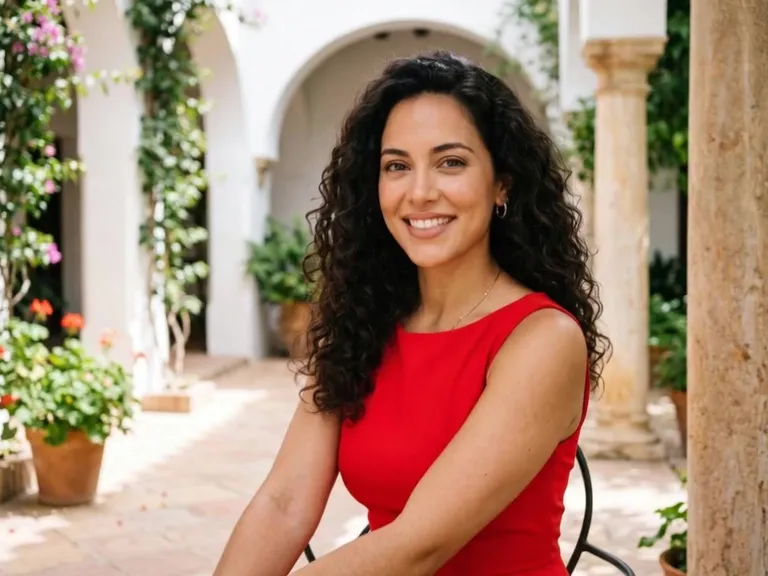
Input image
“Evening city street, she turns in a red dress, warm streetlights behind her, gentle camera move, 5 seconds.”
Turn one photo of an adult into a short AI girlfriend video. The person in the photo is the person in the clip, with a small move in an everyday scene: a glance by a café window, a walk down a bookshop aisle, a cup lifted in a morning kitchen. Upload the photo, describe the scene, and the tool returns a video. Nobody else walks into the frame, and there is nothing to message. People use it for a profile clip, a character scene, or a post. It is one short video. It is not a chatbot, not a dating app, not a still image, and not a face swap. It is not a kiss, not a boudoir sitting, and not a swimwear try-on. Adults only. It is free to try.
Sample Video
View more examples →Real Examples
Every clip below is a girlfriend-image video: one photo, one prompt, one short scene. Copy a prompt or hit Try it to make your own on this page.
“Evening city street, she turns in a red dress, warm streetlights behind her, gentle camera move, 5 seconds.”
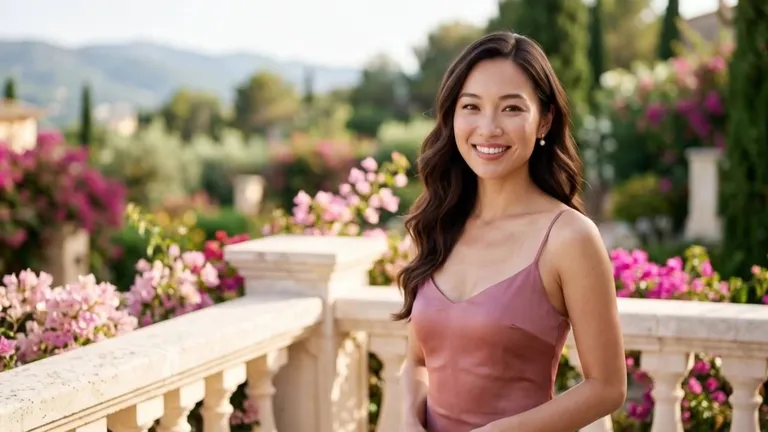
“Fashion portrait, silk fabric catching soft window light as she shifts her weight, calm expression, subtle camera push in.”
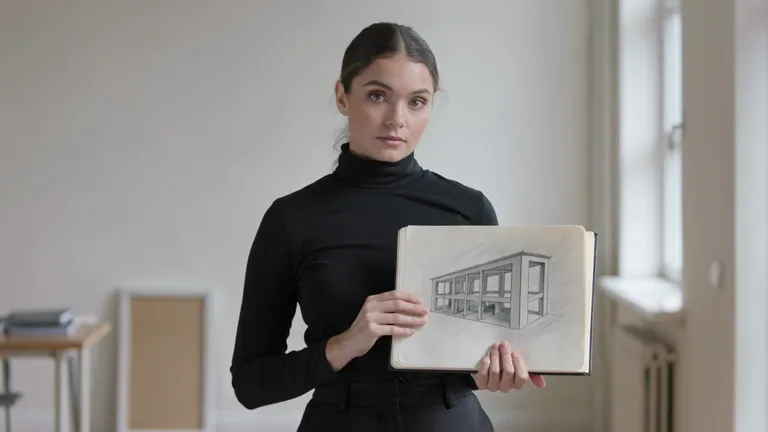
“Studio portrait, she slowly turns her head to camera, rim light on her hair, dark neutral backdrop, 5 seconds.”
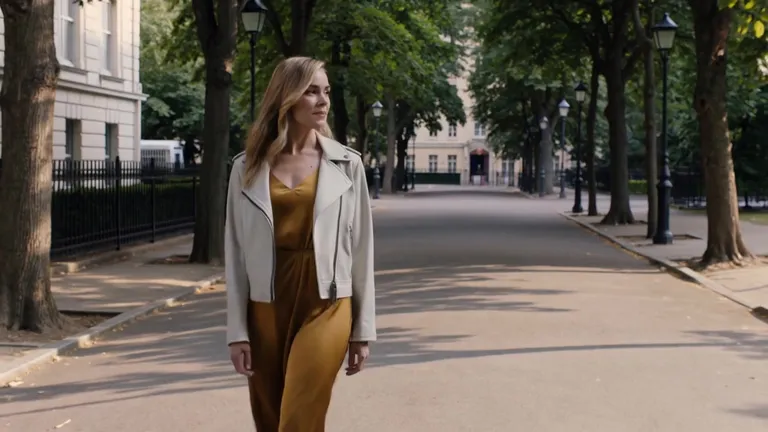
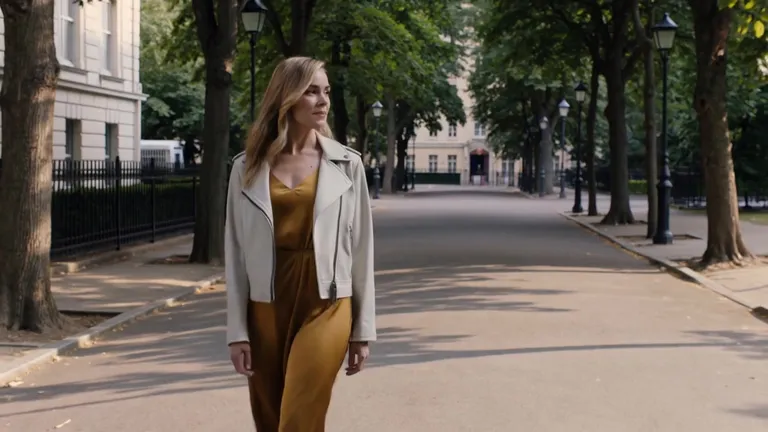
“She walks through a green park on a bright day, hair moving in the breeze, camera follows at walking pace, shallow depth of field.”
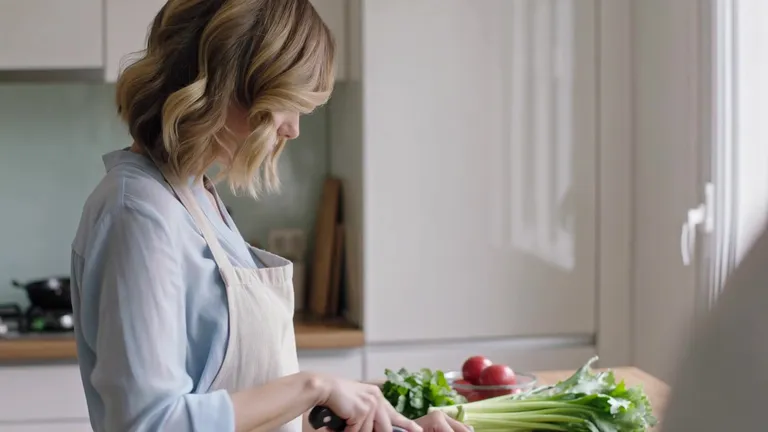
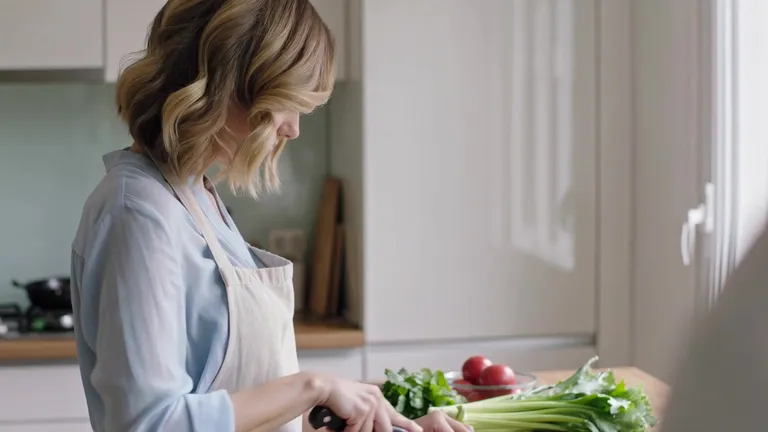
“Morning routine in a sunlit kitchen, she lifts a mug and smiles at someone off-camera, soft window light, medium shot.”
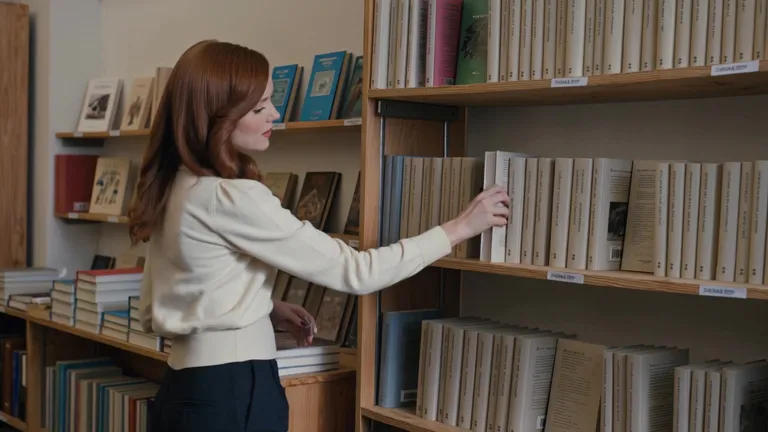
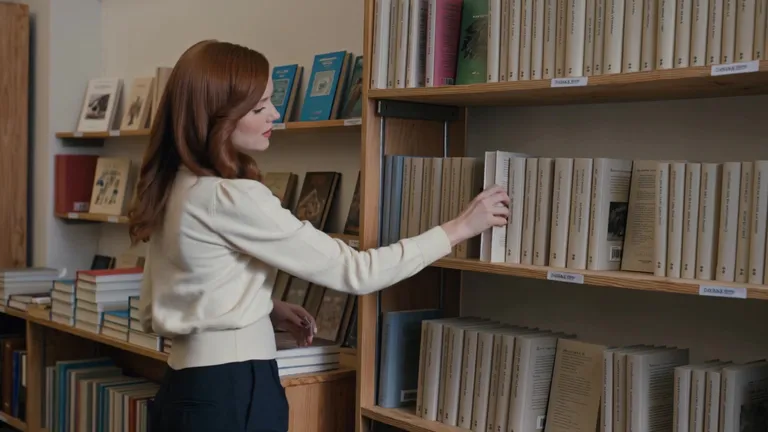
“She walks through a second-hand bookshop, fingertips brushing the spines, warm lamp light, slow tracking shot, natural movement.”
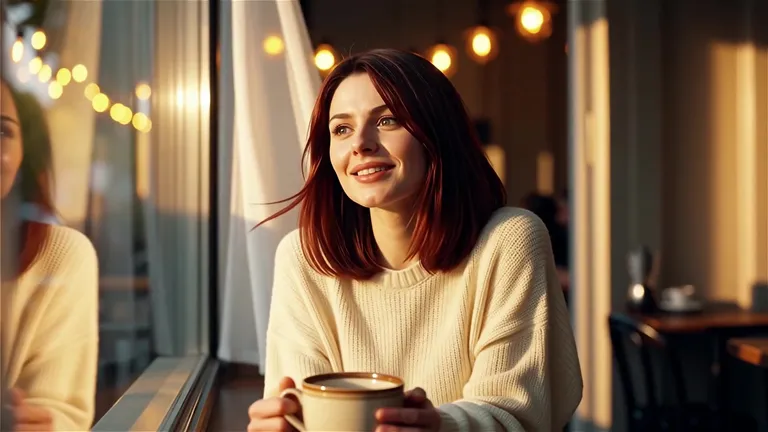
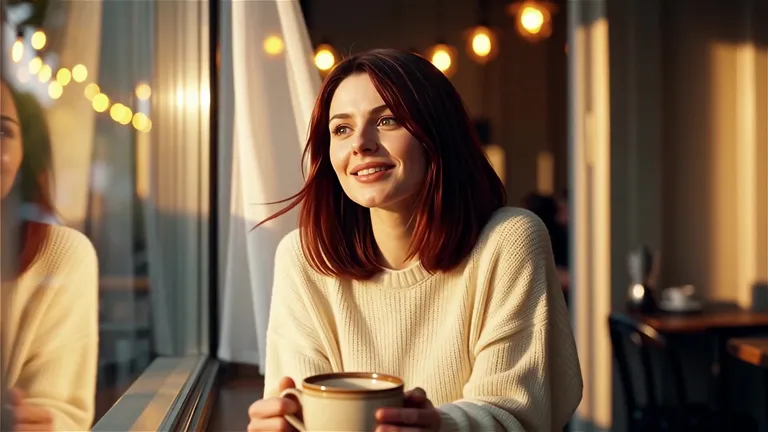
“A woman sitting by a café window glancing up with a gentle smile, warm bokeh lights in the background, soft cinematic lighting, slight head movement, 5 seconds, 16:9.”
The Style
Turn a photo into a girlfriend, here, means a few seconds of video of the adult already in that photo, moving through one ordinary scene. You describe one place and one move — a café window, a bookshop, a kitchen, a park path, a plain studio, a sunlit courtyard — and the tool is asked to keep that person as the only subject. The clip stays short on purpose. A girlfriend image in motion is the whole effect. A chatbot you can message is a different product, and this page does not do that. A second person appearing beside you is a different effect, and this page does not add one. A kiss, a boudoir sitting, and a swimwear try-on are other pages. A still filter is what most girlfriend tools return, and this page returns a clip. There is no face swap, no celebrity, and no mouth forming words. Every example on this page is meant to come from a single image and a single prompt.
These lessons show how a still photo becomes a short clip of a person moving. They are image-to-video lessons, not AI girlfriend chat apps.
Runway's own lesson: upload one image as the first frame, then say what the person does and how the camera moves. The examples are a man looking around and walking.
Watch on YouTubeAn English image-to-video lesson on human motion: how the wording of a move changes what the person in the photo does, while the face and the framing are meant to stay.
Watch on YouTubePrompt Library
Ready-to-use prompts for a café, a bookshop, a kitchen, a park, and a daylight portrait. Copy one into the tool above, or hit Use this prompt to fill it in.
“The person in the uploaded photo sits by a café window in daylight, looks up from a cup, and gives a small smile. Same person, same seat. Locked-off camera, one continuous take, no text, no logos, no speech, no second person.”
“The person in the uploaded photo sits by a café window, lowers a cup to the table, and looks back toward the glass. Same person, same clothes. Locked-off camera, one continuous take, no text, no logos, no speech, no second person.”
“The person in the uploaded photo walks a bookshop aisle and lets their fingers brush one book spine, then keeps walking. Same person. One continuous take, the camera follows only a little, no text, no logos, no speech, no second person.”
“The person in the uploaded photo walks under trees in a park, with a light breeze in the hair, and stays on the path. Same person, same outfit. One continuous take, the camera stays with them, no text, no logos, no speech, no second person.”
“The person in the uploaded photo stands in a morning kitchen, lifts a cup, and smiles toward the window. Same person, same kitchen. Locked-off camera, one continuous take, no text, no logos, no speech, no second person.”
“The person in the uploaded photo stands at a kitchen counter in morning light, turns their shoulders a little toward the window, and stops. Same clothes, same room. Locked-off camera, one continuous take, no text, no logos, no speech, no second person.”
“The person in the uploaded photo stands in a plain studio, turns their head slowly toward the lens, and holds. Same clothes, same background. Locked-off camera, one continuous take, no text, no logos, no speech, no second person.”
“The person in the uploaded photo is already looking toward the lens in soft indoor light, blinks once, and holds still. Same face, same framing. Locked-off camera, one continuous take, no text, no logos, no speech, no second person.”
“The person in the uploaded photo stands in window light in a silk blouse, shifts their weight once, and looks toward the window. Shoulders stay covered. Same person. Locked-off camera, one continuous take, no text, no logos, no speech, no second person.”
“The person in the uploaded photo wears a red dress in a white courtyard in daylight, turns once toward the camera, and stops. Same person, same courtyard. Locked-off camera, one continuous take, no text, no logos, no speech, no second person.”
“The person in the uploaded photo walks a garden path in a long coat, the coat moving a little with the step, then slows. Same person. One continuous take, daylight, no text, no logos, no speech, no second person.”
“The person in the uploaded photo stands beside a bright window, looks outside, then turns back with a small closed-mouth smile. Same clothes, same room. Locked-off camera, one continuous take, no text, no logos, no speech, no second person.”
How It Works
Turn one photo into a short girlfriend-image video in three steps — no sign-up required to start.
Drop a single image into the upload area at the top of this page. A clear shot of one adult works best, face easy to see and light fairly even. A character picture of an adult works too. Use a photo you have the right to animate.
Pick a prompt above or write your own. Ask for the person already in the photo to make one small move in one ordinary place. One change is enough. Skip a second person, a kiss, swimwear, speech, and any request to swap a face or copy a celebrity.
Hit Generate. The clip comes back in a few minutes — a few seconds of that person in the scene. Free accounts include a small watermark. Sign in to download, and a subscription removes the watermark.
Inspiration
The same request people type into a still girlfriend tool, returned here as a few seconds of video. One photo in. One clip out.
Use a clear portrait and ask for a glance up from a cup. The clip is short enough for a profile or a story, and the person is the one who was already in the photo.
Ask for one pass down an aisle and a hand along a book spine. It reads as a few seconds of a character in a place, then it ends.
Ask for a cup lifted toward a bright window. One room, one move, no one else in the frame.
Ask for a red dress and one turn in a white courtyard. Keep it daylight. The outfit stays ordinary clothing, and the person stays the subject.
Post the original photo beside the video. The face matches. The second frame is the same person, now moving. That contrast is the point of the page.
Explore
These neighboring pages also start from one photo. Read the line under each title so a girlfriend-image video does not get mixed up with a blinking portrait, a face animation, or a boudoir sitting.
A still portrait with a blink and a small head turn. The girlfriend page is a short scene around that person.
Expression only: a blink, a smile, a small turn. The girlfriend page is a girlfriend-image video, with a place and a move.
A soft-light boudoir clip. This page is a girlfriend-image video in an everyday scene.
Answers to the usual questions about an AI girlfriend video, the photo it needs, and what this page will not make.
A few seconds of video made from one photo of an adult. That person is the subject, and the clip puts a small move on them in an everyday scene. You upload one image, describe the scene, and the result comes back as video. It is a girlfriend-image clip. It is not a person you can message.
Your photo is one prompt away from a short girlfriend-image clip. Head back up, pick the scene, and try it for free — no sign-up required.