Turn a Photo into an AI Figurine Video

Turn a photo into an AI figurine video from one picture of an adult. The person in the photo becomes the figurine: a plastic collectible, an action figure, or a big-head vinyl look, in a product shot or on a shelf. Upload the picture, describe the toy, and the tool does the rest. There is no second photo to blend and no file to print. People use it for a profile clip, a joke, or a product-style post. It is one short effect. It is not a tiny living person standing on a palm, a desk, or a coffee cup, not an anime character, and not a furry persona. It is free to try.

Real Examples

AI Figurine Video Examples

Every clip below starts from one still and the prompt that turns that person into the figurine. Watch the plastic arrive, then copy a prompt or hit Try it to make your own AI figurine video on this page.

Input image used for AI figurine video example 1
Input image

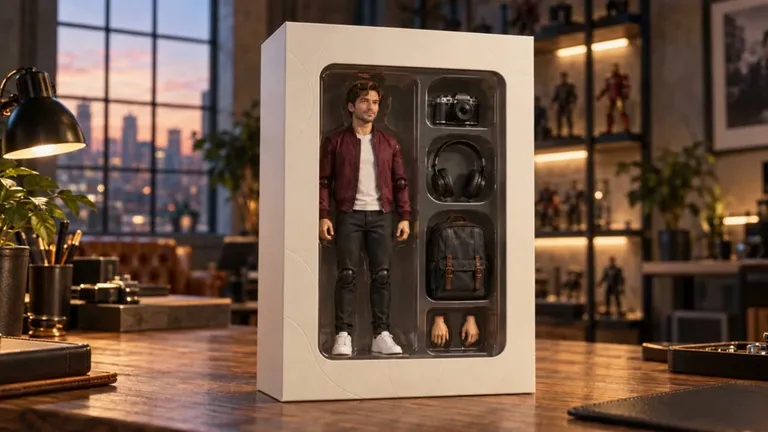
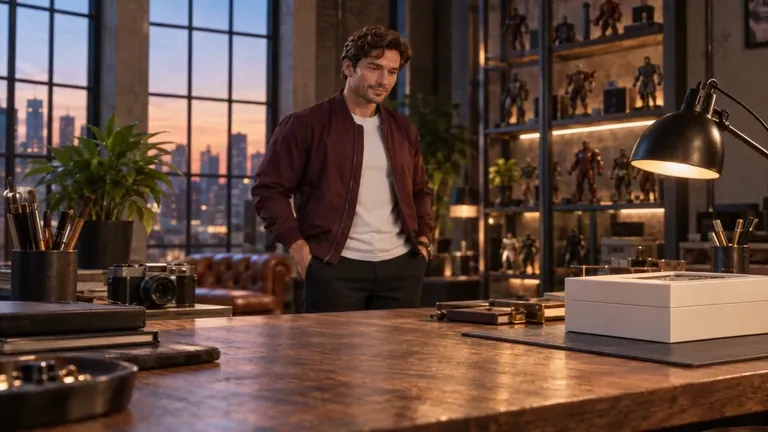
“The person in the uploaded photo, in a maroon jacket, becomes a ball-joint action figure of himself sealed in a window box, with a camera, headphones, a backpack, and spare hands beside him. One continuous take, no text, no logos, no second person.”

Input image used for AI figurine video example 2
Input image

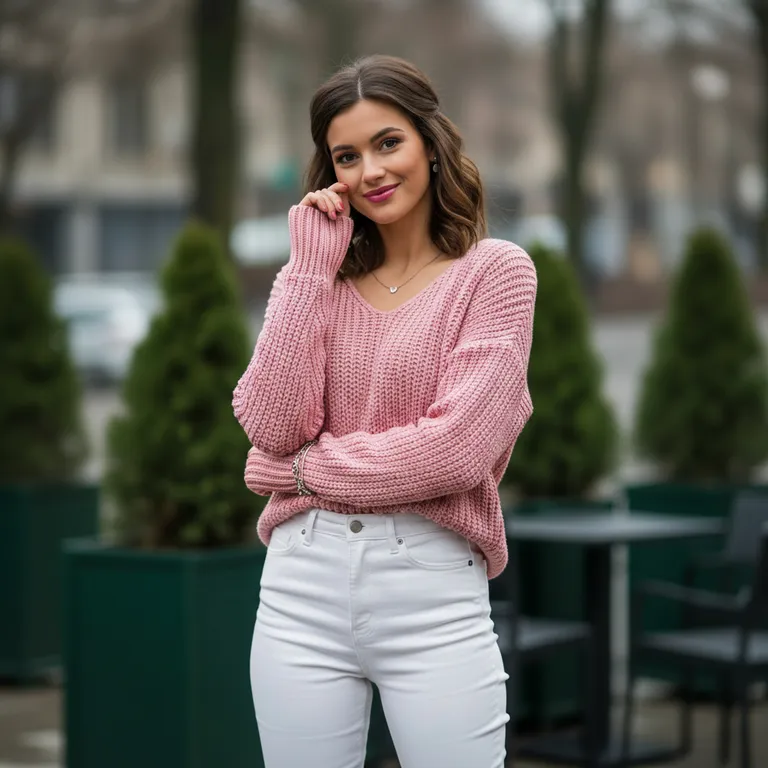
“The person in the uploaded photo, in a pink sweater, becomes a big-head vinyl figurine in the same clothes: oversized head, small body, chunky plastic. One orange glow passes. Locked-off camera, one continuous take, no text, no logos, no second person.”

Input image used for AI figurine video example 3
Input image

“The person in the uploaded photo stays in frame as their skin and hair become glossy plastic, like a figurine of themselves. Molded hair, the same face. Locked-off camera, one continuous take, no text, no logos, no second person.”

The Style

What Is an AI Figurine?

An AI figurine, here, is a few seconds of a person you already photographed, recast as the collectible itself. You describe one change — glossy plastic, molded hair, a blister pack, a shelf, a big-head vinyl body — and the tool is asked to keep that face recognizable. The clip stays short on purpose. A face that is still the person in the photo, now a figurine, is the whole effect. A tiny living copy standing on a palm is a different page. An anime character or a furry persona is a different page. A still image you could send to a printer is what most action-figure tools return, and this page does not do that. There is no 3D file, no second photo to blend, and no official toy-brand packaging. Every example on this page is meant to come from a single image and a single prompt.

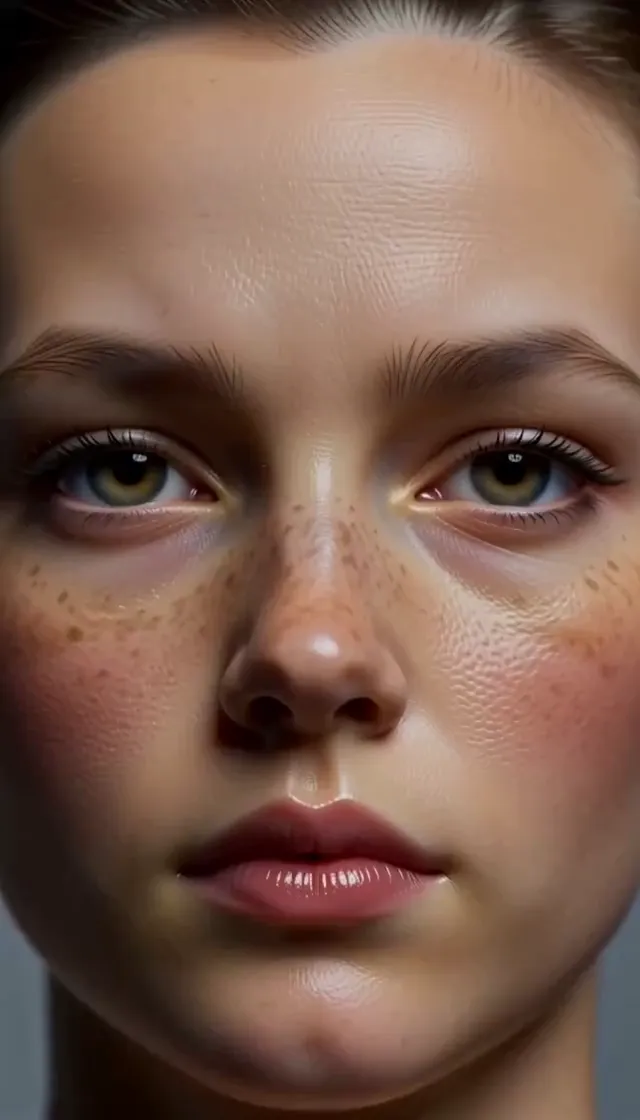
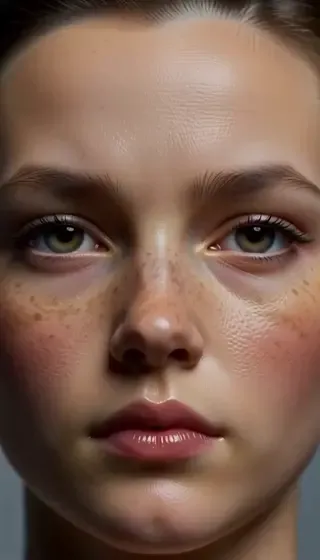
A front-facing portrait of a woman, the input photo for an AI figurine video
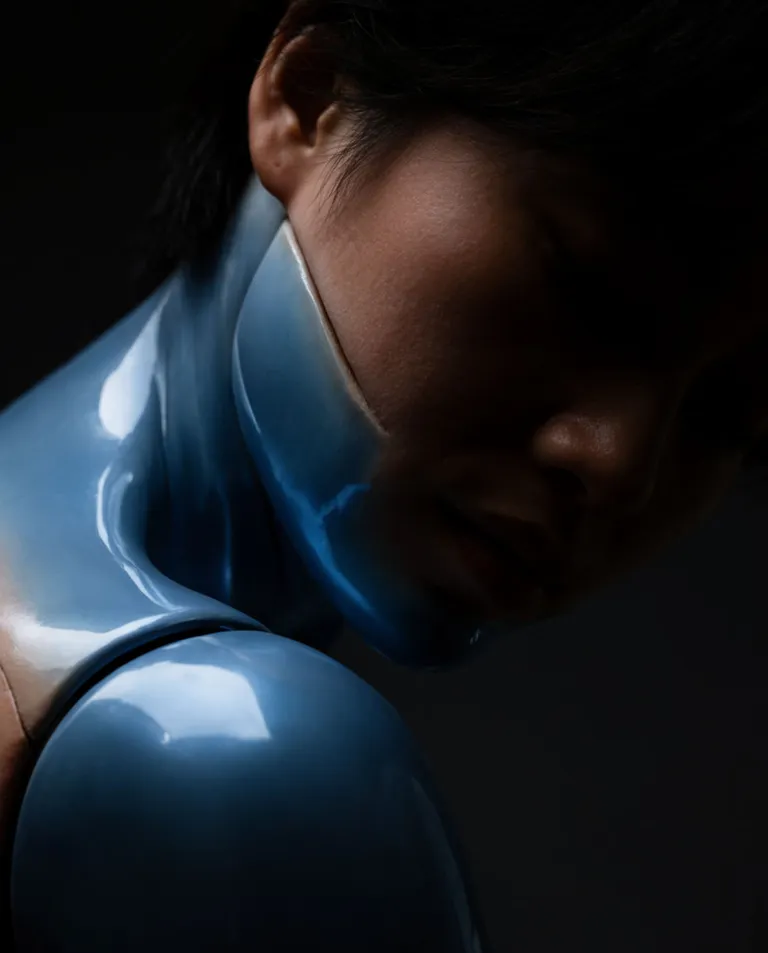
A close portrait where the neck and shoulder have become glossy plastic, a still from an AI figurine transformation
A boxed action figure of a man in a maroon jacket, with a camera, headphones, and a backpack beside him
  • The person in the photo, turned into the figurine itself
  • Glossy plastic skin, with a highlight a real face does not have
  • Hair molded as one piece, not loose strands
  • A big-head vinyl look: oversized head, small body, chunky plastic
  • An action-figure body with visible joints, clothes painted or molded on
  • A clear blister on plain card, like a product photo
  • A shelf, a plain base, or a white sweep behind the figure
  • One adult, one continuous take, a few seconds long
  • A steady camera, so the change is the material and not a new scene
  • No printed brand name, no second person, and no tiny living copy standing beside the real one

AI Figurine Videos on YouTube

See how other creators turn a photo into an action-figure clip — what they start from, and how they get from a still to a few seconds of video.

YouTube Videos About AI Figurine Clips

Turn Yourself Into an Action Figure and Video for FREE Using ChatGPT and Kling AI (3 mins tutorial)

A short English tutorial: a photo becomes an action-figure still, then a few seconds of video of that figure. oEmbed confirmed the title and that the video can be embedded.

Watch on YouTube

Create & Animate Your Personalised Action Figure with ChatGPT Ai

A creator makes a personal action figure and then animates it. oEmbed confirmed the title and that the video can be embedded.

Watch on YouTube

Prompt Library

AI Funko Pop Generator Prompts

Ready-to-use prompts for a blister pack, a shelf, and a big-head vinyl look. The vinyl look is what people mean by an AI Funko pop generator. It is a style, not an official product. Copy one into the tool above, or hit Use this prompt to fill it in.

In the Package

Sealed on the Card

“The person in the uploaded photo becomes a plastic figurine of themselves, sealed in a clear blister on a plain card. Same face, molded hair, glossy plastic. Locked-off camera, one continuous take, no text, no logos, no second person.”

A Small Turn in the Blister

“The person in the uploaded photo is a collectible figurine in a blister pack. The plastic head turns a few degrees and settles. The card stays still. Locked-off camera, one continuous take, no text, no logos, no second person.”

One Accessory Beside Them

“The person in the uploaded photo becomes a plastic figurine in a blister, with one plain accessory molded beside them, such as a mug or a book. No brand marks. Locked-off camera, one continuous take, no text, no second person.”

On a Shelf

Standing on a Plain Base

“The person in the uploaded photo becomes a plastic figurine standing on a plain round base, on an empty shelf. Glossy skin, molded hair. Locked-off camera, one continuous take, no text, no logos, no second person.”

A Product Sweep

“The person in the uploaded photo becomes a plastic figurine on a white sweep, lit like a product photo. The figure shifts its weight once. Locked-off camera, one continuous take, no text, no logos, no second person.”

Between Two Plain Boxes

“The person in the uploaded photo becomes a plastic figurine on a shelf between two plain unlabeled boxes. A slow highlight moves across the plastic. Locked-off camera, one continuous take, no text, no logos, no second person.”

A Big-Head Vinyl Look

Oversized Head

“The person in the uploaded photo becomes a big-head vinyl figurine: oversized head, small body, chunky plastic, standing on a plain base. One nod. Locked-off camera, one continuous take, no text, no logos, no second person.”

Painted Eyes

“The person in the uploaded photo becomes a chunky vinyl figurine with painted eyes and a molded smile that still reads as their face. Same hair color, now one plastic piece. Locked-off camera, one continuous take, no text, no logos, no second person.”

A Wave from the Base

“The person in the uploaded photo becomes a big-head vinyl figurine on a base and lifts one plastic hand in a small wave, then lowers it. Locked-off camera, one continuous take, no text, no logos, no second person.”

One Small Move

The Material Arrives

“The person in the uploaded photo stays in frame as their skin and hair become glossy plastic, like a figurine of themselves. Clothes can stay as molded plastic. Locked-off camera, one continuous take, no text, no logos, no second person.”

Head Only

“Change only the head of the person in the uploaded photo into a plastic figurine head: molded hair, glossy skin, the same face. The background stays. Locked-off camera, one continuous take, no text, no logos, no second person.”

A Joint Shows

“The person in the uploaded photo becomes an action figure of themselves. One shoulder joint shows, and the arm lifts a little, then holds. Plastic, not skin. Locked-off camera, one continuous take, no text, no logos, no second person.”

How It Works

How to Make an AI Figurine Video

Turn one photo into a short figurine clip in three steps — no sign-up required to start.

1

Upload One Adult Photo

Drop a single image into the upload area at the top of this page. A face-on or slightly turned shot works best, with the face easy to see and the light fairly even. Use a photo you have the right to animate. The person in it should be an adult.

2

Describe the Figurine

Pick a prompt above or write your own. Ask for the person already in the photo to become a plastic figurine, and say where it sits: a blister, a shelf, or a plain base. One change is enough. Skip brand names, a second character, and a file to print.

3

Generate and Download

Hit Generate. The clip comes back in a few minutes — a few seconds of that person as the figurine. Free accounts include a small watermark. Sign in to download, and a subscription removes the watermark.

Inspiration

AI Action Figure Generator Ideas

The same short video, asked to look like an action figure in a pack or on a shelf. One photo in. One clip out.

A Product Shot

Ask for a white sweep and a plain base. The clip is the toy, lit like something you would photograph for a listing. It is still one person and one shot.

A Shelf Clip

Put the figurine on an empty shelf and let one highlight travel across the plastic. With the sound off, the material is the whole idea.

A Big-Head Vinyl Look

Ask for an oversized head and a small body. It is a style of plastic figure. It is not an official product from any toy company.

Still Next to Moving

Post the photo beside the clip. The face is the same person. The second frame is plastic. That contrast is the point of the page.

FAQs

Answers to the usual questions about an AI figurine video, the photo it needs, and what this page will not print or license.

A few seconds of video made from one photo of an adult, where that person becomes a plastic figurine: glossy skin, molded hair, a collectible standing in a blister or on a shelf. You upload one image, describe the toy, and the clip comes back as video.

Try It Free

Your photo is one prompt away from a short figurine clip. Head back up, pick the plastic and the shelf, and try it for free — no sign-up required.