
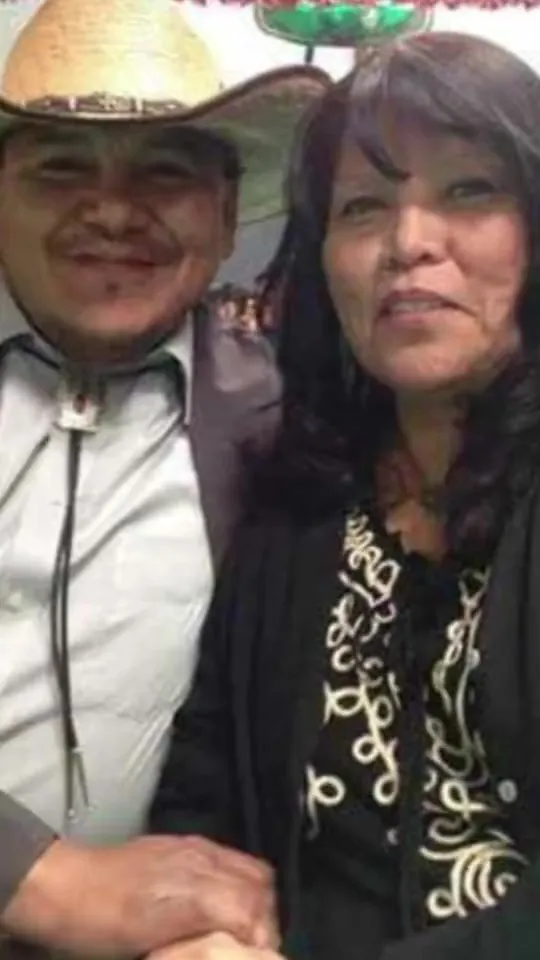
Input image
“A photo of a couple in a cowboy hat and an embroidered blouse wipes into a 3D caricature of the same pair, with exaggerated noses, wrinkles and expressions, still holding hands.”
Turn one photo of an adult into a short caricature video. The head or the features get bigger, the person is still recognizable, and the picture starts to move. Upload the photo, describe the exaggeration, and the tool does the rest. There is no second photo to blend and no drawing to finish. People use it for a profile clip, a joke, or a post. It is one short video. It is not a still caricature filter, not a cartoon with ordinary proportions, not a Japanese anime or manga drawing, and not a furry character. It is not a satire of a public figure, and it is not a hand-drawn commission. It is free to try.
Sample Video
View more examples →Real Examples
Every clip below starts from one photo and a prompt that exaggerates that person. Watch the caricature arrive, then copy a prompt or hit Try it to caricature yourself on this page.
“A photo of a couple in a cowboy hat and an embroidered blouse wipes into a 3D caricature of the same pair, with exaggerated noses, wrinkles and expressions, still holding hands.”
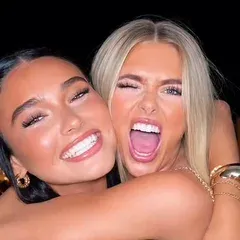
“Two friends hugging at night wipe into a black-ink doodle caricature on cream paper, one sticking her tongue out and one pouting, with crowns, hearts and stars around them.”
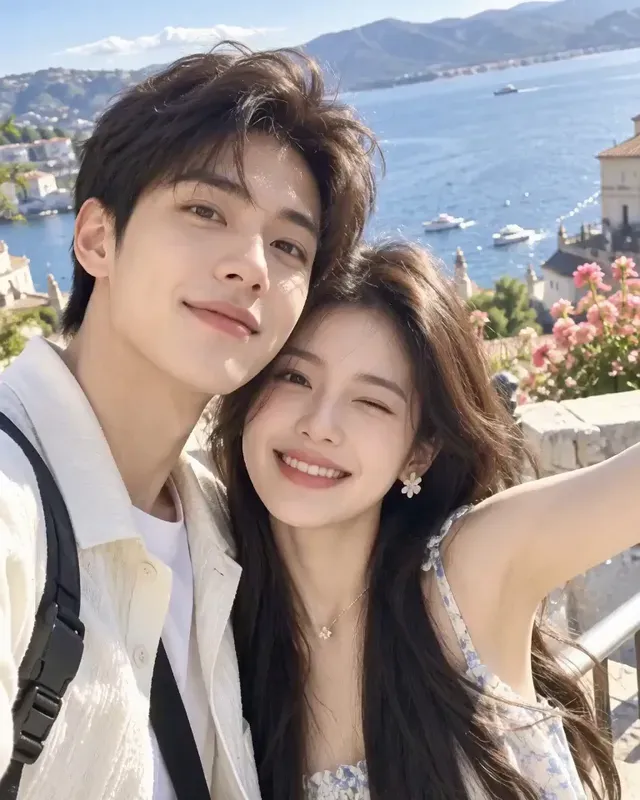
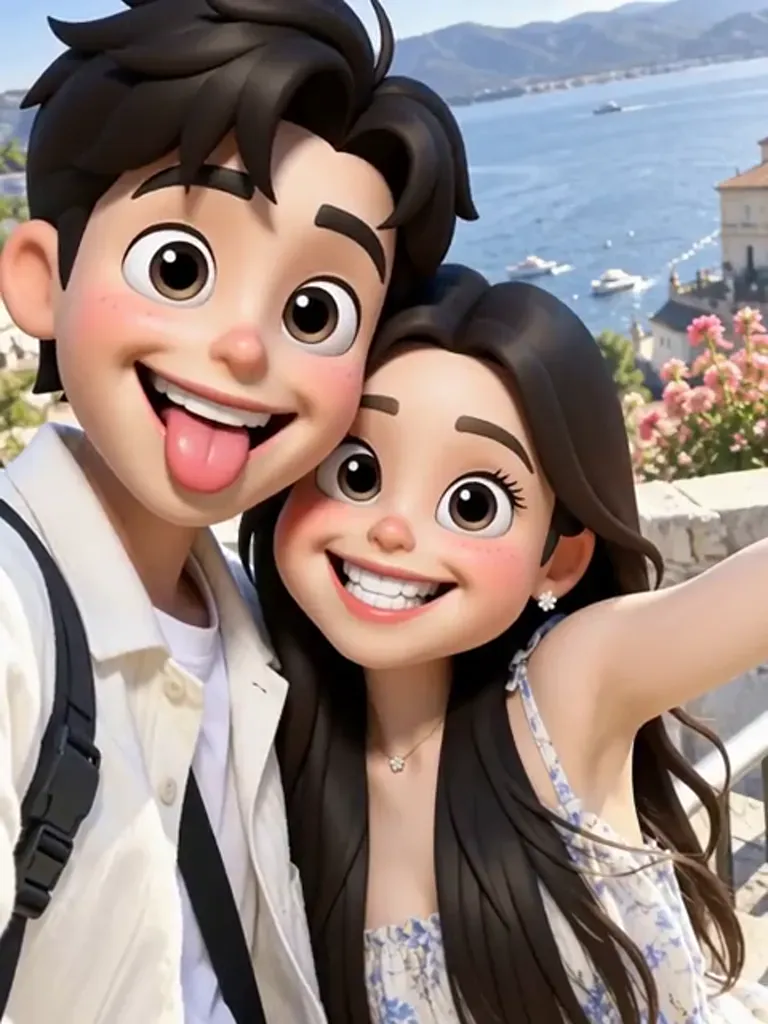
“A seaside selfie of a young couple cheek to cheek wipes into 3D big-head caricatures of the same people: he sticks his tongue out, she grins, and they blink, keeping the clothes and harbor background.”
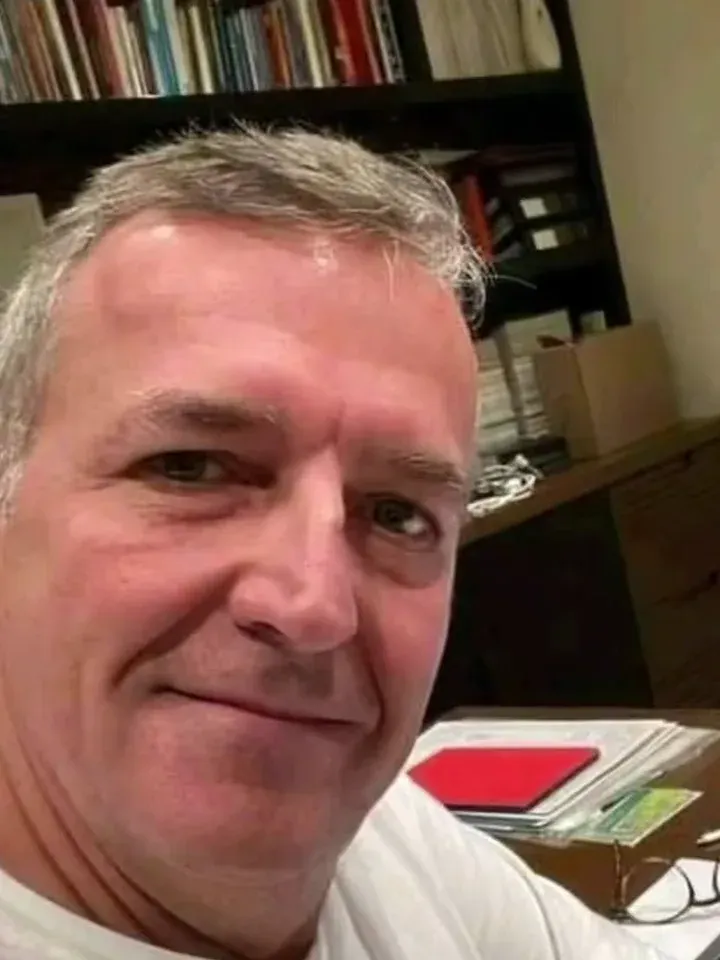
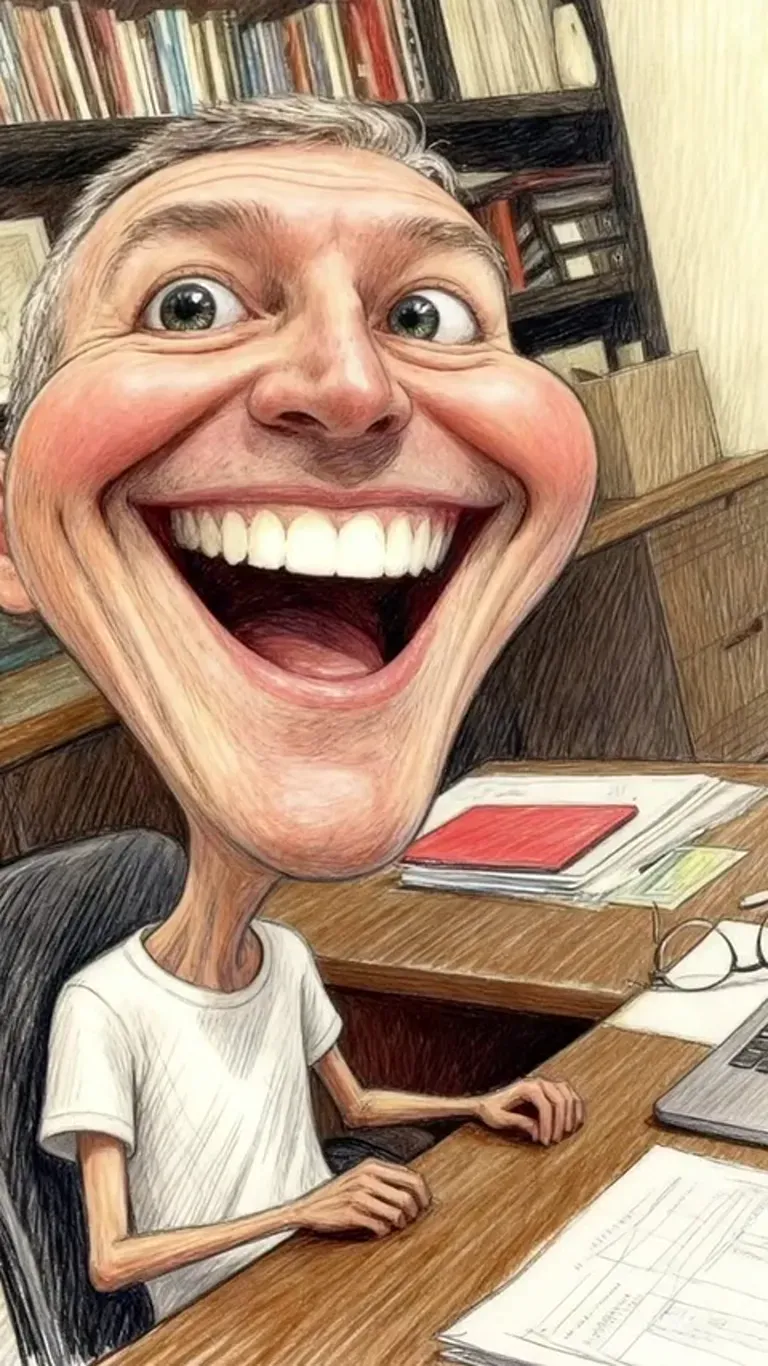
“A grey-haired man in a white T-shirt takes a selfie at his desk, then a colored-pencil wipe turns him into a street-artist caricature with a giant head, huge grin and skinny body in the same room.”
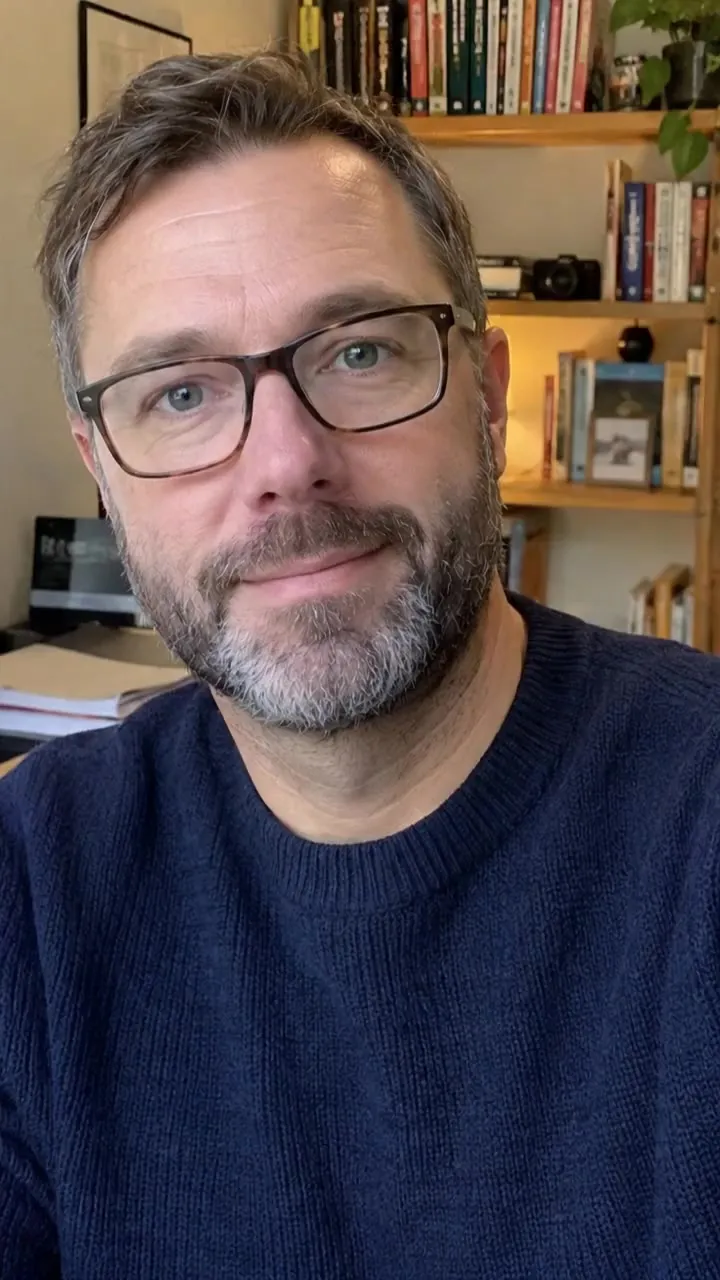
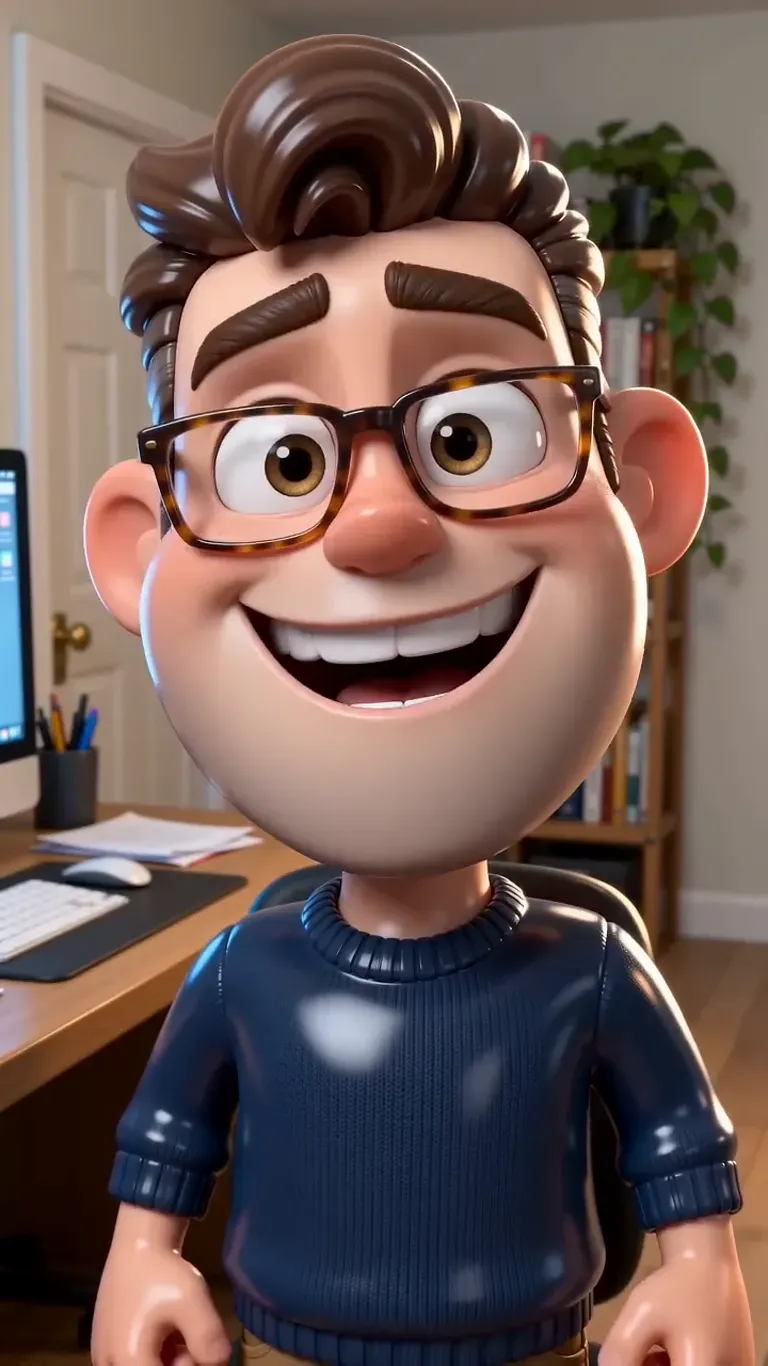
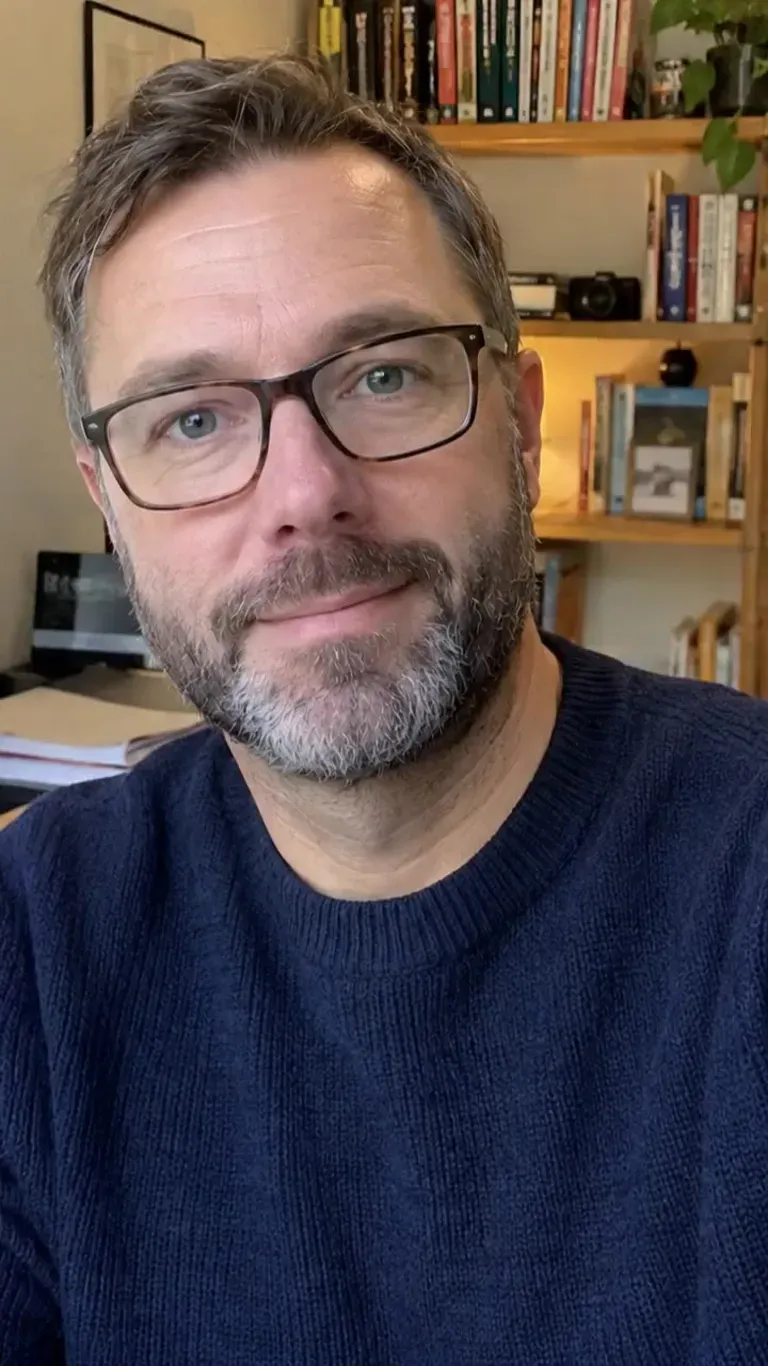
“A bearded man with glasses and a navy sweater sits in a home office, then his photo transforms into a 3D big-head caricature of himself that frowns, grins and winks, keeping the same glasses, hair and sweater.”
The Style
A caricature from a photo, here, means a few seconds of the person you already photographed, with the head or the features pushed further, then set in motion. You describe one change — a bigger head, a bigger grin, pencil, ink, a smooth 3D caricature — and the tool is asked to keep that face recognizable. The clip stays short on purpose. A person who is still themselves, now exaggerated, is the whole effect. A cartoon with ordinary proportions is a different page. A Japanese anime or manga drawing is a different request, and this page does not take it. A furry character is a different page too. A still filter is what most caricature tools return, and this page does not do that. There is no hand-drawn commission, no satire of a public figure, and no studio character to license. Every example on this page is meant to come from a single image and a single prompt.
See how other creators turn a photo of a person into a caricature — what they exaggerate, and how some of them get from a still drawing to a few seconds of video.
An English walkthrough of the caricature prompt, including a step that turns the still drawing into a short video.
Watch on YouTubeAn English tutorial that exaggerates the features in a photo and keeps the person recognizable.
Watch on YouTubeA short English product demo: upload a portrait, then generate a caricature with exaggerated features.
Watch on YouTubeAn English step-by-step that starts from an ordinary photo and asks for a caricature portrait.
Watch on YouTubePrompt Library
Ready-to-use prompts for a big head, a pencil or ink drawing, and one small move. Copy one into the tool above, or hit Use this prompt to fill it in.
“The person in the uploaded photo becomes a caricature of themselves with an oversized head and a smaller body. Same glasses, hair, and clothes. The face stays recognizable. Locked-off camera, one continuous take, no text, no logos, no extra person.”
“The person in the uploaded photo becomes a caricature of themselves. The nose and the grin get bigger, the head gets bigger, and the person is still recognizable. Locked-off camera, one continuous take, no text, no logos, no extra person.”
“The adults already in the uploaded photo become caricatures of themselves, with bigger heads and bigger features, in the same pose. Both stay recognizable. Locked-off camera, one continuous take, no text, no logos, no extra person.”
“The person in the uploaded photo becomes a smooth 3D caricature of themselves, with an oversized head and the same clothes. Not a toy, not an animal, not a character from a studio. Locked-off camera, one continuous take, no text, no logos, no extra person.”
“The person in the uploaded photo becomes a colored-pencil caricature of themselves, with a giant head, a huge grin, and a skinny body. Same room, same clothes. The face stays recognizable. Locked-off camera, one continuous take, no text, no logos, no extra person.”
“The people in the uploaded photo become a black-ink doodle caricature on cream paper, with oversized heads. Same pose. The faces stay recognizable. Locked-off camera, one continuous take, no words on the image, no logos.”
“The photo stays still while a caricature ink line draws itself over the person, then flat color fills in. The head and one feature get bigger. The person is still recognizable. Locked-off camera, one continuous take, no text, no logos, no extra person.”
“The person in the uploaded photo becomes a street-artist pencil caricature of themselves. Bigger head, looser lines, same clothes. The face stays recognizable. Locked-off camera, one continuous take, no text, no logos, no extra person.”
“The person in the uploaded photo becomes a big-head caricature of themselves, frowns once, then grins and winks. Same glasses and clothes. Locked-off camera, one continuous take, no text, no logos, no extra person.”
“The adults in the uploaded photo are already big-head caricatures of themselves. One grins, the other blinks. Same background. Locked-off camera, one continuous take, no text, no logos, no extra person.”
“The person in the uploaded photo starts as the photograph and becomes an exaggerated caricature of themselves by the end of the clip. Same pose. The face stays recognizable. Locked-off camera, one continuous take, no text, no logos, no extra person.”
“The person in the uploaded photo becomes a caricature of themselves. One feature grows, then the drawing holds. The person is still recognizable. Locked-off camera, one continuous take, no text, no logos, no extra person.”
How It Works
Turn one photo into a short caricature video in three steps — no sign-up required to start.
Drop a single image into the upload area at the top of this page. A face-on or slightly turned shot works best, with the face easy to see and the light fairly even. Use a photo you have the right to animate. The person in it should be an adult.
Pick a prompt above or write your own. Ask for the person already in the photo to become a caricature of themselves, with a bigger head or a bigger feature, and still recognizable. One change is enough. Skip studio names, famous characters, animal features, and ordinary proportions.
Hit Generate. The clip comes back in a few minutes — a few seconds of that person as a caricature. Free accounts include a small watermark. Sign in to download, and a subscription removes the watermark.
Inspiration
The same request people type into a still caricature tool, returned here as a few seconds of video. One photo in. One clip out.
Use a clear head-and-shoulders photo and ask for one wink. The clip is short enough for a profile or a story, and the face is still yours, just exaggerated.
Ask for a colored-pencil caricature with a huge grin. It reads as one drawing of you, then a small move, not a finished print.
Start from a photo that already shows two adults. Ask for both of them to become the same kind of caricature. Do not add a person who was not in the picture.
Ask for a rounded 3D caricature of the same person, with an oversized head. It is a style of drawing. It is not a character from any studio.
Post the original photo beside the video. The face matches. The second frame is the exaggeration. That contrast is the point of the page.
Explore
These neighboring pages also start from one photo. Read the line under each title so an exaggerated caricature does not get mixed up with an ordinary cartoon, a plastic figurine, or a furry character.
A cartoon or comic version of the person, with ordinary proportions. This page exaggerates the head and the features.
The person becomes a plastic collectible. This page draws an exaggerated caricature, not a toy.
A furry, anthropomorphic character. This page keeps a human caricature, with no fur and no muzzle.
Answers to the usual questions about a caricature video, the photo it needs, and what this page will not draw.
A few seconds of video made from one photo of an adult, where that person becomes a caricature of themselves. The head or the features get bigger, and the person is still recognizable. You upload one image, describe the look, and the clip comes back as video. It is not a still image you download and post as a filter.
Your photo is one prompt away from a short caricature clip. Head back up, pick the exaggeration, and try it for free — no sign-up required.