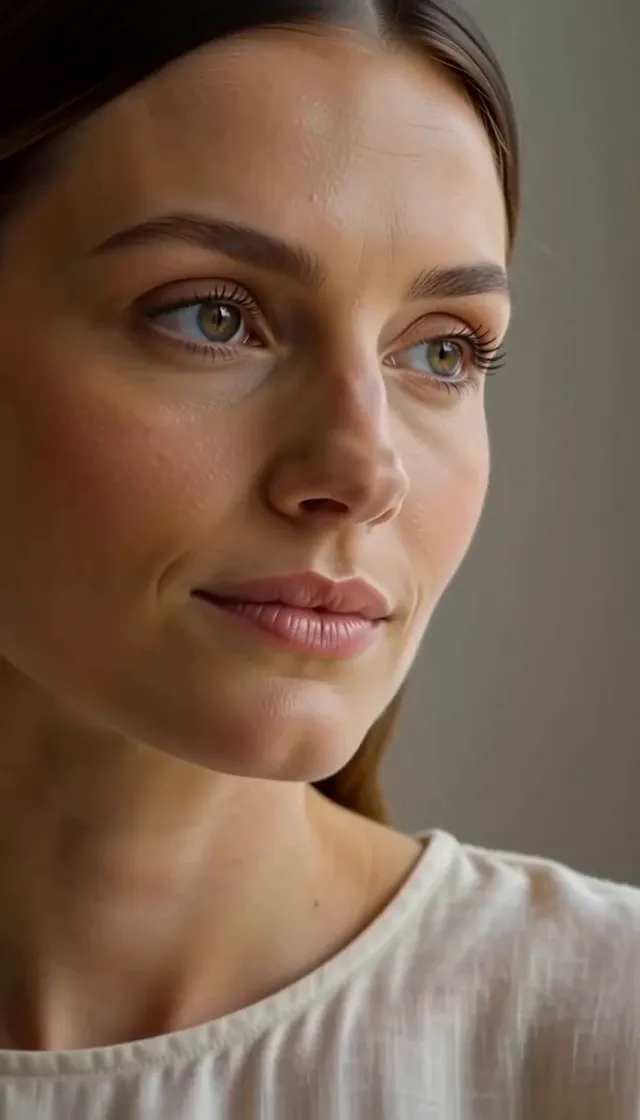
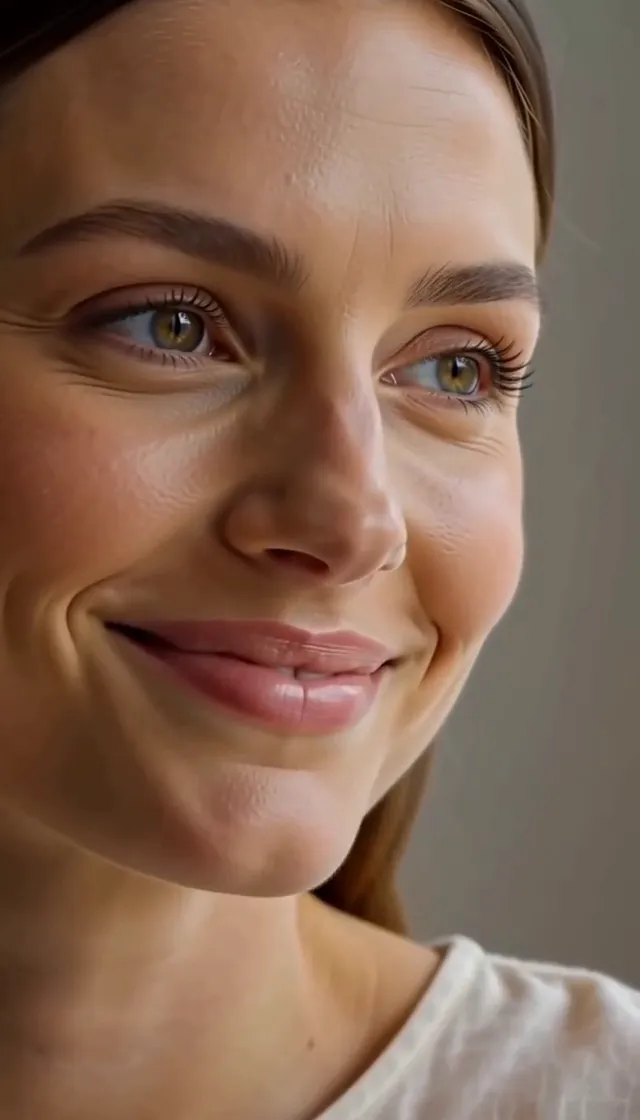
“The person in the uploaded photo deepens a faint closed-mouth smile and looks slightly aside. Nothing else in the frame changes. Identity, light and background stay fixed. Locked-off camera, one continuous take, photorealistic, no speech.”
Animate a face from one photo: a blink, a brow that lifts, a smile that arrives and settles, a glance to the side, a head turn of a few degrees. Upload a portrait, describe the expression, and the model keeps the person, the light and the framing while it builds that motion. There is no timeline and no rigging. There is also no speech. This is facial motion, not a talking head — nothing here lip-syncs to audio, so the result is an expression change, not a mouth forming words. Use it when a profile clip, a reaction still or a portrait needs one clear change in the face. It is free to try.
Sample Video
View more examples →Real Examples
Every clip below starts from one still and the prompt that moves the face. Watch the expression change — a blink, a smile, a glance, a few degrees of head turn — then copy the prompt or hit Try it to animate your own face photo on this page.

“The person in the uploaded photo deepens a faint closed-mouth smile and looks slightly aside. Nothing else in the frame changes. Identity, light and background stay fixed. Locked-off camera, one continuous take, photorealistic, no speech.”

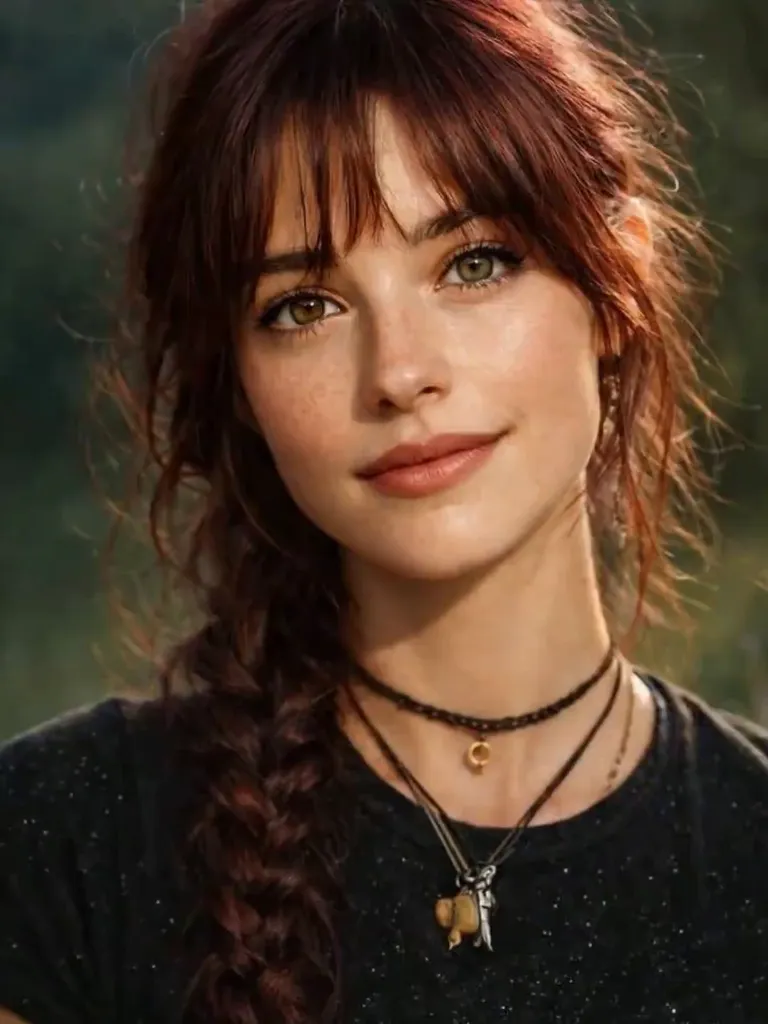
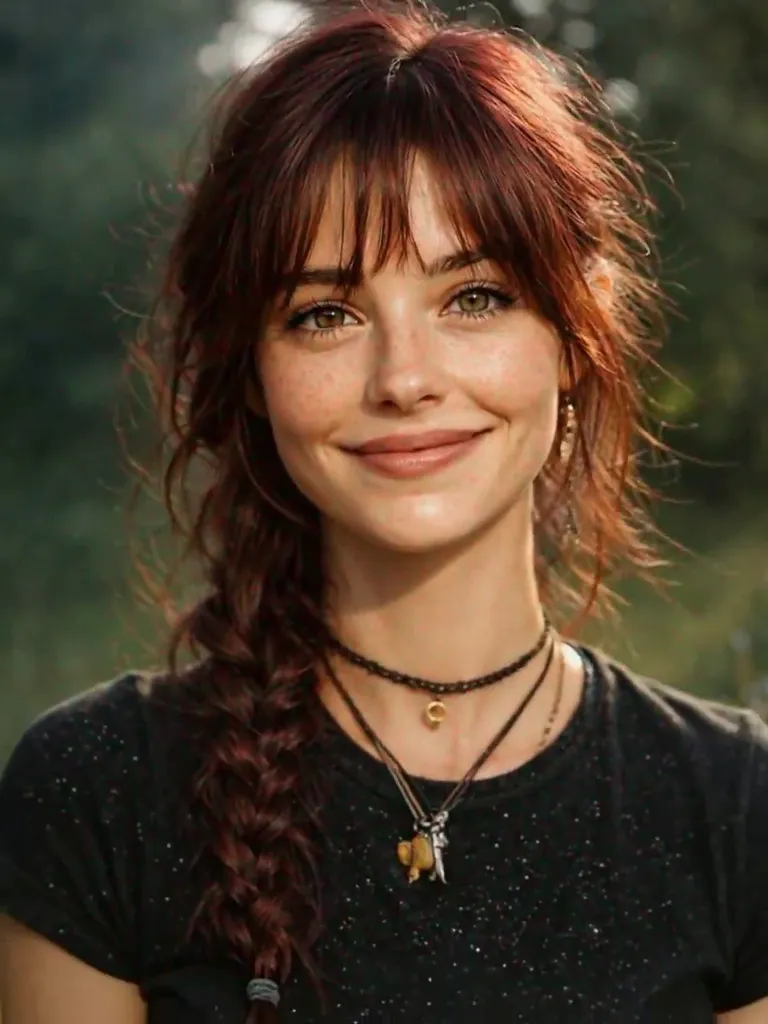
“The person in the uploaded photo keeps a soft smile while the head turns slightly and a braid shifts. Face, clothing and background stay consistent. Locked-off camera, one continuous take, photorealistic, no speech.”

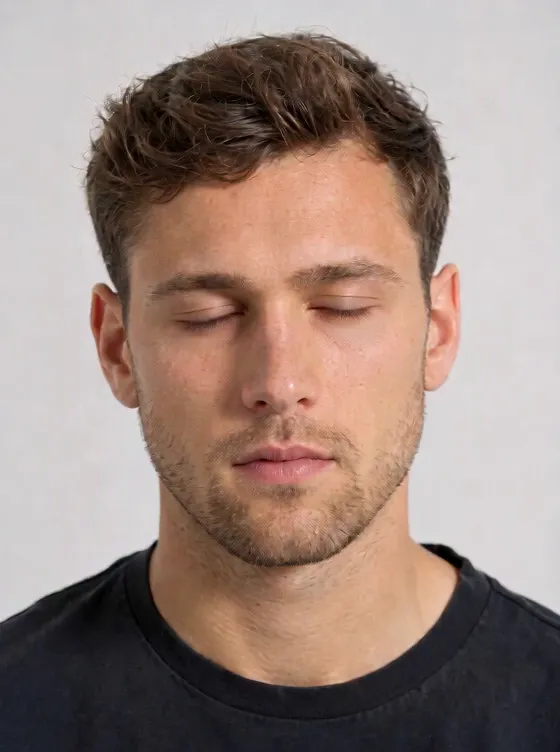
“The person in the uploaded photo opens their eyes and settles into a slight closed-mouth smile, with a small glance to the side. Identity, light and background stay fixed. Locked-off camera, one continuous take, photorealistic, no speech.”

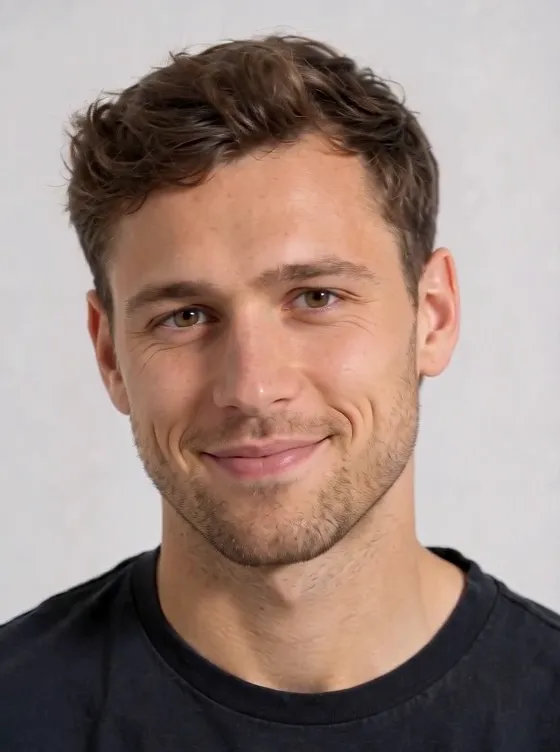
“The person in the uploaded photo opens a closed-lip smile into a bright grin. The face, hair and background stay consistent from first frame to last. Locked-off camera, one continuous take, photorealistic, no speech.”

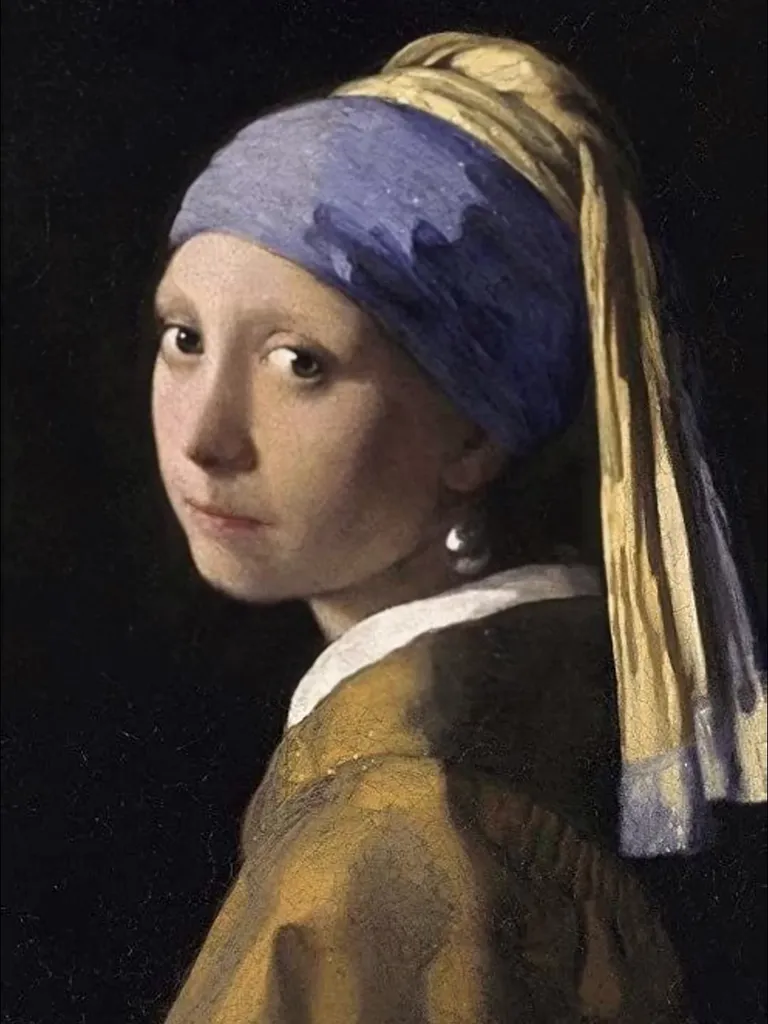
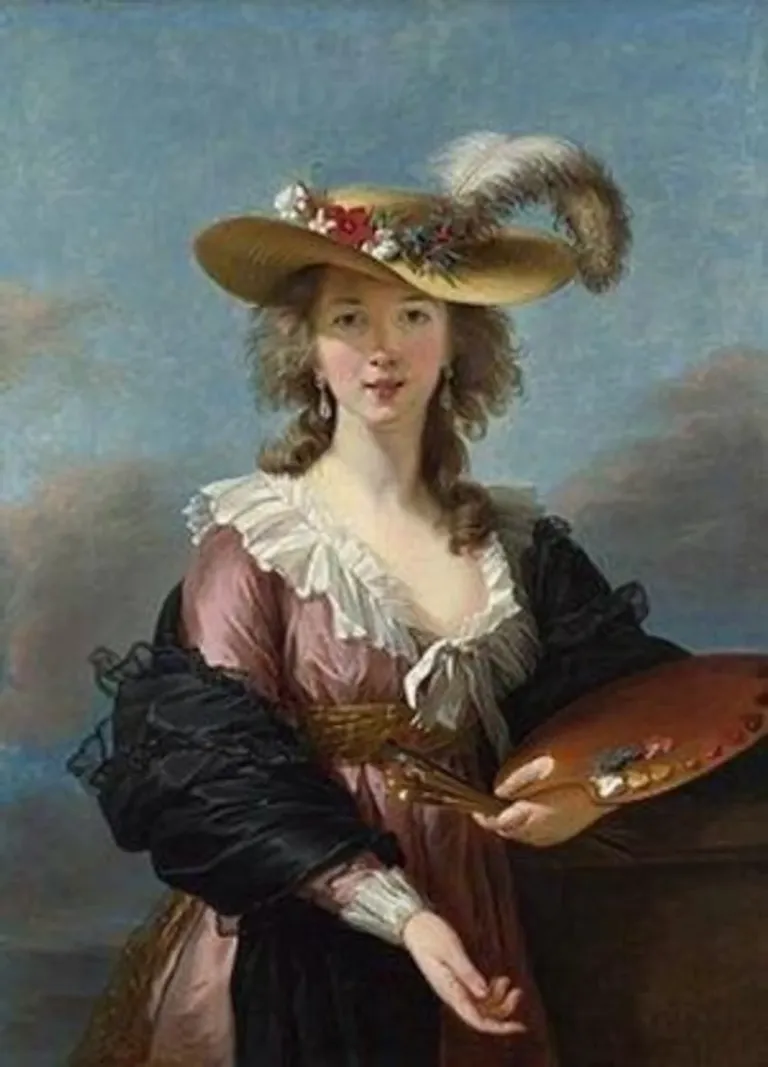
“The painted face in the uploaded image eases into a toothy smile, then relaxes the mouth again. The painting style, colors and framing stay fixed. Locked-off camera, one continuous take, no speech.”

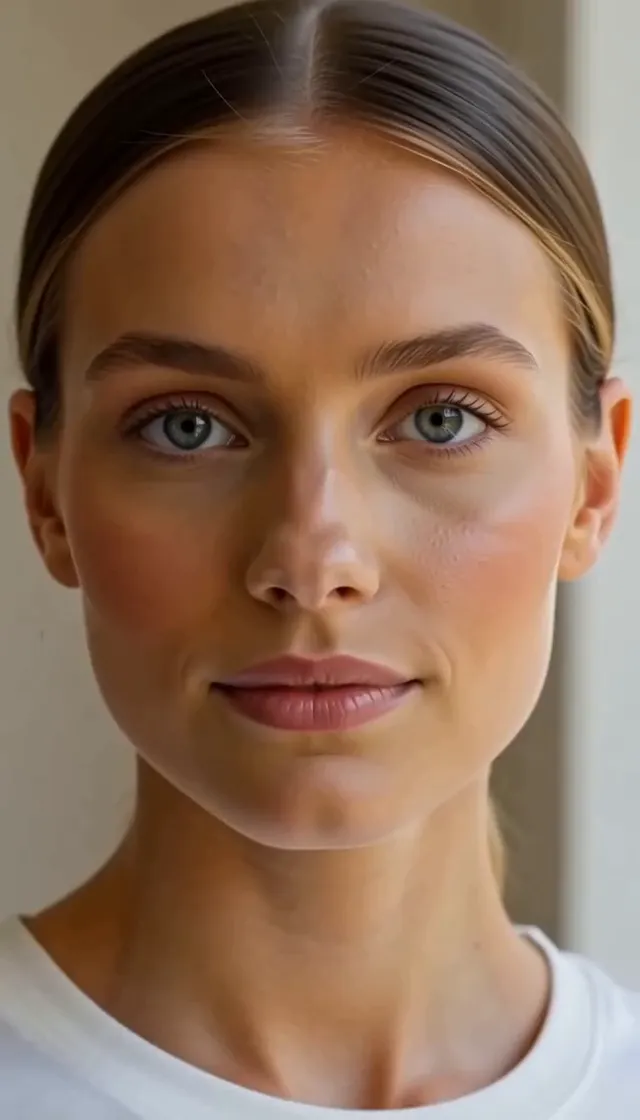
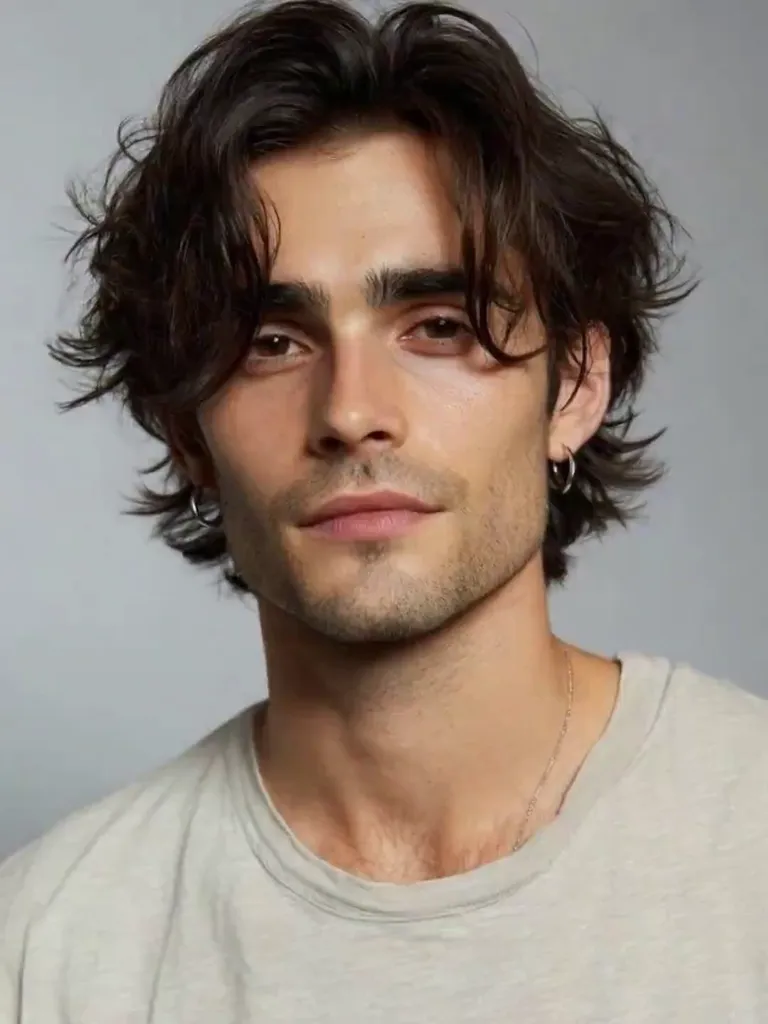
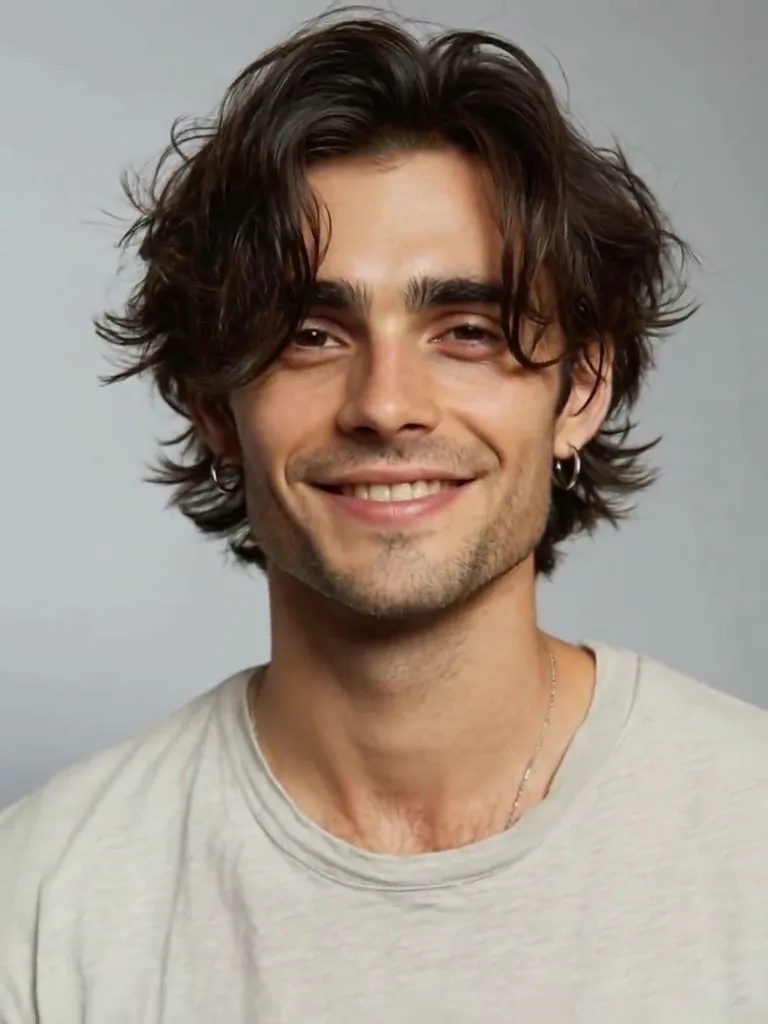
“The person in the uploaded studio portrait warms a neutral face into a smile and turns the head a few degrees. Hair, shirt and the backdrop stay the same. Locked-off camera, one continuous take, photorealistic, no speech.”

“The person in the uploaded photo lets a gentle closed-mouth smile widen into a warm grin. The eyes stay friendly and the identity, hair and lighting stay fixed. Locked-off camera, one continuous take, photorealistic, no speech.”

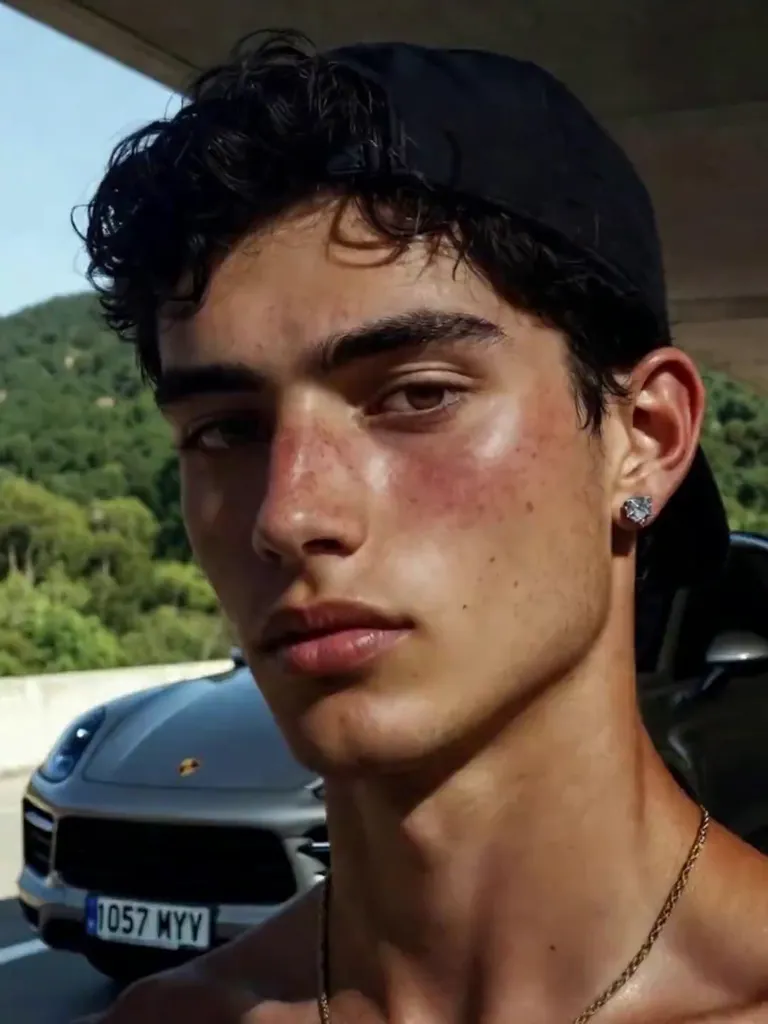
“The person in the uploaded photo starts with a blank expression and lifts it into a wide natural smile, while the cap, the light and the background hold still. Locked-off camera, one continuous take, photorealistic, no speech.”

“The person in the uploaded painting looks down, then lifts their gaze and settles into a small smile. Brushwork, clothing and the studio stay unchanged. Locked-off camera, one continuous take, no speech.”

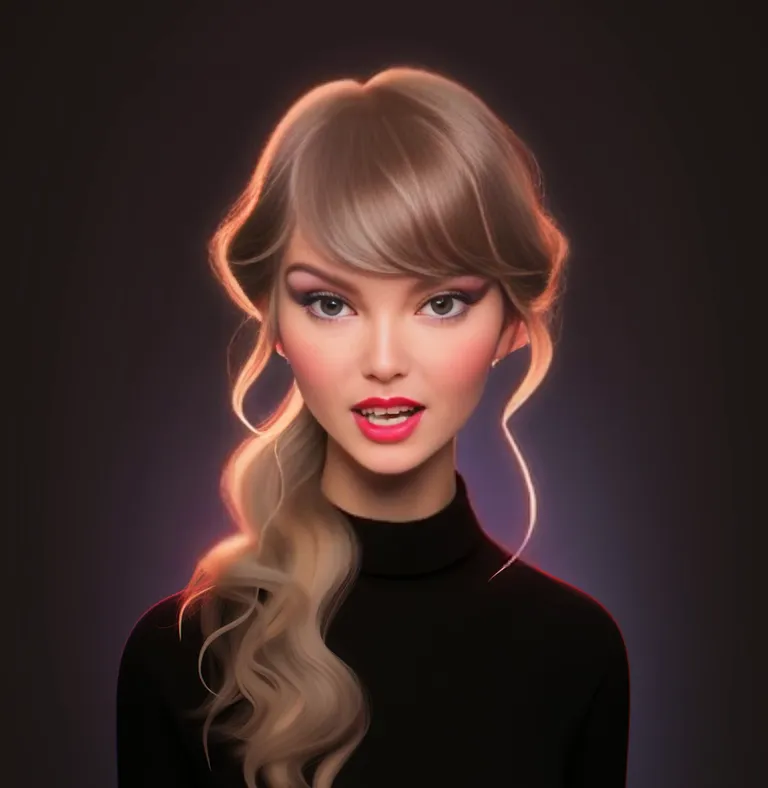
“The illustrated face in the uploaded image parts the lips for a moment, then settles back into a calm closed-mouth look. Line work, colors and the background stay identical. Locked-off camera, one continuous take, no speech and no style change.”

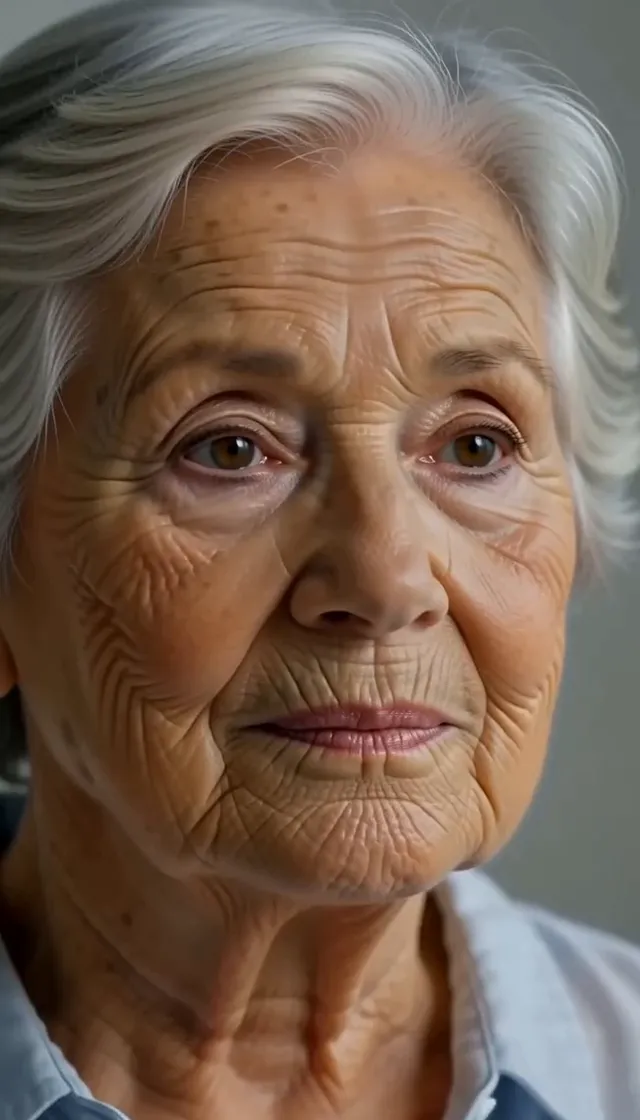
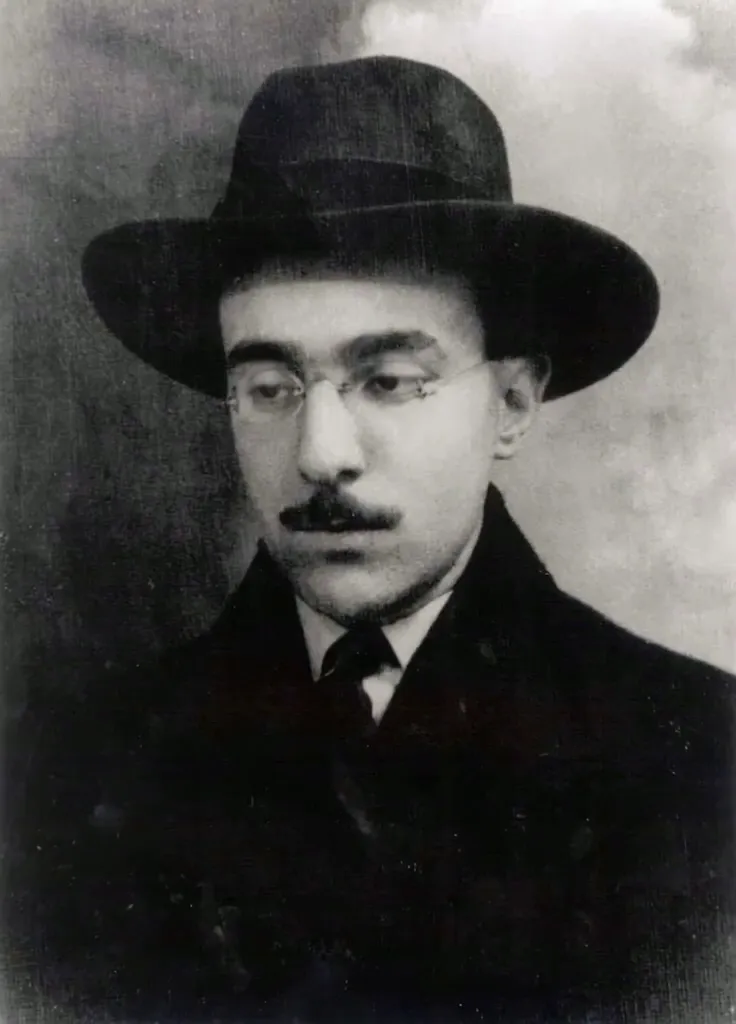
“The person in the uploaded vintage portrait opens their eyes and lets a smile grow across the face, while the hat, the photograph grain, the lighting and the background stay unchanged. Locked-off camera, one continuous take, gentle and photorealistic, no speech.”

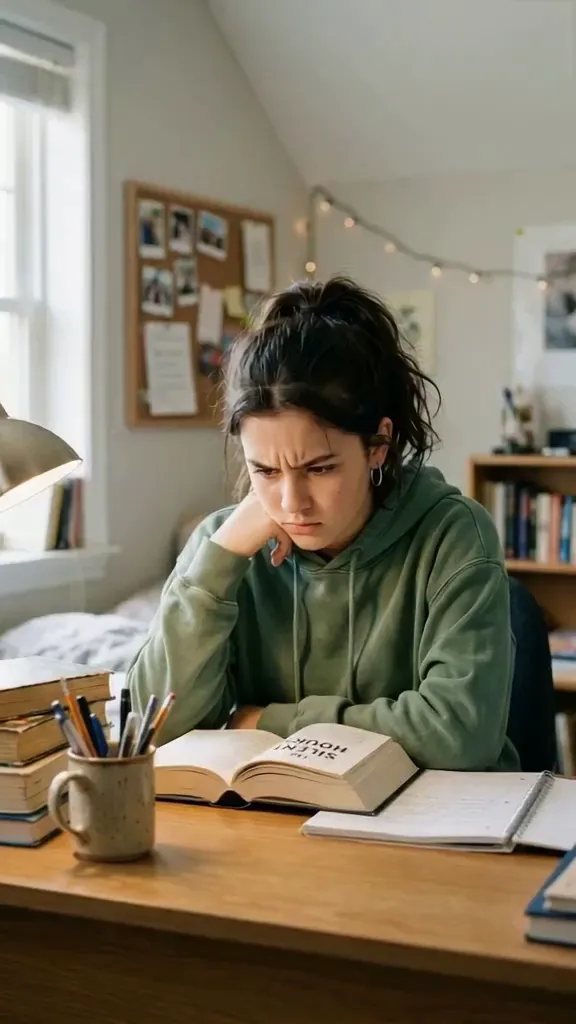
“The person in the uploaded photo lets a tired, closed-mouth frown soften into a small genuine smile. The cheeks lift slightly and the eyes ease, while the hood, the desk and the lighting stay exactly as they are. Locked-off camera, one continuous take, natural and photorealistic, no speech.”
The Style
AI face animation is a short video made from a photo that already looks right: one image goes in, and a few seconds of facial motion come out. You describe a single expression — a blink, a brow lift, a closed-mouth smile, a grin, a glance, a head turn of a few degrees — and the model keeps the person, the light and the framing while it builds that change. The motion stays small on purpose. A face that does one believable thing still looks like the photo you uploaded. A face asked to do five things at once usually does not. This is not a talking-head tool. There is no audio input and no lip-sync step, so the life is in the eyes, the brows and the smile, not in words. It is also a narrower job than a live portrait. A live portrait lets a still image feel alive, camera drift included. Here the subject is the expression itself. Every example on this page was made from a single image and a single prompt, with no keyframes and no editing software.


See how other creators turn a still photo into a moving face — what they ask the model to do, and how much of the original photo survives.
A short Canva walkthrough for turning one still photo into a moving clip: upload the image, apply an animation, and export something you can post. Useful as a look at the still-to-motion idea, including faces.
Watch on YouTubeA step-by-step tutorial on animating a still photo in Google's AI tools, aimed at social posts and simple creative clips rather than a full edit timeline.
Watch on YouTubeA side-by-side comparison of AI models that turn still photos — family shots, pets, artwork — into short moving videos, with notes on which ones hold the original image together.
Watch on YouTubeFuturepedia's tour of free tools that animate a still, whether it started as a generated image or a real photo, and what each one is practical for.
Watch on YouTubePrompt Library
Ready-to-use prompts for blinks, smiles, brows, small head turns and expression beats. Copy one into the tool above, or hit Use this prompt to fill it in.
“The person from the uploaded photo holds the exact pose, framing and lighting, then blinks once at a natural pace — eyelids close fully and open again — while the mouth stays relaxed and the head does not move. Skin texture and shadows stay identical to the source. Locked-off camera, one continuous take, subtle and photorealistic, no speech.”
“The person from the uploaded photo keeps their face toward the camera while their eyes drift to the side, hold for a moment, and come back to the lens. A tiny head adjustment follows the eyes. The mouth stays closed. Locked-off camera, original lighting preserved, one continuous take, photorealistic, no speech.”
“The person from the uploaded photo starts with their eyes gently closed, then opens them and settles their gaze on the lens, as if they just looked up. The mouth stays relaxed and the head barely moves. Framing, light and background stay fixed. One continuous take, natural and photorealistic, no speech.”
“Starting from the expression in the uploaded photo, the corners of the mouth lift into a quiet closed-mouth smile, the cheeks rise slightly and the eyes soften, then the smile eases back toward neutral. Nothing else in the frame changes. Locked-off camera, one continuous take, gentle and photorealistic, no speech.”
“The person from the uploaded photo raises both brows a little, as if mildly surprised, holds it, then lets the brows settle. The mouth stays closed and the head stays put. Identity, light and background do not change. Locked-off camera, one continuous take, subtle and photorealistic, no speech.”
“The person from the uploaded photo lets a small smile widen into a warm grin with a hint of teeth, the cheeks lifting evenly on both sides, then holds the expression. The grin is a smile, not a spoken word. Locked-off camera, original light, one continuous take, photorealistic, no speech.”
“The person from the uploaded photo turns their head slowly a few degrees to one side and pauses, then returns to face the lens. The eyes lead the turn and the shoulders stay put. Hard and soft light on the face keep the same direction. One continuous take, subtle and photorealistic, no speech.”
“The person from the uploaded photo gives one slow, small nod, as if agreeing with someone off camera, then settles back into the starting pose. The jaw and the base of the neck move together. The expression stays calm. Locked-off camera, one continuous take, photorealistic, no speech.”
“The person from the uploaded photo dips their chin a couple of degrees and looks slightly down, then brings their gaze back to the lens with a faint closed-mouth smile. Hair and clothing shift only as much as the nod requires. Locked-off camera, one continuous take, natural and photorealistic, no speech.”
“The person from the uploaded photo moves from a neutral face to a pleased one: a blink, then a closed-mouth smile that reaches the eyes. The change is even across both sides of the face. Framing, identity and background stay fixed. Locked-off camera, one continuous take, photorealistic, no speech.”
“The person from the uploaded photo is already smiling and lets that smile fade back to a calm, relaxed face over the clip, with one blink near the end. No new expression is added. Light, framing and identity stay identical. Locked-off camera, one continuous take, restrained and photorealistic, no speech.”
“Keep the uploaded illustration or painting exactly as it is — same lines, same palette — and let the face inside it blink once and settle into a small smile. The style does not become photographic. Camera locked, one continuous take, no speech and no background change.”
How It Works
Turn one photo into a short face animation in three steps — no sign-up required to start.
Drop a single image into the upload area at the top of this page — a headshot, a selfie or a clear illustration of a face. A front-facing or slight three-quarter view in even light works best, and the face should fill a good share of the frame, because the motion happens in the eyes, the brows and the mouth.
Pick a prompt above or write your own. Ask for one small change — a blink, a closed-mouth smile, a brow lift, a few degrees of head turn — and say what must stay put: the person, the light, the framing. One expression beats a list of five, and there is no speech in the result.
Hit Generate and the clip comes back in a few minutes — a few seconds of the same face, now moving. Free accounts include a small watermark; sign in to download, and a subscription removes the watermark.
Inspiration
Not sure where to start? Pick one expression that suits the photo — a blink for a headshot, a grin for a reaction — and leave the rest of the frame alone.
Turn a headshot into a two-second loop of one blink and a small smile. It reads faster in a feed than the same photo standing still.
Animate one expression — a brow lift or a grin — and use the loop as the reaction image on a post, with the caption doing the talking.
A closed-mouth smile on a portrait is enough for a birthday card, a thank-you story or a landing-page hero. No voiceover required.
Blink and smile a character portrait so the face moves without redrawing the style or shipping a full animation.
Post the still next to the clip. The expression change is obvious with the sound off, which is the whole point.
Explore
If a face in motion is what you wanted, these neighboring photo-to-video styles are the closest matches.
Answers to the usual questions about animating a face, photo requirements, and what this generator will not do.
It means a short video made from a still photo, where the motion is in the face: a blink, a brow lift, a smile, a glance, or a head turn of a few degrees. You upload one image, describe the expression in a prompt, and the model returns a few seconds of that same face moving, with the person, the light and the framing held steady.
Your face photo is one prompt away from moving. Head back up, pick an expression, and animate it for free — no sign-up required.