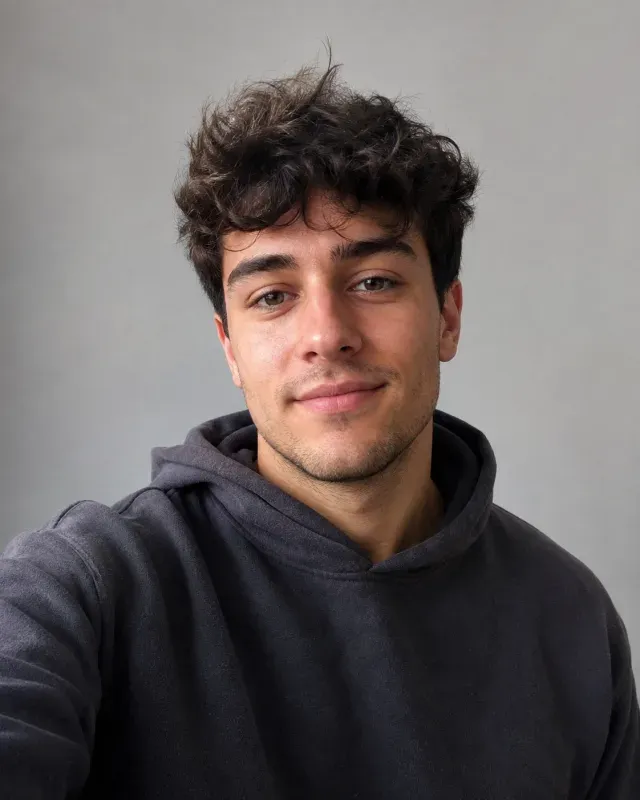
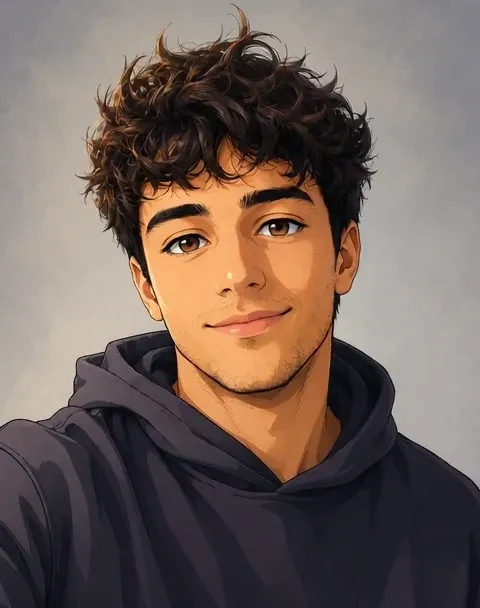
“Turn this selfie of an adult man in a dark hoodie into a painterly anime-style portrait video. Keep his face, curly hair, and outfit. Soft digital-painting shading, subtle blinks and head movement, steady camera, no morph back to the photograph.”
Turn a photo into anime, and get a short video back. One photo of an adult goes in. A few seconds of that same person, drawn in a Japanese anime style, come out: painted color, clean line art, or a watercolor wash, with a blink, a turn of the head, or the drawing arriving. Upload the photo, describe the look, and the tool returns a clip. People use it for a profile, a character scene, or a post. It is one short video. It is not a still anime filter, not a Western cartoon, not a big-head caricature, and not a furry character. It does not turn an anime drawing back into a real person. Adults only. It is free to try.

Sample Video
View more examples →Real Examples
Every clip below is a photo-to-anime video: one photo of an adult, then a Japanese anime look of that person. These examples show the look. Copy a prompt or hit Try it to make your own on this page.

“Turn this selfie of an adult man in a dark hoodie into a painterly anime-style portrait video. Keep his face, curly hair, and outfit. Soft digital-painting shading, subtle blinks and head movement, steady camera, no morph back to the photograph.”

“Restyle the uploaded photo into an anime-style video with a smooth, natural transition morph from the original image into anime form. Clean anime line art, soft shading, expressive eyes. Gentle facial motion with subtle head movement and blinks. Seamless morphing animation, no distortion.”

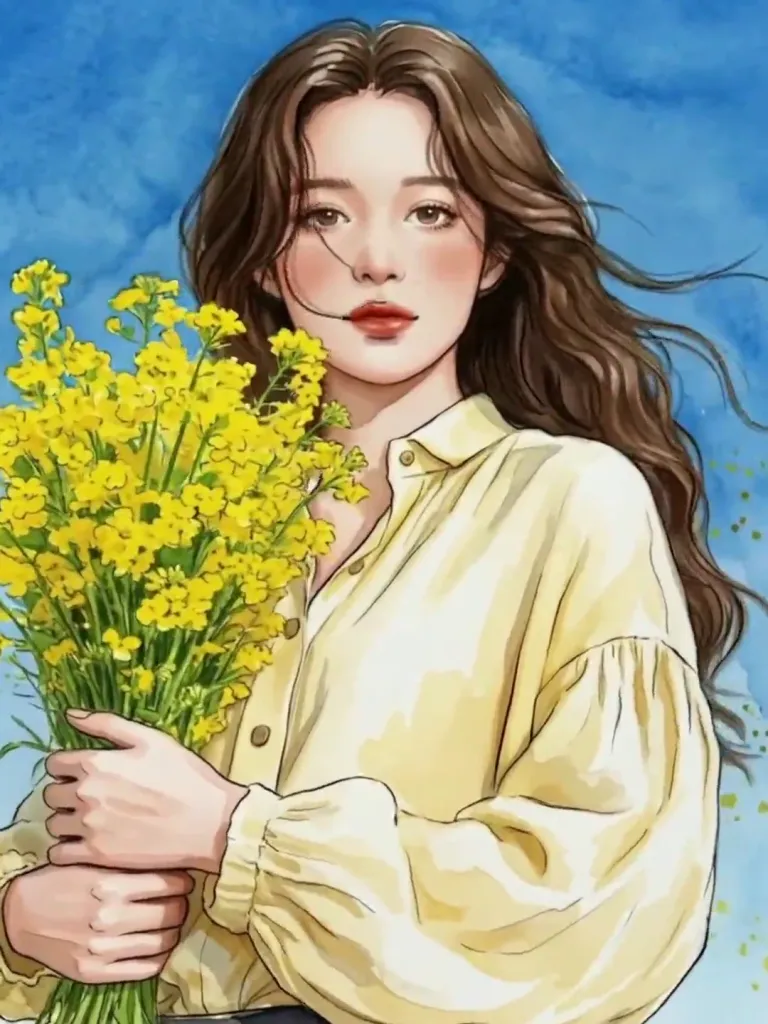
“Render in a delicate watercolor anime style with soft painterly shading, subtle color bleeding, and minimal lineart, while preserving the character’s identity, facial features, and composition. Maintain a consistent and recognizable face with a stable appearance. Use a gentle pastel tone and natural light blending to achieve a dreamy, hand-painted feel, with only subtle and smooth motion, free of distortion or inconsistency.”

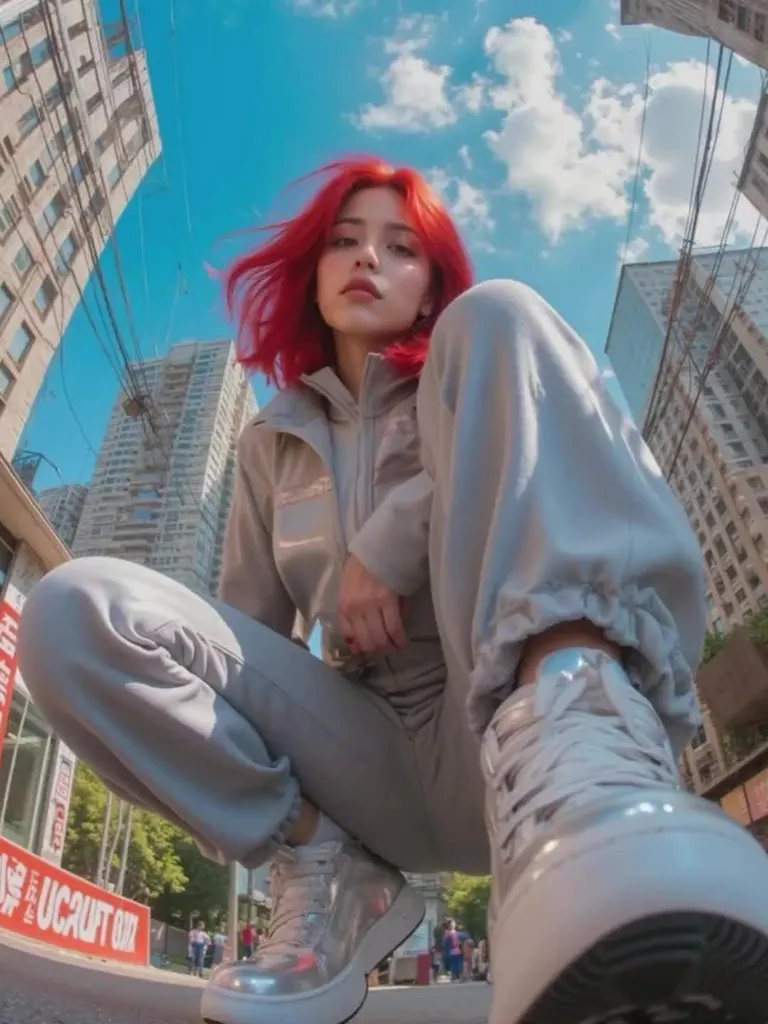
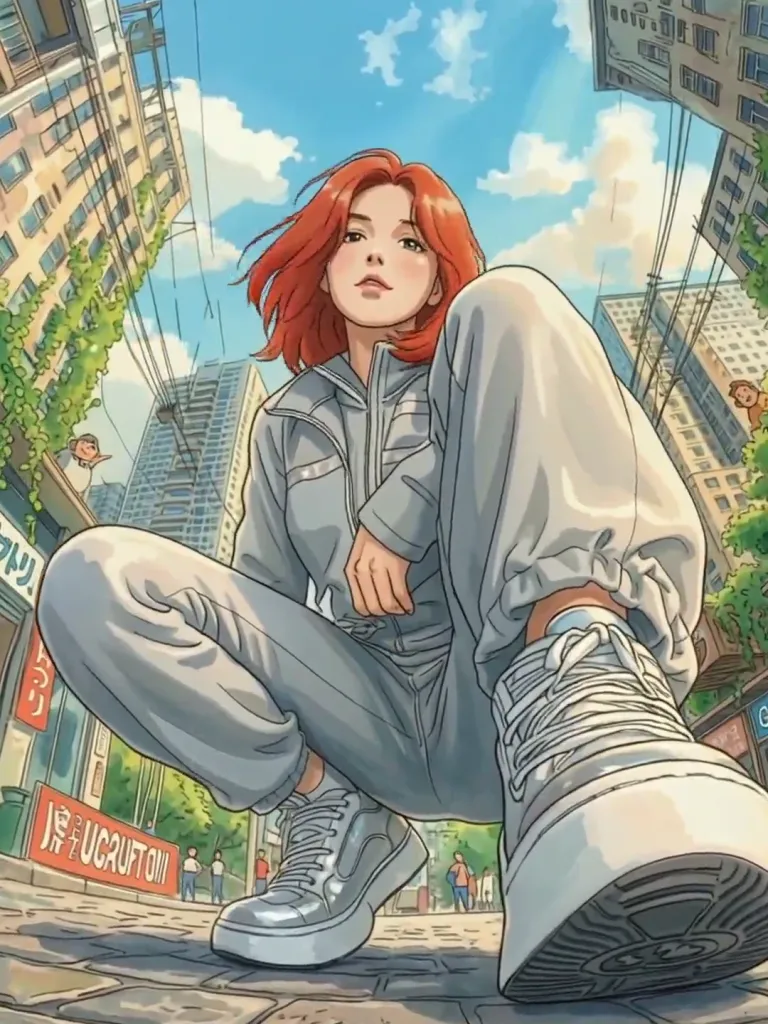
“Turn this low-angle street photo of an adult woman with red-pink hair, crouched in a light tracksuit and chunky sneakers, into a Japanese anime-style short clip. Keep the fisheye composition, city buildings, and pose. Clean anime line art, cel-shaded clothes, painterly sky, subtle hair and fabric motion.”

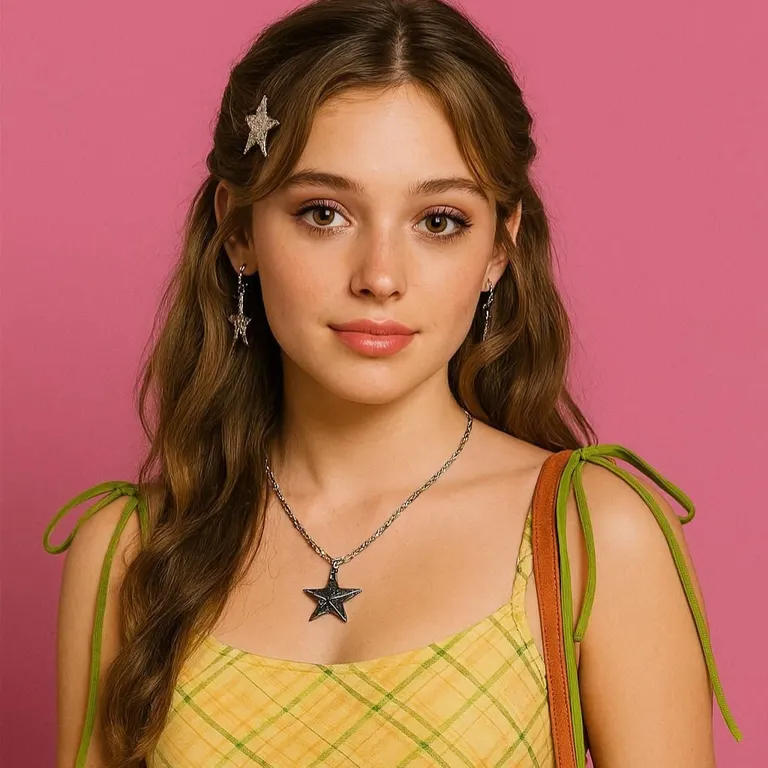
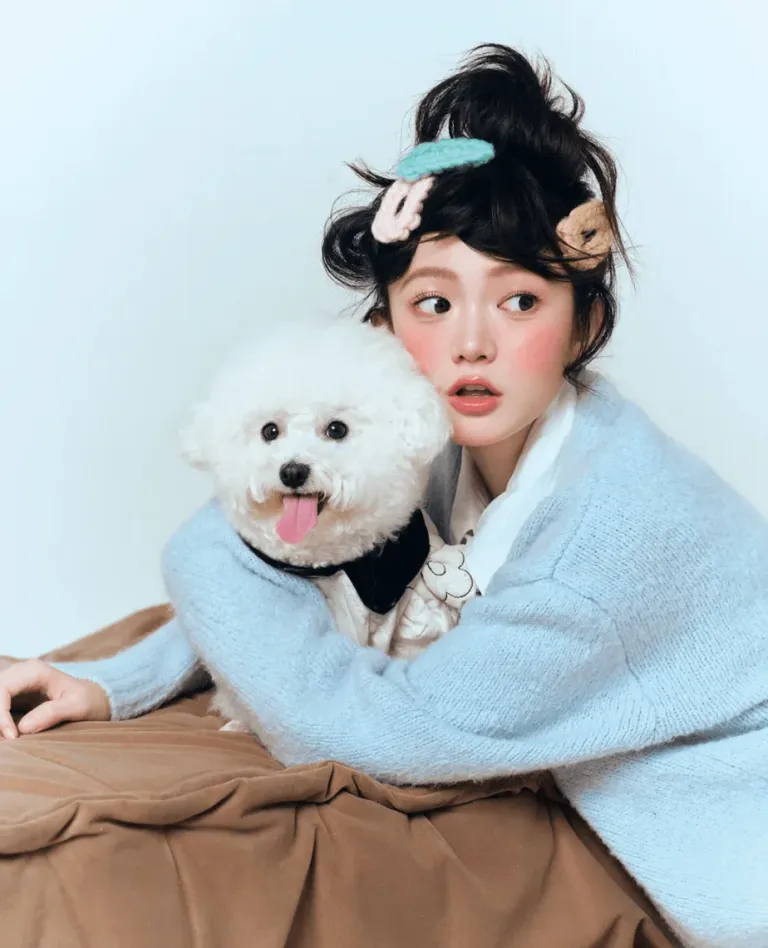
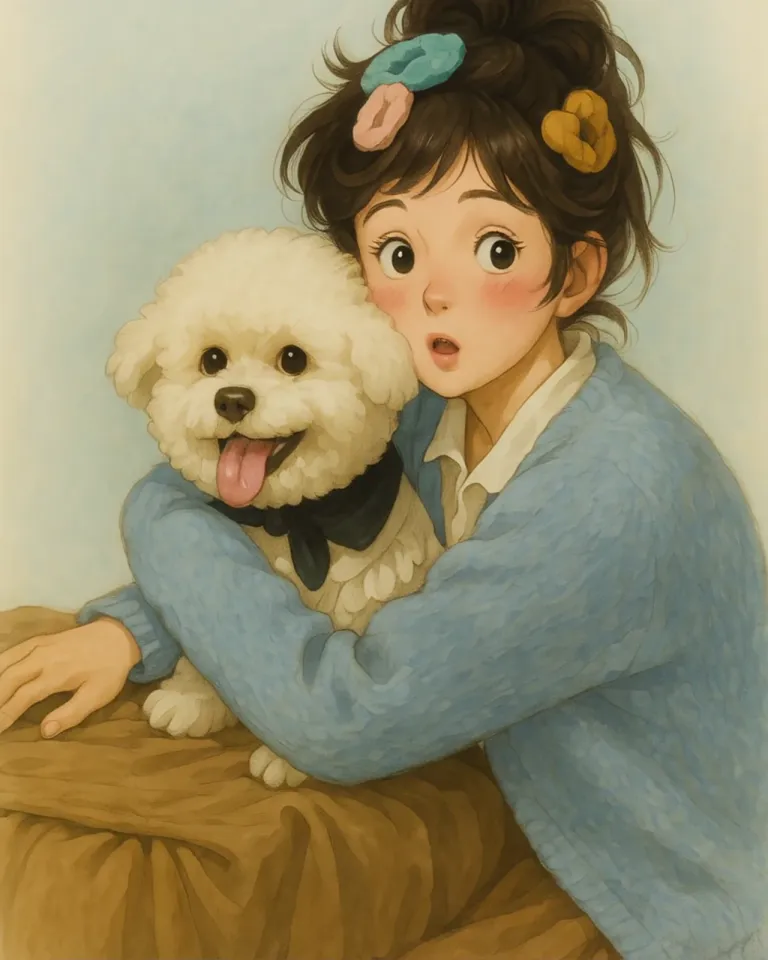
“Restyle this photo of an adult woman in a blue sweater holding a small white dog into a Studio Ghibli-inspired anime illustration. Keep her pose, hair clips, clothing, and the dog. Soft painterly colors, gentle lighting, subtle motion in hair and the dog, no copyrighted character cameo.”
The Style
Turn yourself into anime, here, means a few seconds of video of the adult already in the photo, redrawn in a Japanese anime style and set in motion. You describe one look and one move — painted color, clean line art, a watercolor wash, a blink, a turn of the head — and the tool is asked to keep that person recognizable. The clip stays short on purpose. An anime drawing of someone you photographed is the whole effect. A still filter is what most photo-to-anime tools return, and this page returns a clip. A Western cartoon is a different page. A big-head caricature is a different page. A furry character is a different page. Turning an anime drawing back into a real person is a different request, and this page does not do that. There is no face swap, no licensed character, and no mouth forming words. Every example on this page is a photo-to-anime video of an adult.


These English lessons show a photo becoming an anime character, or an anime still becoming a short clip. They are lessons about the look. This page returns a video.
An English beginner's guide that starts from one photo of a person, makes an anime version, and then turns that still into a short video.
Watch on YouTubeAn English image-to-video lesson: an anime still is the input, and the lesson adds a short move such as hair and a camera drift.
Watch on YouTubeAn English tutorial that turns a photo into an anime-style character. The lesson is about the look. This page returns a video of it.
Watch on YouTubePrompt Library
Ready-to-use prompts for a painted portrait, street line art, and a watercolor wash. Copy one into the tool above, or hit Use this prompt to fill it in.
“Turn the adult in the uploaded photo into a painterly Japanese anime portrait and keep the hoodie, the hair, and the face. A small blink, then a slight turn of the head. Locked-off camera, one continuous take, no text, no logos, no speech, no second person.”
“Redraw the adult in the uploaded photo as a soft painted Japanese anime portrait beside a bright window. Hair moves a little. Same person, same clothes. Locked-off camera, one continuous take, no text, no logos, no speech, no second person.”
“Redraw the adult in the uploaded photo, and the small dog already in that photo, as a soft painted Japanese anime illustration. Keep the pose, the clothes, and the dog. A little motion in the hair and the dog. One continuous take, no text, no logos, no speech, no extra person, no copyrighted character.”
“The adult in the uploaded photo is already a painted Japanese anime portrait. One blink, then hold still. Same face, same framing. Locked-off camera, one continuous take, no text, no logos, no speech, no second person.”
“Turn the adult in the uploaded photo into a Japanese anime clip with clean line art and flat color. Keep the low angle, the city, and the pose. A little motion in the hair and the clothes. One continuous take, no text, no logos, no speech, no second person.”
“Redraw the adult in the uploaded photo as a cel-shaded Japanese anime character waiting at a crosswalk. Same person, same outfit. A small shift of weight. Locked-off camera, one continuous take, daylight, no text, no logos, no speech, no second person.”
“Redraw the adult in the uploaded photo as Japanese anime line art on a quiet train platform. One small step, then stop. Same clothes. One continuous take, the camera stays put, no text, no logos, no speech, no second person.”
“Redraw the adult in the uploaded photo as a Japanese anime character at a cafe counter, flat color and clean outlines. They look up once. Same person. Locked-off camera, one continuous take, no text, no logos, no speech, no second person.”
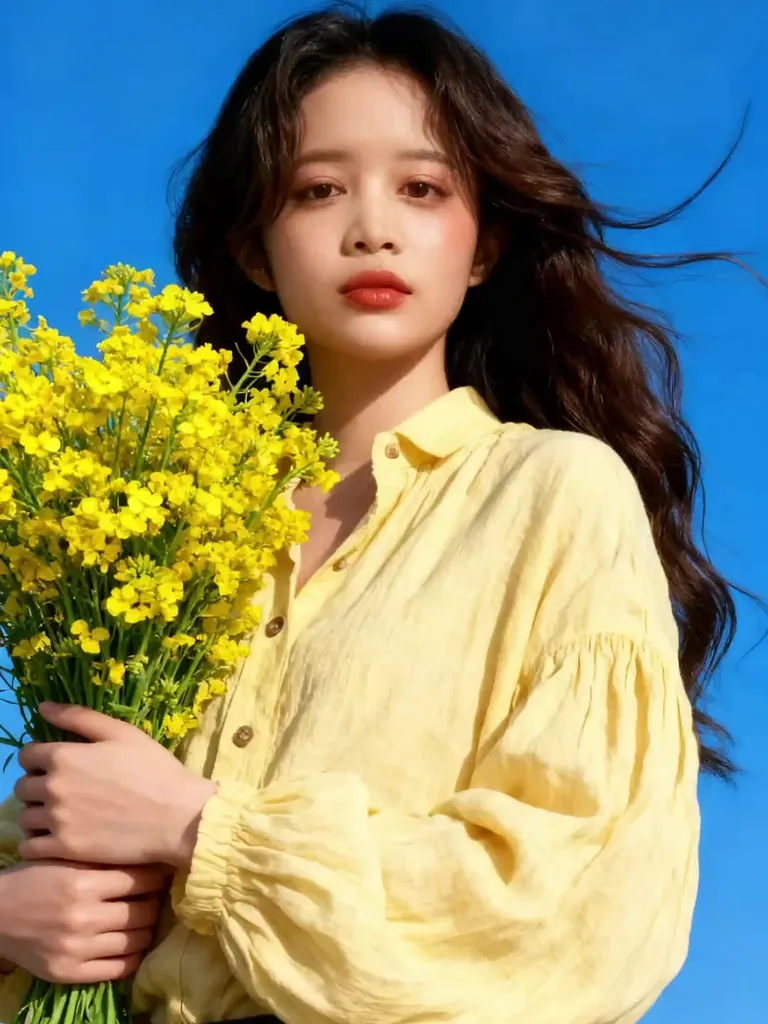
“Render the adult in the uploaded photo in a delicate watercolor anime style, soft color and light line art. Keep the face, the pose, and the flowers if they are already in the photo. Subtle motion only. Locked-off camera, one continuous take, no text, no logos, no speech, no second person.”
“Redraw the adult in the uploaded photo as a watercolor anime portrait in a garden. Pastel color, a little motion in the hair. Same person, same clothes. Locked-off camera, one continuous take, daylight, no text, no logos, no speech, no second person.”
“Restyle the adult in the uploaded photo into a modern Japanese anime portrait with clean line art and soft shading. One wink and a very small nod. Same clothes, same background. Locked-off camera, one continuous take, no text, no logos, no speech, no second person.”
“Keep the adult in the uploaded photo as a Japanese anime close portrait. The eyes blink once and the head stays still. Same framing. Locked-off camera, one continuous take, no text, no logos, no speech, no second person.”
How It Works
Turn one photo into a short Japanese anime video in three steps — no sign-up required to start.
Drop a single image into the upload area at the top of this page. A clear shot of one adult works best, face easy to see and light fairly even. Use a photo you have the right to animate.
Pick a prompt above or write your own. Ask for that same adult in a Japanese anime style, with one small move. One change is enough. Skip a cartoon, a big-head caricature, fur, speech, a face swap, and any request to copy a licensed character.
Hit Generate. The clip comes back in a few minutes — a few seconds of that person as anime. Free accounts include a small watermark. Sign in to download, and a subscription removes the watermark.
Inspiration
The same request people type into a still photo-to-anime tool, returned here as a few seconds of video. One photo in. One clip out.
Use a clear selfie and ask for a painterly anime portrait with one blink. The person is the one who was already in the photo, now drawn.
Ask for clean anime line art and the city already in the photo. One pose, a little motion in the hair, then it ends.
Ask for a watercolor anime wash and keep the flowers if they are in the photo. Soft color, almost no camera move.
Ask for a modern anime portrait and a single wink. The background stays. The clip is short on purpose.
Post the original photo beside the video. The face matches. The second frame is the anime drawing, moving. That contrast is the point of the page.
Explore
These neighboring pages also start from one photo. Read the line under each title so a Japanese anime video does not get mixed up with a Western cartoon, a caricature, or a fursona.
A Western cartoon or comic of the person, with ordinary proportions. This page is a Japanese anime video.
An exaggerated caricature, with a bigger head or bigger features. This page keeps an anime drawing and does not stretch the face.
A furry, anthropomorphic character. This page keeps a human anime drawing, with no fur and no muzzle.
Answers to the usual questions about a photo to anime video, the photo it needs, and what this page will not make.
A few seconds of video made from one photo of an adult. That person is redrawn in a Japanese anime style and given a small move. You upload one image, describe the look, and the result comes back as video.
Your photo is one prompt away from a short anime clip. Head back up, pick the look, and try it for free — no sign-up required.