
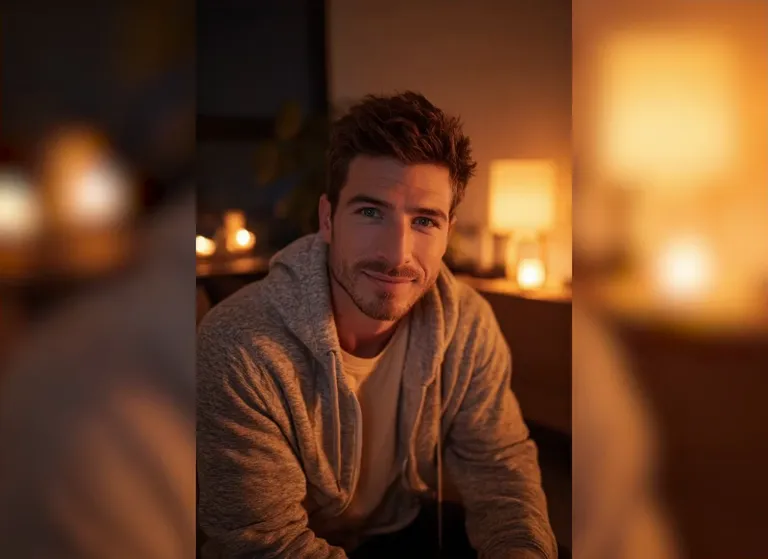
Input image
“A young man with short brown hair and a light beard in a gray zip hoodie sits indoors in warm lamp light with a softly blurred foreground; he rolls his eyes back and sticks out his tongue with drool, static camera.”
An AI ahegao video generator turns a single photo into a short, exaggerated anime-style facial reaction — the person in your picture rolls their eyes back and sticks out their tongue in a bold ahegao expression, with their face and background kept consistent. There is nothing to edit: upload one image, pick a ready-made prompt or write your own, and the model animates a quick, loop-friendly clip in seconds. It is the fastest way to make the dramatic, wide-eyed reaction faces that edits, thumbnails and meme posts are built on. Try it free and turn a selfie, a portrait or a friend's photo into a shareable AI ahegao video.
Sample Video
View more examples →Real Examples
Every clip below pairs with the prompt that recreates it. Watch the expression flip, copy the prompt, then hit Try it to generate your own AI ahegao video right on this page.
“A young man with short brown hair and a light beard in a gray zip hoodie sits indoors in warm lamp light with a softly blurred foreground; he rolls his eyes back and sticks out his tongue with drool, static camera.”
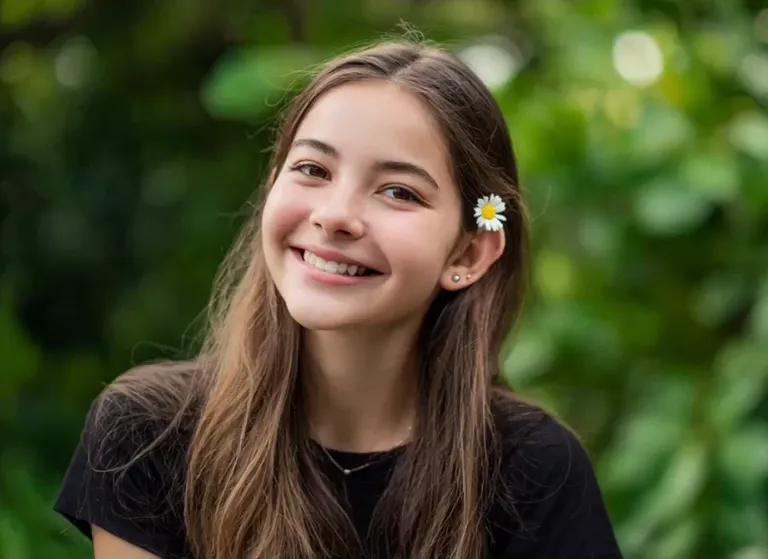
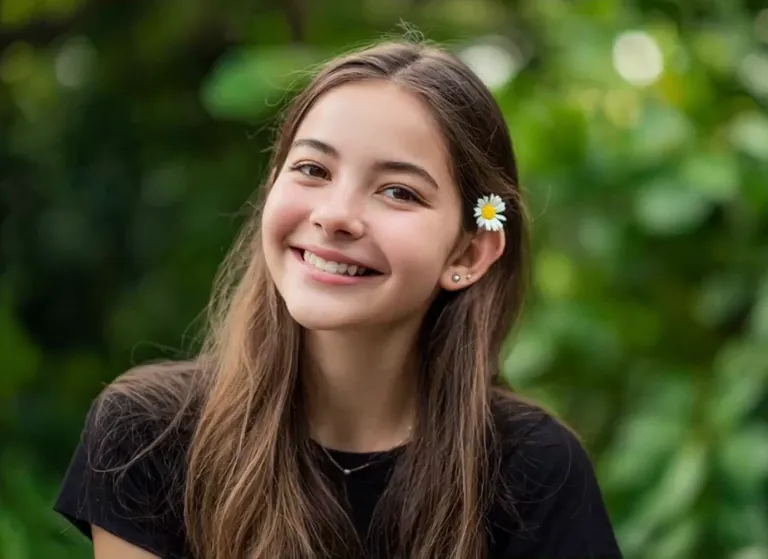
“A smiling young woman with long light-brown hair and a small daisy tucked behind her ear stands in front of a leafy green garden backdrop; she rolls her eyes up and sticks out her tongue with drool, static camera.”
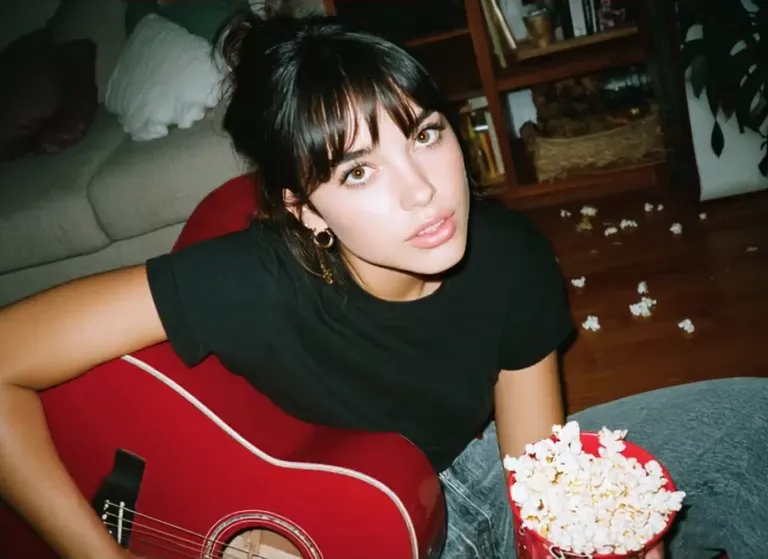
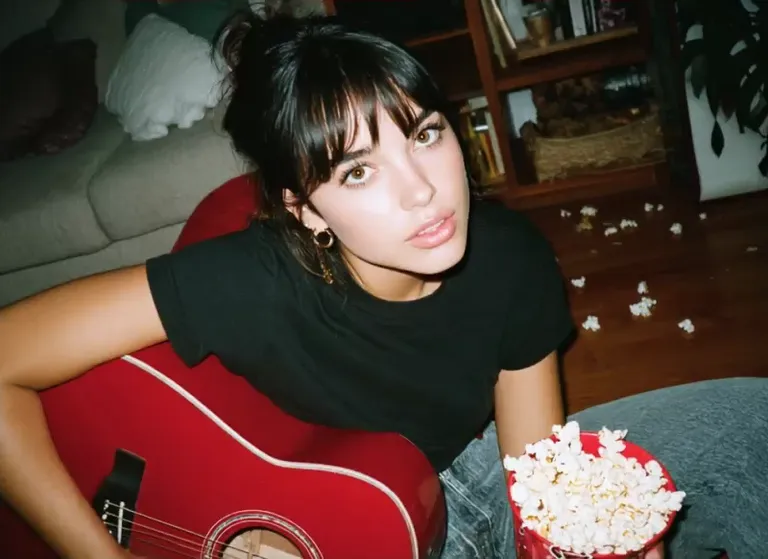
“A young woman with dark bangs and a topknot in a black tee sits by a gray couch holding a red acoustic guitar with a bowl of popcorn beside her; she rolls her eyes up and sticks out her tongue, static camera.”
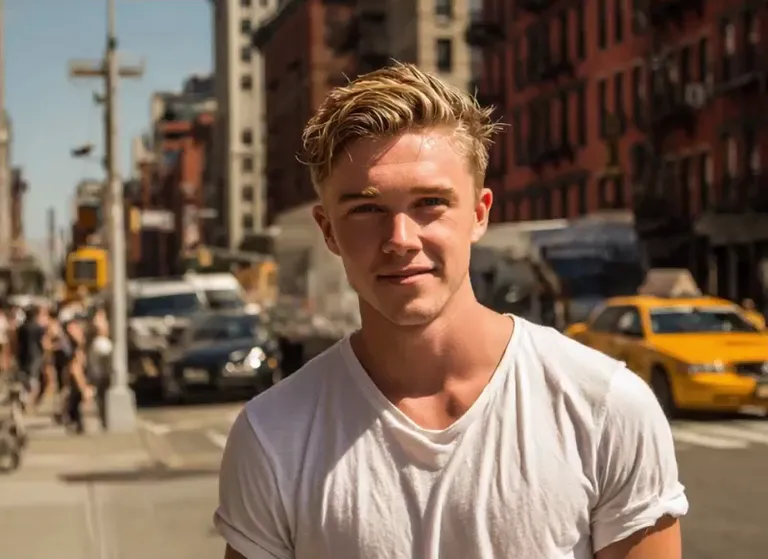
“A young blond man in a white tee stands on a bustling New York City street with yellow taxis and brick buildings behind him; he rolls his eyes back and sticks out his tongue with drool, static camera.”
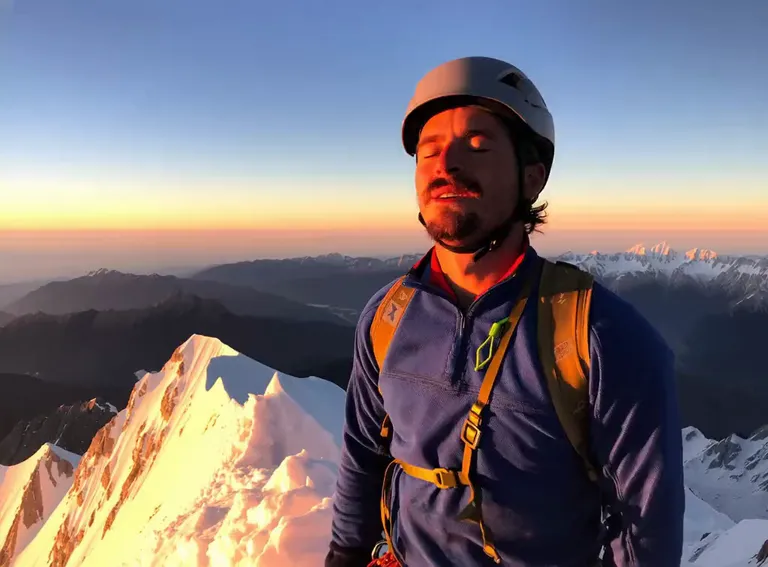
“A bearded man in a blue jacket and white climbing helmet with backpack straps stands on a snowy mountain summit at sunrise, glowing peaks behind him; he rolls his eyes back and sticks out his tongue, static camera.”
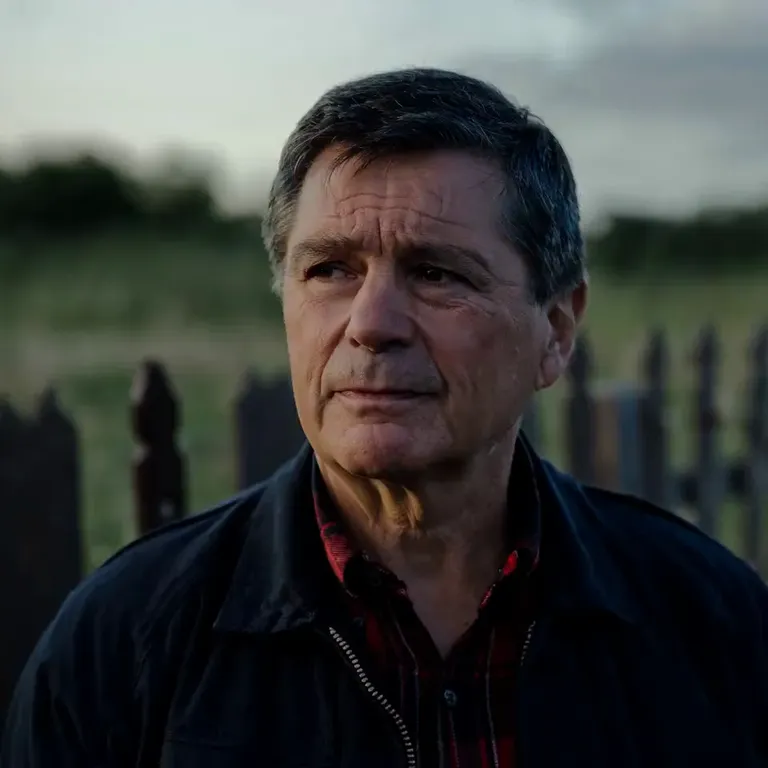
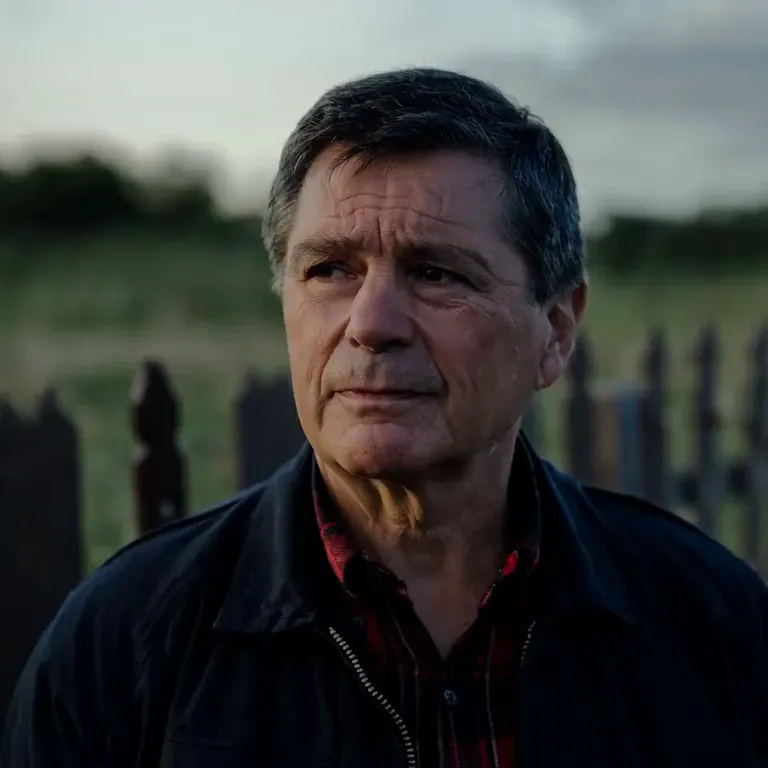
“An older man with graying hair in a dark jacket over a red plaid shirt stands in a green field beside a wooden fence at dusk; he rolls his eyes up and sticks out his tongue with drool, static camera.”
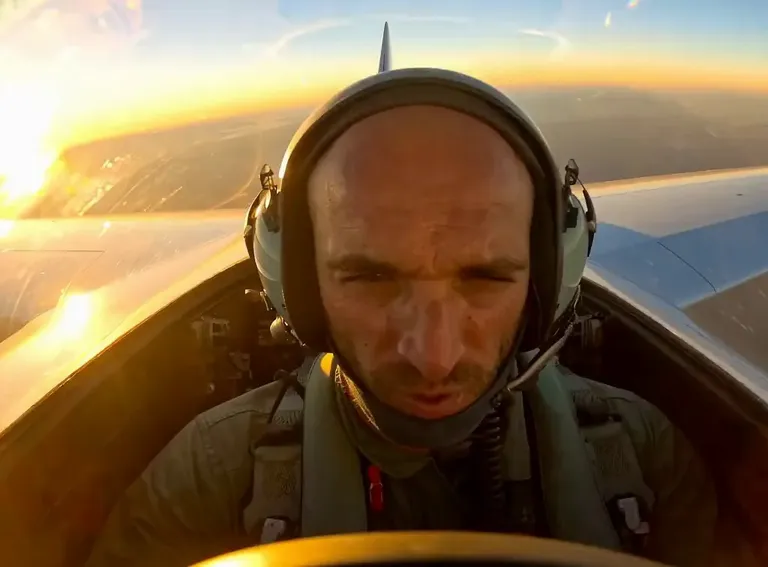
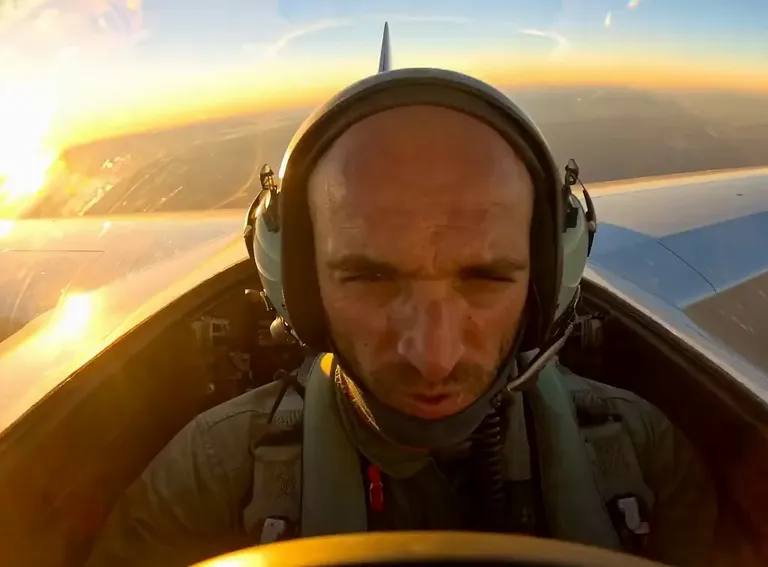
“A pilot in a green flight suit and headset sits in a fighter jet cockpit at golden-hour sunset with clouds and the jet's canopy behind him; he rolls his eyes and sticks out his tongue, static camera.”
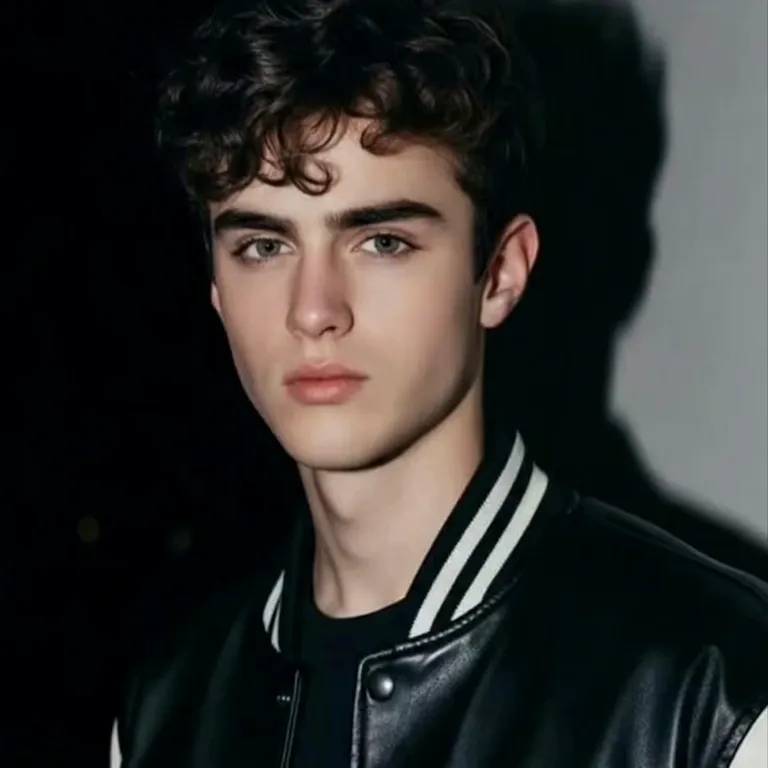
“A young man with curly dark hair in a black-and-white varsity jacket stands against a dark studio backdrop; he rolls his eyes back and sticks out his tongue with a wide grin, static camera.”
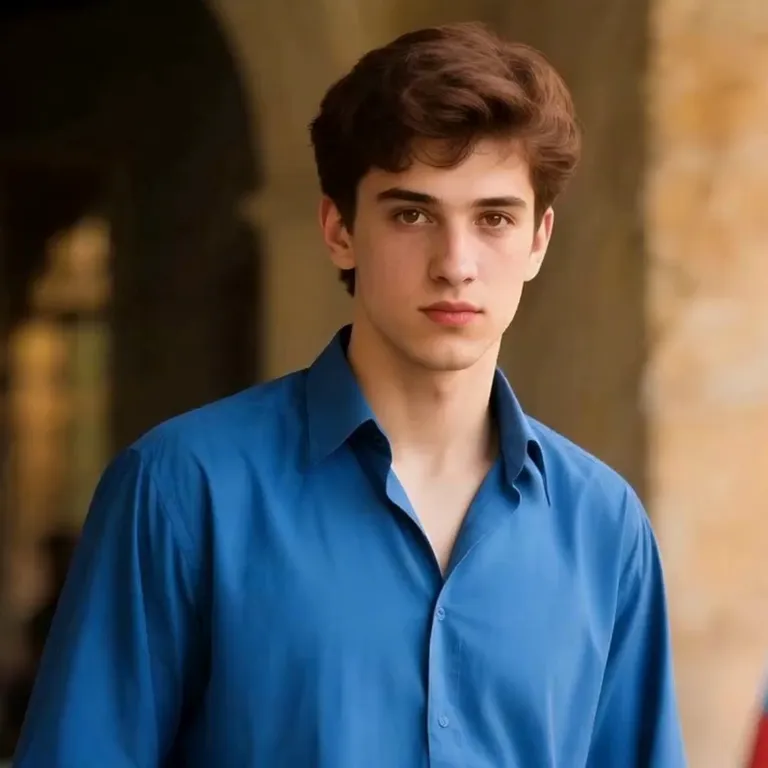
“A young man with brown hair in a bright blue button-up shirt stands in a sunlit stone arcade with arched passageways; he rolls his eyes back and breaks into a wide laughing grin with his tongue out, static camera.”

“A young man with tousled brown hair in a light gray tee lounges on a cream couch in a living room, filming a close selfie; he opens his mouth wide and slowly sticks out his tongue as a long string of drool hangs down, static camera.”
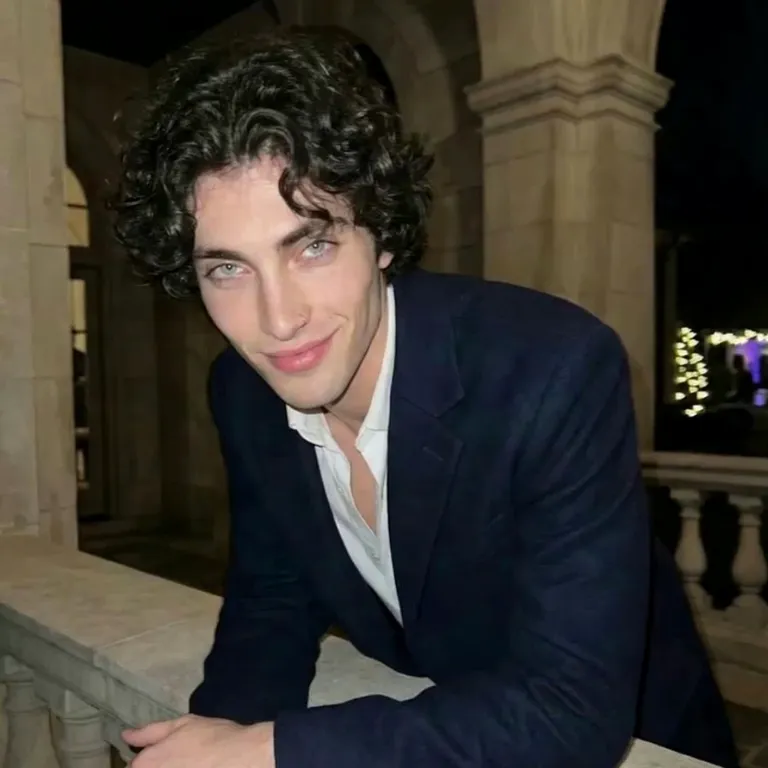
“A young man with dark curly hair in a navy blazer over an open white shirt leans on a stone balustrade in a night courtyard framed by arched walls and string lights; he rolls his eyes back and sticks out his tongue, drooling, static camera.”
The Style
An AI ahegao video generator brings a still photo to life as a short, exaggerated facial-reaction clip. Upload one image and the model animates the person's expression — eyes rolling back and tongue sticking out in an over-the-top, anime-style ahegao face — while keeping their features, outfit and background consistent with your photo. The whole thing runs on one photo and a short prompt, so there is no camera, no makeup and no editing involved. Because the reaction is so dramatic, everyday portraits make the most striking results: a casual couch selfie, a friend on the street or an old family photo all flip into wide-eyed, tongue-out expressions in seconds. Clips are short and loop-friendly, built for edits, thumbnails, reaction posts and social feeds, and every example on this page was made from a single photo and a simple prompt.
See how creators and communities are talking about AI ahegao videos and facial-expression tools across the internet.
A hands-on demo of free AI tools that turn a single photo into any expression you like — the same one-image workflow that powers AI ahegao effects. It shows how far facial-expression control can be pushed.
Watch on YouTubeOpenArt's official tutorial shows how to dial facial expressions up or down with precise control, from a subtle smirk to a full, exaggerated reaction. It is a clean look at the AI expression editing that makes ahegao-style faces possible.
Watch on YouTubeA full step-by-step walkthrough of Dzine AI's facial expression changer, from a neutral portrait to a wildly expressive face, including how to clean up small artifacts. A repeatable, tool-based expression workflow anyone can follow.
Watch on YouTubeThis tutorial combines AI with Photoshop to swap one face expression for another — a popular trick for thumbnails and social posts. It shows how easily an ordinary photo can be turned into a bold, reaction-style shot.
Watch on YouTubeAn illustration breakdown of the ahegao face itself — crossed eyes, tongue out, flushed cheeks — showing exactly which features make the expression read as 'ahegao.' A handy visual reference for recreating the look with AI.
Watch on YouTubePrompt Library
Ready-to-use prompts for every kind of photo — copy one into the tool panel above or hit Use this prompt to fill it in automatically.
“The person from your uploaded photo starts with a calm, neutral face, then suddenly rolls their eyes back and sticks out their tongue in an exaggerated expression, steady front-facing shot, keep the face and background consistent, loop-friendly.”
“The person from your uploaded photo slowly shifts from a relaxed look into a wide, over-the-top reaction, eyes rolling up and tongue pushing out, the change building gradually across the clip, static camera, keep the face and background consistent.”
“The person from your uploaded photo holds a completely straight face, then breaks into a wild, crossed-eye expression with the tongue out, a quick comedic snap, static portrait shot, keep the face and background consistent.”
“The person from your uploaded photo lounges on a cream couch and films a close selfie, then opens their mouth wide and slowly sticks out their tongue in a bold expression, warm indoor light, static camera, keep the face and background consistent.”
“The person from your uploaded photo stands on a busy city street with taxis and brick buildings behind, then rolls their eyes back and sticks out their tongue in a dramatic expression, bright daylight, static camera, keep the face and background consistent.”
“The person from your uploaded photo sits indoors in warm lamp light with a softly blurred foreground, then rolls their eyes back and sticks out their tongue in a big reaction, cozy mood, static camera, keep the face and background consistent.”
“The person from your uploaded photo wears a flight suit and headset in a fighter-jet cockpit at golden-hour sunset, then rolls their eyes and sticks out their tongue in an exaggerated expression, static camera, keep the face and background consistent.”
“The person from your uploaded photo stands on a snowy mountain summit at sunrise wearing a climbing helmet and backpack, then rolls their eyes back and sticks out their tongue in a bold reaction, glowing peaks behind, static camera, keep the face and background consistent.”
“The person from your uploaded photo wears a varsity jacket against a dark studio backdrop, then rolls their eyes back and sticks out their tongue with a wide grin, clean studio lighting, static camera, keep the face and background consistent.”
“The person from your uploaded photo leans on a stone balustrade in a night courtyard framed by arched walls and string lights, then rolls their eyes back and sticks out their tongue, warm ambient glow, static camera, keep the face and background consistent.”
“The person from your uploaded photo stands in a green field beside a wooden fence at dusk, then rolls their eyes up and sticks out their tongue in a big reaction, soft fading light, static camera, keep the face and background consistent.”
“The person from your uploaded photo smiles in front of a leafy green garden with a small flower behind their ear, then rolls their eyes up and sticks out their tongue in an exaggerated expression, bright natural light, static camera, keep the face and background consistent.”
How It Works
Turn one photo into an exaggerated reaction clip in three simple steps — no sign-up required to get started.
Drop a single photo into the upload area at the top of this page — a selfie, a portrait or a friend's picture all work. A clear, well-lit, front-facing shot where the face is easy to see gives the best result, and one photo is all you need.
Choose a ready-made prompt from the prompt library above, or write your own to set the expression and the scene. Mention the setting and how dramatic you want the look — your photo anchors the face and background while the prompt drives the reaction.
Hit Generate and your clip is ready in a few minutes — a short, loop-friendly video. Free accounts include daily generations with a small watermark; sign in to download, and a subscription removes the watermark.
Inspiration
Not sure what to make? Match a dramatic reaction to the moment and start from there.
Turn an ordinary portrait into a dramatic, wide-eyed reaction shot that stops the scroll in edits and shorts.
Give a video thumbnail instant personality with an over-the-top reaction face made from a single photo.
Animate a friend's photo into a ridiculous expression and drop the clip in the group chat for an easy laugh.
Pair a fan-art avatar or a look-alike portrait with a dramatic anime-style reaction — a popular format for fandom edits.
Start from a neutral selfie and let the expression flip: a simple before-and-after that works great as a short-form hook.
Ride the reaction-face trend with vertical clips built for TikTok, Reels and Shorts.
Explore
If you like the exaggerated reaction look, these neighboring AI video styles will be right up your alley.
High-energy twerk and dance clips generated from a single photo.
Turn a couple photo into a romantic kiss clip with matched faces and scenes.
Swimwear try-on videos that swap outfits while keeping the person's look.
Turn a photo into a short clip with a natural, realistic curve change.
Answers to the most common questions about AI ahegao videos, photo requirements and our free generator.
An AI ahegao video generator is a tool that turns a still photo into a short video with an exaggerated anime-style facial reaction — eyes rolled back and tongue out. Upload one image and the model animates the expression while keeping the person's face and background consistent with your photo. The clips are built for edits, thumbnails and reaction posts.
Your ahegao reaction clip is one photo away. Head back up, pick a prompt, and generate your own AI ahegao video from a single photo for free — no sign-up required.