Turn a Photo into an Escape Scene Video

Turn a photo into an escape scene video, and get a short clip back. One photo of an adult goes in. A few seconds come out of that same person running, rowing, or wading through a chase or a disaster. Upload the photo, describe the getaway, and the tool returns a clip. People use it for a post, a story opening, or a quick scene test. It is one short video. It is not a still picture, not a fight between two people, not a Spider-Man suit, and not a bullet-time spin. It is not a mouth forming words, and it is not a face pasted onto someone else. Adults only. It is free to try.

Real Examples

AI Escape Video Examples

Every clip below is an AI escape video: one photo of an adult, then a chase or a getaway. These examples show the look. Copy a prompt or hit Try it to make your own on this page.

Input image used for AI escape video example 1
Input image

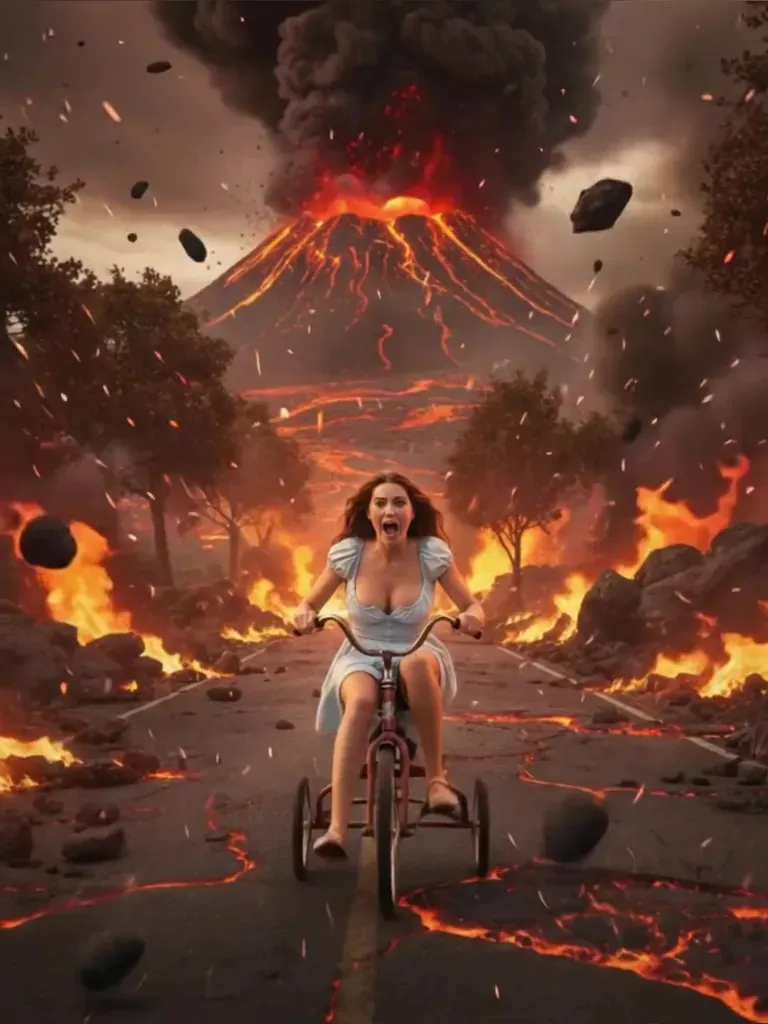
“Turn this photo of an adult woman on a bicycle into a short escape-scene video: she flees down a road as a volcano erupts, then falls as lava and fire close in. Keep her face and light-blue dress recognizable. Dramatic disaster getaway, natural motion, SFW, no watermark, no celebrity likeness, no official movie characters.”
Input image used for AI escape video example 2
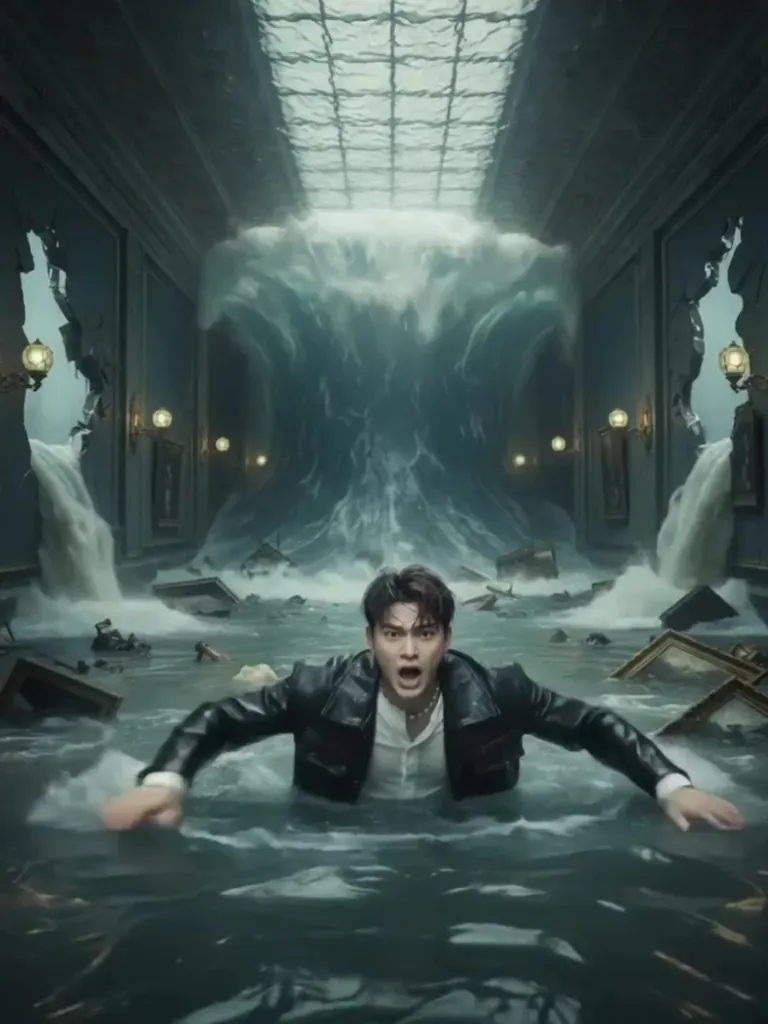
Input image

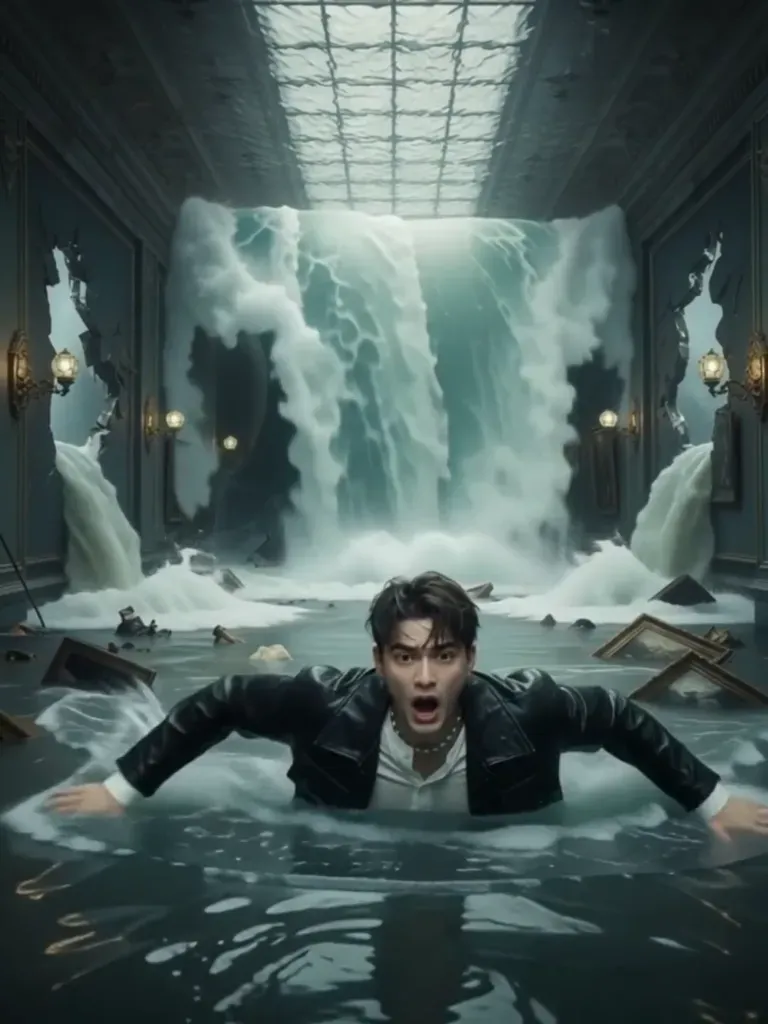
“Turn this photo of an adult man in a leather jacket into a short escape-scene video: he wades and swims through a flooded ornate hall as a wall of water bursts in behind him. Keep his face and outfit recognizable. Urgent disaster getaway, natural motion, SFW, no watermark, no celebrity likeness, no official movie characters.”
Input image used for AI escape video example 3
Input image

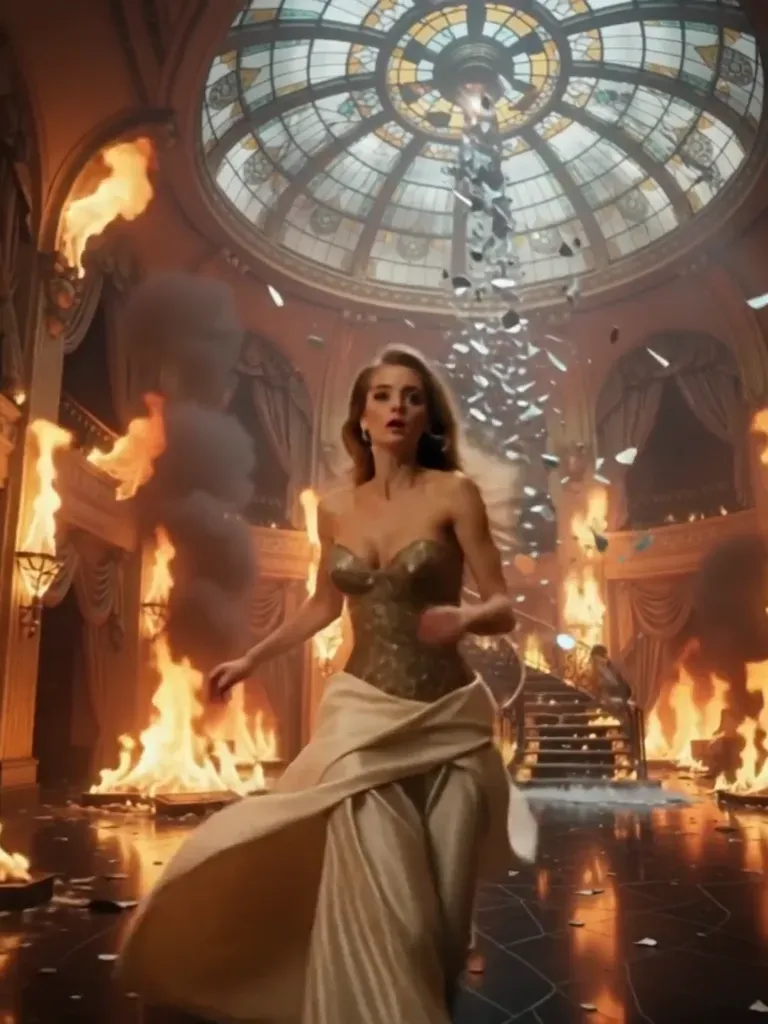
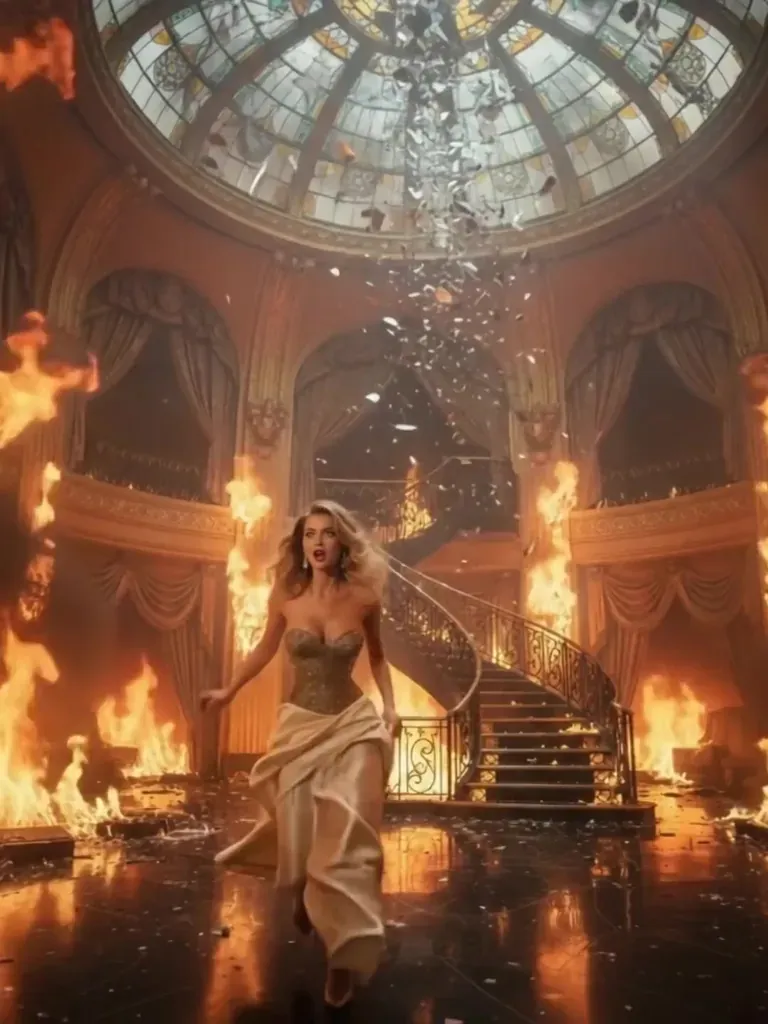
“Turn this photo of an adult woman in an evening gown into a short escape-scene video: she runs through a burning ballroom under a stained-glass dome. Keep her face and gown recognizable. Dramatic getaway, natural running motion, SFW, no watermark, no celebrity likeness, no official movie characters.”

Input image used for AI escape video example 4
Input image

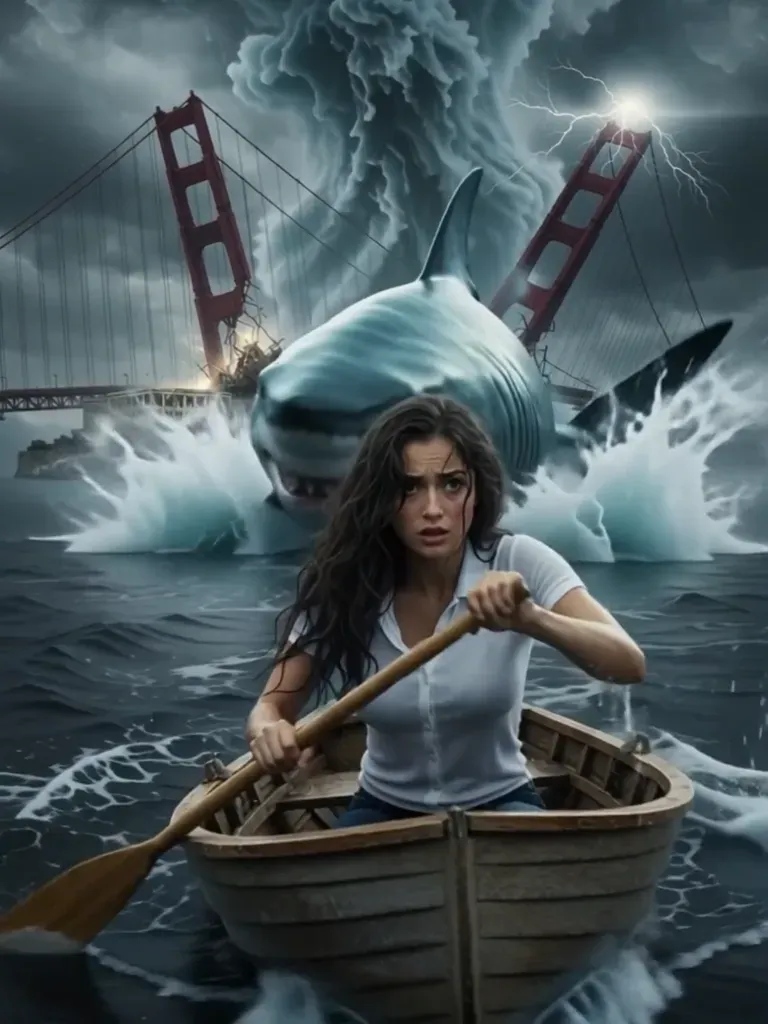
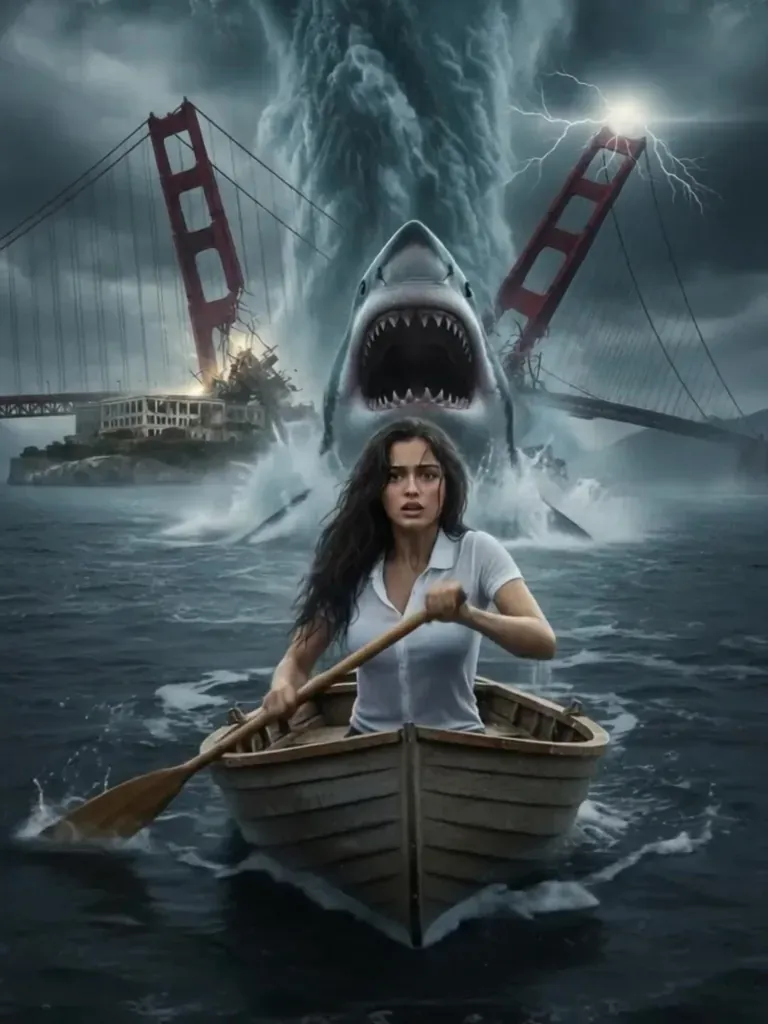
“Turn this photo of an adult woman in a rowboat into a short escape-scene video: she rows away as a giant shark rises from a stormy sea near a red suspension bridge. Keep her face and outfit recognizable. High-tension getaway, natural motion, SFW, no watermark, no celebrity likeness, no official movie characters.”
Input image used for AI escape video example 5
Input image

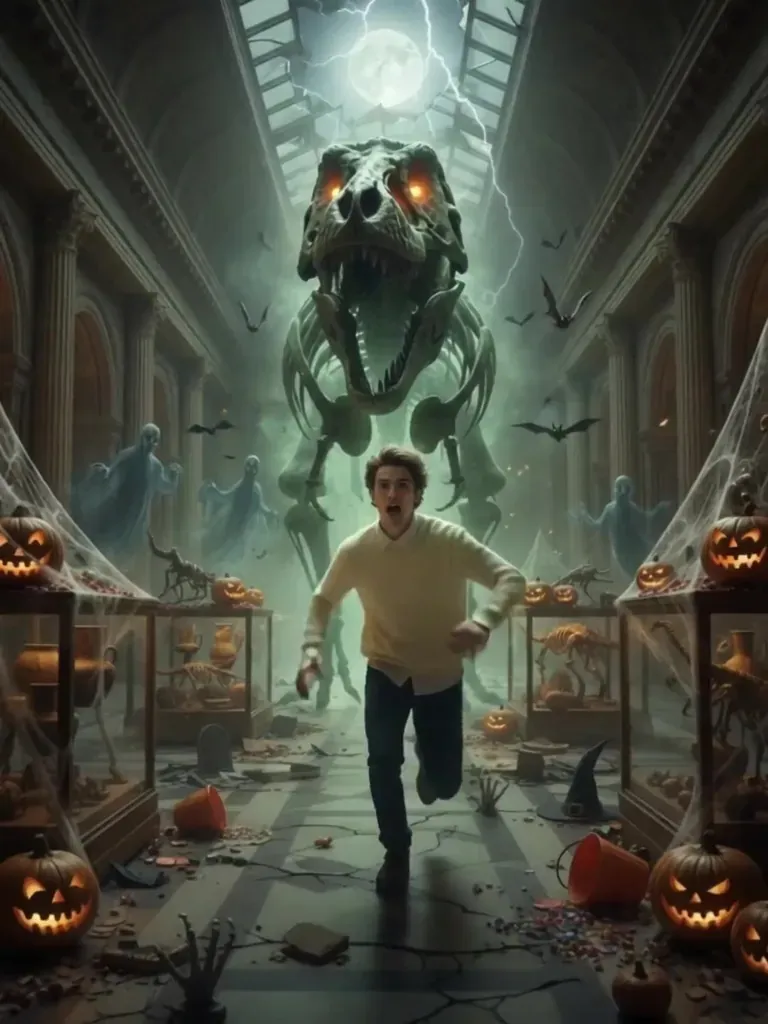
“Turn this photo of an adult man in a cream sweater into a short escape-scene video: he runs through a moonlit museum hall filled with a dinosaur skeleton, ghosts, bats, and jack-o'-lanterns. Keep his face and outfit recognizable. Cinematic chase energy, natural running motion, SFW, no watermark, no celebrity likeness, no official movie characters.”

Input image used for AI escape video example 6
Input image

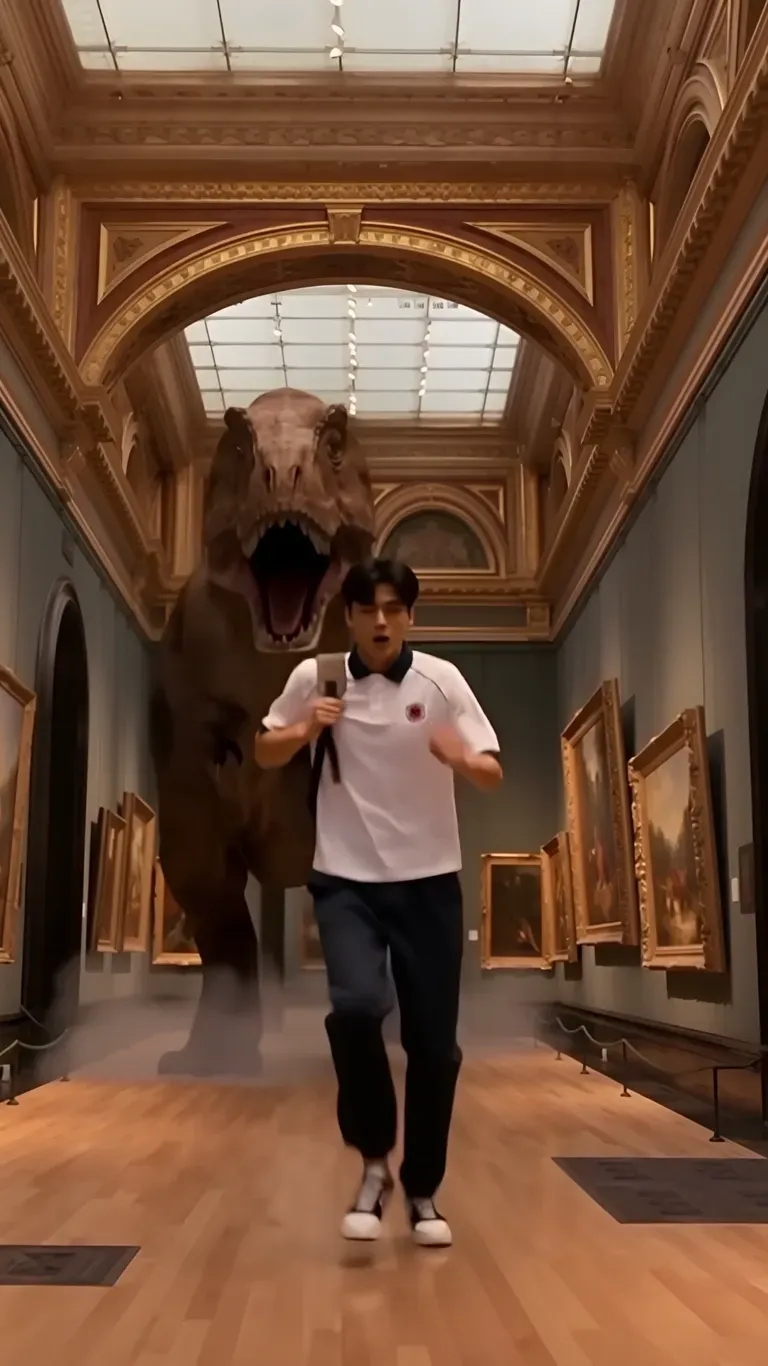
“Transform this standing photo of an adult young man in a white sports polo into a short chase-and-escape video: he sprints down a grand museum gallery while a giant dinosaur pursues him. Keep his face, hair, and outfit recognizable. Cinematic urgency, natural running motion, SFW, no watermark, no celebrity likeness, no official movie characters.”
The Style

AI Escape Generator

An AI escape generator, here, means a few seconds of video of the adult already in the photo, moving through one getaway. You describe one place and one move — a museum chase, a flooded hall, a burning ballroom, a boat on open water — and the tool is asked to keep that person as the subject. The clip stays short on purpose. Someone getting away is the whole effect. A news story about software leaving a lab uses the same words, and this page is not that. A fight between two people is a different page. A Spider-Man style suit is a different page. A camera spinning around a frozen pose is a different request, and this page does not do that. A still filter is what many photo tools return, and this page returns a clip. There is no face pasted onto an actor, and no mouth forming words. Every example on this page is an escape scene video of an adult.

An adult running through a museum gallery with a giant dinosaur behind him, a frame from an AI escape video
An adult rowing away from a rising shark near a red bridge, a frame from an AI escape video
An adult in an evening gown running through a burning ballroom, a frame from an AI escape video
An adult wading through a flooded hall as water bursts in, a frame from an AI escape video
  • The same adult already in the photo, now moving through a getaway
  • A chase or a disaster around them: a creature, fire, flood, or open water
  • Running, rowing, or wading, for a few seconds
  • One adult as the subject from start to finish
  • The clothes from the photo, meant to stay with that person
  • One continuous clip, not a stack of stills
  • No speech, and no mouth forming words
  • No second face swapped in from another photo
  • No duel, no traded punches, and no second fighter
  • No superhero suit, and no spin around the person

Photo-to-Video Lessons on YouTube

These English lessons start from a still and move toward a short clip, including a chase or a getaway. They are lessons about the idea. This page returns an escape scene video.

YouTube: From a Photo to a Short Getaway

Introducing Gen-4.5 Image to Video | Runway

An English product lesson on turning a still into a short clip, including chase shots. This page returns an escape scene video from one photo.

Watch on YouTube

Kling 3.0 Omni | Turn Images into Cinematic Videos

An English lesson that starts from one uploaded image and returns a short clip. This page asks for an escape or a chase.

Watch on YouTube

How To Create Your Own AI Films With Flova (Full Beginner AI Filmmaking Workflow Guide & Tutorial)

An English beginner lesson that uploads a photo of the creator and builds a short getaway. This page is one escape scene clip, not a full film and not a movie character.

Watch on YouTube

Prompt Library

Escape Scene Prompts

Ready-to-use prompts for a creature chase, a disaster getaway, and open water. Copy one into the tool above, or hit Use this prompt to fill it in.

Creature Chase

Museum Gallery

“The adult in the uploaded photo sprints down a grand museum gallery while a giant dinosaur follows. Same person, same clothes. One continuous take, no text, no speech, no face swap, no second adult.”

Moonlit Hall

“The adult in the uploaded photo runs through a moonlit museum hall past a dinosaur skeleton, sheet ghosts, and a few bats. Same person, same outfit. One continuous take, no text, no speech, no face swap, no second adult.”

Long Corridor

“The adult in the uploaded photo runs toward the camera down a long corridor, with something large and out of focus behind them. Same person, same clothes. One continuous take, no text, no speech, no face swap, no second adult.”

Courtyard

“The adult in the uploaded photo runs across a stone courtyard as a large creature appears at the far end. Same person, same outfit. One continuous take, no text, no speech, no face swap, no second adult.”

Disaster Getaway

Flooded Hall

“The adult in the uploaded photo wades through a flooded ornate hall as a wall of water bursts in behind them. Same person, same clothes. One continuous take, no text, no speech, no face swap, no second adult.”

Burning Ballroom

“The adult in the uploaded photo runs through a burning ballroom under a stained-glass dome. Same person, same gown or suit. One continuous take, no text, no speech, no face swap, no second adult.”

Volcano Road

“The adult in the uploaded photo rides a bicycle down a road as a volcano glows behind them, and stays on the bike. Same person, same clothes. One continuous take, no text, no speech, no face swap, no second adult.”

Rising Stairs

“The adult in the uploaded photo climbs a wide stair as water rises on the steps below. Same person, same clothes. One continuous take, no text, no speech, no face swap, no second adult.”

Open Water

Rowboat and Shark

“The adult in the uploaded photo rows a small boat away as a giant shark rises from a stormy sea near a red bridge. Same person, same clothes. One continuous take, no text, no speech, no face swap, no second adult.”

Dock Run

“The adult in the uploaded photo runs along a wooden dock toward a small boat, with open water on both sides. Same person, same clothes. One continuous take, no text, no speech, no face swap, no second adult.”

Deck and Wave

“The adult in the uploaded photo braces on a boat deck as a wave lifts beside them. Same person, same clothes. One continuous take, no text, no speech, no face swap, no second adult.”

Leave the Shore

“The adult in the uploaded photo runs up the beach, away from the surf, and keeps going. Same person, same clothes. One continuous take, no text, no speech, no face swap, no second adult.”

How It Works

How to Turn a Photo into an Escape Scene Video

Turn one photo into a short escape scene video in three steps — no sign-up required to start.

1

Upload One Adult Photo

Drop a single image into the upload area at the top of this page. A clear shot of one adult works best, with the body easy to see and the light fairly even. Use a photo you have the right to animate.

2

Describe the Getaway

Pick a prompt above or write your own. Ask for that same adult running, rowing, or wading through one chase or one disaster. One scene is enough. Skip a fight, a superhero suit, a spin around the person, speech, a face swap, and any request to copy a movie character.

3

Generate and Download

Hit Generate. The clip comes back in a few minutes — a few seconds of that person getting away. Free accounts include a small watermark. Sign in to download, and a subscription removes the watermark.

Inspiration

Turn a Photo into an Escape

The same request, returned here as a few seconds of video. One photo in. One getaway clip out.

A Museum Chase

Use a standing photo and ask for a sprint down a gallery, with one large creature behind. The clip is a few seconds. One adult. One take.

A Flooded Hall

Use a full-body photo and ask for waist-deep water in a grand room, with more water coming in. The person wades. The room stays one room.

A Burning Room

Use a dressed-up photo and ask for a run through one burning ballroom. Flames at the edges. The person keeps moving. No second guest joins the shot.

A Boat and Open Water

Use a photo on the water, or ask for a small boat. One threat in the water is enough. The person rows away. The clip ends there.

Photo Next to the Clip

Post the original photo beside the video. The person matches. The second view is the same adult in a getaway. That contrast is the point of the page.

FAQs

Answers to the usual questions about an AI escape video, the photo it needs, and what this page will not make.

A few seconds of video made from one photo of an adult. That person runs, rows, or wades through a chase or a disaster. You upload one image, describe the getaway, and the result comes back as video.

Try It Free

Your photo is one prompt away from a short escape scene clip. Head back up, pick the getaway, and try it for free — no sign-up required.