
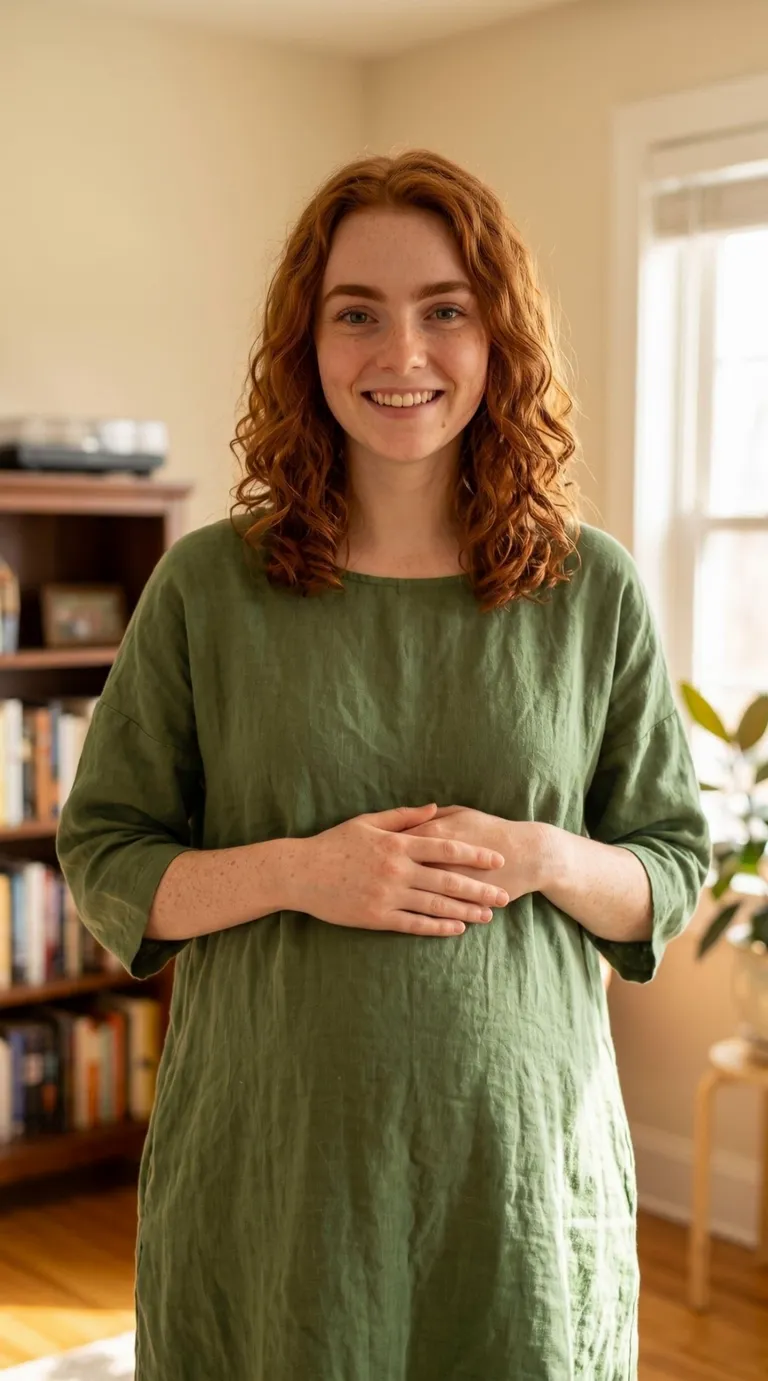
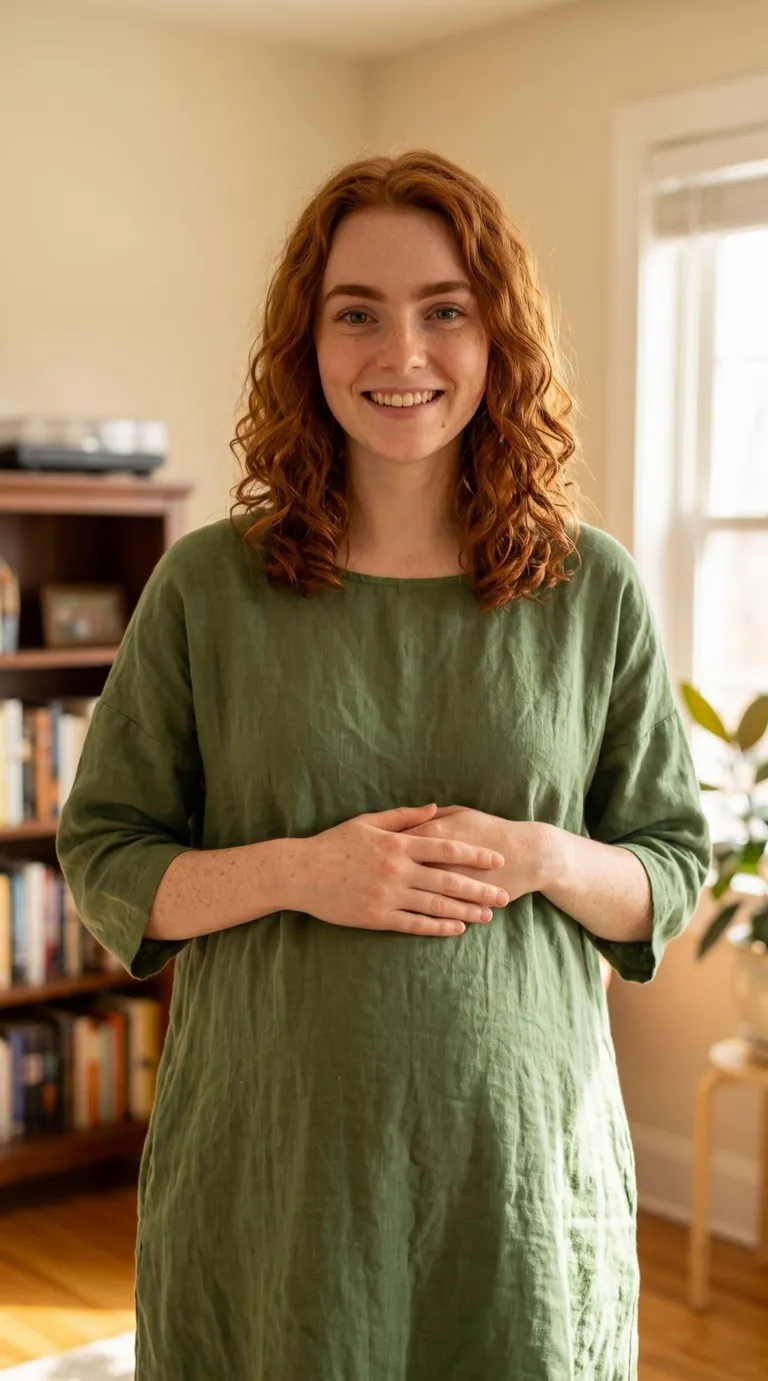
Input image
“The woman in the uploaded photo keeps the same face, green dress, and room. A realistic baby bump becomes visible at her waist. Locked-off camera, one continuous take, photorealistic, no speech.”
Turn a photo into a realistic pregnancy video from one picture of an adult. The clip is a few seconds long, and a believable baby bump shows on that same person. Upload the picture, describe the bump, and the tool does the rest. There is no timeline to edit and no second photo to blend in. People use it for a feed, a joke between friends, or a private preview. The result is a visual effect. It is not a medical image, not a month-by-month record of a pregnancy, and not a picture of a baby. It is free to try.
Sample Video
View more examples →Real Examples
Every clip below starts from one still and the prompt that adds the bump. Watch the waist, then copy the prompt or hit Try it to make your own AI pregnancy video on this page.
“The woman in the uploaded photo keeps the same face, green dress, and room. A realistic baby bump becomes visible at her waist. Locked-off camera, one continuous take, photorealistic, no speech.”
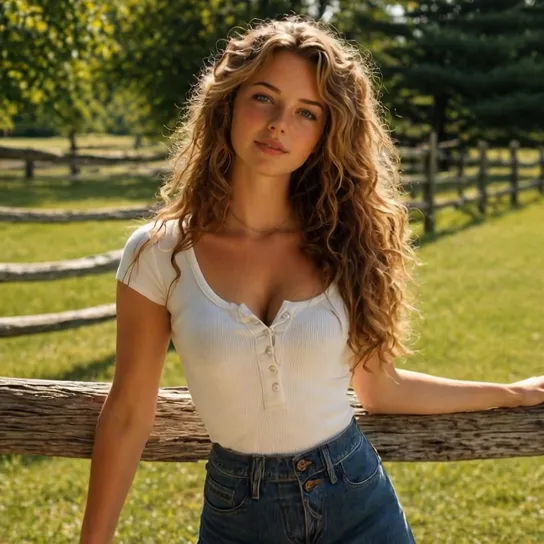
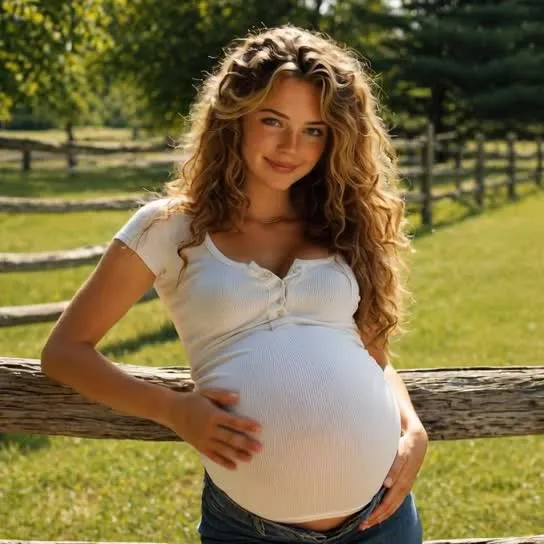
“The woman in the uploaded photo stays by the fence in the same white shirt and jeans, with the same face. A realistic baby bump shows under the shirt. Her arms and legs stay the same size. Locked-off camera, one continuous take, photorealistic, no speech.”
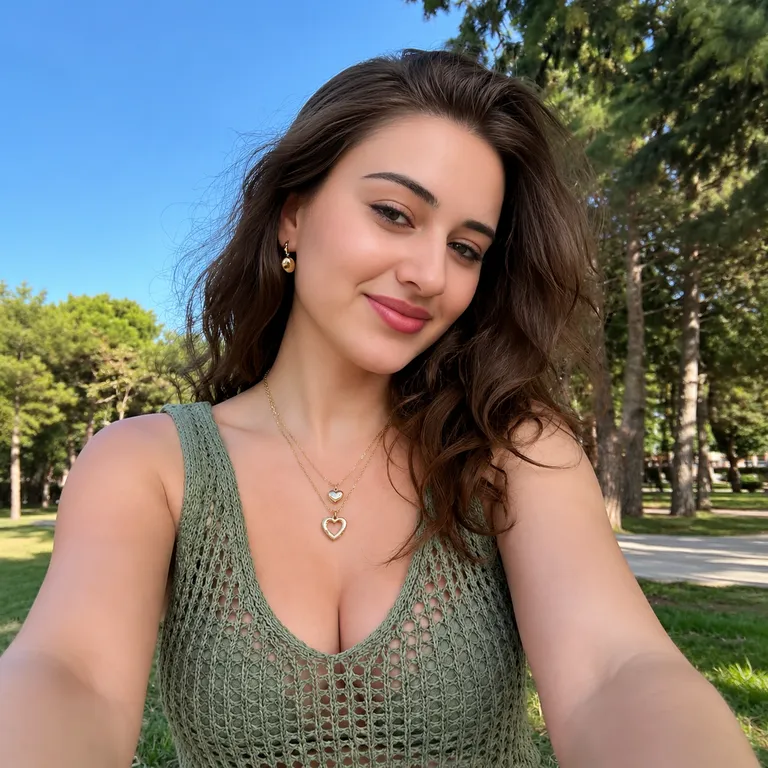
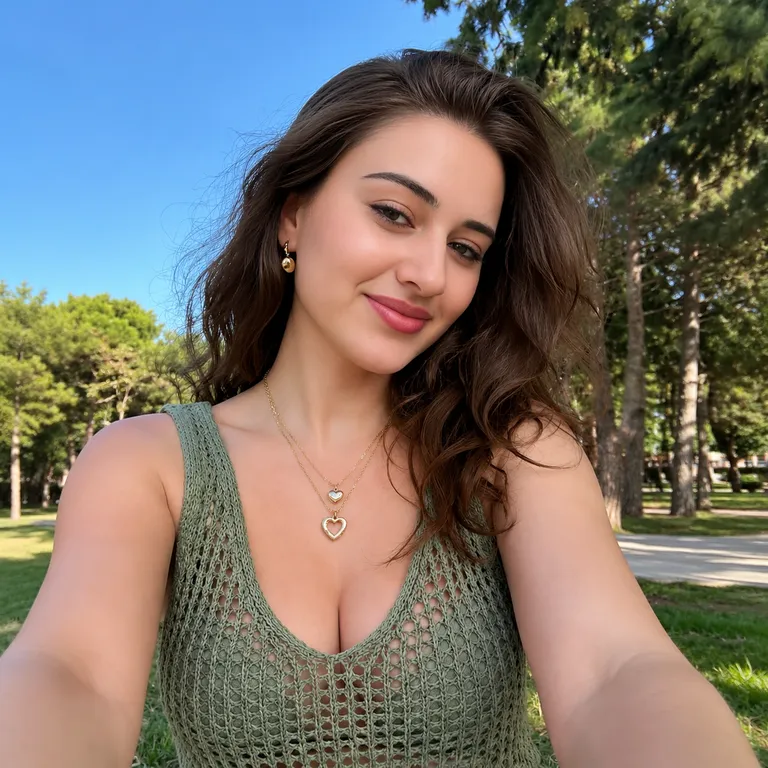
“The woman in the uploaded photo stays in the same park, the same top, and the same face. A realistic baby bump becomes visible at her waist. The rest of her body does not swell. Locked-off camera, one continuous take, photorealistic, no speech.”
The Style
An AI pregnancy video, here, is a few seconds of a realistic baby bump on a photo you already have. You describe that one change — a bump under a t-shirt, under a dress, or on a waist-up portrait — and the tool is asked to keep the person, the clothes, and the room. The clip stays short on purpose. A bump that reads as pregnancy is the whole effect. A cartoon sphere, or a body that swells everywhere, is a different page: belly inflation is the funny balloon puff-up, and it is built for pranks. This one is not a medical image. It does not run through the months of a pregnancy, it does not start from a scan, and it does not show a baby. There is no second photo to blend and no face to paste on. Every example on this page is meant to come from a single image and a single prompt.
See how creators walk through the pregnancy-filter look — what they start from, and how they keep it to one person.
A 2023 walkthrough of the TikTok pregnancy-filter trend: the still-image look people search for next to a short video. oEmbed confirmed the title and that the video can be embedded.
Watch on YouTubePrompt Library
Ready-to-use prompts for a clothed bump, a standing photo, and a waist-up crop. Each one asks for a realistic baby bump and tells the tool to leave the person alone. Copy one into the tool above, or hit Use this prompt to fill it in.
“The person from the uploaded photo keeps the same face, t-shirt, and room. A realistic baby bump becomes visible under the shirt. Arms and legs stay the same size. Locked-off camera, one continuous take, photorealistic, no speech.”
“The person from the uploaded photo stays in the same tucked-in shirt and the same pants. A realistic baby bump shows at the waist, and the shirt pulls a little. The face does not change. Locked-off camera, one continuous take, photorealistic, no speech.”
“The person from the uploaded photo keeps the same dress, the same face, and the same background. A realistic baby bump becomes visible through the dress. Nothing else in the frame grows. Locked-off camera, one continuous take, photorealistic, no speech.”
“The adult in the uploaded photo stays standing in the same place and the same clothes. A realistic baby bump appears at the waist and then holds. The face stays recognizable. Locked-off camera, one continuous take, photorealistic, no speech.”
“The person from the uploaded photo grows a realistic baby bump, then rests one hand on it and looks down for a moment. Clothes, face, and background stay. Locked-off camera, one continuous take, photorealistic, no speech.”
“The person from the uploaded photo turns a few degrees so the baby bump reads in profile, then settles. Same outfit, same room, same face. Locked-off camera, one continuous take, photorealistic, no speech.”
“The person from the uploaded photo is framed from the waist up. A realistic baby bump becomes visible, and the crop stays the crop. Face and shirt stay the same. Locked-off camera, one continuous take, photorealistic, no speech.”
“The person from the uploaded selfie keeps the same angle and the same expression. A realistic baby bump shows below the frame of the face. The background does not change. Locked-off camera, one continuous take, photorealistic, no speech.”
“The person from the uploaded photo already has a hand near the waist. A realistic baby bump becomes visible under that hand. The pose barely moves. Locked-off camera, one continuous take, photorealistic, no speech.”
“Change only the belly of the person in the uploaded photo into a realistic baby bump. Face, hair, hands, legs, clothes, and the room stay as they are. Locked-off camera, one continuous take, photorealistic, no speech.”
“The person from the uploaded photo keeps the same smile and the same eyes. A realistic baby bump appears, and the expression does not become a new face. Locked-off camera, one continuous take, photorealistic, no speech.”
“Keep the uploaded illustration exactly as it is — same lines, same palette — and add a simple realistic baby bump to the standing figure. The style does not become a photograph, and the body does not turn into a balloon. Camera locked, one continuous take, no speech.”
How It Works
Turn one photo into a short pregnancy clip in three steps — no sign-up required to start.
Drop a single image into the upload area at the top of this page. A standing shot or a waist-up crop works best, with the midsection easy to see and the light even. Use a photo you have the right to animate.
Pick a prompt above or write your own. Ask for a realistic baby bump on the person already in the photo, and say what must stay: the face, the clothes, the room. One change is enough. Skip month counts, medical detail, and anything about a baby.
Hit Generate. The clip comes back in a few minutes — a few seconds of the same person, now with the bump. Free accounts include a small watermark. Sign in to download, and a subscription removes the watermark.
Inspiration
Not sure where to start? Use your own photo, keep the bump as the only change, and leave the rest of the frame alone.
Make a short clip from your own photo and keep it in a chat with one person. The bump is the whole idea, and the clip is only a few seconds.
Send a friend a clip of their own photo with a baby bump, then the original still. The contrast is the joke. Use a photo they are fine seeing.
Open a post with the clip, then cut to whatever you actually want to say. The bump gets the stop. The caption does the rest.
Post the photo beside the clip. With the sound off, the only change is the bump, which is the point of the page.
Explore
A realistic baby bump is one look. These neighboring photo-to-video styles sit next to it.
Answers to the usual questions about an AI pregnancy video, the photo it needs, and what this page will not pretend to show.
A few seconds of video made from one photo of an adult, where the change is a realistic baby bump on that same person. You upload one image, describe the bump, and the clip comes back with the face and the setting meant to stay put.
Your photo is one prompt away from a short pregnancy clip. Head back up, pick a bump, and try it for free — no sign-up required.