Turn a Photo into an AI Dance Video

Turn a photo into an AI dance video from one standing or half-body shot: a sway, a step in place, an arm phrase, a few beats of motion. Upload the picture, describe that one move, and the model keeps the person, the clothes, and the room while it builds the clip. There is no timeline and no rigging. There is also no song to upload and no second video to copy, so this is not a full routine and it does not follow another dancer. Nothing here lip-syncs. The result is a short dance clip, not a mouth forming words. It is free to try.

Real Examples

AI Dance Video Examples

Every clip below starts from one still and the prompt that moves the person. Watch the phrase — a sway, a step, an arm lift — then copy the prompt or hit Try it to make your own AI dance video on this page.

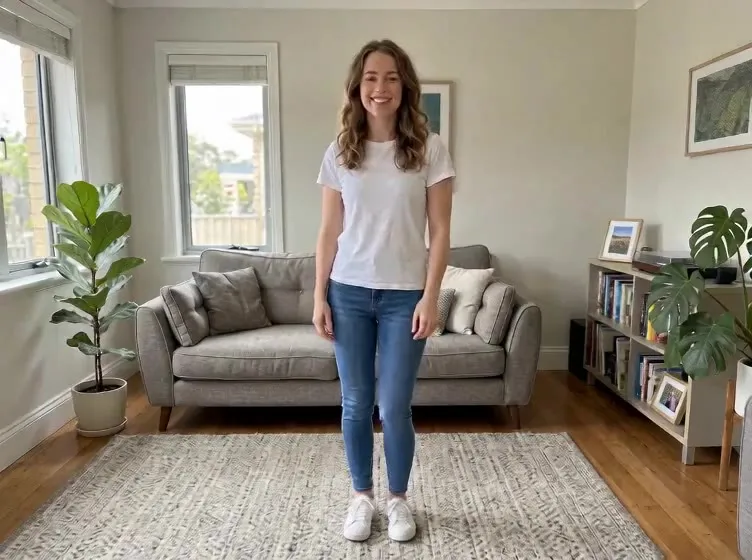
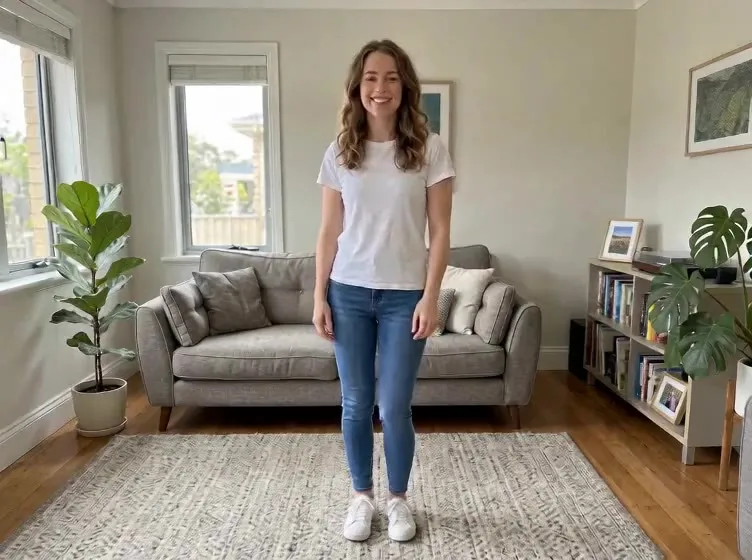
Input image used for AI dancer example 1
Input image

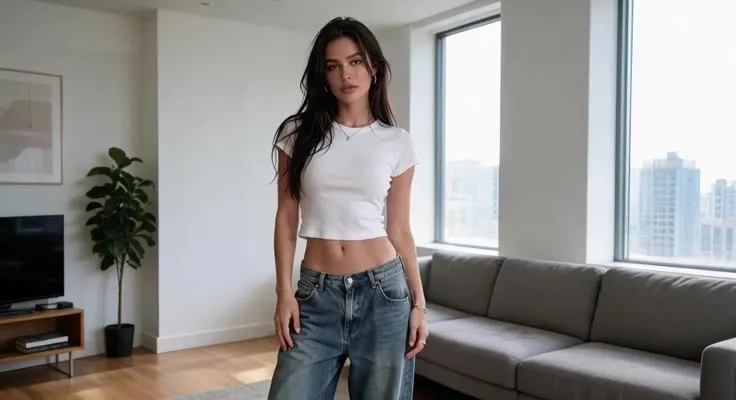
“The woman from the uploaded photo stays in the same living room, in the same white t-shirt and jeans. She shifts her weight and lifts one arm in a small dance gesture, then settles. Locked-off camera, one continuous take, photorealistic, no speech and no extra people.”

Input image used for AI dancer example 2
Input image

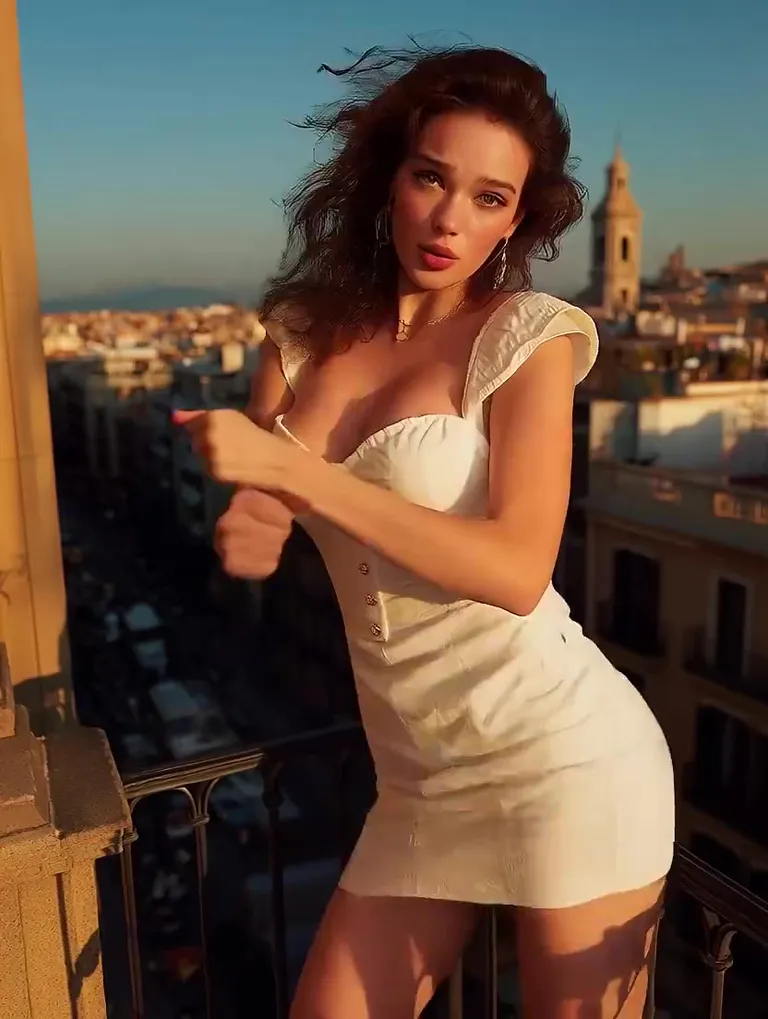
“The woman from the uploaded photo stays on the same balcony in the same white outfit. She moves through one short dance phrase: arms uncross, a hand goes to the hip, then a hand lifts toward the hair. Same face, same clothes, same background. Locked-off camera, one continuous take, photorealistic, no speech.”

Input image used for AI dancer example 3
Input image

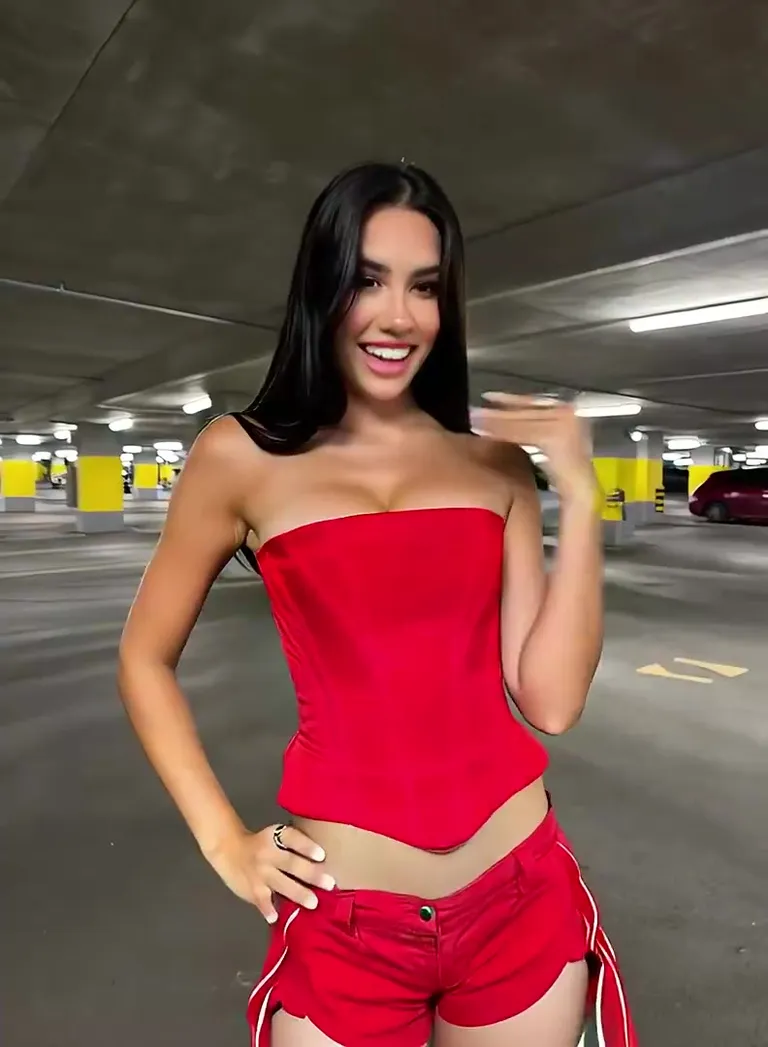
“The woman from the uploaded photo stays in the same garage, in the same red top and shorts. She dances in place for a few seconds, arms moving through one phrase, feet mostly planted. Same light and background. Locked-off camera, one continuous take, photorealistic, no speech.”

Input image used for AI dancer example 4
Input image

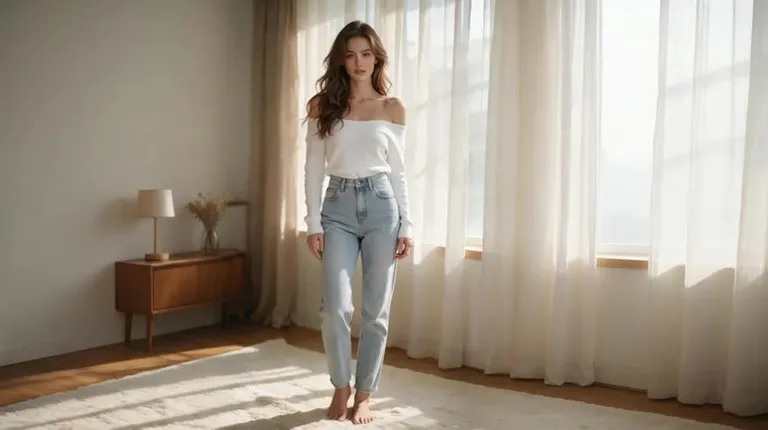
“The woman from the uploaded photo, in an off-shoulder top and jeans, moves from a standing pose into one side step with a small arm swing, then holds. Same room, same clothes, same face. Locked-off camera, one continuous take, photorealistic, no speech.”

Input image used for AI dancer example 5
Input image

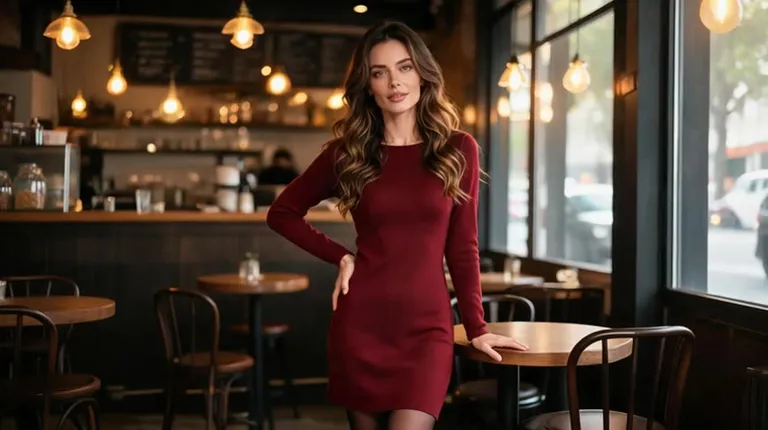
“The woman from the uploaded photo, in a burgundy dress, steps forward from the table and lifts one hand in a short dance gesture. The cafe, the dress, and her face stay consistent. Locked-off camera, one continuous take, photorealistic, no speech and no second dancer.”

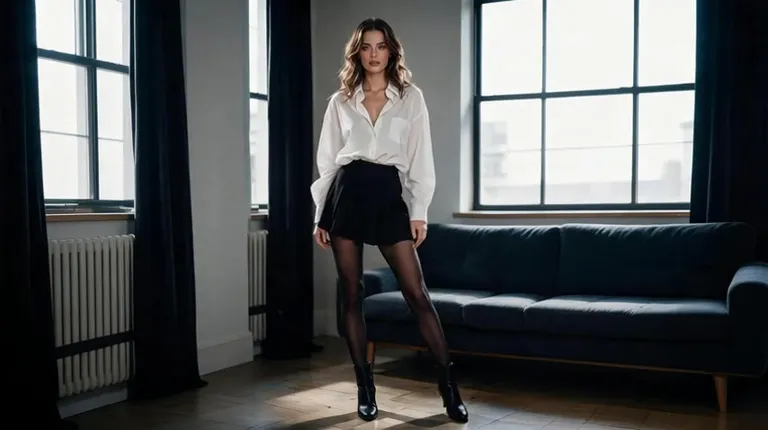
Input image used for AI dancer example 6
Input image

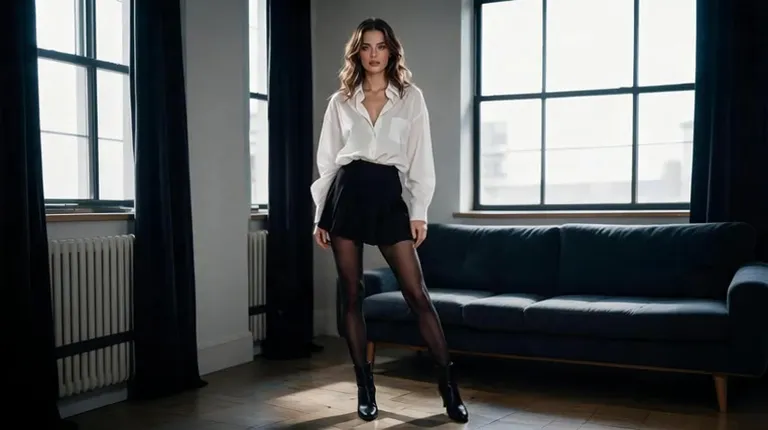
“The woman from the uploaded photo, in a white shirt and black skirt, takes a short dance step in place: one foot lifts, then the other, with a small arm swing. The room, the clothes, and the face stay the same. Locked-off camera, one continuous take, photorealistic, no speech.”

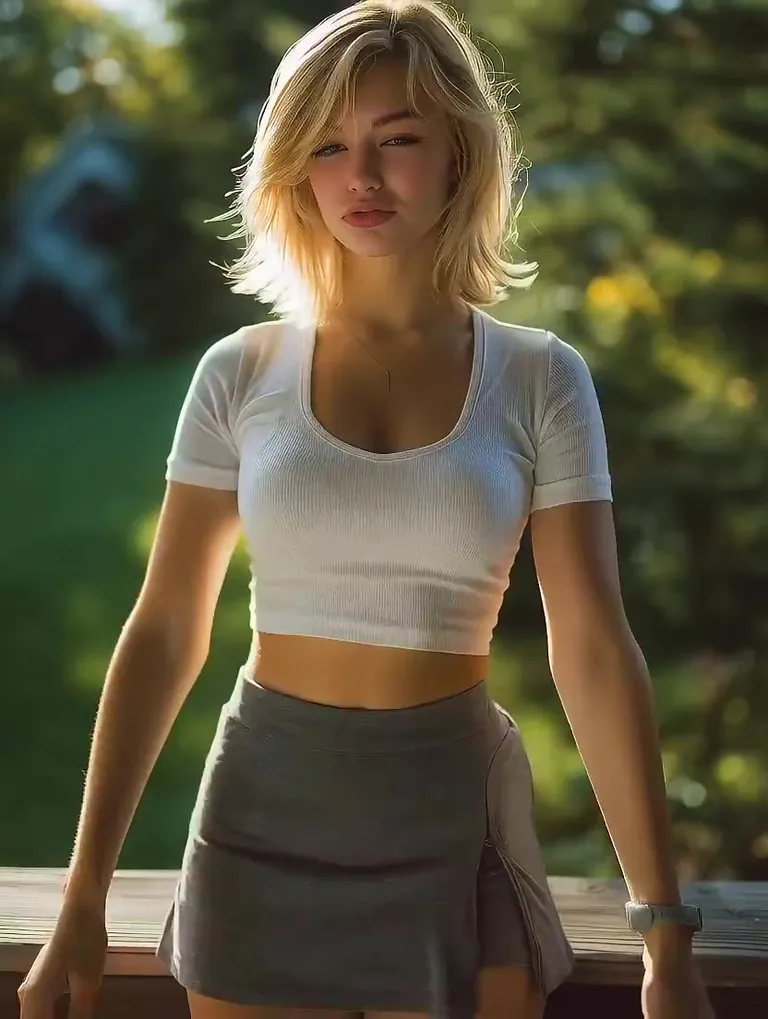
Input image used for AI dancer example 7
Input image

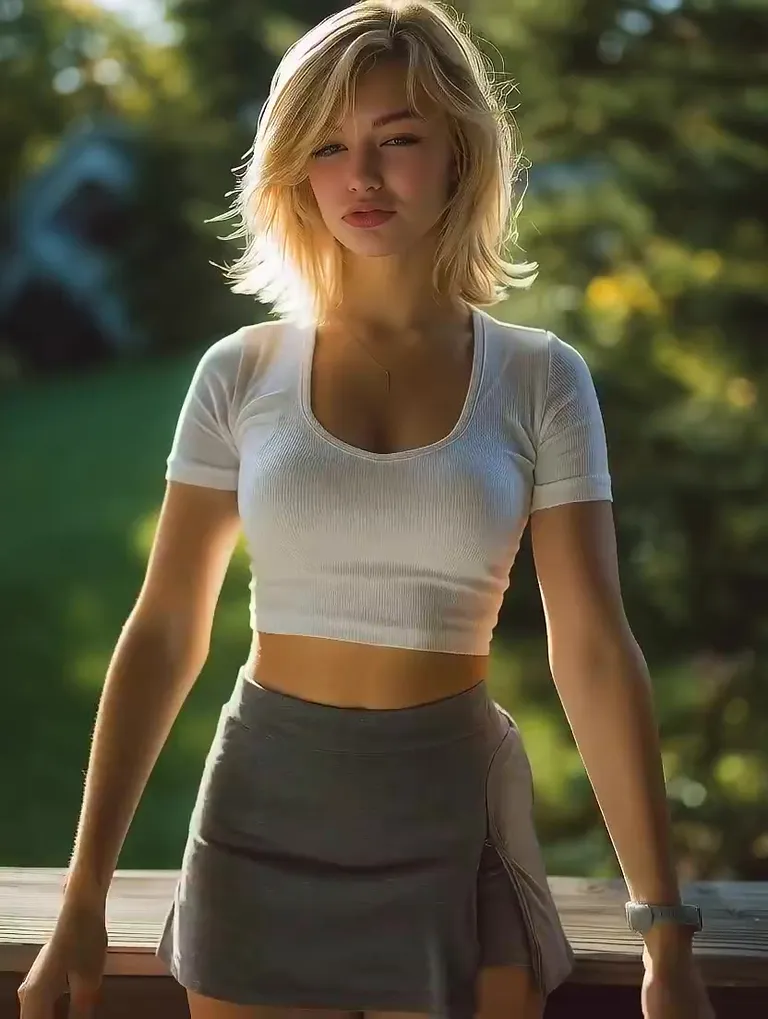
“The woman from the uploaded photo stays by the same railing in the same white top and gray skirt. She moves her arms through one short dance phrase, crossing them and then opening the gesture, while her feet stay mostly in place. Same background and light. Locked-off camera, one continuous take, photorealistic, no speech.”

Input image used for AI dancer example 8
Input image

“The woman from the uploaded photo, in a white t-shirt and jeans, raises both arms and brings her hands toward her head for one short dance beat, then eases back. Same room, same clothes, same light. Locked-off camera, one continuous take, photorealistic, no speech.”

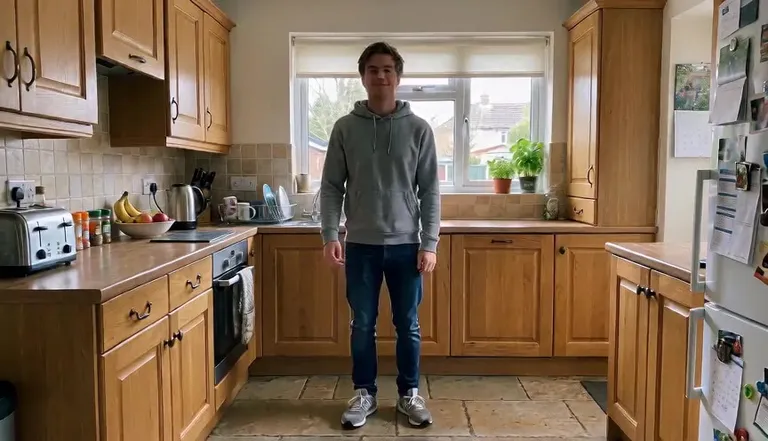
Input image used for AI dancer example 9
Input image

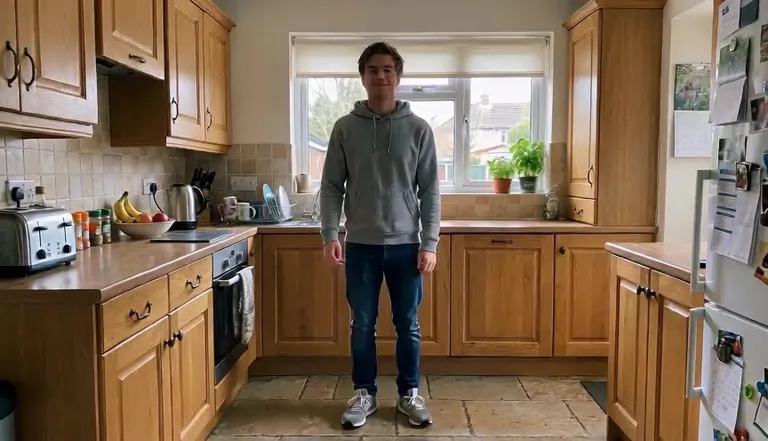
“The man from the uploaded photo stays in the same kitchen, in the same gray hoodie, with the same light and framing. He makes one small in-place dance move: a slight sway and a short swing of the arms, then settles back toward the starting pose. Locked-off camera, one continuous take, photorealistic, no speech and no extra people.”

The Style

What Is an AI Dancer?

An AI dancer, here, is a few seconds of dance motion on a photo you already have. You describe one phrase — a sway, a step in place, a side step, an arm lift, hands toward the head — and the model keeps the person, the clothes, and the room while it builds that change. The move stays short on purpose. A person who does one believable thing still looks like the photo you uploaded. A person asked to perform a whole song usually does not. This is not a talking-head tool and it is not a motion-copy tool. There is no audio input, no lip-sync, and no second video to follow, so the life is in the sway and the step, not in words or in someone else's routine. It is also a different job from animating a face. Animate face is a blink or a smile. Here the subject is the body in a short dance. Every example on this page was made from a single image and a single prompt, with no keyframes and no editing software.

A woman in a white t-shirt and jeans standing in a living room, a still from an AI dancer clip
A man in a gray hoodie standing in a kitchen, an AI dance video example
A woman in a white shirt and black skirt, a frame from an AI dance video
A woman in a white top by a railing, a still from an AI dancer video
  • A weight shift that reads as the start of a dance
  • One step in place, then the other foot
  • An arm that lifts and comes back down
  • Both hands rising toward the head for one beat
  • A short phrase with the feet mostly planted
  • Clothes, hair, and the room held from the source photo
  • One person — no partner and no group
  • The original light and framing kept
  • A few seconds, then the move settles
  • One continuous take — no cuts, no song, and no lip-sync

AI Dance Videos on YouTube

See how other creators turn a still into a dance clip — what they start from, and how much of the original photo they keep.

YouTube Videos About AI Dance Clips

WAN 2.2: Turn Any Image into an AI Dance Video | PowerDirector Tutorial

CyberLink's walkthrough of turning one still image into a short AI dance clip for a social post. The editor in the video borrows motion from a second clip.

Watch on YouTube

I tried every AI Dance Generator... This is the BEST ranking for 2026!

A 2026 side-by-side ranking of AI dance generators, for anyone comparing tools that turn a picture into a dance clip.

Watch on YouTube

How I Made the Viral AI Dance Videos (WAN 3 Omni Tutorial)

David Unger's tutorial on making the short AI dance clips that show up in this search, using WAN.

Watch on YouTube

Prompt Library

AI Dancer Prompts

Ready-to-use prompts for sways, steps in place, and short arm phrases. Each one asks for one move and tells the model to leave the person alone. Copy one into the tool above, or hit Use this prompt to fill it in.

Small Sways

A Weight Shift

“The person from the uploaded photo stays in the same clothes, light, and framing, then shifts their weight from one foot to the other as if a song just started. The arms barely move. Locked-off camera, one continuous take, photorealistic, no speech and no extra people.”

A Soft Sway

“The person from the uploaded photo sways gently in place for a few beats, shoulders loose, then settles back to the starting pose. The face, the outfit, and the room do not change. Locked-off camera, one continuous take, photorealistic, no speech.”

One Arm Lift

“The person from the uploaded photo lifts one arm in a small dance gesture, holds it, and brings it back down. The other arm and the feet stay mostly still. Same person, same light, same background. Locked-off camera, one continuous take, photorealistic, no speech.”

Steps in Place

One Step, Then the Other

“The person from the uploaded photo takes one short dance step in place: one foot lifts, then the other, with a small arm swing. They do not travel across the room. Clothes and face stay identical. Locked-off camera, one continuous take, photorealistic, no speech.”

A Side Step

“The person from the uploaded photo moves from a standing pose into one side step and holds it. The step is small enough that the framing still fits them. Same outfit, same room. Locked-off camera, one continuous take, photorealistic, no speech.”

A Step Forward

“The person from the uploaded photo takes one step toward the camera and lifts a hand, as a short dance gesture, then stops. The background stays put. Locked-off camera, one continuous take, photorealistic, no speech and no second dancer.”

Arm Phrases

Hands Toward the Head

“The person from the uploaded photo raises both arms and brings their hands toward the head for one beat, then eases the arms back down. Feet stay planted. Same clothes and same room. Locked-off camera, one continuous take, photorealistic, no speech.”

Arms Uncross

“The person from the uploaded photo starts with the arms loosely crossed and opens them into one dance phrase, then lets one hand rest at the hip. The face and the outfit stay the same. Locked-off camera, one continuous take, photorealistic, no speech.”

A Hand Through the Hair

“The person from the uploaded photo is already in a light dance pose and lifts one hand toward the hair, then lets it drop. The move is one beat, not a routine. Same light, same background. Locked-off camera, one continuous take, photorealistic, no speech.”

Style Holds

The Move Settles

“The person from the uploaded photo finishes a small sway and settles back into the pose of the photo, with the arms relaxed. Nothing new enters the frame. Locked-off camera, one continuous take, restrained and photorealistic, no speech.”

Half-Body Groove

“The person from the uploaded photo is framed from the waist up. They groove in place: a shoulder drop, a small arm swing, then a return to center. The crop stays the crop. Locked-off camera, one continuous take, photorealistic, no speech.”

Illustration, Same Style

“Keep the uploaded illustration exactly as it is — same lines, same palette — and let the standing figure sway once and lift an arm. The style does not become photographic. Camera locked, one continuous take, no speech and no background change.”

How It Works

How to Make an AI Dance Video

Turn one photo into a short dance clip in three steps — no sign-up required to start.

1

Upload One Standing Photo

Drop a single image into the upload area at the top of this page — a person standing, or framed from the waist up. Face and arms should be visible, in even light. A face-only crop leaves the model very little body to move.

2

Name One Short Move

Pick a prompt above or write your own. Ask for one phrase — a sway, a step in place, an arm lift — and say what must stay put: the person, the clothes, the room. One move beats a full routine, and there is no song and no second video to copy.

3

Generate and Download

Hit Generate and the clip comes back in a few minutes — a few seconds of the same person, now moving. Free accounts include a small watermark; sign in to download, and a subscription removes the watermark.

Inspiration

Ideas for an AI Dance Video

Not sure where to start? Pick one move that suits the photo — a sway for a standing shot, an arm phrase for a half-body crop — and leave the rest of the frame alone.

A Standing Photo That Sways

Turn a full-body snapshot into a two-second loop of one sway. It reads faster in a feed than the same photo standing still.

A Story Hook

Open a post with one step and an arm lift, then cut to the real footage. The clip is the hook. The rest of the post does the talking.

A Character That Steps

Give a standing illustration one side step so the figure moves without redrawing the style or shipping a full animation.

Still Next to Moving

Post the photo beside the clip. With the sound off, the only change is the dance, which is the whole idea.

A Half-Body Groove

A waist-up portrait is enough for a profile loop or a landing-page hero when the arms do one clear phrase.

FAQs

Answers to the usual questions about an AI dancer, photo requirements, and what this page will not copy or make the photo say.

A short video made from one photo, where the motion is a dance phrase: a sway, a step in place, an arm lift, or a few beats with the feet mostly planted. You upload one image, describe that move, and the model returns a few seconds of the same person moving, with the clothes, the light, and the framing held steady.

Try It Free

Your photo is one prompt away from a short dance. Head back up, pick a sway or a step, and try it for free — no sign-up required.