Animate Old Photos with AI

Animate old photos from a single print: a blink, a soft smile, a head turn of a few degrees, the kind of small motion that makes a wedding portrait or a studio sitting feel present for a few seconds. Upload the scan, describe that one change, and the model keeps the person, the grain, and the faded or black-and-white look of the original. Scratches stay scratches. Color is not added. There is no timeline and no rigging, and there is no speech — nothing here lip-syncs, so the result is the photograph moving, not a mouth forming words. It is free to try.

Real Examples

Animate Old Photos Examples

Every clip below starts from one old print and the prompt that moves it. Watch the small change — a blink, a smile, a slight turn — then copy the prompt or hit Try it to animate your own old photo on this page.

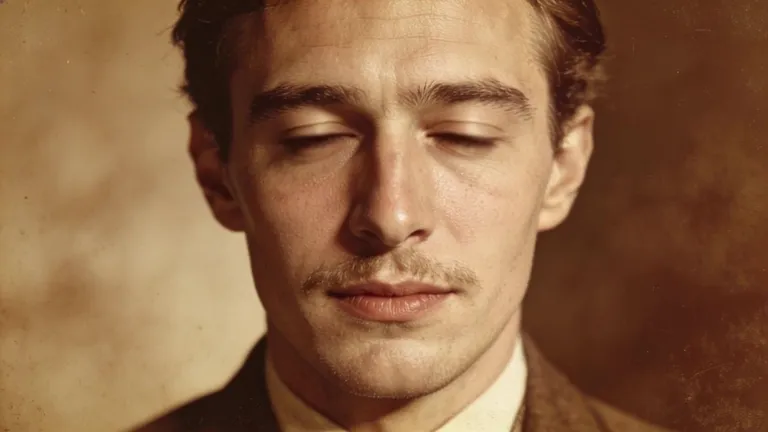
Input image used for Animate old photos example 1
Input image

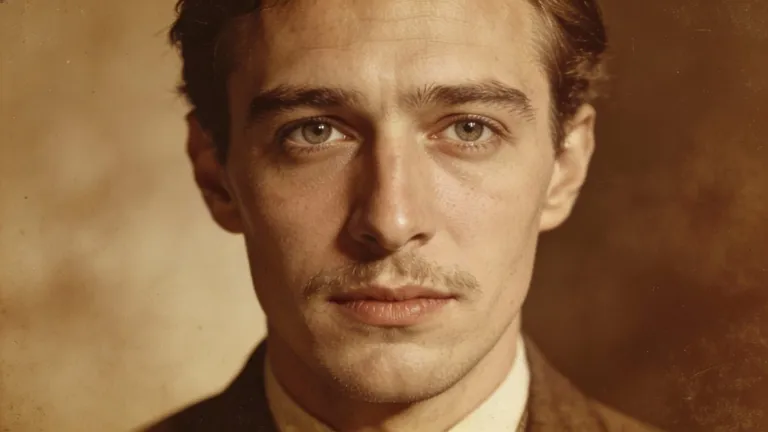
“The man in the uploaded sepia studio close-up blinks once at a natural pace, then lets a small closed-mouth smile arrive and hold. The mustache, the suit and the sepia tone stay identical to the print. Locked-off camera, one continuous take, gentle and photorealistic, no speech and no colorization.”
Input image used for Animate old photos example 2
Input image

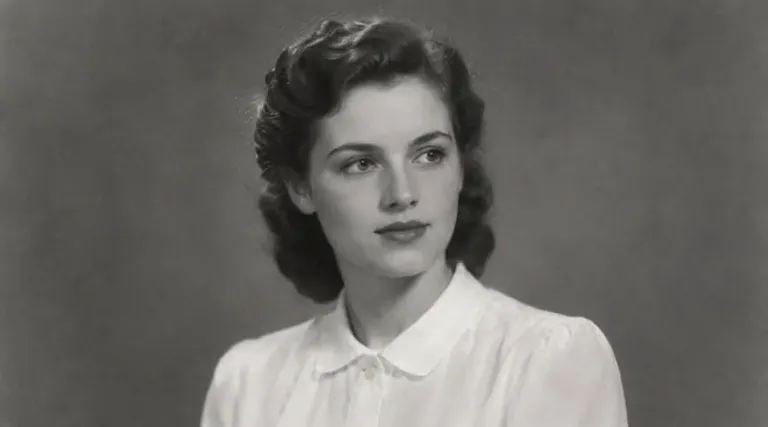
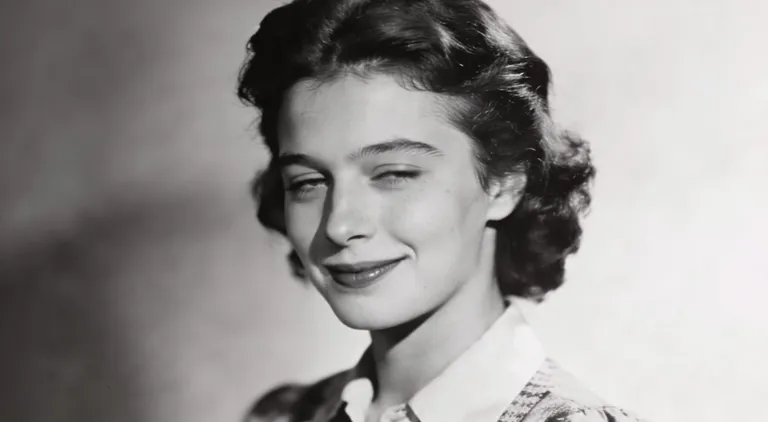
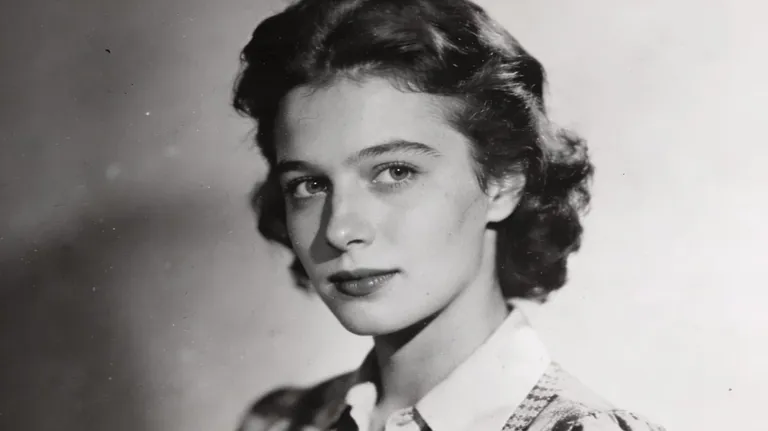
“The woman in the uploaded black-and-white studio portrait turns her head a few degrees toward the lens and settles into a soft closed-mouth smile. The 1940s hair, the collar and the plain ground stay as printed. Locked-off camera, one continuous take, no speech and no color added.”

Input image used for Animate old photos example 3
Input image

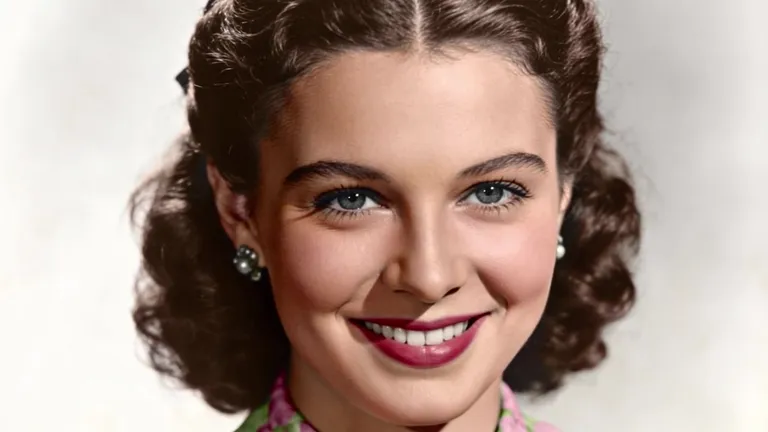
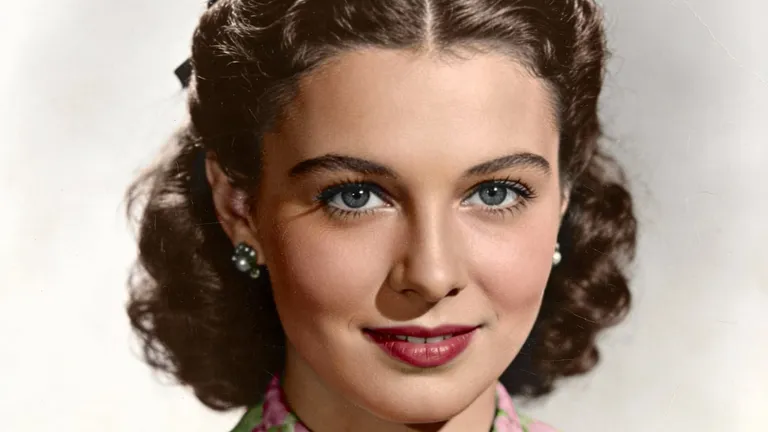
“The woman in the uploaded 1940s color studio portrait moves from a closed-mouth smile into a warm smile with a hint of teeth, then holds it. Hair, lighting and the gray backdrop stay fixed. This is a smile, not a spoken word, and the color of the print is not changed. Locked-off camera, one continuous take, photorealistic.”

Input image used for Animate old photos example 4
Input image

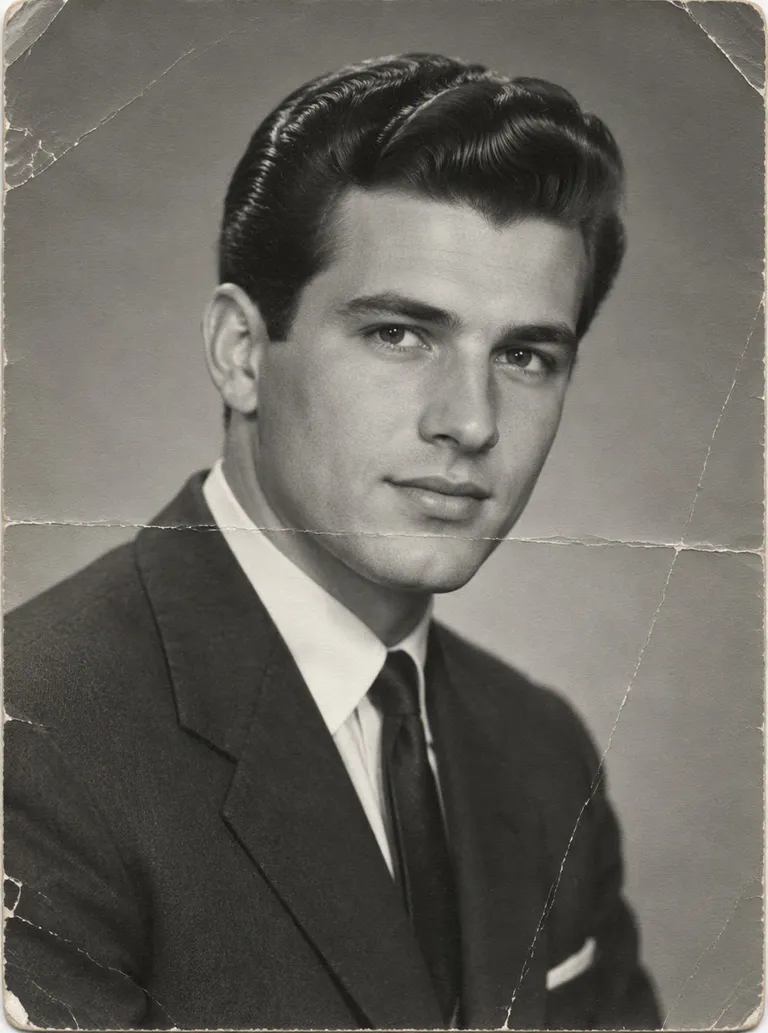
“The man in the uploaded black-and-white studio portrait lets a closed-mouth smile open into a small grin and then holds it. The cracks, the suit and the backdrop stay put, and the head does not throw back. The print stays black and white. Locked-off camera, one continuous take, no speech and no restoration.”

Input image used for Animate old photos example 5
Input image

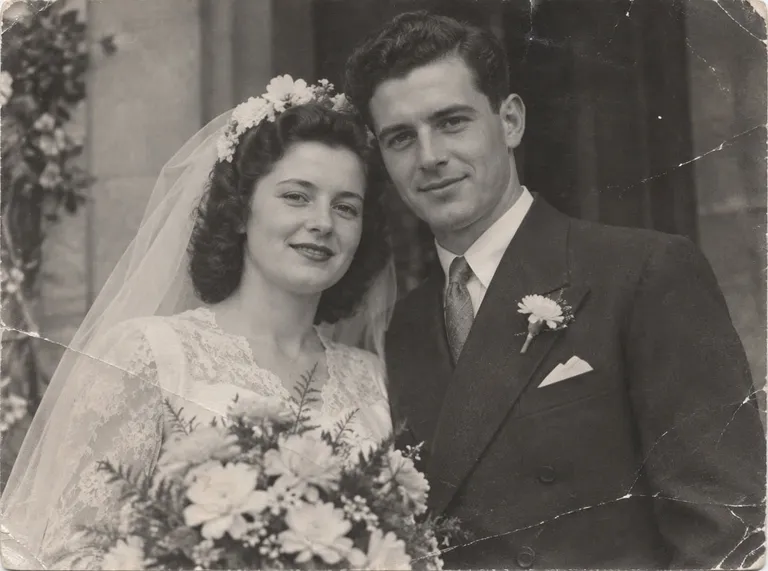
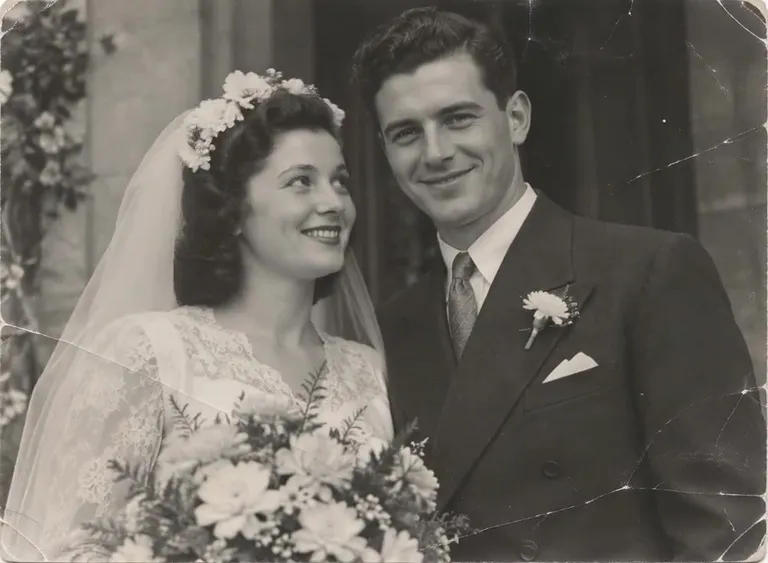
“The bride and groom in the uploaded black-and-white wedding photo let a quiet smile warm across both faces, then hold it. The veil, the boutonniere, the creases and the grain stay exactly as printed. Nobody walks off and nobody speaks. Locked-off camera, one continuous take, gentle and photorealistic, no colorization.”

Input image used for Animate old photos example 6
Input image

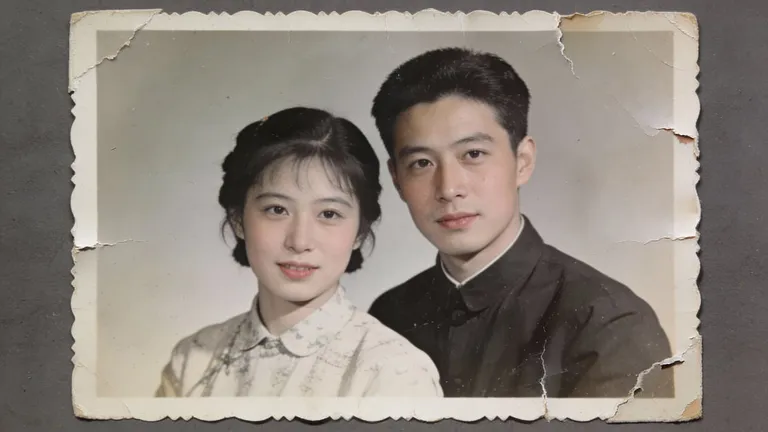
“The couple in the uploaded faded studio print glance toward each other, then back toward the lens, and settle into a soft closed-mouth smile. The tears, the deckled border and the faded color stay in the print. Nothing is repaired or recolored. Locked-off camera, one continuous take, gentle and photorealistic, no speech.”

Input image used for Animate old photos example 7
Input image

“The woman in the uploaded black-and-white studio portrait holds her pose while a closed-mouth smile builds slowly and then eases. Her hair, collar and the plain backdrop stay fixed. The print stays black and white. Locked-off camera, one continuous take, no speech and no colorization.”
Input image used for Animate old photos example 8
Input image

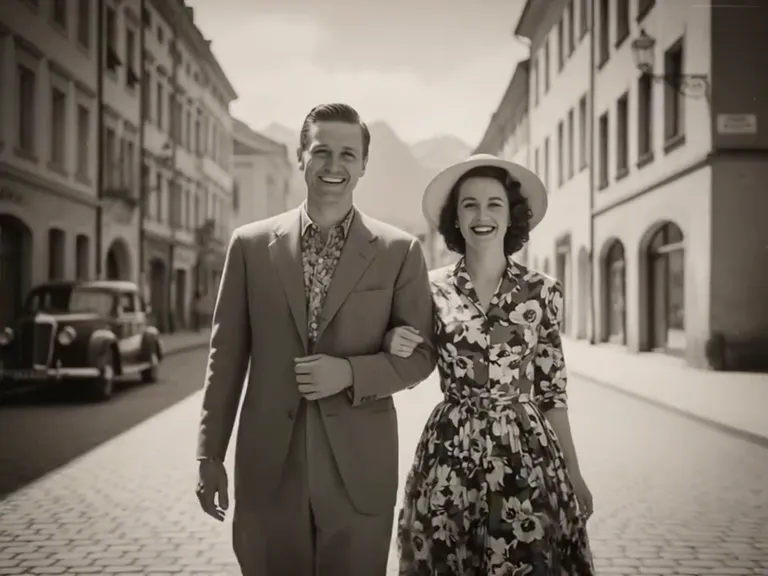
“The couple in the uploaded black-and-white street photo keeps the same sidewalk, the same coats and the same vintage car behind them. They share a small smile and she turns her head a few degrees toward him, then both settle. The photograph stays black and white, with its original grain. No speech, no color, no repaired scratches. One continuous take, gentle and photorealistic.”

Input image used for Animate old photos example 9
Input image

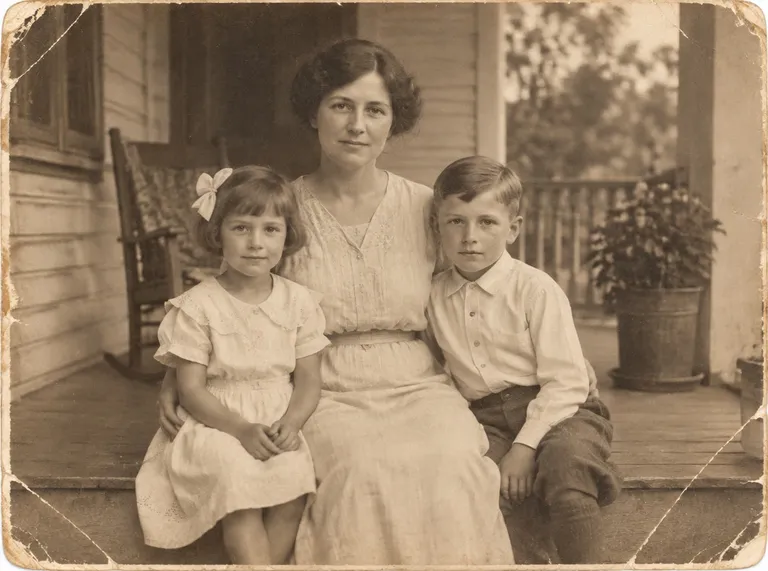
“The people in the uploaded sepia porch portrait stay seated in the same places, then let a small smile arrive and ease, one person at a time. The worn edges, the grain and the porch stay exactly as they are. Nobody stands, nobody speaks, and the print is not colorized or repaired. Locked-off camera, one continuous take, gentle and photorealistic.”

The Style

Bring Old Photos to Life

Bringing an old photo to life, here, means a few seconds of motion on the print you already have. You describe one change — a blink, a closed-mouth smile, a glance, a head turn of a few degrees — and the model keeps the people, the light, and the way the photograph looks: black-and-white stays black-and-white, sepia stays sepia, and a crease stays a crease. The motion stays small on purpose. A face that does one believable thing still looks like the scan you uploaded. This is not a restoration tool and it is not a talking-head tool. There is no scratch repair, no colorization, no audio input, and no lip-sync, so the life is in the eyes and the smile, not in a cleaned-up or speaking version of someone. It is also a narrower job than a general face animation. Animate face is any clear portrait and an expression. Here the subject is the old photograph itself. Every example on this page was made from a single image and a single prompt, with no keyframes and no editing software.

A sepia studio portrait of a man with a mustache, a still from an animate old photos clip
A 1940s color studio portrait of a woman smiling, an example of bringing old photos to life
A black-and-white wedding couple, a frame from an animate old photos video
A black-and-white 1940s studio portrait of a woman, an AI animate old photos example
  • One natural blink on a face that already looks like the print
  • A closed-mouth smile that arrives and settles
  • A grin that stays a smile, not a spoken word
  • A head turn of a few degrees back toward the lens
  • Black-and-white staying black-and-white
  • Sepia and faded color left as they were printed
  • Creases, grain, and a deckled border kept in the frame
  • A wedding veil, a studio collar, or a porch left in place
  • The same people, in the same seats, for the whole clip
  • One continuous take — no cuts, no repair, no lip-sync

Old Photo Animation on YouTube

See how other creators turn an old print into a short moving clip — what they ask for, and how much of the original photograph they leave alone.

YouTube Videos About Animating Old Photos

How to Animate Old Photos with AI — Free Meta AI Tutorial for Beginners (2026)

A beginner walkthrough for animating one old photo: upload the print, describe the motion, and compare a first result with a more specific prompt.

Watch on YouTube

Animate Pictures With AI: Bring Old Photos to Life (Full Tutorial)

A full tutorial on turning still pictures, including old photos, into short moving clips, and how to ask for motion that still looks like the original photograph.

Watch on YouTube

Animate Historical Photos Before Your Eyes | 2026

A look at historical photographs set in motion, for anyone who wants an archive photo to move without rebuilding it in an editor.

Watch on YouTube

AliveMoment review | Easily bring old photos to life using AI

A product review of a tool that brings old photos to life, focused on what the animation does to a family print.

Watch on YouTube

Prompt Library

Animate Old Photo Prompts

Ready-to-use prompts for blinks, smiles, small turns, couples, and family groups. Each one tells the model to leave the print's look alone. Copy one into the tool above, or hit Use this prompt to fill it in.

Studio Portraits

One Clean Blink

“The person in the uploaded old portrait blinks once at a natural pace, eyelids closing fully and opening again, while the mouth stays relaxed and the head stays put. Grain, scratches, and the original black-and-white or sepia tone stay identical. Locked-off camera, one continuous take, no speech and no colorization.”
A Closed-Mouth Smile

“Starting from the expression in the uploaded studio print, the corners of the mouth lift into a quiet closed-mouth smile, the cheeks rise slightly, and the smile eases back. The backdrop, the clothing, and the damage in the print do not change. Locked-off camera, one continuous take, gentle and photorealistic, no speech.”

A Few Degrees Toward the Lens

“The person in the uploaded vintage portrait turns their head slowly a few degrees toward the camera and settles, eyes leading the turn. Hair and collar shift only as much as the turn needs. The print's tone and grain stay as they are. One continuous take, no speech and no restoration.”

Weddings & Couples

A Shared Smile

“The couple in the uploaded wedding or studio print let a small smile arrive on both faces and hold it. Veil, flowers, suits, and the creases in the paper stay put. Nobody steps out of the pose. Locked-off camera, black-and-white or faded color unchanged, one continuous take, no speech.”

A Glance, Then Back

“The couple in the uploaded old photo glance toward each other, hold it for a moment, then look back toward the lens with a soft closed-mouth smile. The border, the tears, and the faded color stay in the print. Locked-off camera, one continuous take, no speech and no repair.”

The Street, Still the Street

“The couple in the uploaded black-and-white street photo share a small smile and one of them turns their head a few degrees. The sidewalk, the coats, and the car behind them stay in place. The photograph stays black and white. One continuous take, gentle and photorealistic, no speech.”

Family Groups

Smiles, Same Seats

“The people in the uploaded family portrait stay seated where they are. A small smile arrives across the group and eases. The porch or studio ground, the worn edges, and the sepia or faded tone stay exactly as printed. Nobody stands and nobody speaks. Locked-off camera, one continuous take.”

One Blink in a Group

“In the uploaded group portrait, one adult blinks once while the others hold still, then the group settles back to the original expressions. Clothing, chairs, and the print's grain do not move. Locked-off camera, one continuous take, no speech and no color added.”

A Quiet Nod

“One person in the uploaded old family photo gives a single small nod, as if agreeing with someone just out of frame, then returns to the starting pose. Everyone else stays still. The photograph's damage and tone stay untouched. One continuous take, photorealistic, no speech.”

Keep the Print

Grain Stays Grain

“Animate the face in the uploaded scan with one blink and a closed-mouth smile, and leave every mark of the print alone: grain, dust, a crease, a deckled edge. Do not sharpen, colorize, or fill in missing pieces. Locked-off camera, one continuous take, no speech.”

Sepia, Not a New Color

“The person in the uploaded sepia portrait blinks and settles into a small smile. The sepia tone stays sepia. Do not invent full color, do not clean the backdrop, and do not change the clothes. Locked-off camera, one continuous take, no speech.”

Black and White Holds

“The person in the uploaded black-and-white portrait lets a soft smile arrive and hold. The image stays black and white from the first frame to the last. Identity, light, and framing stay with the scan. Locked-off camera, one continuous take, no speech and no colorization.”
How It Works

How to Animate an Old Photo

Turn one print into a short clip in three steps — no sign-up required to start.

1

Upload One Old Photo

Drop a single scan or a phone picture of the print into the upload area at the top of this page. A front-facing or slight three-quarter view works best, with the face large enough to see the eyes and the mouth. A crease or faded tone can stay — this step does not repair the photo.

2

Name One Small Motion

Pick a prompt above or write your own. Ask for one change — a blink, a closed-mouth smile, a few degrees of head turn — and say what must stay: the person, the grain, the black-and-white or sepia look. One motion beats a list of five, and there is no speech in the result.

3

Generate and Download

Hit Generate and the clip comes back in a few minutes — a few seconds of the same print, now moving. Free accounts include a small watermark; sign in to download, and a subscription removes the watermark.

Inspiration

Ideas for an Animated Old Photo

Not sure where to start? Pick one motion that suits the print — a smile for a wedding, a blink for a studio sitting — and leave the rest of the photograph alone.

A Wedding Portrait That Smiles

Take the formal black-and-white sitting and ask for one shared smile. It plays in a reunion slideshow without anyone having to narrate it.

The Studio Sitting

A blink and a small turn toward the lens is enough for a framed portrait you want to show on a screen instead of only on the wall.

A Porch Portrait, Same Seats

Keep everyone where the photographer put them and let the smiles arrive. The point is the print, not a new pose.

Still Next to Moving

Post the scan beside the clip. With the sound off, the only change is the face, which is the whole idea.

An Anniversary Card

A closed-mouth smile on an old couple's portrait is enough for a card or a story. No voiceover, and the photograph still looks like the photograph.

FAQs

Answers to the usual questions about animating old photos, what this page will not repair, and what the generator will not make the photo say.

It means a short video made from a still print, where the motion is small: a blink, a soft smile, a glance, or a head turn of a few degrees. You upload one image, describe that motion, and the model returns a few seconds of the same photograph moving, with the people, the grain, and the framing held steady.

Try It Free

Your old photo is one prompt away from moving. Head back up, pick a blink or a smile, and animate it for free — no sign-up required.